Commands
Rectangle
 Rectangle
The Plane command draws a rectangular planar NURBS surface.

Steps
-
Pick two points for the opposite corners of a rectangle.
Or, select one of the options to draw the rectangle in a different way.
Command-line options
(Default)
Draws the rectangle using two opposite corners.
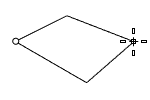
.png) 3Point
3Point
Draws the rectangle using two adjacent corner locations and a location on the opposite side.
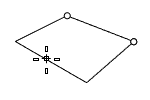
EdgeMidpoint
Draws the rectangle from the midpoint of the first edge, an end of the edge, and a location on the opposite side.
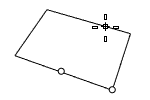
 Vertical
Draws the rectangle perpendicular to the construction plane.
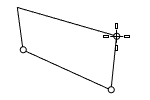
Center
Draws the rectangle from the center point and a corner.
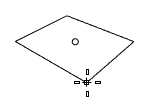
AroundCurve
Draws a rectangle perpendicular to a curve.
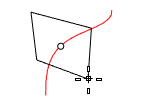
Steps
Deformable
Sets the degree in the u and v directions and the point count in the u and v directions.
UDegree/VDegree
Sets the degree of the surface in the u and v directions.
UPointCount/VPointCount
The number of control points in the u and v directions.
To watch the video example, please refer to the Rhino documentation.