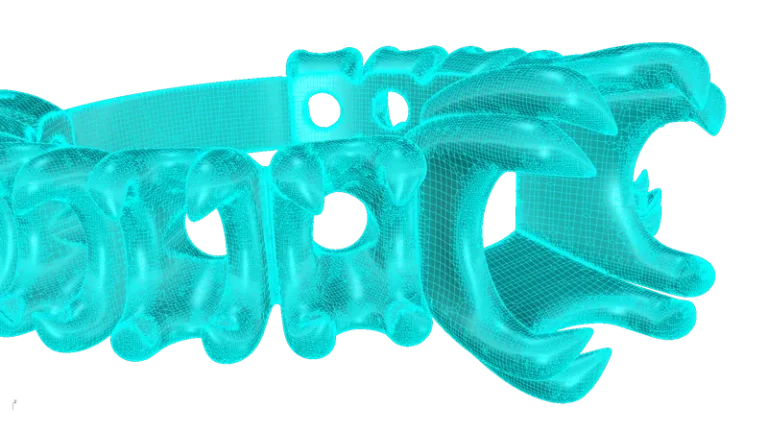
Automatic STL Repair
Fix errors in your STL files automatically and effortlessly. An essential tool to ensure flawless, production-ready models.
RhinoArtisan Manufacturing
Validate, repair and print your designs inside Rhino. Casting checks, one-click STL repair and direct printer connection — the whole prototyping loop, in-house.
Start from a RhinoArtisan design or import any CAD file — 3DM, STEP, STL or OBJ. Prototyping doesn't care where the model was born.
Global Thickness analysis shows graphically where your piece may fail in casting — bottlenecks, thin walls, critical areas — before you spend a gram of resin or metal.
One-click STL repair fixes every file for production. Automatic nesting positions your pieces to make the most of each print run.
Send to print directly from Rhino — compatible with the leading jewelry 3D printer brands — or hand a clean, production-ready file to any service bureau.
Looking for a jewelry prototyping service? Owning the loop is faster on every iteration — and your files stay yours.
A prototyping service adds days to every revision. With validation, repair and printing in-house, you can test a fit or a proportion the same afternoon you change it.
Thickness and error analysis finds casting problems while the piece is still digital — the cheapest possible moment to fix them.
Prefer to outsource the printing itself? Repaired, nested, watertight STLs mean no rejected files and no surprise reprint fees.
Fix errors in your STL files automatically and effortlessly. An essential tool to ensure flawless, production-ready models.
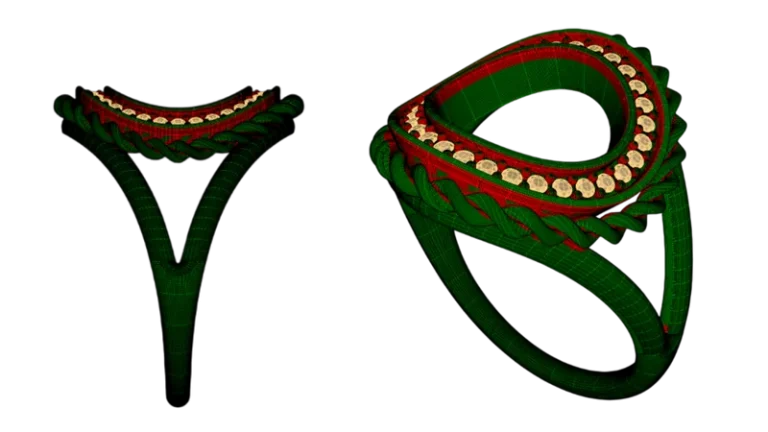
Shows graphically if your design may have casting problems due to thickness bottlenecks — before the prototype exists.
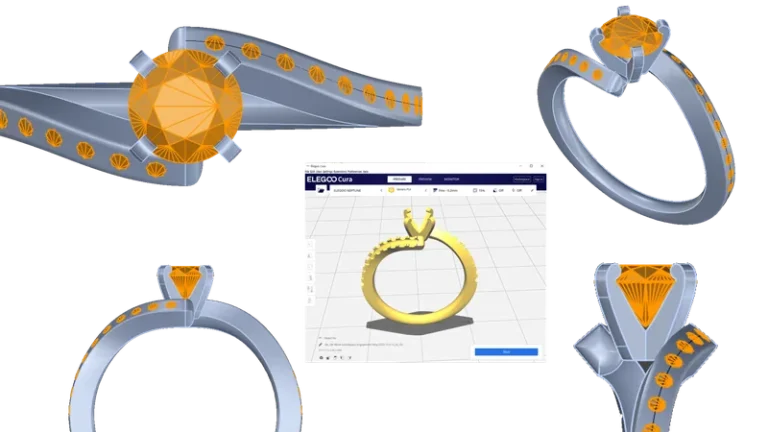
Send to print from Rhino to your 3D printer, no manual repairs and no exports. Compatible with the most prestigious jewelry 3D printing brands.
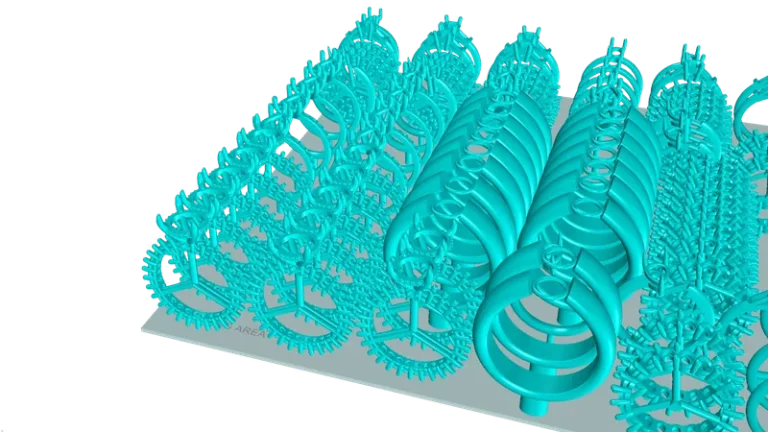
Automatically position pieces within the print area to maximize each run, reduce setup time and improve 3D printing efficiency.
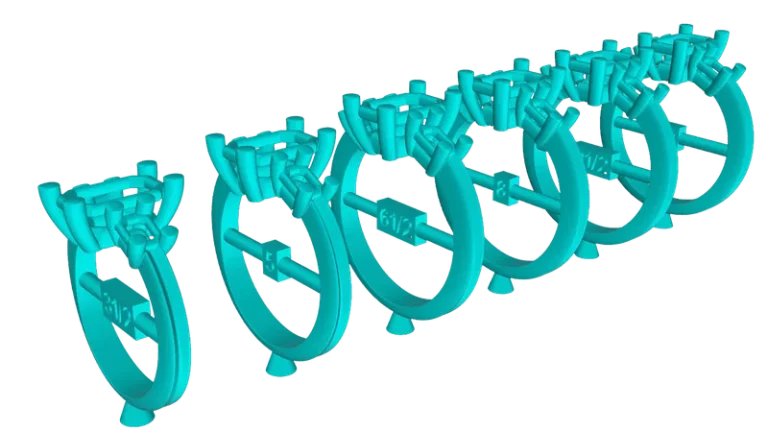
Resize any STL ring to any size, from any source. Geometry adapts intelligently and tolerances are preserved.
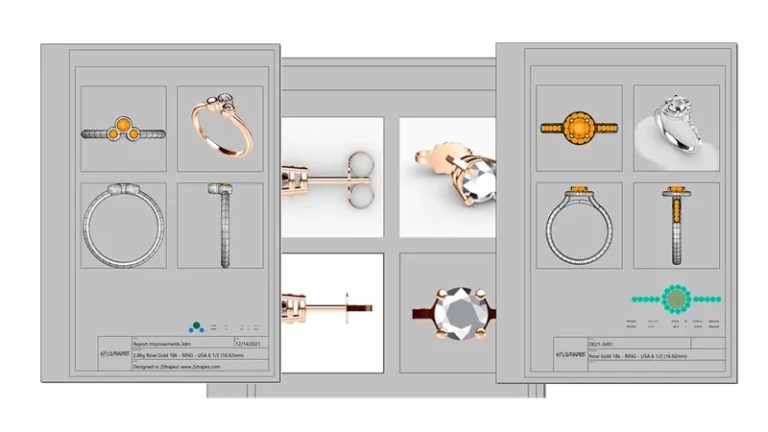
Technical drawings, gemstone specs, gem maps and full material list. Everything the workshop needs, in one click.
Every tool documented step by step in the manufacturing docs.
Yes. 3D Print Direct Connect sends your model from Rhino to the printer with no manual repairs or exports, and it is compatible with the leading jewelry 3D printer brands.
Automatic STL Repair fixes them in one click — holes, naked edges and non-manifold geometry — so every file leaves production-ready.
Yes. Import 3DM, STEP, STL or OBJ files, validate and repair them, and send them to print. The design doesn't need to be modeled in RhinoArtisan.
For most workshops, yes: validation, repair, nesting and printer connection are all included. And if you still outsource printing or casting, you hand over clean files that services accept first time.
Full access to every tool. No credit card required. Works with your existing Rhino installation.
Setup takes less than 2 minutes
Talk to us
Book a free 30-minute one-to-one session with a RhinoArtisan specialist. Tell us about your work, your challenges and what you would like to achieve, and we'll help you find the best way forward.