Commands
Chamfer
 Chamfer
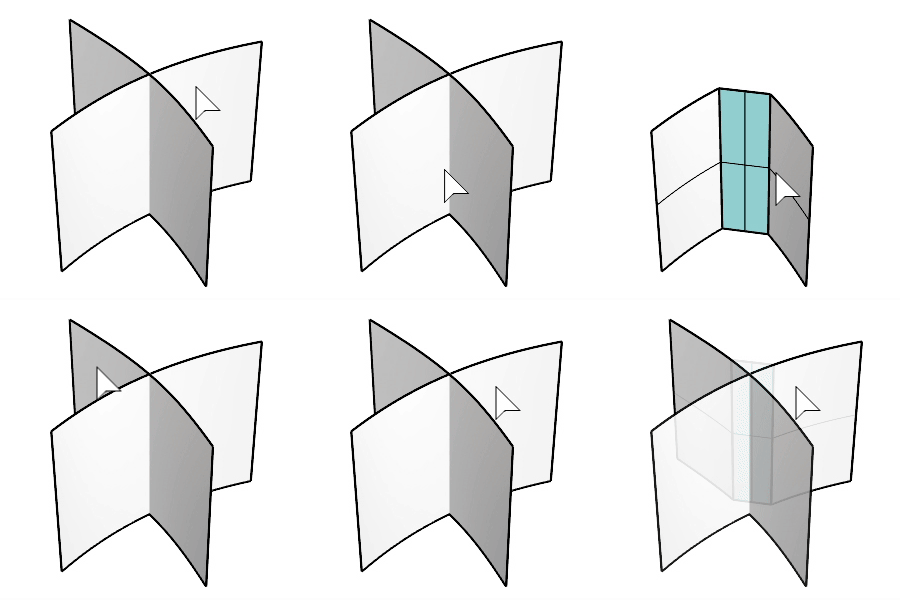
The ChamferSrf command creates a ruled surface as a bevel between two input surface edges.
Steps
-
Select the first surface.
Click the surface at the side you want to keep after chamfering.
-
Select the second surface.
Click the surface at the side you want to keep after chamfering.
Command-line options
Distances: The distance from the intersection of the surfaces to the edge of the chamfer.
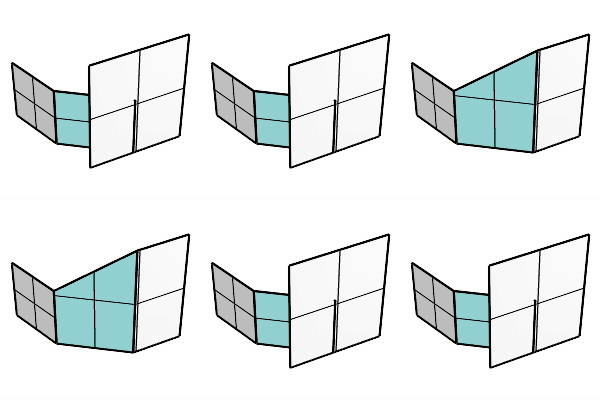
Extend: When one input surface is longer than the other, the chamfer surface is extended on the longer edge.
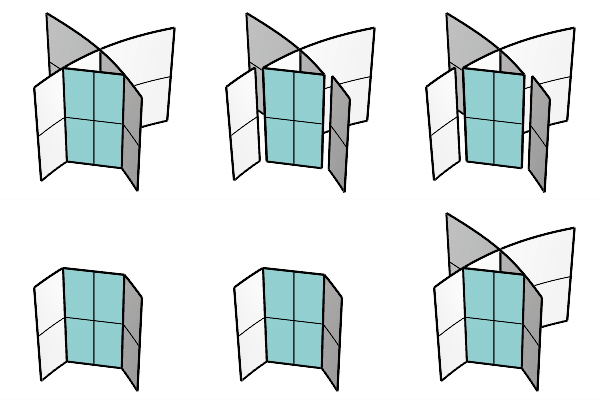
Trim
- Yes: Trims the original surfaces to the intersections with the resulting surface.
- No: Does not trim. Uses the output surface to trim the input surfaces when possible. History is supported when the Trim=No.
- Split: Splits the original surfaces at the resulting surface edges.
For more information, please refer to the Rhino documentation.