Commands
InsertEdge
 InsertEdge
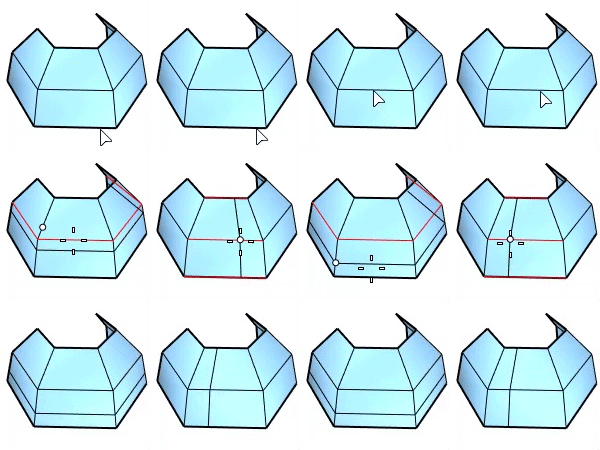
The InsertEdge command inserts edges beside an edge loop (left) or across an edge ring (right) on a SubD or mesh.
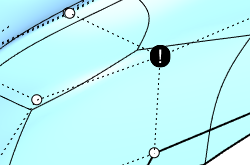
When edges fail to insert, the defective geometry is marked with a text dot. The secondary text in the text dot properties gives a hint of what should be repaired.
Command-line options
Type
-
Loop
Insert edges beside the selected edge loop.
BothSides - Insert edges on both sides of the selected edge loop.
-
Ring
Insert edges across the selected edge ring.
Mode
-
Full
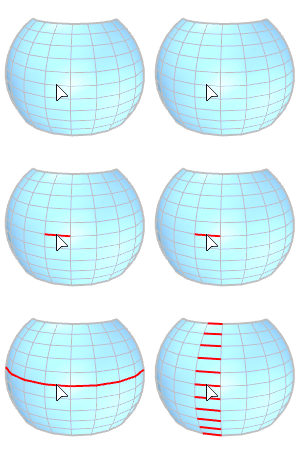
Select an entire edge loop (left) or ring (right) based on the Type option to insert edges.
-
Range
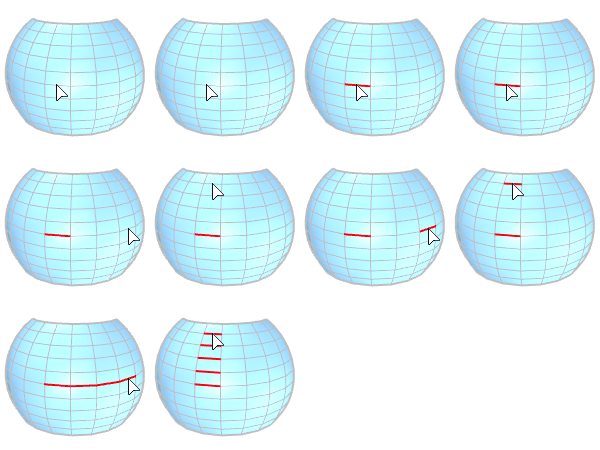
Select the start and end edges in a range of loop (left) or ring (right) based on the Type option to insert edges.
OffsetMode
-
Proportional
The amount is proportional to each crossing edge length. The input number should be between 0 and 1.0.
-
Absolute
The amount is same for all edges. The input number is a distance in the model unit.
For more information, please refer to the Rhino documentation.