Cap
 Cap
Cap
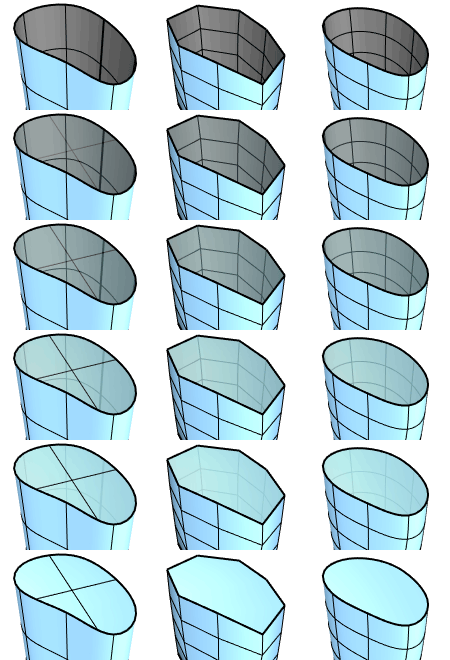
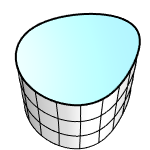
The Cap command fills planar holes in objects with planar faces.
It is caplable of capping surfaces, Meshes and SubDs.
Command-line options (Mesh/SubD only)
-DeleteInput: Specify if the input object will be deleted.
-Crease
- Yes: Do not weld the vertices along the cap boundary.
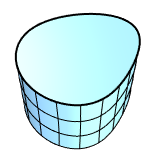
- No: Welds the vertices along the cap boundary.
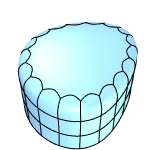
- Triangles
- Yes: Fills a planar opening in a SubD or mesh with triangle faces.
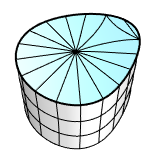
- No: Fills a planar opening in a SubD with a single face, or in a mesh with an n-gon.
Aditional Notes
Caps will always be made up of triangles when:
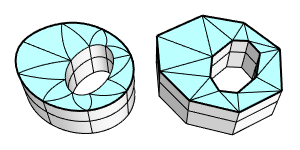
- A SubD or mesh cap has a hole (an inner boundary).
- Any part of the outer boundary of a SubD cap is not convex.
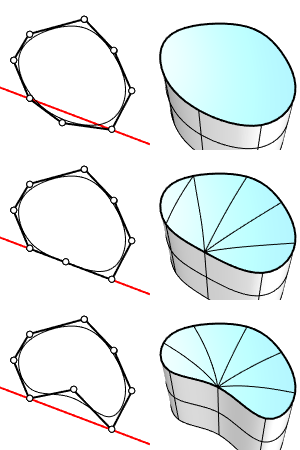
You can use the MergeFaces command to combine the triangles into a single face as needed.
For more information, please refer to the Rhino documentation.