User Interface
Time Tracking
A passive timer that records how long you spend on each file. It runs by itself — there is no start or stop button to forget — and feeds the Time Tracker panel.
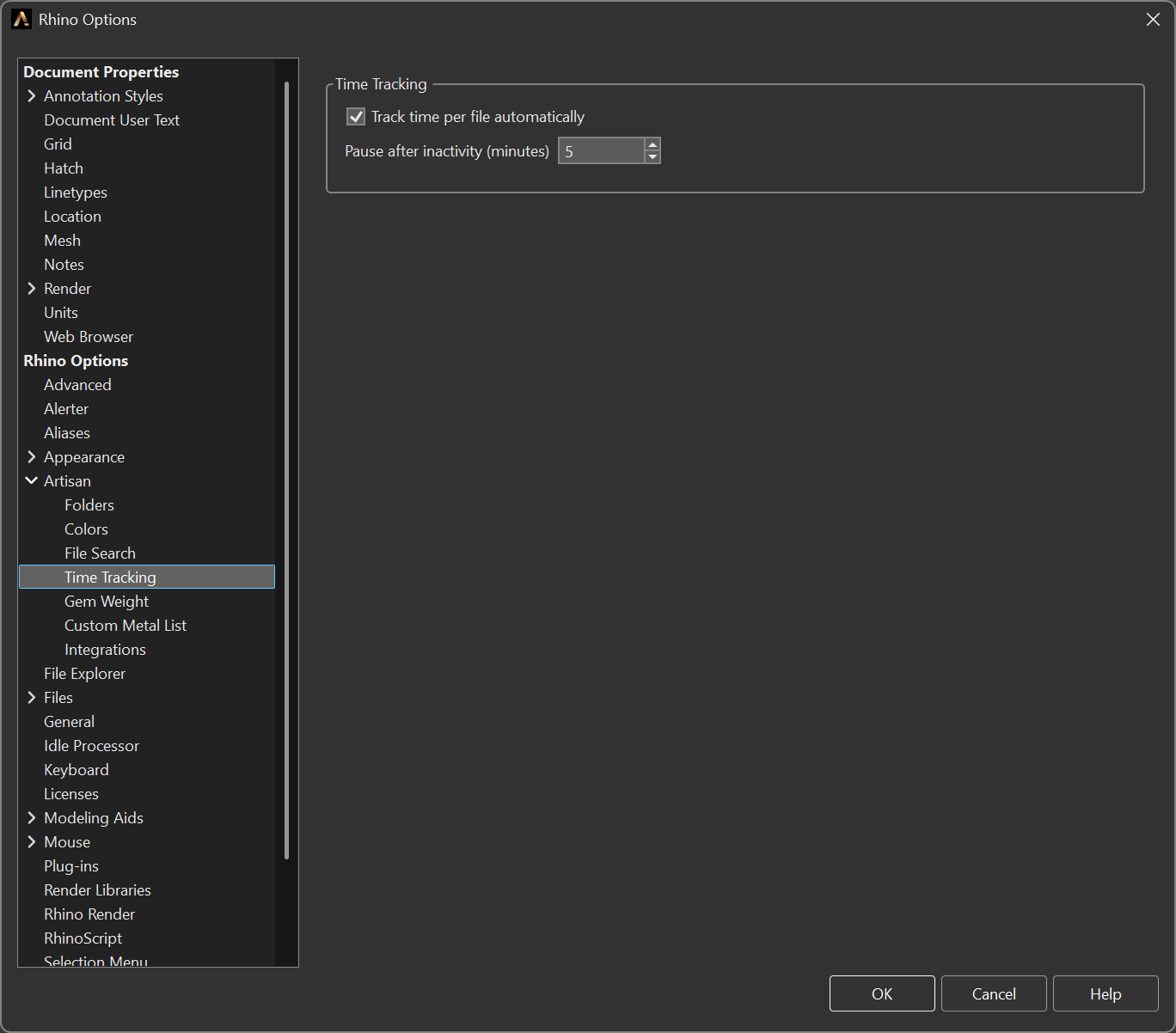
Options > Artisan > Time Tracking
Options
- Track time per file automatically — enabled by default. Turn it off and nothing is recorded.
- Pause after inactivity (minutes) — how long without activity before the
timer stops counting.
5by default, accepted between 1 and 120.
Why it exists
Design time is the hardest part of a quote to defend, because it is the part nobody writes down. A timer you have to remember to start is a timer that records half of your work; one that keeps running through lunch records too much. The inactivity threshold is the setting that makes the number believable: a coffee break should not be billed as design time, and a long look at a reference photo should not be discarded as idle.