Rendering
Apply Design & Render Materials
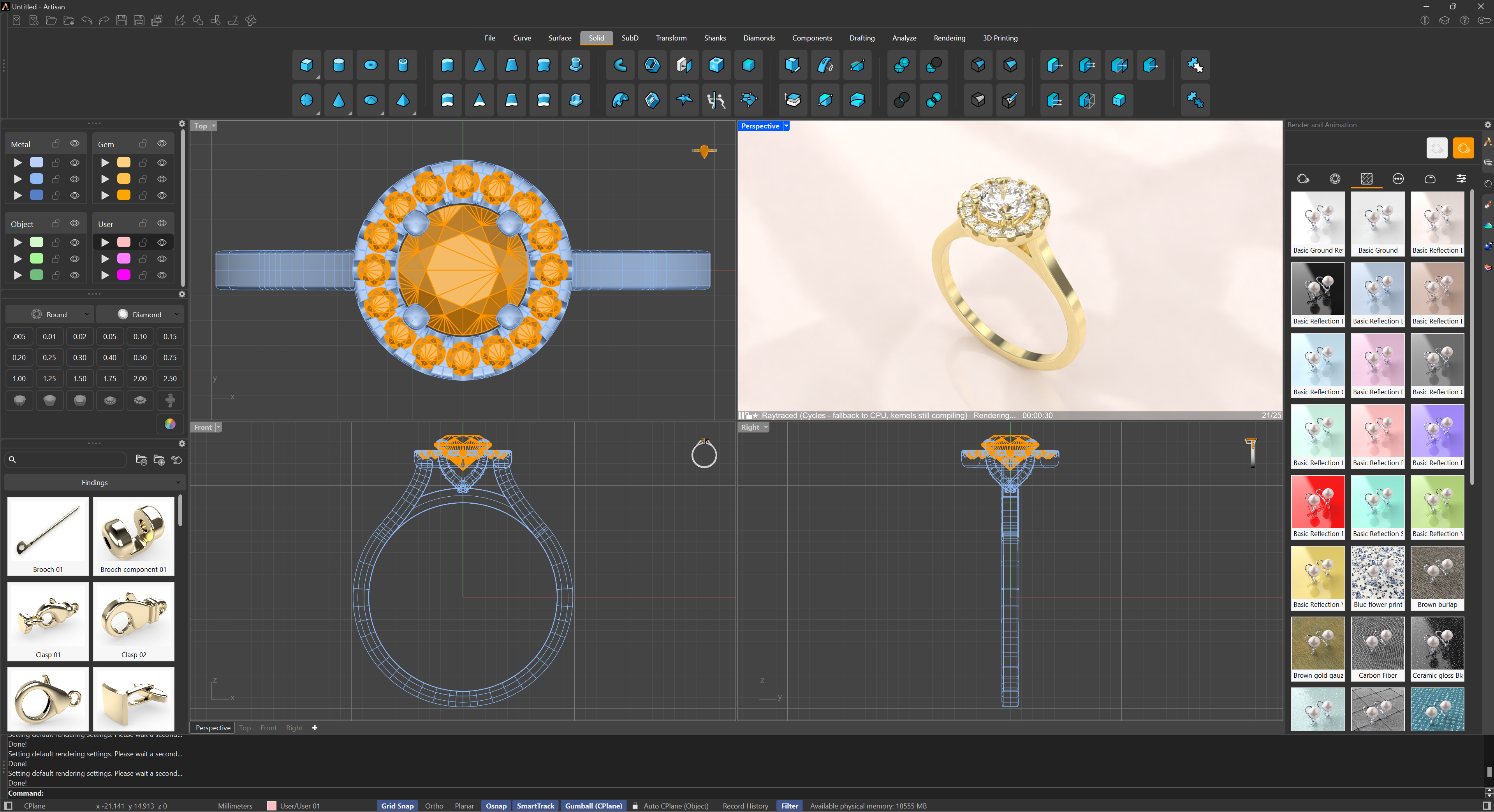
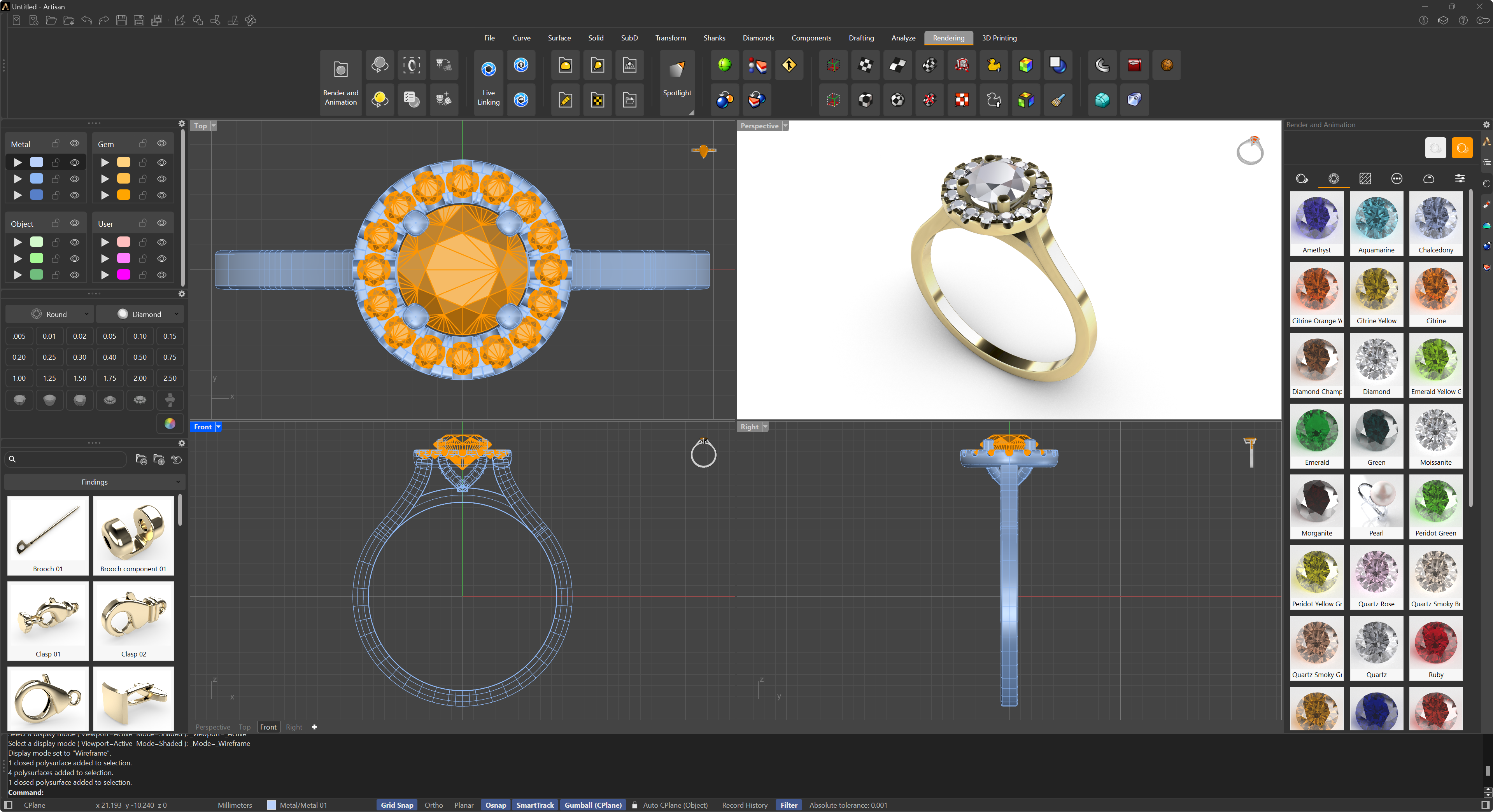
Two commands, one decision: how the scene should look right now. Design materials are the fast, clear ones you model with; render materials are the physically accurate ones the final image deserves. Each command applies its set to every object in the scene in one click.
 Apply Design Materials
Applies the Design materials to all the objects in the scene — one pass, and every element uses the same material type, back in working trim.
 Apply Render Materials
Applies the Render materials to all the objects in the scene — the quick way to dress the whole piece in its best materials before a render.