Tabs
Waves
 Waves
Waves
You can use this command to create a wavy curve following another curve as a reference.
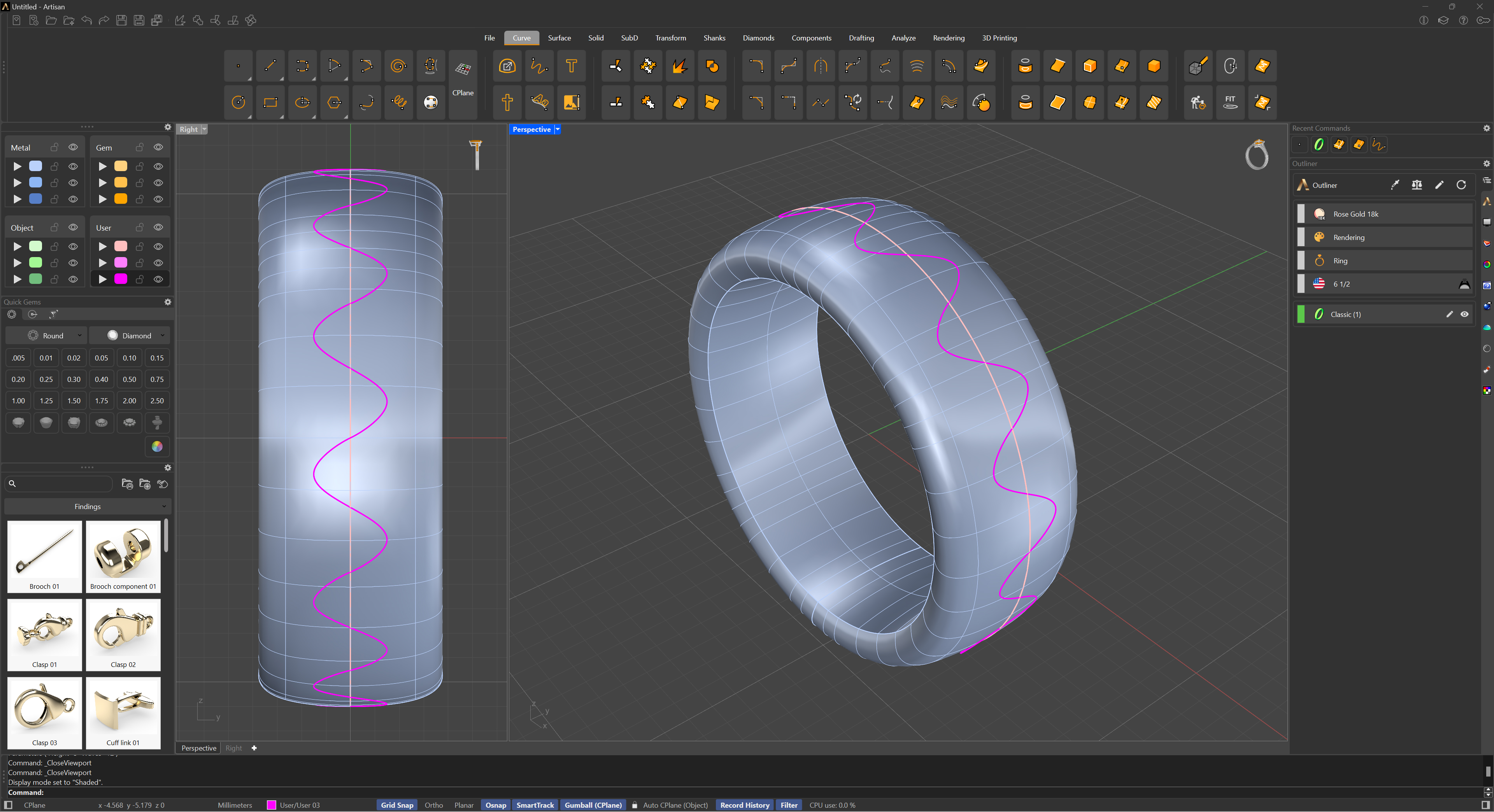
Once you run Waves, you will see two options on the command prompt:
- Height: If clicked, it will allow you to type in the maximum displacement from the centre of the selected curve in millimetres.
- Waves: This option allows you to type in the number of waves you want to fit in the selected curve.
.png)
Pressing the Enter key will create the Waves curve. If you press the Escape key or right-click on your viewport, the command will stop and cancel your changes.