Select a photo or sketch.
Drop a client’s photo or sketch into the Assistant. Ask which setting it shows, or tell it what to keep and what to change. It walks you through its plan before building in Rhino.
Work from a reference imageAI for jewelry design and manufacturing
Start with a sketch or a few words. Build an editable model in Rhino, explore changes with your client, and prepare the quote and production files from the same design.
Show the Assistant a reference or describe the ring you have in mind. It builds with RhinoArtisan’s shanks, settings and gems. Every element stays editable as the brief changes.
Watch the full demo on YouTube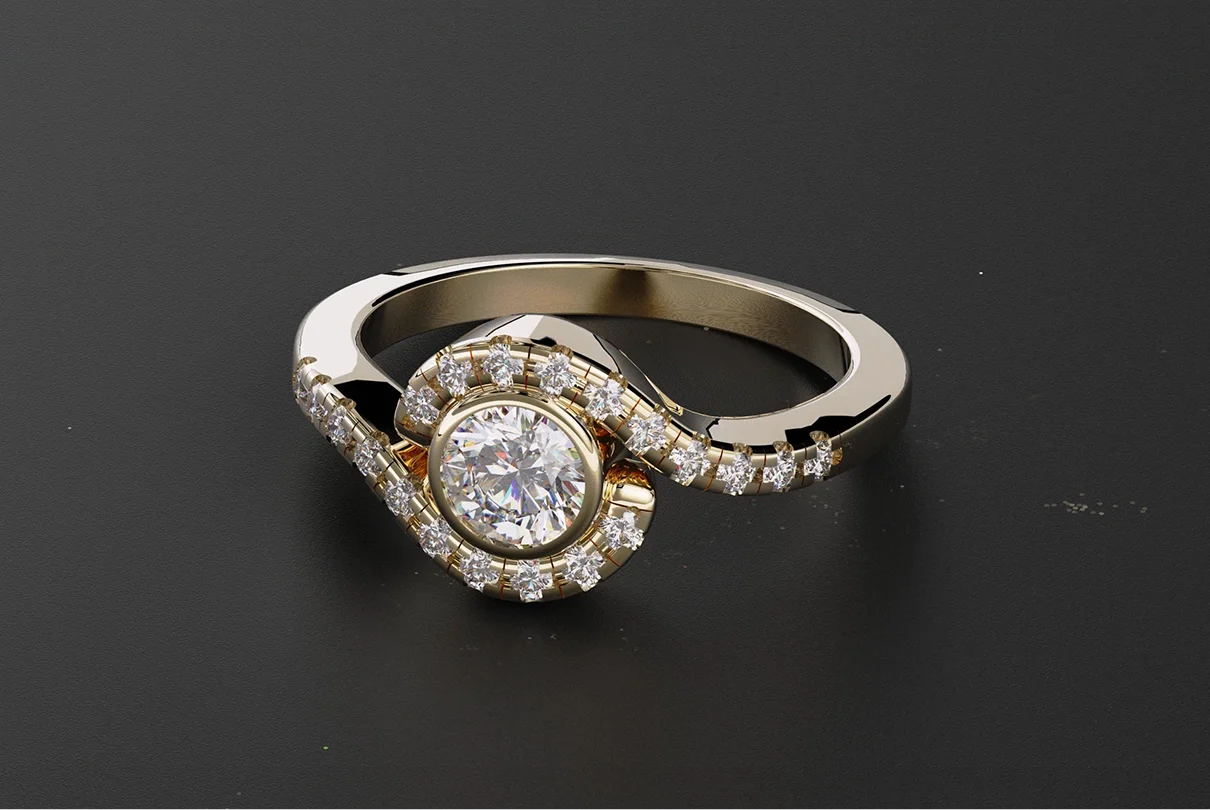
Drop a client’s photo or sketch into the Assistant. Ask which setting it shows, or tell it what to keep and what to change. It walks you through its plan before building in Rhino.
Work from a reference image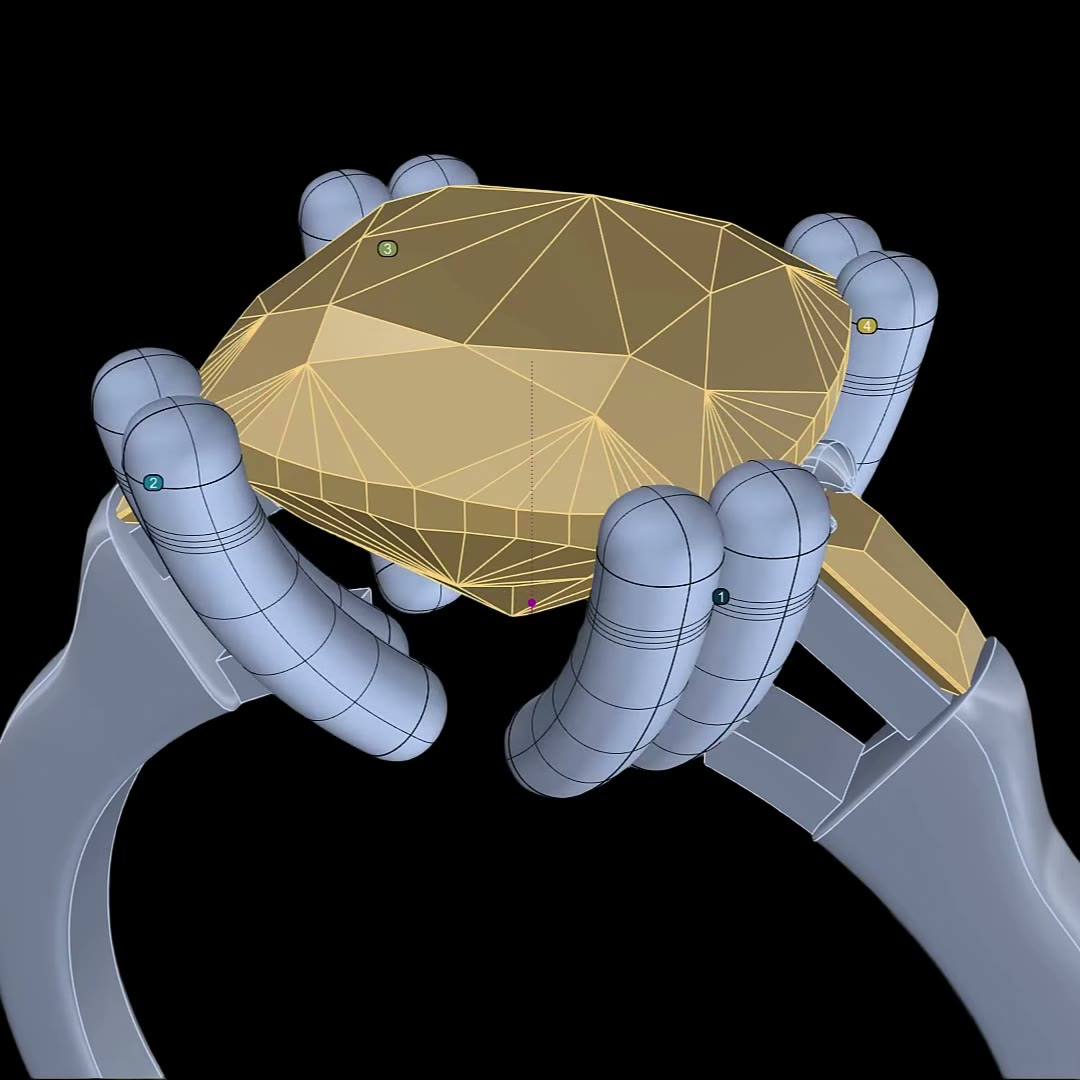

Tell the Assistant that your platinum prongs start at 1 mm. It remembers the rule, uses it on the next setting and tells you where that number came from.
Set your company standards“Make the center stone a 1.5 ct oval.”
The Assistant changes the gem and its setting in Rhino. Open either element to refine the result by hand, or undo the change in one step.
“What would it cost in 18k white gold?”
Quote the design on screen using its metal weight, gemstone list and the labor costs you’ve set for your workshop.
“Make a technical report for the workshop.”
Create the report from the model with your own template. Ask the Assistant to export the metal parts as an STL when you’re ready to print.
Ask “How do I build a hidden halo?” right inside Rhino. The Assistant explains the steps and links to the RhinoArtisan documentation it used.
See what you can askConnect your assistant
Connect Claude, ChatGPT or another compatible assistant to the RhinoArtisan tools in your open document. Ask it to build a setting, calculate the weight in gold or prepare an STL from the conversation you already have open.
Working in Grasshopper? Add McNeel’s Rhino MCP to build and wire Artisan definitions by conversation. See the setup.
Follow a printing order from the customer’s email to a folder containing the original 3DM, a metal-only STL, a preview and a technical chart. Our tutorial shows how to configure the agent that prepares them.
Watch the 3D Print Manager tutorialTurn a sketch or viewport capture into a catalog image, try a different gemstone color, then show the piece on a model. Animate a still for your store or your next campaign.
Watch the Studio demo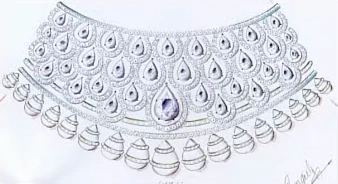


Text or image to 3D
Describe an animal motif or supply a reference image. Import the generated organic mesh into Rhino, refine the surfaces and build the precision setting around it.
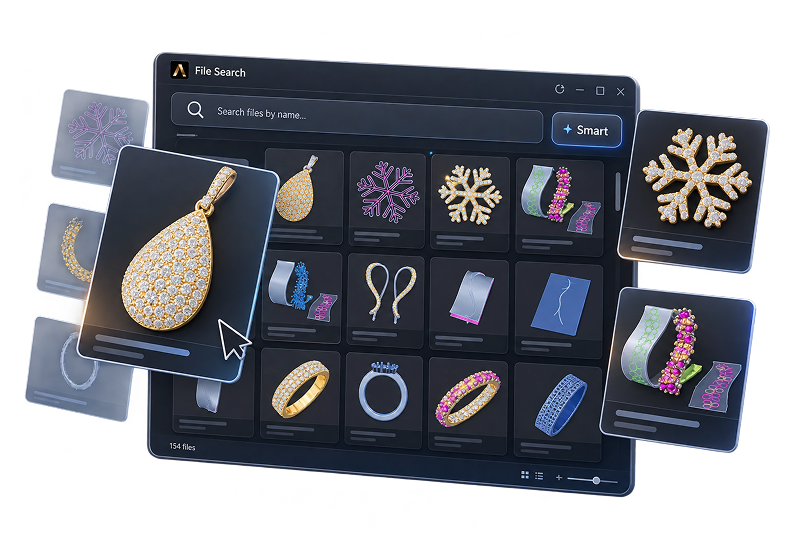
“Find our rose gold halo rings with a center diamond over one carat.” Search your indexed designs by metal, setting, stones or price, even when the file name escapes you.
Explore Smart SearchAsk for a 0.5 mm bezel around every selected gem. Flow Studio writes the script for you to review and run. Save it to your library and use it on the next piece with one click.
Build a flowThe 15-day RhinoArtisan trial for Windows includes the Assistant. Connect your own provider account to try it with your designs. AI usage is billed separately by the provider.
Set up your AI accountOpenRouter powers the Assistant, Smart Search and Flow Studio AI. Generative AI Studio uses fal.ai. Connect the providers you want to use and pay them directly for usage. RhinoArtisan adds no markup. MCP uses the AI app you connect.
Costs and spendingTurn off Auto to review each proposed change before applying it. You can also undo the design changes from a single reply together. Scripts, deletions and new company standards always ask for your approval.
Assistant controlsIt depends on the tool. The Assistant sends your request and the design details it needs to answer. Generative AI Studio sends the prompt and references you select. Smart Search sends your search text and matches designs on your computer.
Privacy and dataThe RhinoArtisan MCP beta works with RhinoArtisan 7 on Rhino 8 or 9. The setup depends on your AI app. Follow the guide for Claude Desktop, ChatGPT, Gemini or another compatible client.
MCP compatibility and setupA personal RhinoArtisan demo
Explore what AI can do with your piece in a free, one-to-one session.