User Interface
Custom Metal List
The same idea as Custom Gem Weight, applied to metals: your own alloys and their densities.
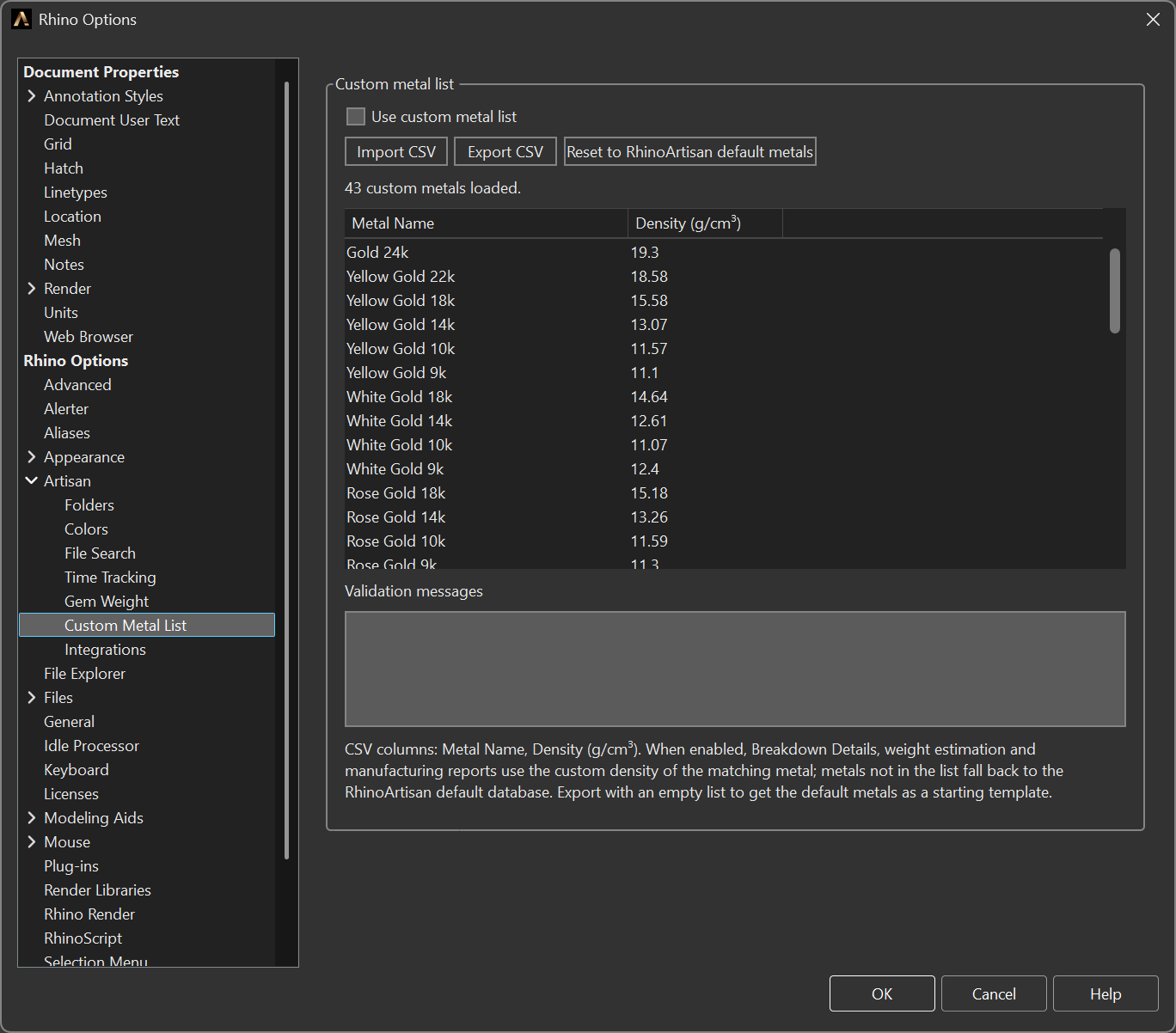
Options > Artisan > Custom Metal List
Options
- Use custom metal list — switches the list on. Metals not in the list fall back to the RhinoArtisan default database, so you only need to declare the alloys that differ.
- Import CSV — loads a list. The columns are Metal Name and Density (g/cm³).
- Export CSV — writes the current list out. Exporting with an empty list gives you the default metals as a starting template.
- Reset to RhinoArtisan default metals — clears the custom list.
The grid is editable in place — unlike the gem weight table — so correcting one density does not mean going back to the spreadsheet and re-importing. The counter above it reads N custom metals loaded, and Validation messages reports any row the import could not read.
Where it applies
When the list is enabled, these all use your densities:
- Breakdown Details
- Weight estimation (Weight and related commands)
- The manufacturing and pricing reports
Why it exists
Every workshop has house alloys whose density does not match a textbook value — a particular 18k rose, a recycled silver, a palladium white from one specific refiner. The weight of a piece is only as good as the density behind it, and that weight is what the customer is quoted and what the caster is paid for.