Check Objects
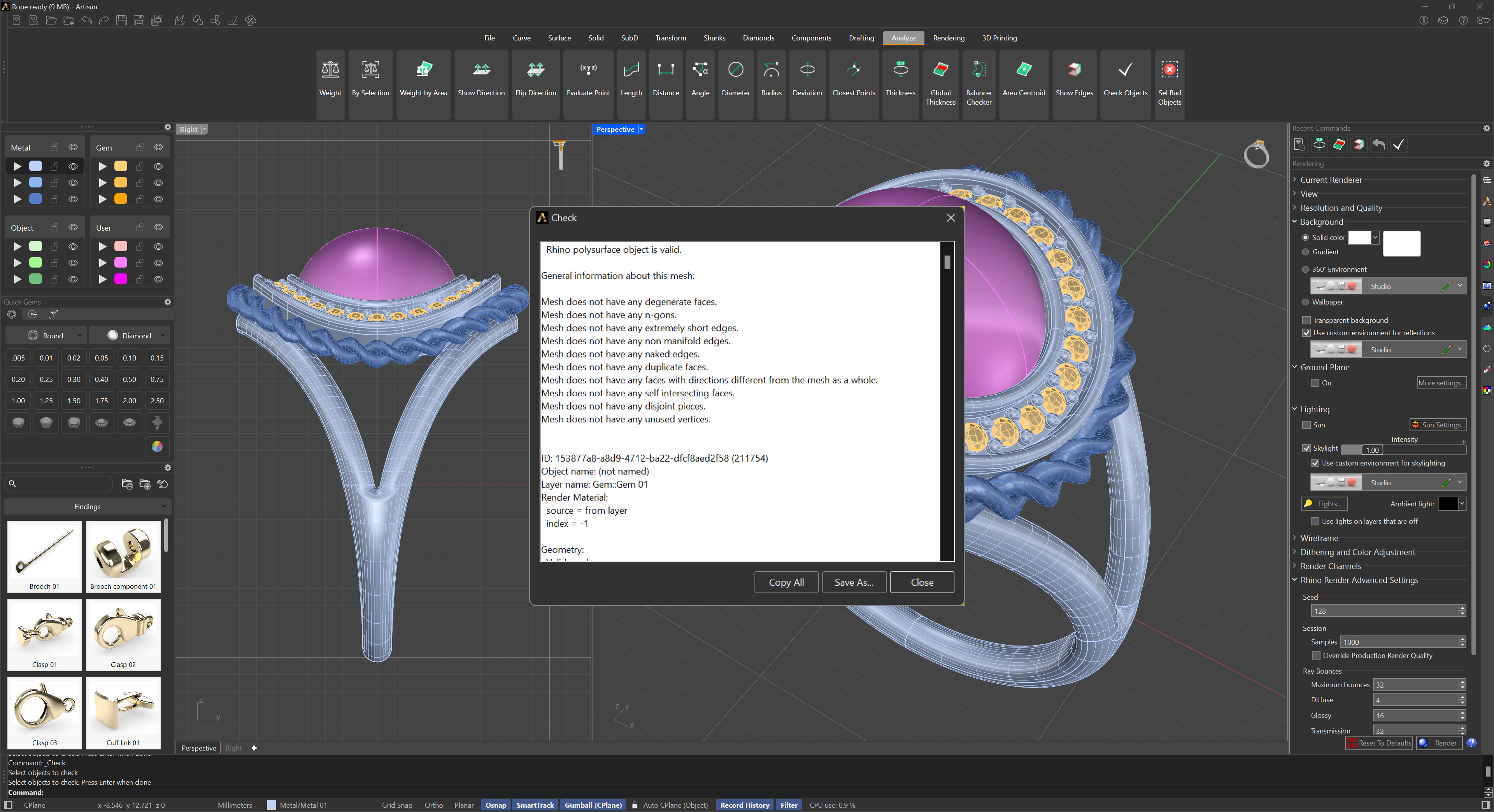
 Check
Check
The Check command reports errors in the selected object’s data structure.
Steps
- Select objects.
- A report on the correctness of the object will display.
This is primarily a tool for diagnosing potential geometry errors. - Delete or remodel objects that have errors.
For more information, please refer to the Rhino documentation.