These docs cover RhinoArtisan 7.0, which is still in beta. The contents are provisional: features and pages can still be added, changed or removed before the final release.
Productivity
What You Can Create
Generative AI opens a new creative world for jewelers, designers, and brands. Instead of limiting you to fixed workflows, it gives you the freedom to explore, experiment, and transform your ideas in seconds. On this page you’ll find real examples of the range it covers — from turning simple viewport captures into luxury renders to generating videos, try-ons, new angles, variations, and fully imagined compositions. Every one of them was made in the Studio, with the modes named in each section.
From Screenshot to Luxury Render
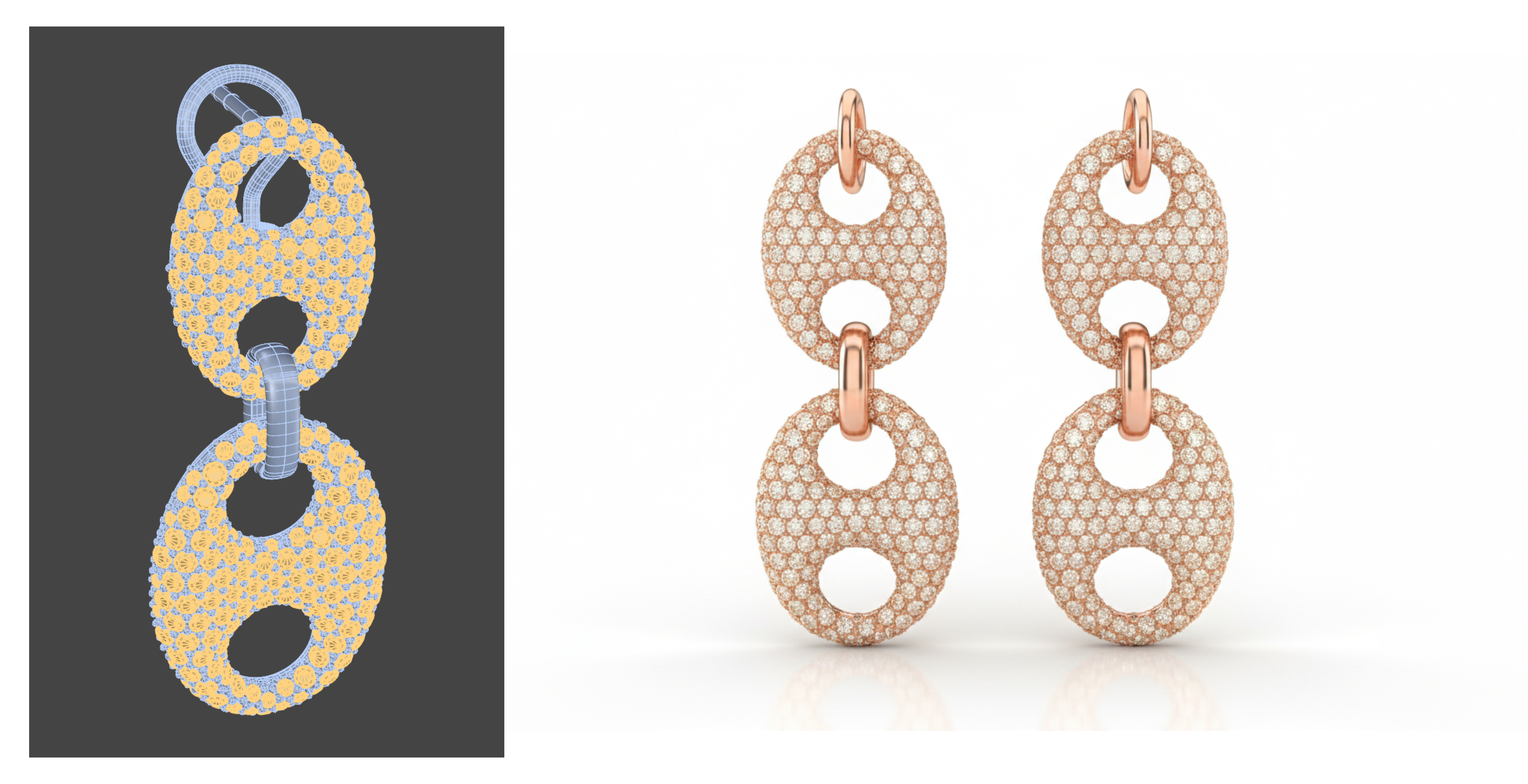
Image to Image — from a simple Capture Snapshot inside RhinoArtisan, Generative AI transforms your design into a studio-grade visual.
We start by creating a new project and generating an ultra-realistic render: refined rose gold, high-clarity diamonds, perfect light dispersion, and precise prong detailing. The model even creates the matching pair automatically, ensuring both earrings share the exact same style, materials, reflections, and proportions. A clean white reflective background enhances brilliance and delivers a premium, minimal studio look.
Consistent Gold Variations in Seconds
Image to Image — need variations? Just ask. Selecting the original render as the input, Generative AI produces two additional versions, instantly.
Version one: only the metal changes to white gold.
Version two: only the metal shifts to yellow gold.
.png)
.png)
Everything else remains identical: lighting, camera angle, reflections, diamonds, and background.
Perfectly consistent results, ready for catalogs, lookbooks, or A/B testing.
From Sketch to Client-Ready Render
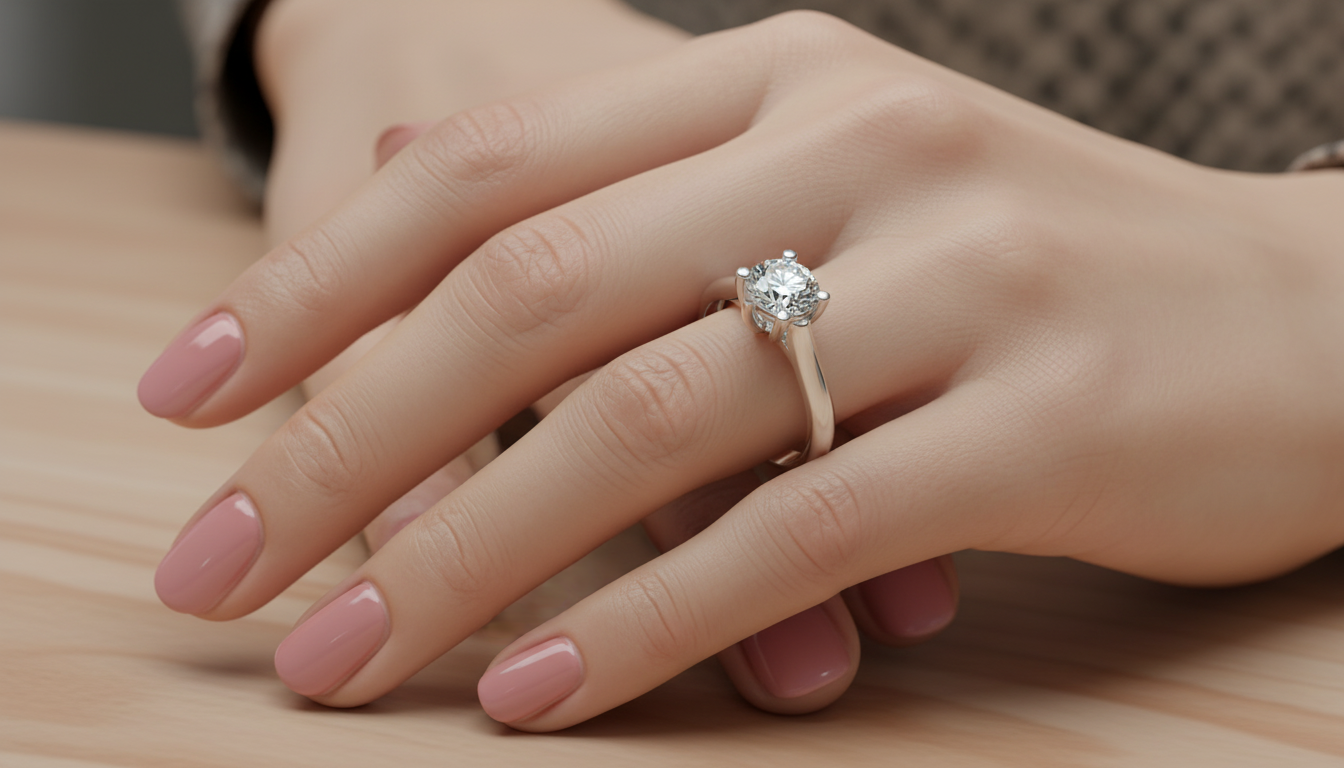
Image to Image — starting from a simple hand-drawn sketch uploaded with Upload Image, Generative AI transforms your idea into a polished, ultra-realistic render.
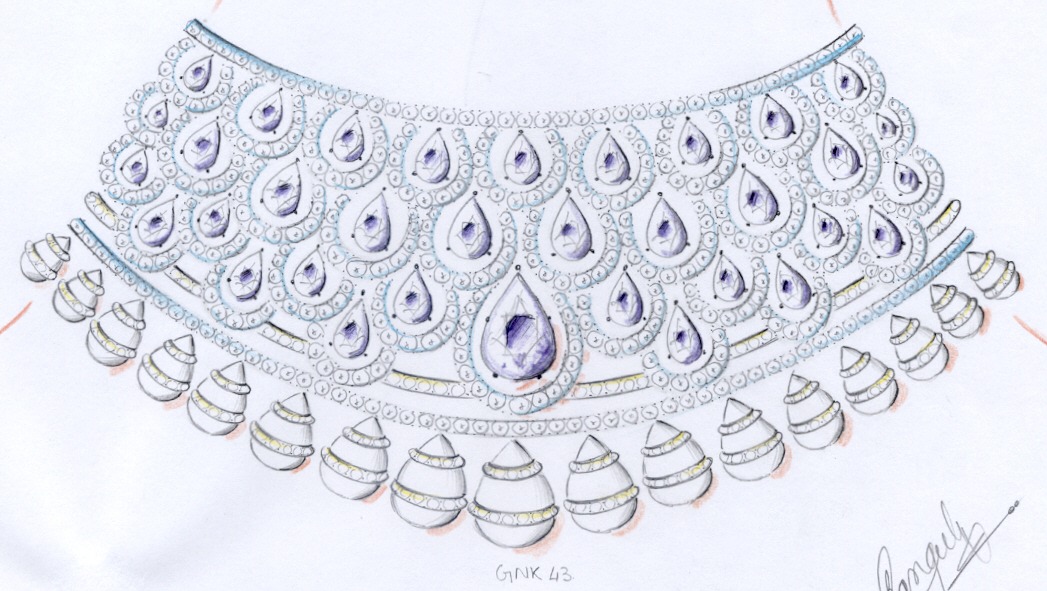
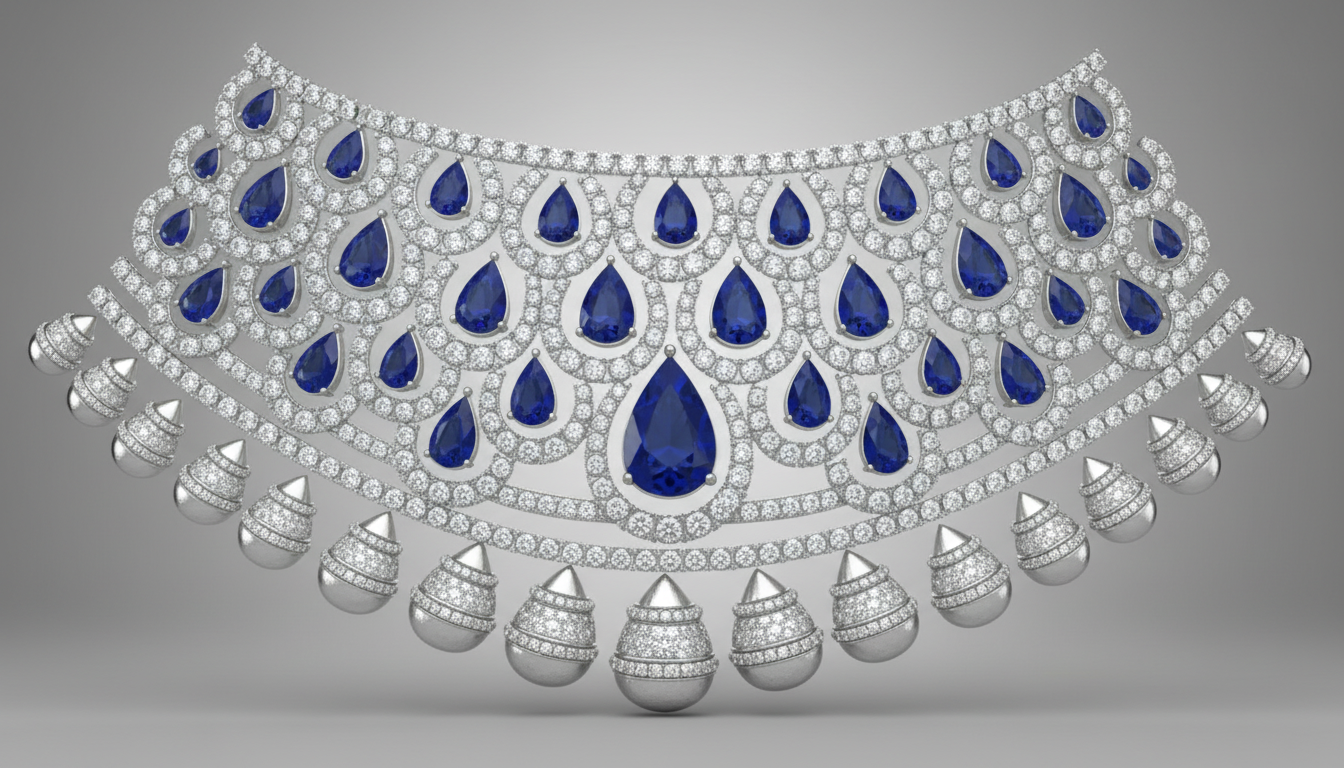
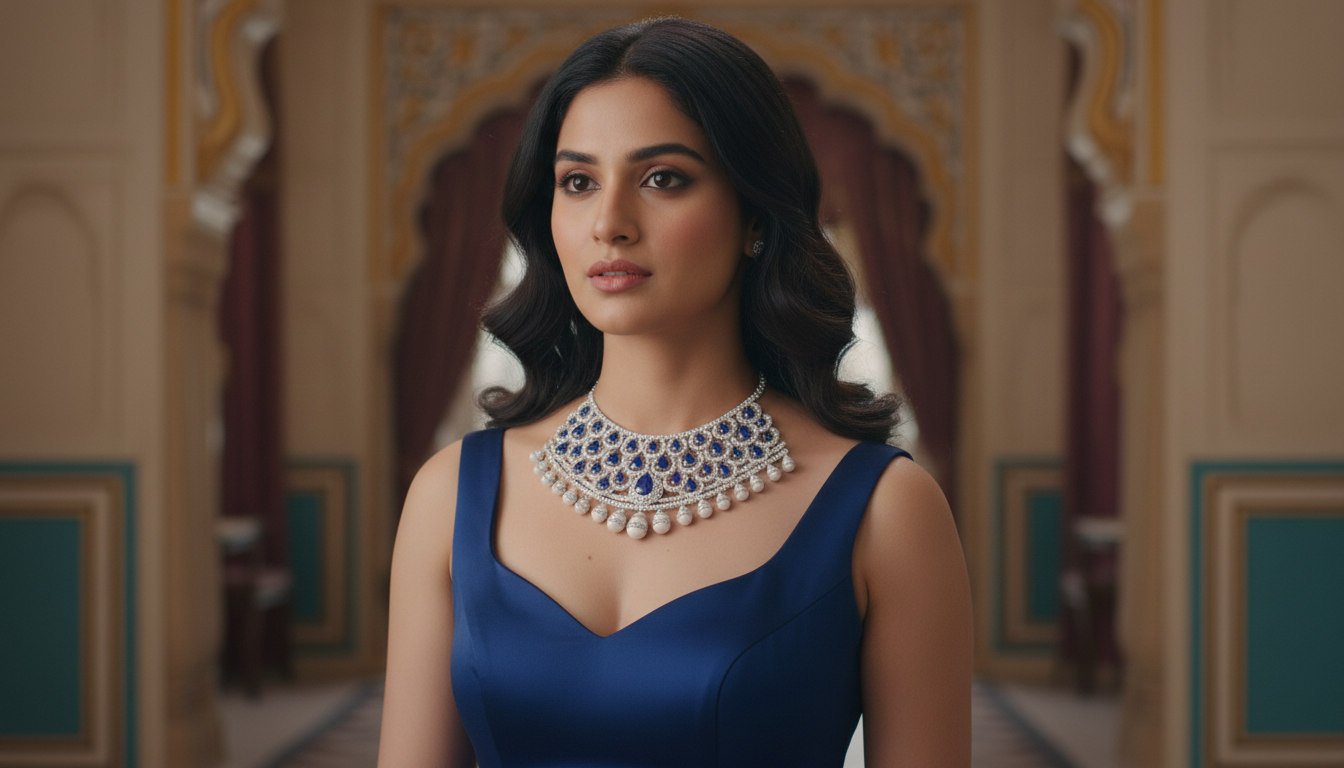
Perfect for presenting concepts to your client or getting quick approval from your design team.
In seconds, you move from an early idea to a visual that looks ready for production.
It can also change the gemstone colors and seamlessly adapt the dress so everything matches perfectly.
.png)
And with Image to Video, the same result becomes a smooth, natural-looking clip.
Realistic Try-On, Instantly
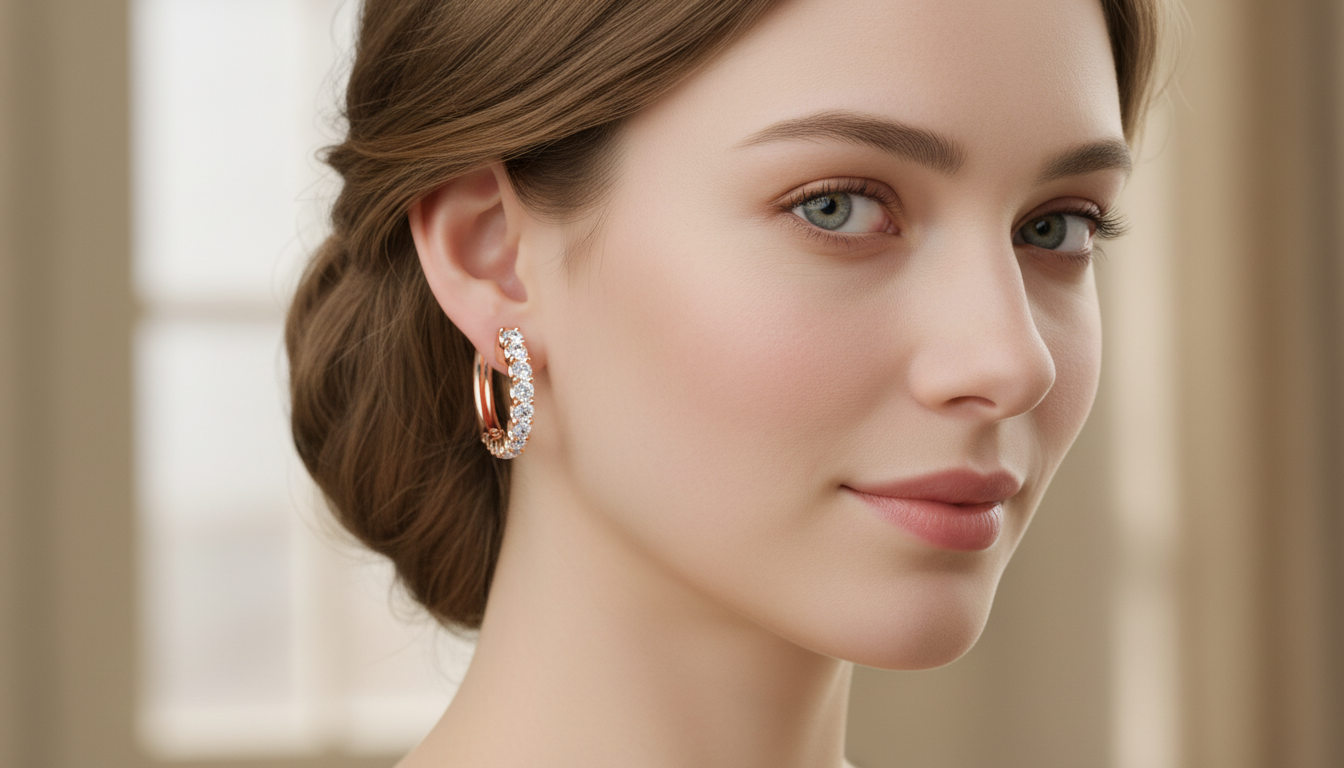
Image to Image — bring your jewelry to life on a real person. Generative AI can take the earring and place it naturally on the ear of a blonde woman, respecting skin tones, shadows, proportions, and perspective.
It creates a clean, realistic try-on image, ideal for presentations and online stores.
.png)
Add Emotion with Video
Image to Video — and now… movement. A still image becomes engaging, emotional content in seconds.
From One Image to Social-Ready Variations
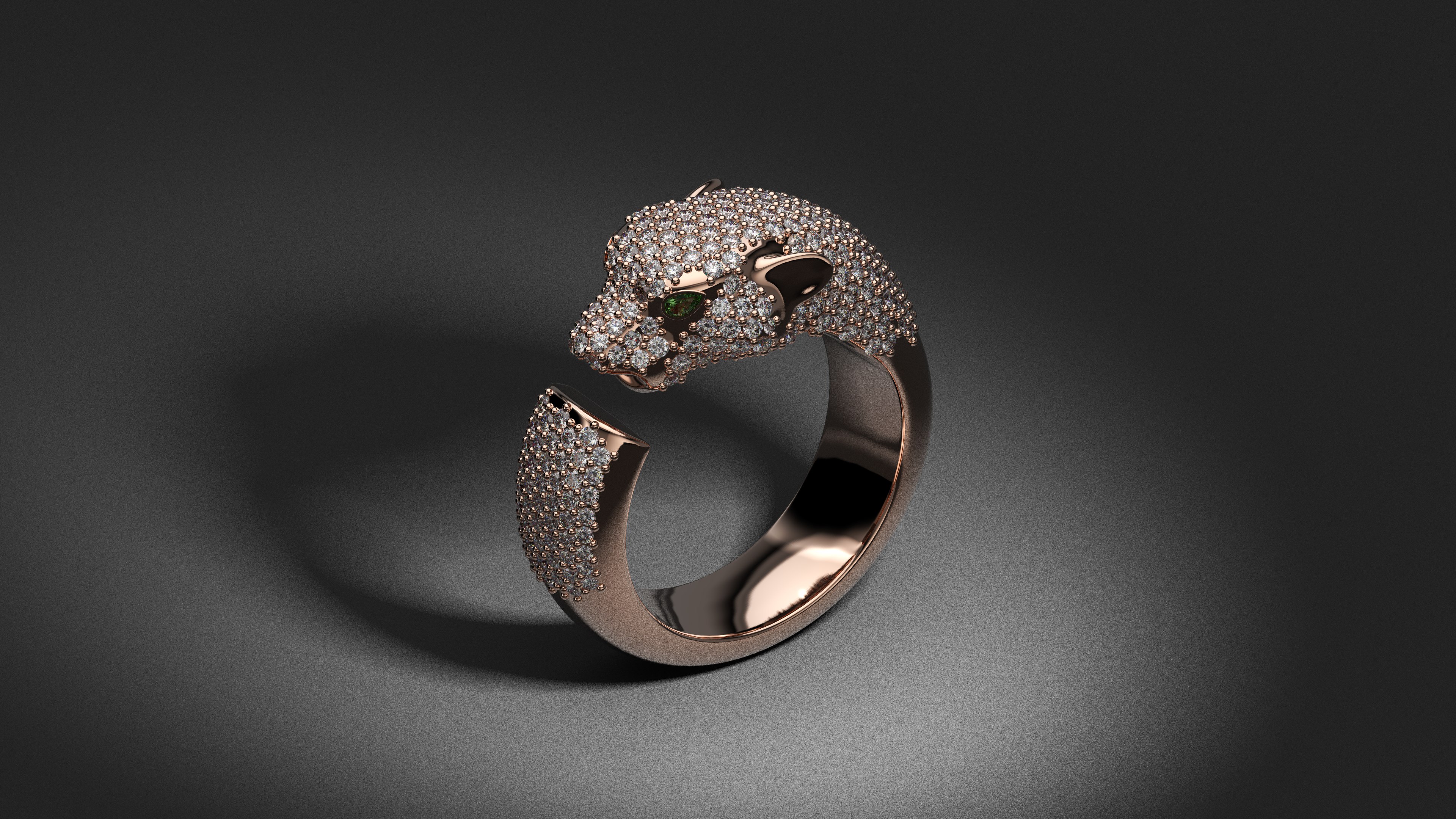
Image to Image — from a single image, Generative AI can create new materials and multiple variations tailored for social media. For example, we start with this photo, and from it we generate several vertical versions perfectly optimized for Instagram — the Ratio option in Model Options handles the format.
.png)
.png)
.png)
New Angles, New Possibilities
Image to Image — starting from a single image, Generative AI can generate different points of view of the same piece, or apply changes to create new variations.
.png)
%20(1).png)
%20(1).png)
Pure Creativity, No Limits
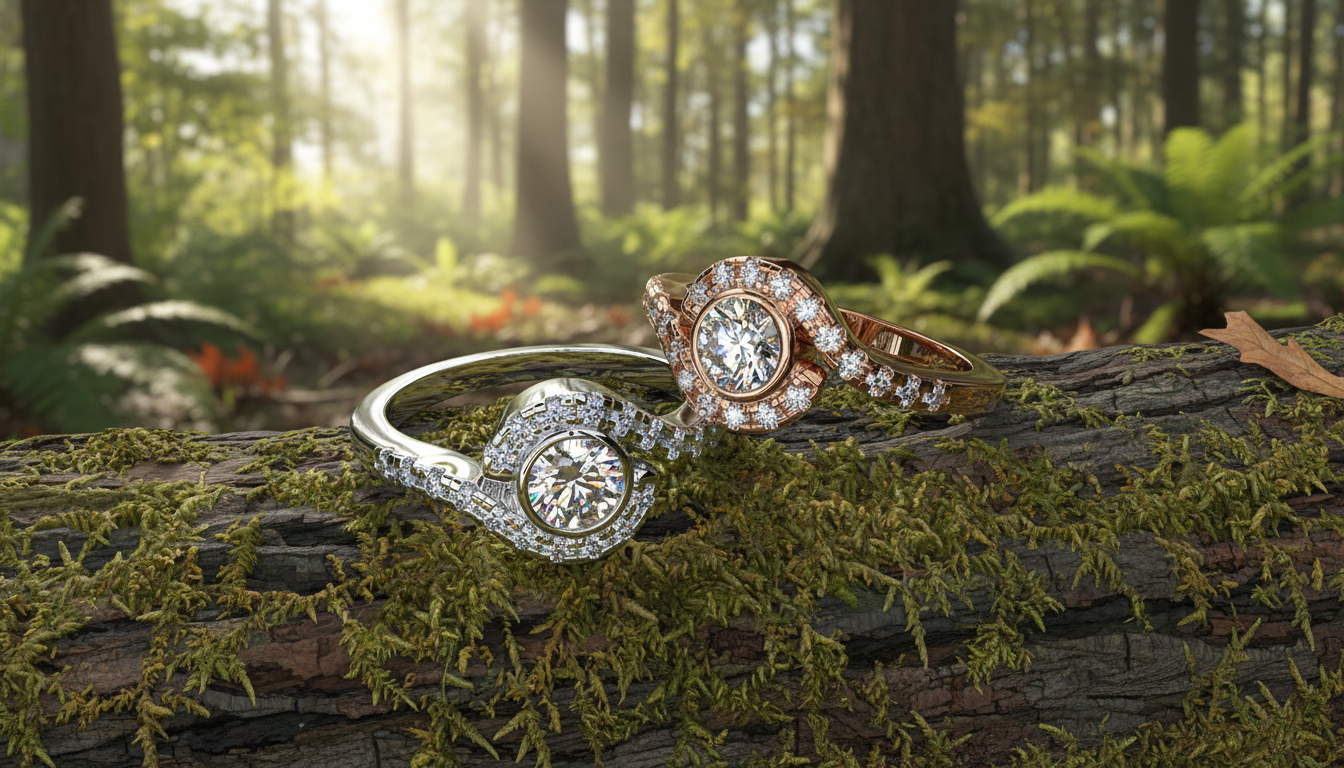
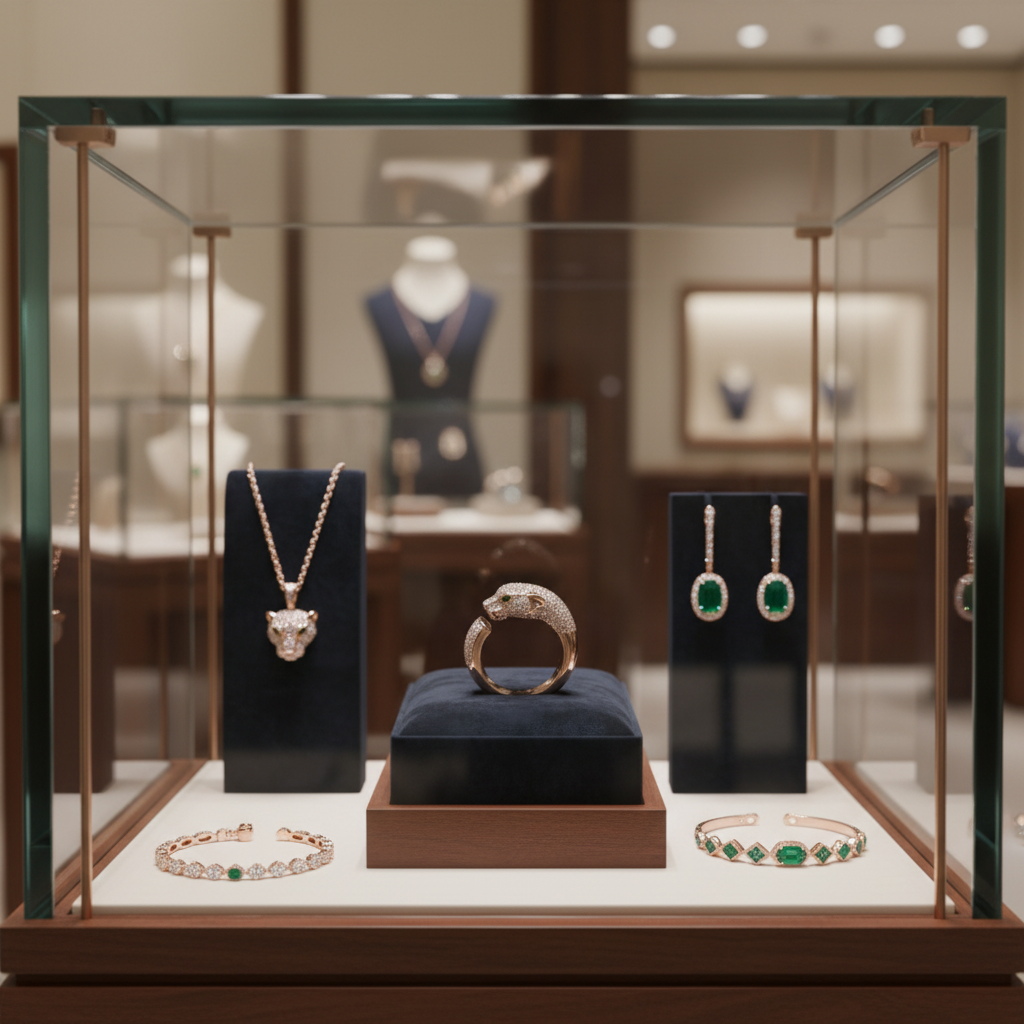
Text to Image and Image to Video — let your imagination run free. Generative AI allows you to create artistic photographic compositions and striking, dynamic videos that go far beyond traditional jewelry visuals.
.png)
.png)
Ready to make your own? Get your key in Setting Up Generative AI, then pick your model in Modes & Models.