These docs cover RhinoArtisan 7.0, which is still in beta. The contents are provisional: features and pages can still be added, changed or removed before the final release.
Productivity
Setting Up Generative AI
Generative AI talks directly to fal.ai, the cloud platform that hosts the AI models it uses. All you need to do once is create a fal.ai account, copy your API key, and paste it into RhinoArtisan.
Create your fal.ai account
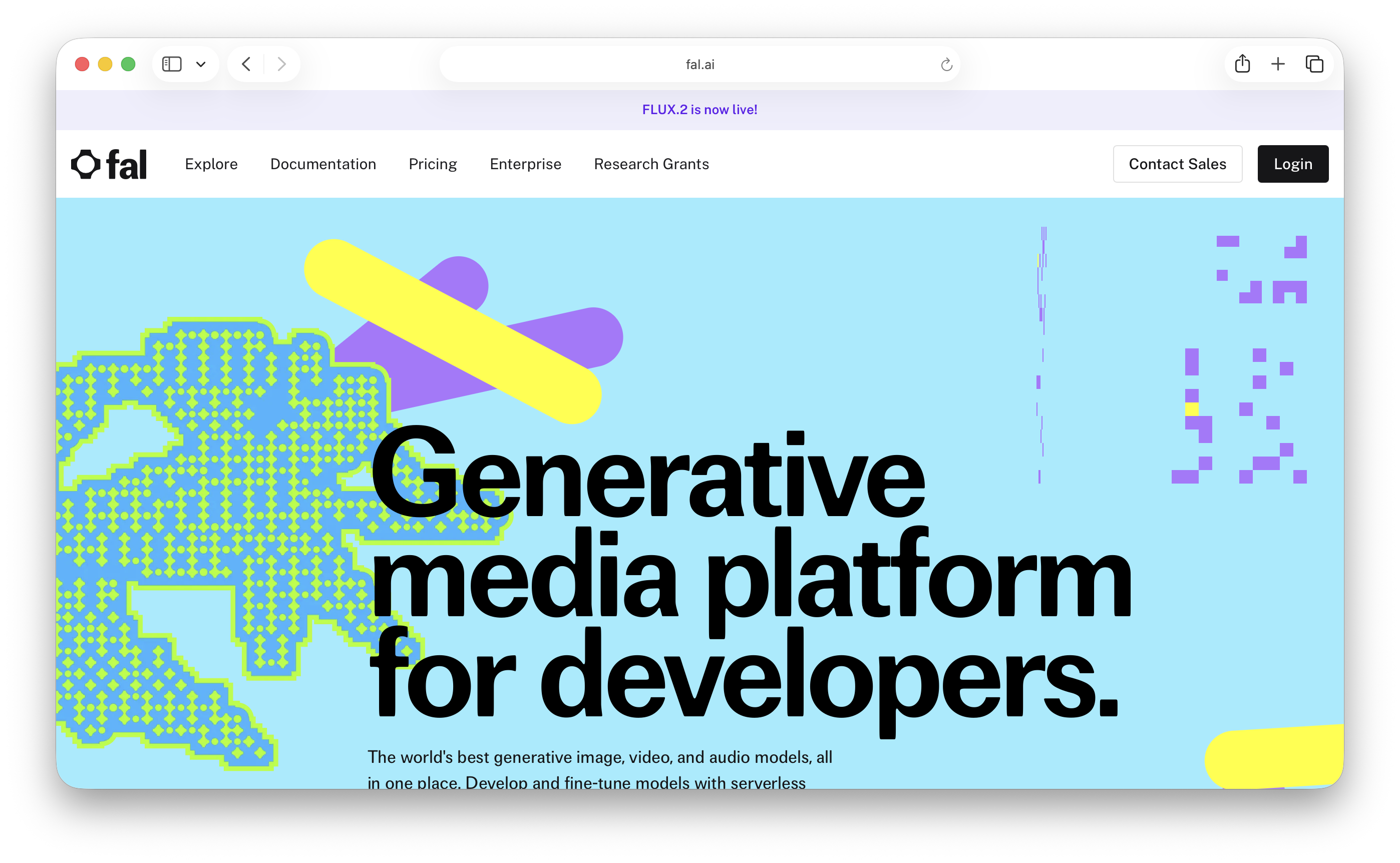
- Go to https://fal.ai and click on Login
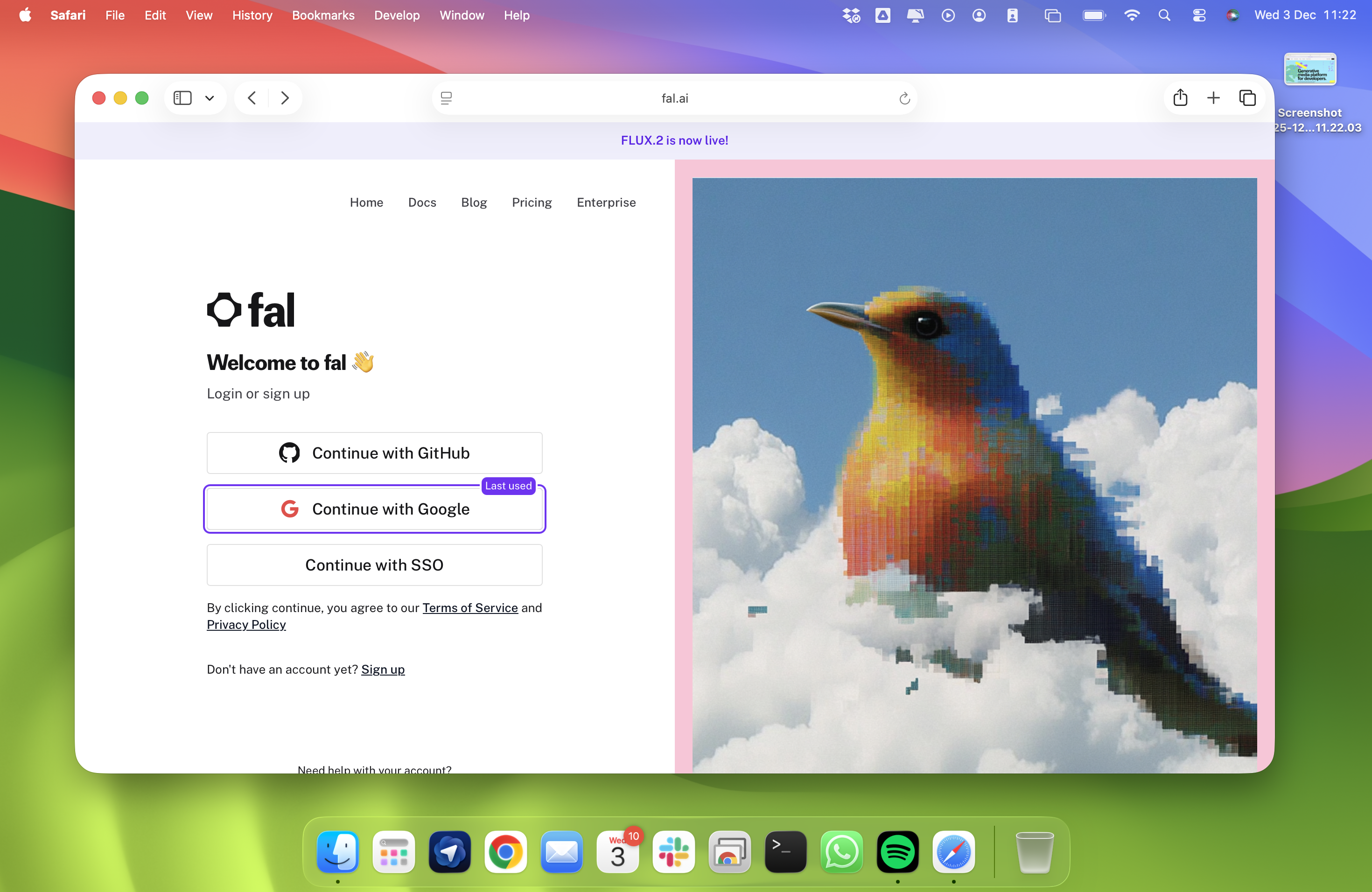
- Choose one of the available methods:
• Google
• GitHub
• Email + Password
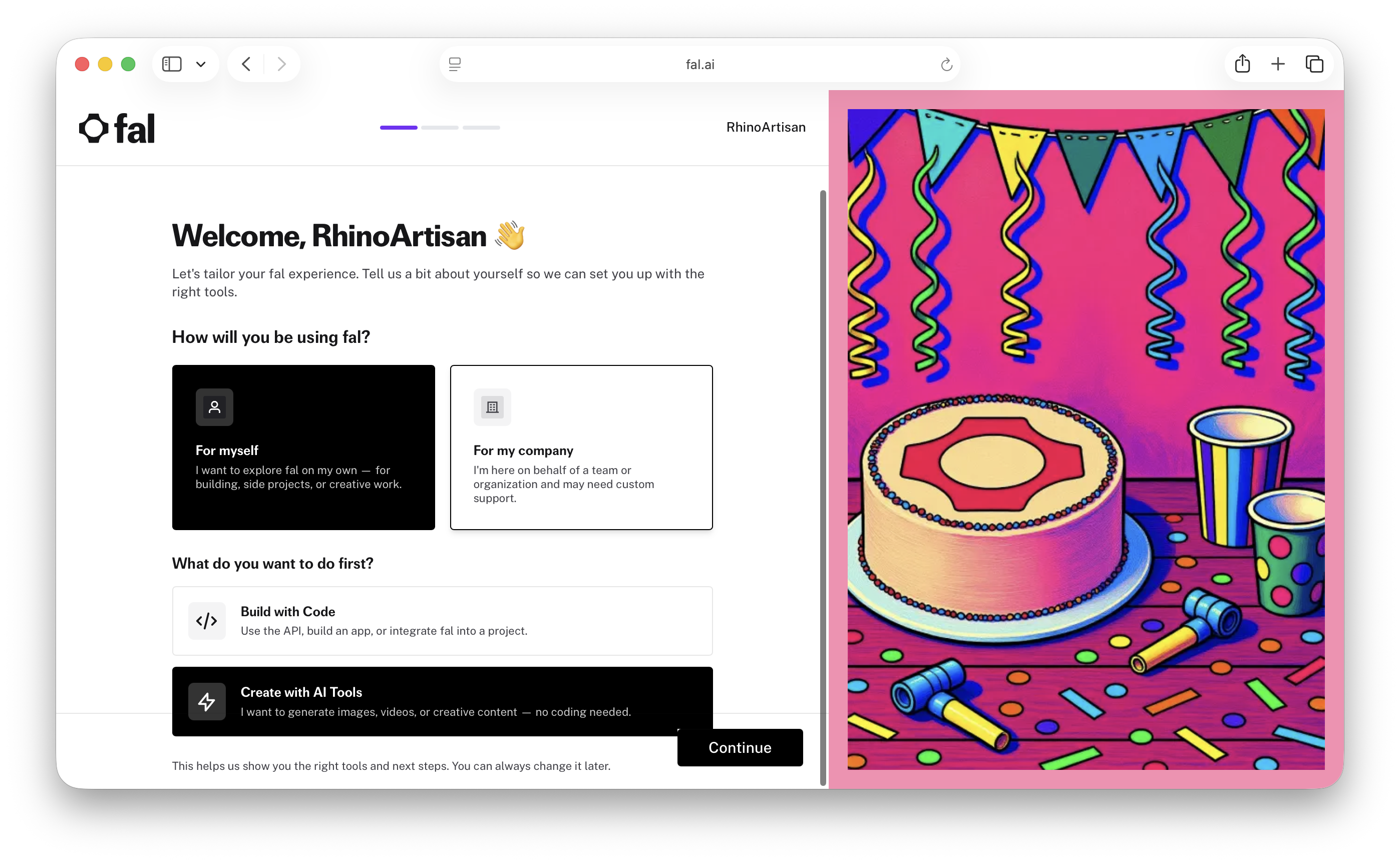
- After creating your account, fal.ai will ask: “How will you be using fal?” You can choose anything you want — this question is only for fal.ai’s internal statistics and does not affect your account, features, or pricing.
Once finished, you will be redirected to your fal.ai panel.
Get your API key
- Log in to https://fal.ai
- Open the Dashboard
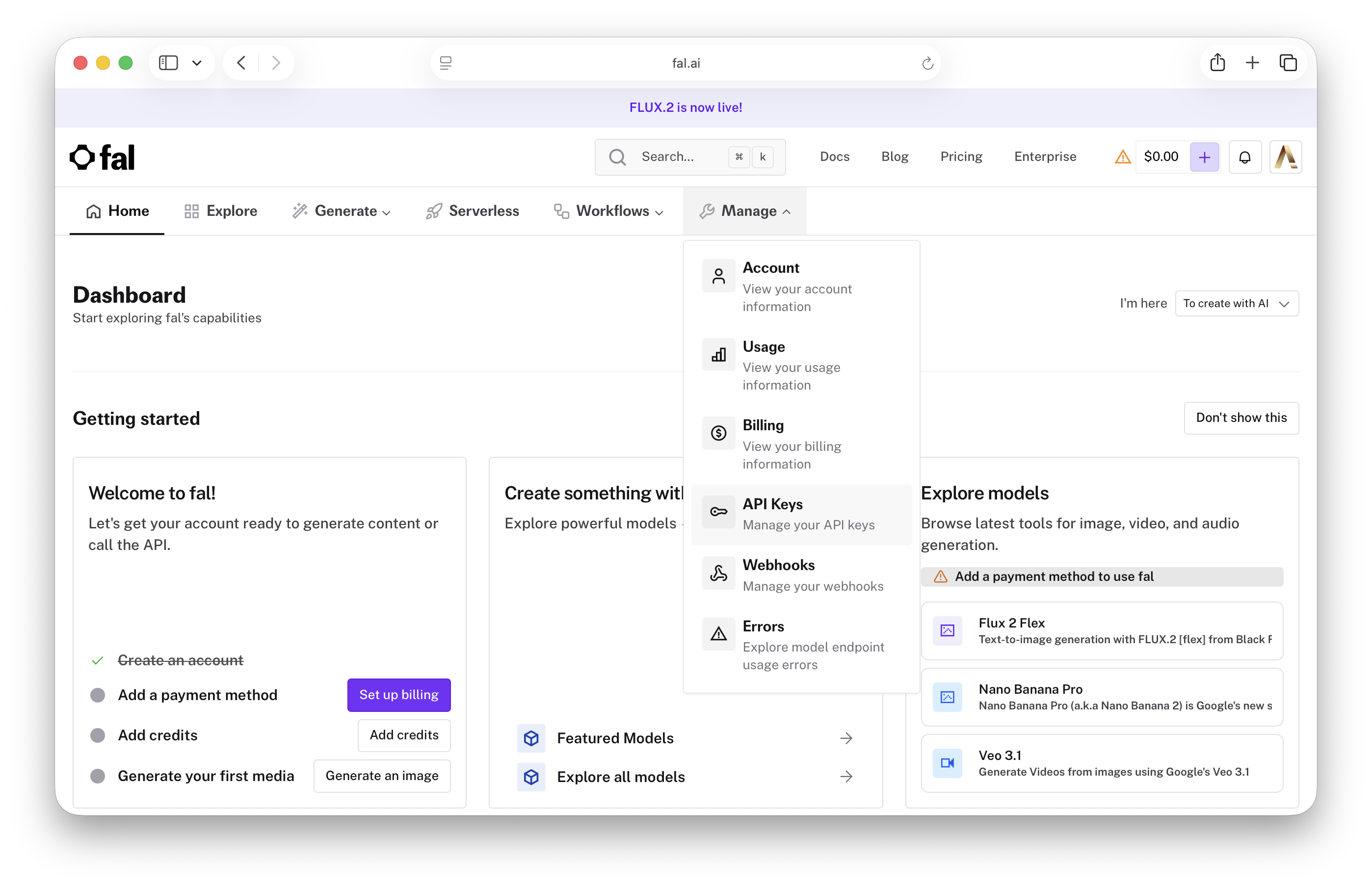
- In the menu, click Manage and click API Keys
- You’ll see a default key created automatically
- Optionally, click Add key to generate one specifically for RhinoArtisan
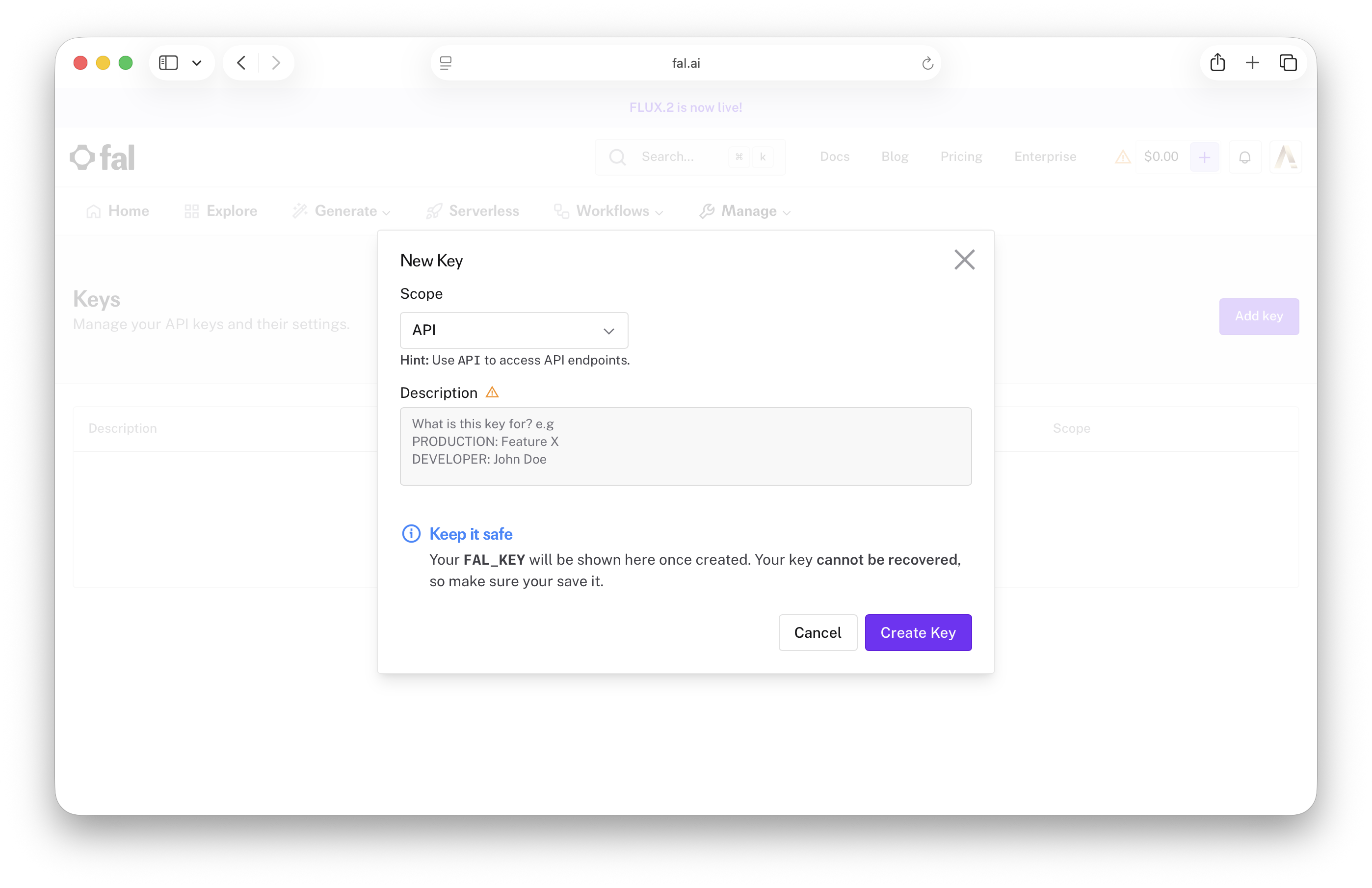
Your API Key will look like this: fal_sk_1234abcd5678efgh...
- Click the Copy key button next to the key. Keep the key private — it grants access to your fal.ai usage. This is the key you will paste into RhinoArtisan.
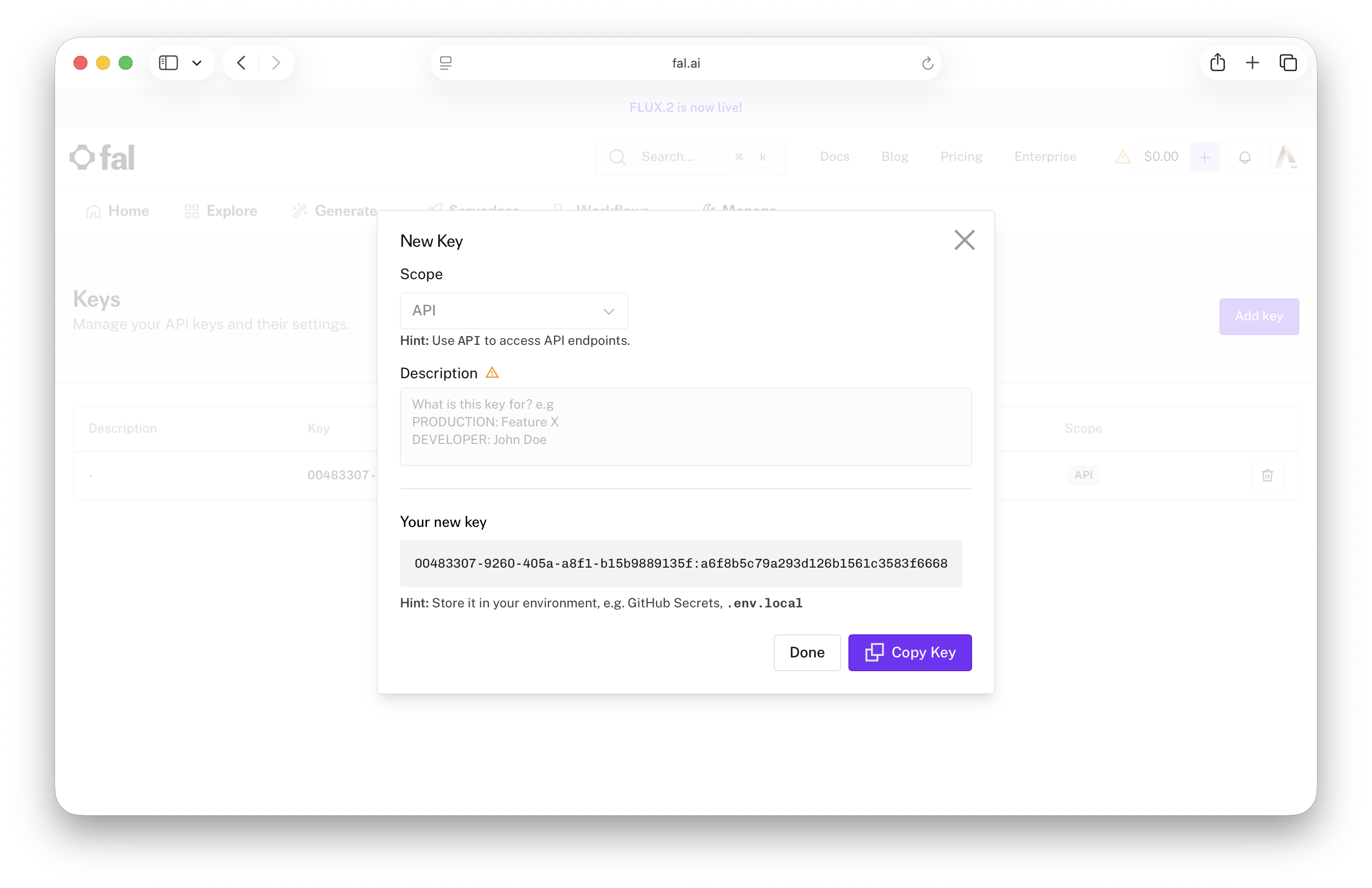
Add the key to RhinoArtisan
- Open RhinoArtisan.
- Go to the File menu.
- Click Settings to access the plugin options.
.png)
- In the sidebar, select Artisan.
.png)
- Open the Integrations section. Keep in mind that this is a sub-item inside the RhinoArtisan options.
.png)
- Find the Generative AI (fal.ai) group and paste your API key into the API Key field.
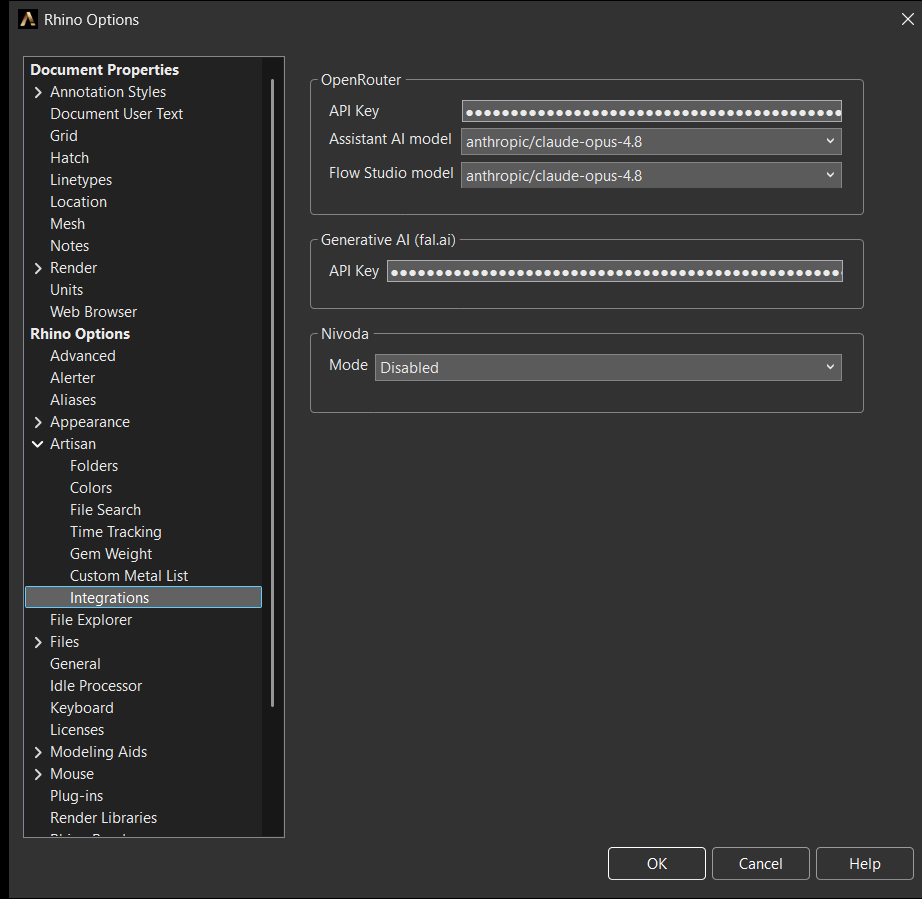
Options → Artisan → Integrations
- Click OK. RhinoArtisan will suggest restarting to make sure the change is fully applied — close and reopen RhinoArtisan (or Rhino) before your first generation.
Verify it works
Open the Studio: click Generative AI in the AI group of the File tab, or run ArtisanGenerativeAI.
If the key is missing or empty, the Studio shows a notice instead of the prompt bar: “Generative AI needs a fal.ai API key. Add it in Options > RhinoArtisan > Integrations.” Clicking it takes you straight to the fal.ai keys page. If you see the prompt bar and the mode chip at the bottom of the window, you’re connected — head over to the Studio tour and generate something.