Twist Bezel Ring
Lesson 38 of 62
Overview
Sign in to access this lesson
This lesson is part of Precision & Detail Design, which can come bundled with a RhinoArtisan Commercial license subject to current promotions. Log in with your customer account, or get in touch and we'll set you up.
Customers only
Solo para clientes
This lesson is part of Precision & Detail Design, which can be included with a RhinoArtisan Commercial license subject to current promotions. If you've already purchased and don't see it in your account, get in touch.
Twist Bezel Ring
In this video, we take you step by step through the creation of a refined Open Crossover Ring using RhinoArtisan. You’ll learn how to design intersecting ring arms with perfect symmetry, integrate a bezel-set center stone, and enhance the design with pavé diamonds for an elegant, modern finish.
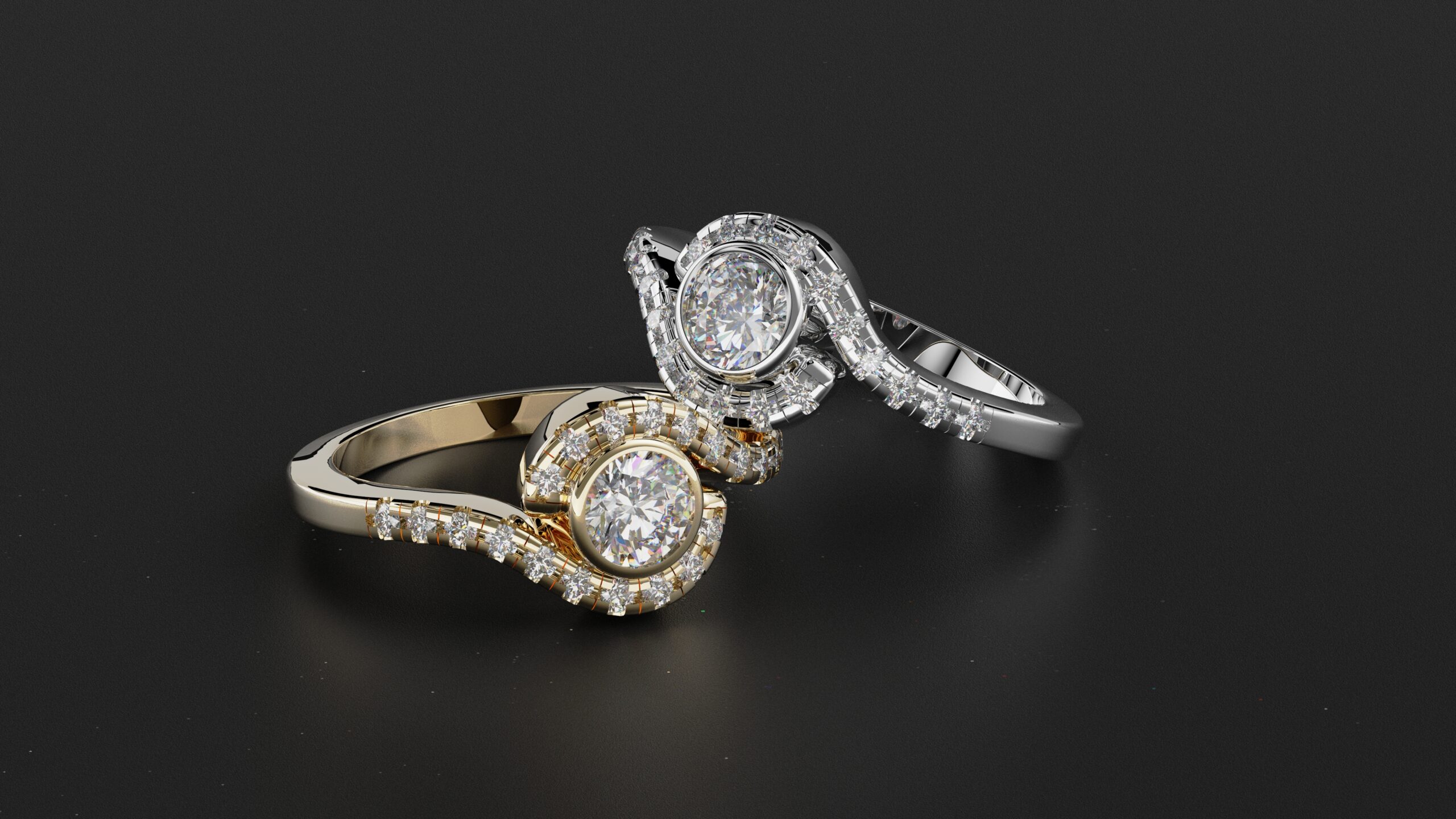
Whether you’re a jewelry designer, CAD modeler, or digital artist, this tutorial will help you master the balance between structural flow and gemstone precision.
📌 What You’ll Learn:
Modeling Crossover Ring Arms
Create dynamic, flowing arms that cross over in perfect symmetry around the ring.
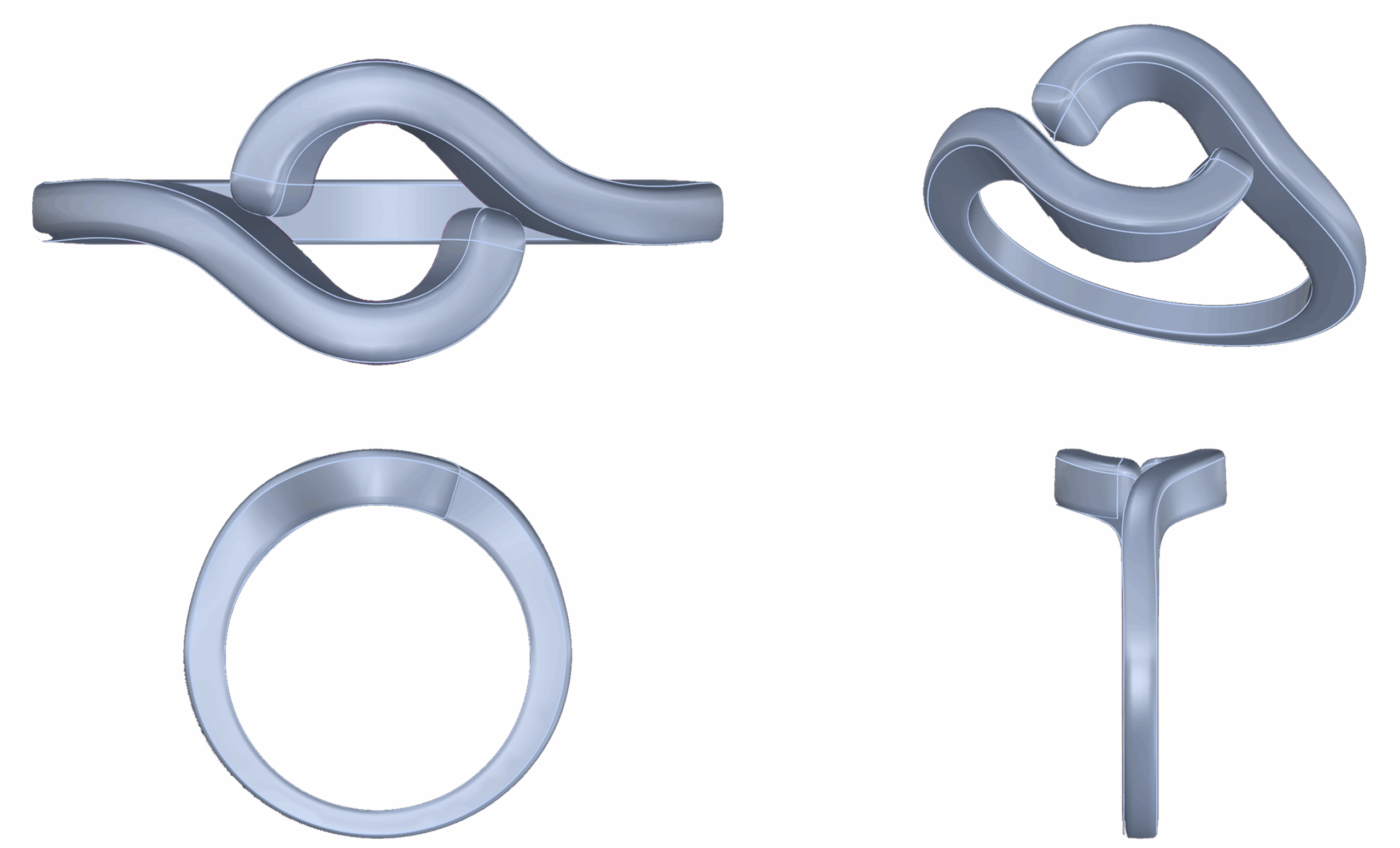
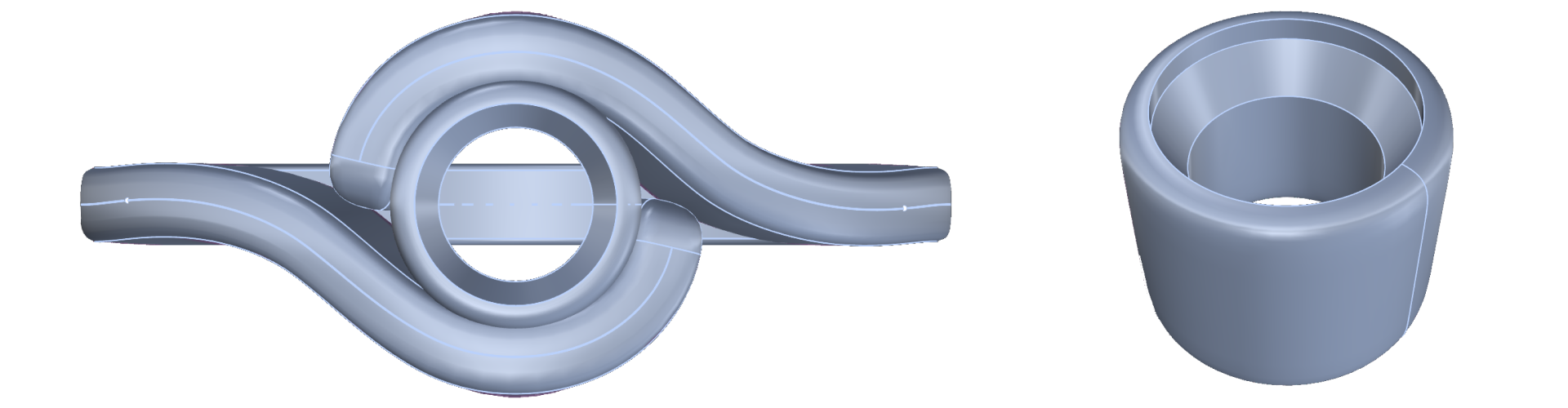
Bezel Seat Integration
Design and position a bezel setting that seamlessly connects to the crossover structure.
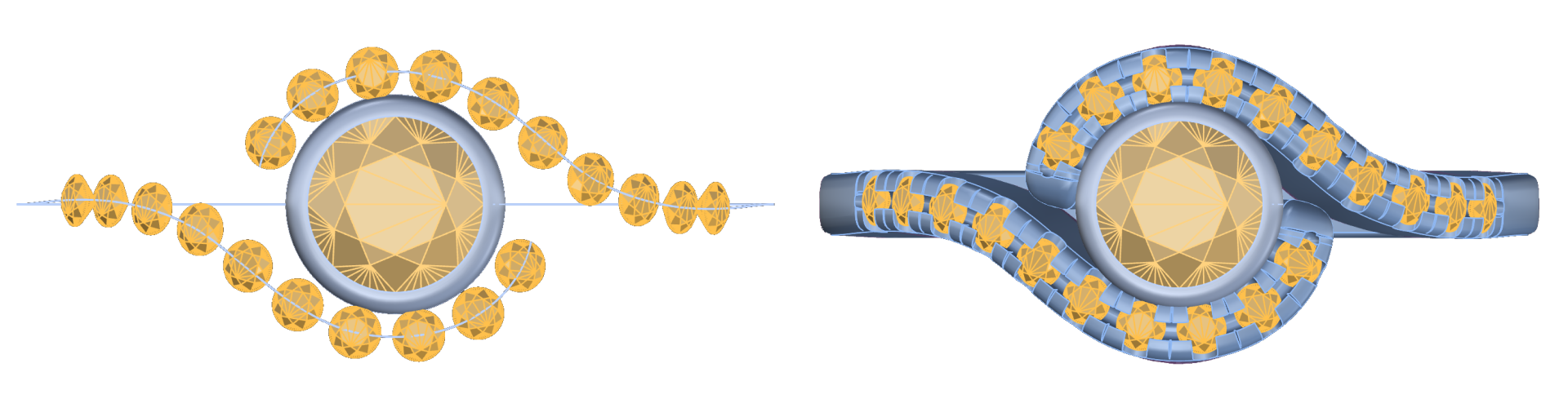
Adding Diamonds
Distribute pavé stones with precision along curved surfaces to enhance detail.
Boolean Cleanup and Finishing
Merge all elements into a clean solid model ready for printing or rendering.
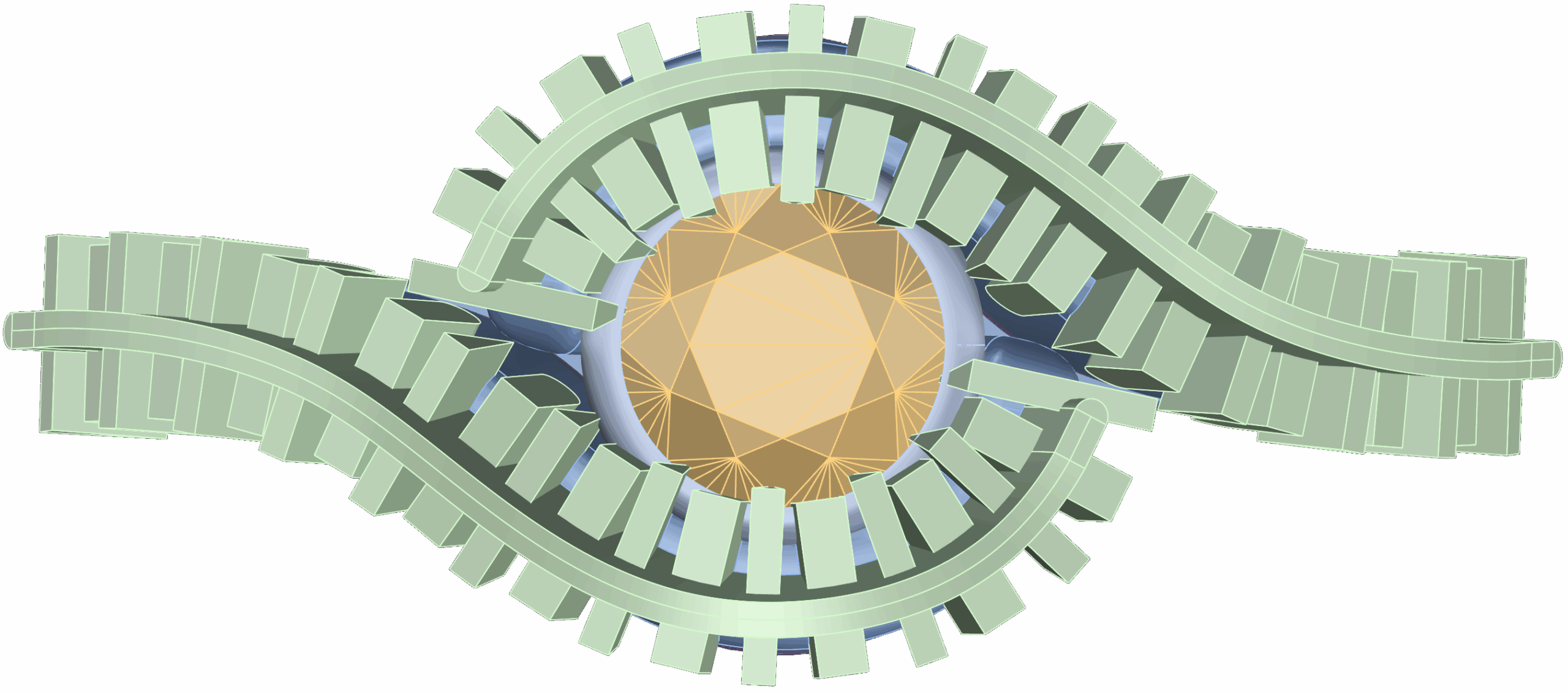
Stylized Rendering
Render the final ring with realistic lighting and materials for an elegant presentation.
Almost there — you still have some lessons to complete. Jump to the next one →
Impersonating — progress and reviews are disabled.
Course completed
You've completed Precision & Detail Design 🎉
Great work. Get your certificate of completion and, if you have a minute, let other jewelers know what you thought of the course.