Infinity Pendant
Lesson 24 of 62
Overview
Sign in to access this lesson
This lesson is part of Precision & Detail Design, which can come bundled with a RhinoArtisan Commercial license subject to current promotions. Log in with your customer account, or get in touch and we'll set you up.
Customers only
Solo para clientes
This lesson is part of Precision & Detail Design, which can be included with a RhinoArtisan Commercial license subject to current promotions. If you've already purchased and don't see it in your account, get in touch.
Infinity Pendant
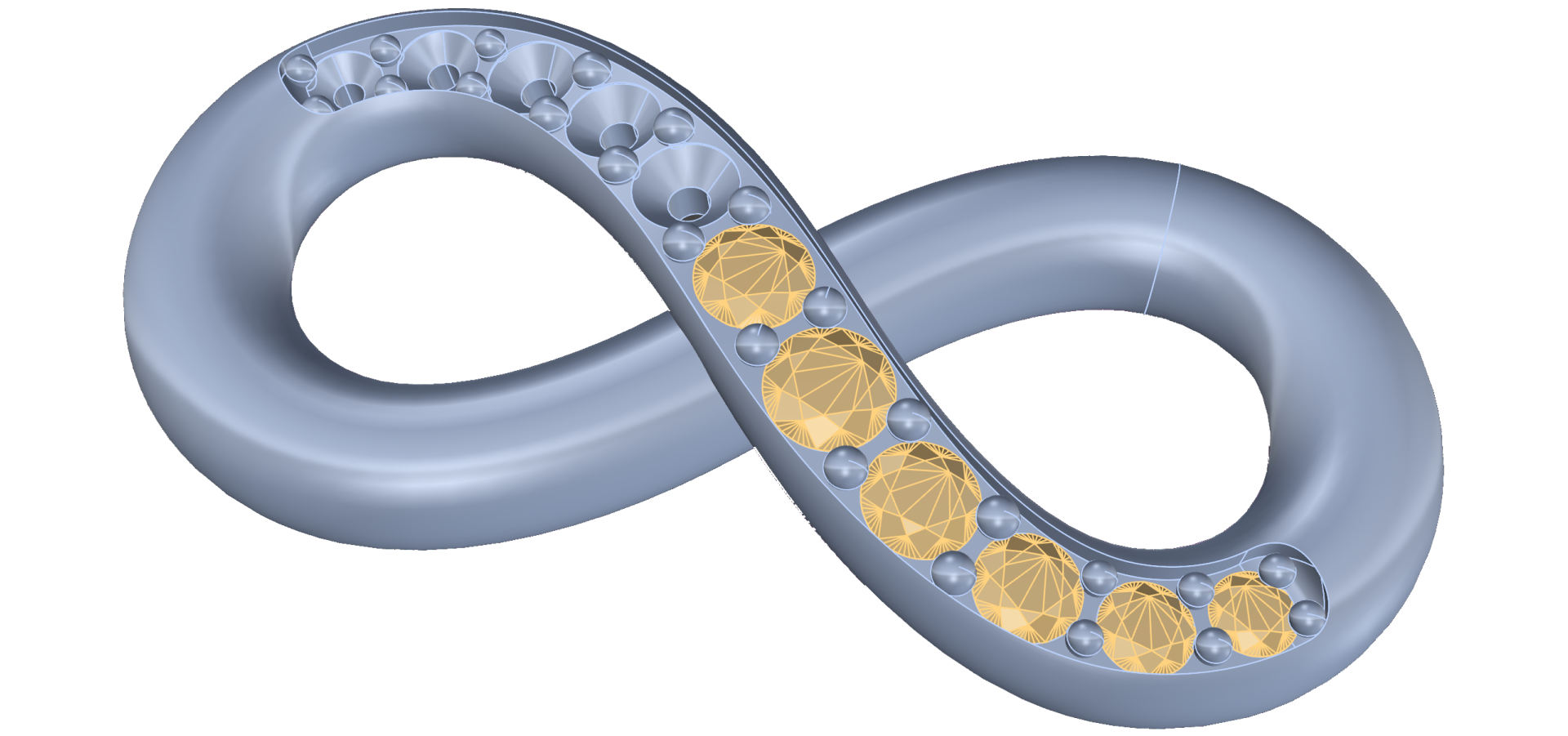
In this video, we guide you through modeling an elegant Infinity Pendant using RhinoArtisan’s precise and intuitive tools. You’ll learn how to design fluid curves, create profiles and apply diamond settings.
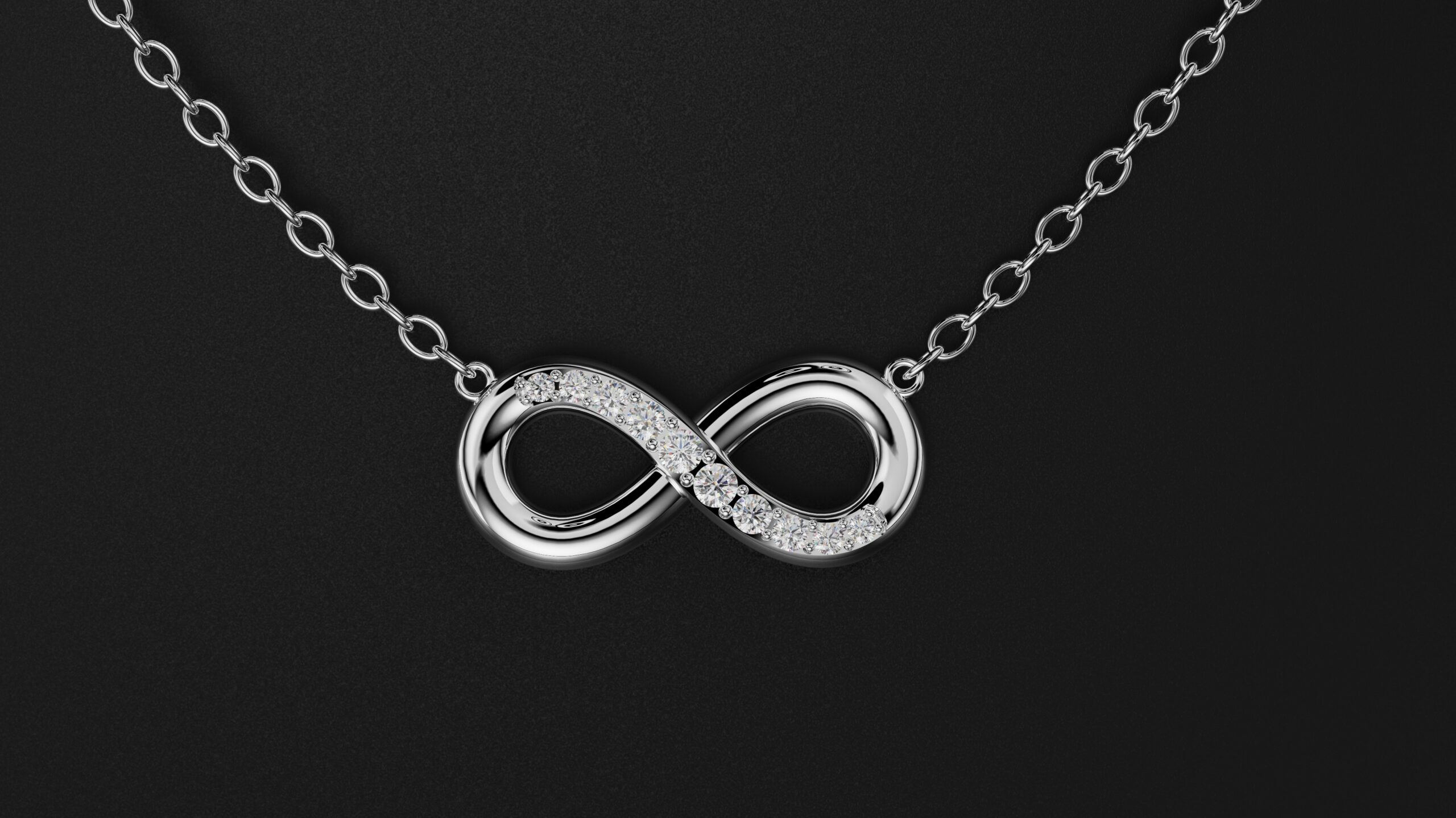
Whether you’re a jeweler, CAD designer, or 3D artist, this tutorial will sharpen your skills in clean geometric modeling and fine jewelry detailing.
📌 What You’ll Learn:
Designing Fluid Infinity Curves
Construct smooth, continuous curves that define the core shape of the infinity symbol.
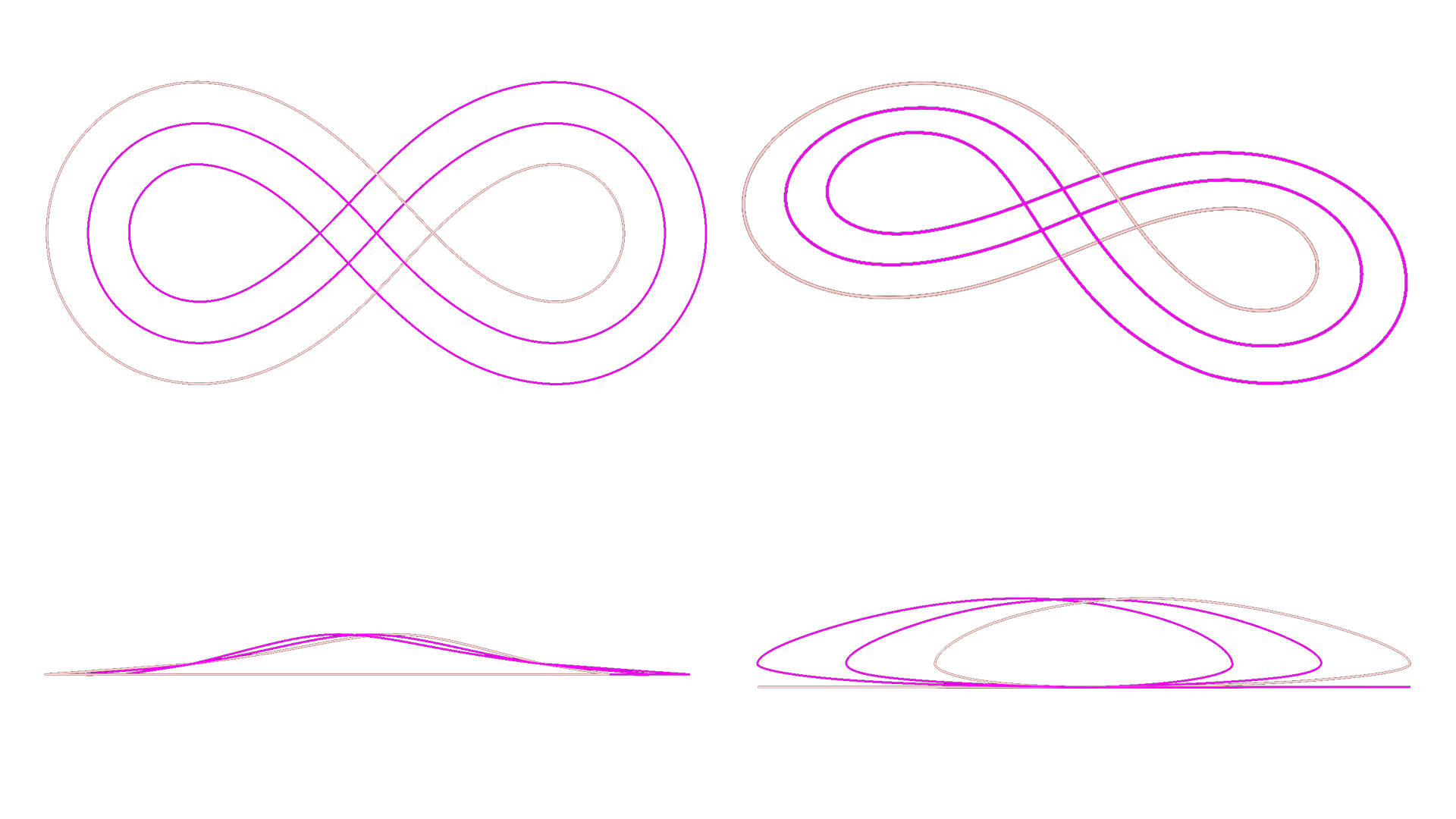
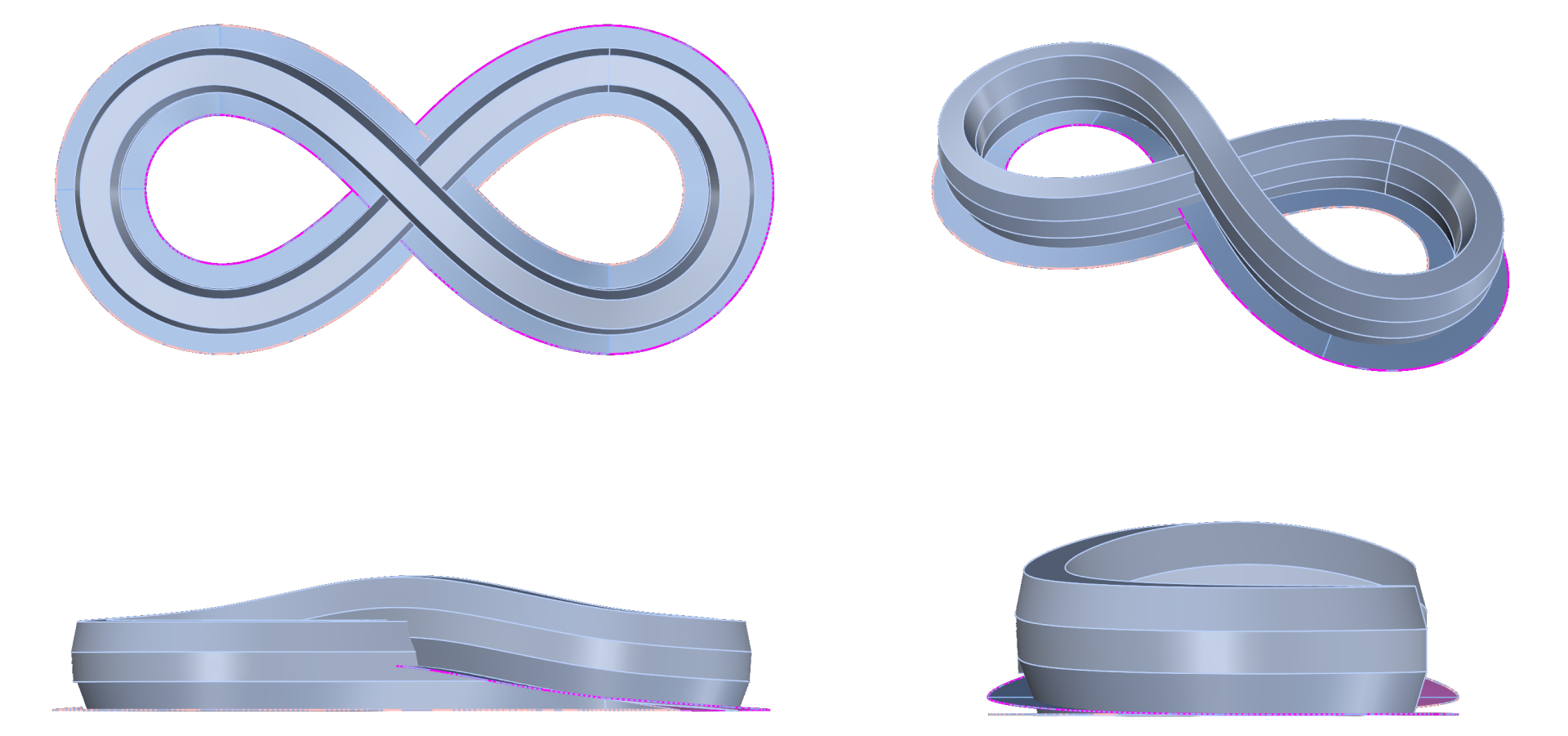
Profile Creation and Sweep
Build consistent profiles and apply sweeps to generate a refined, flowing surface.
Diamond Setting Preparation
Select areas for diamond placement and prepare surfaces with proper flow and spacing.
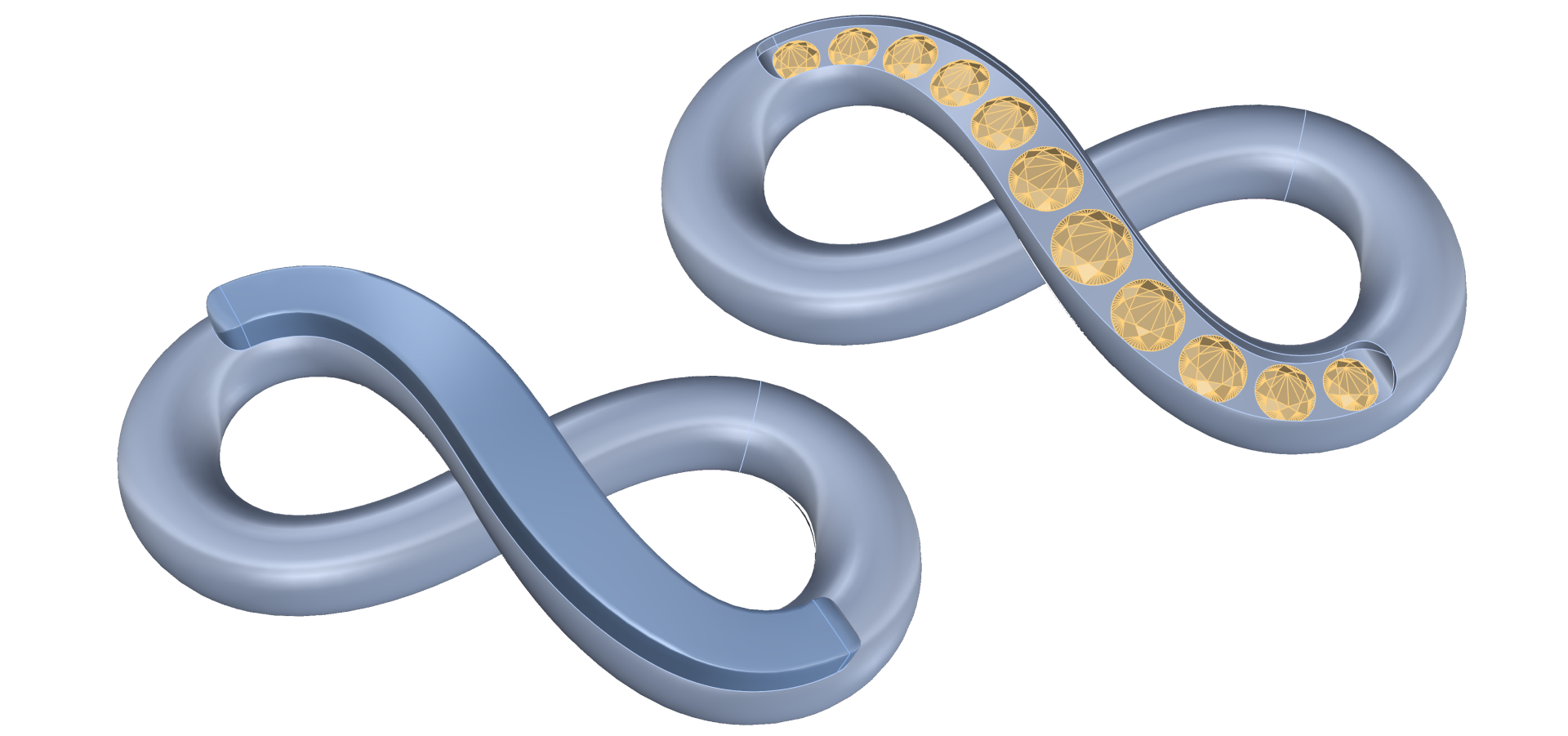
Creating Cutters and Prongs
Automate settings with gem cutters and prongs tailored to the curvature of the piece.
Almost there — you still have some lessons to complete. Jump to the next one →
Impersonating — progress and reviews are disabled.
Course completed
You've completed Precision & Detail Design 🎉
Great work. Get your certificate of completion and, if you have a minute, let other jewelers know what you thought of the course.