Moebius Diamond Pendant
Lesson 50 of 62
Overview
Sign in to access this lesson
This lesson is part of Precision & Detail Design, which can come bundled with a RhinoArtisan Commercial license subject to current promotions. Log in with your customer account, or get in touch and we'll set you up.
Customers only
Solo para clientes
This lesson is part of Precision & Detail Design, which can be included with a RhinoArtisan Commercial license subject to current promotions. If you've already purchased and don't see it in your account, get in touch.
Moebius Diamond Pendant
In this video, we take you step by step through modeling an elegant Moebius pendant using RhinoArtisan. You’ll learn how to construct flowing curves with mathematical precision, generate a solid using rail sweeps, and integrate gemstones with prongs and cutters for a polished, professional result. Perfect for jewelry designers and CAD modelers aiming to explore dynamic geometry with clean execution.
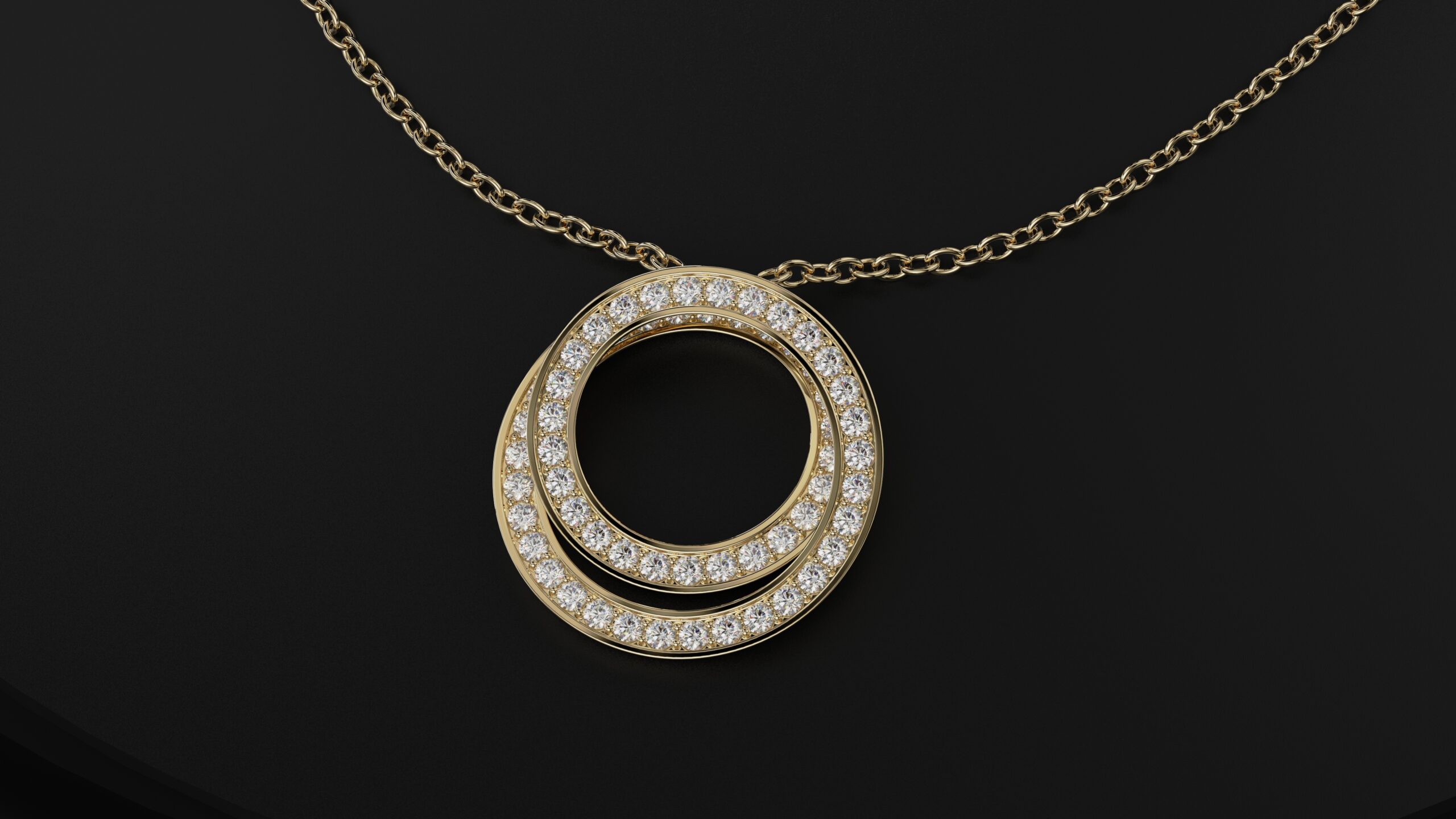
📌 What You’ll Learn:
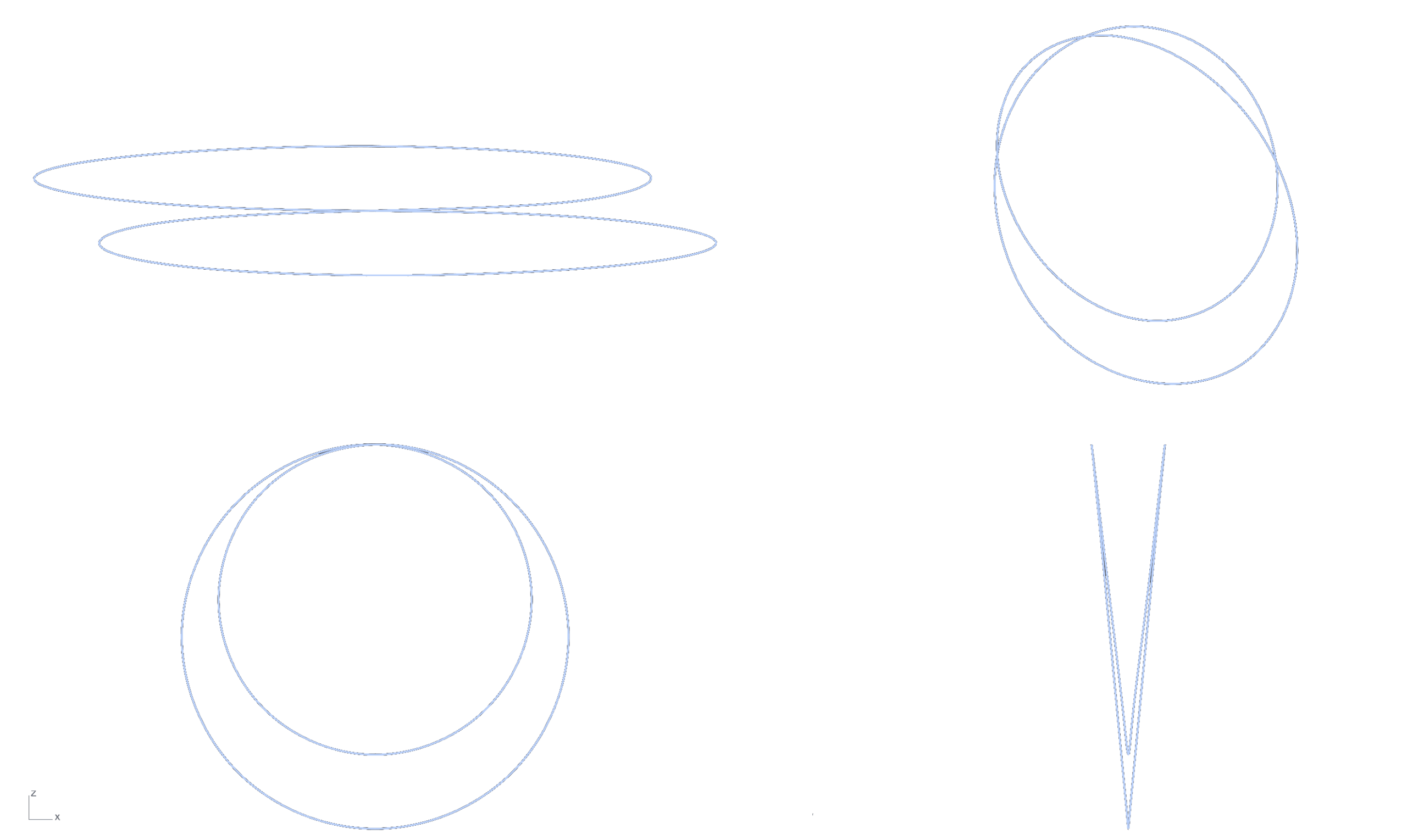
Moebius Curve Construction
Draw precise curves inspired by the Moebius strip to define the pendant’s unique shape.
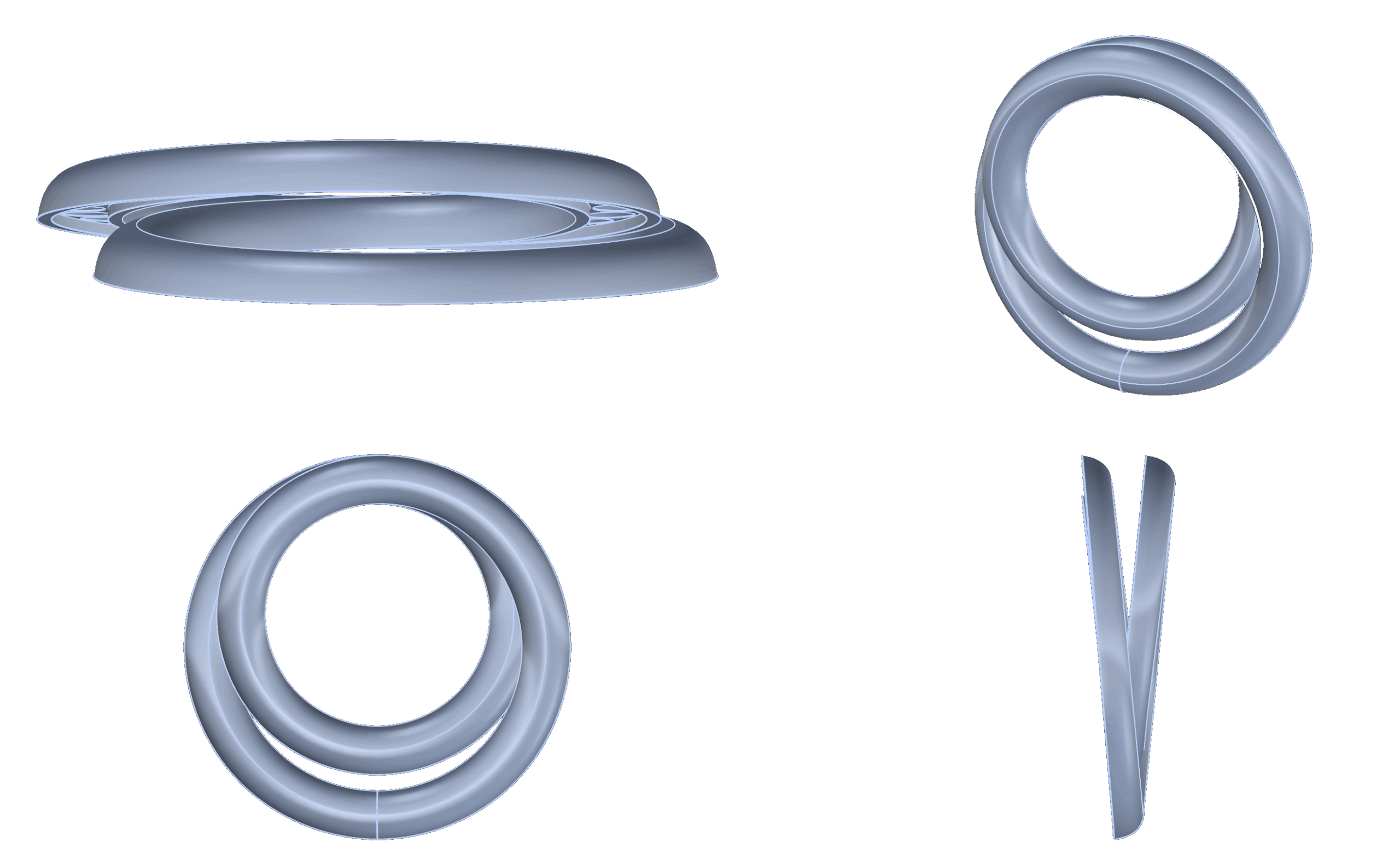
Rail Sweep Solid Creation
Use multiple rails and profiles to generate a flowing, twisted solid geometry.
Gemstone Placement Along Flow
Apply diamonds along selected edges or faces that follow the Moebius form.
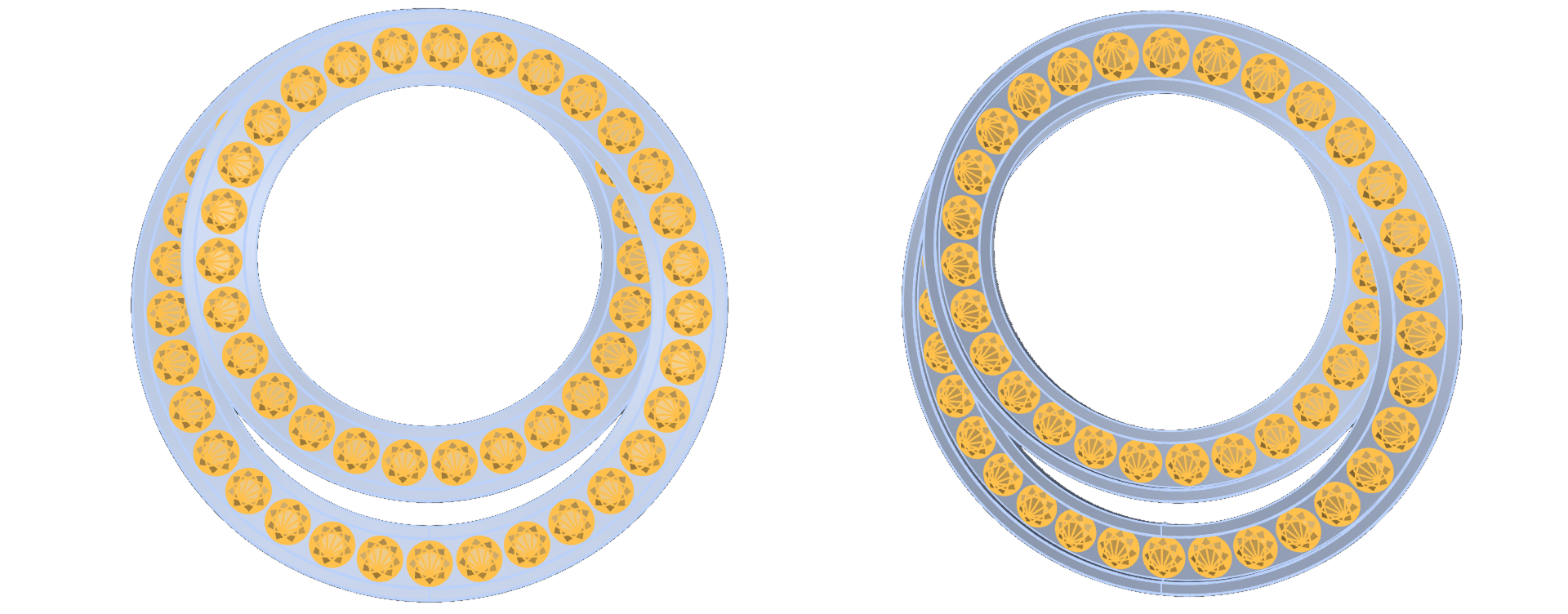
Prong and Cutter Generation
Generate precise prongs and cutters aligned to the pendant’s dynamic surface.
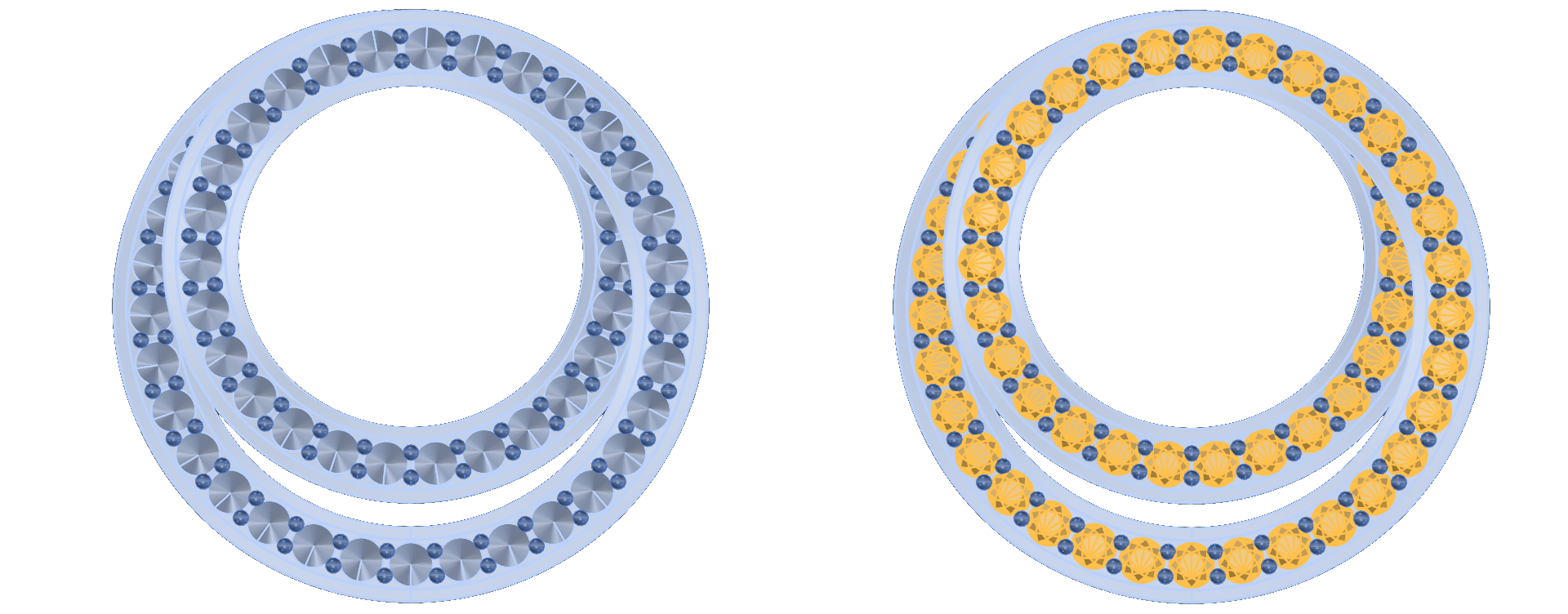
Refinement and Edge Control
Smooth transitions and edge blending for a professional, manufacturable result.
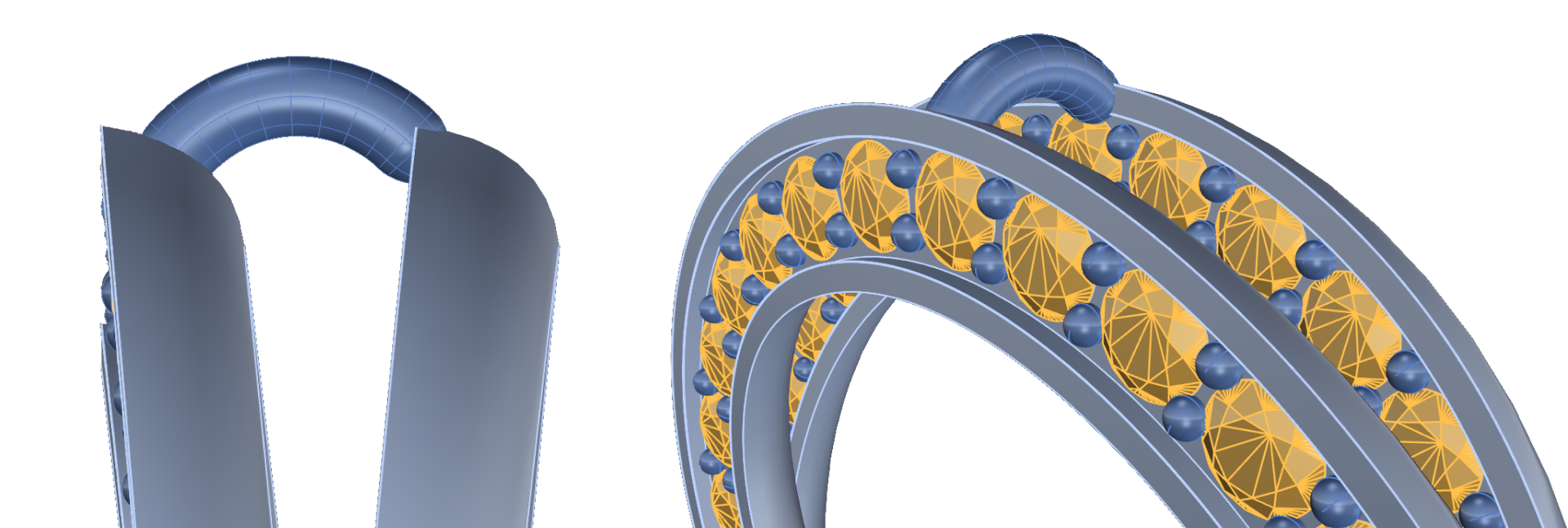
Rendering Dynamic Geometry
Capture the elegance of the form in renderings that showcase depth and motion.
Almost there — you still have some lessons to complete. Jump to the next one →
Impersonating — progress and reviews are disabled.
Course completed
You've completed Precision & Detail Design 🎉
Great work. Get your certificate of completion and, if you have a minute, let other jewelers know what you thought of the course.