RhinoArtisan for Mac is in development, and so is this documentation. Any part of it may be inaccurate or change as the product evolves.
This page was written for RhinoArtisan 7 for Windows and has not been reviewed for Mac yet. Screenshots and some details may differ in Rhino for Mac.
Technical Documentation
Metals List
 Metals List
The Metals List command calculates the weight of every solid object in the document (Breps, extrusions, meshes, and SubDs — gems and diamonds are ignored) and writes the result as text.
When activated, it displays a checklist of available metals, letting you choose one or more to calculate:
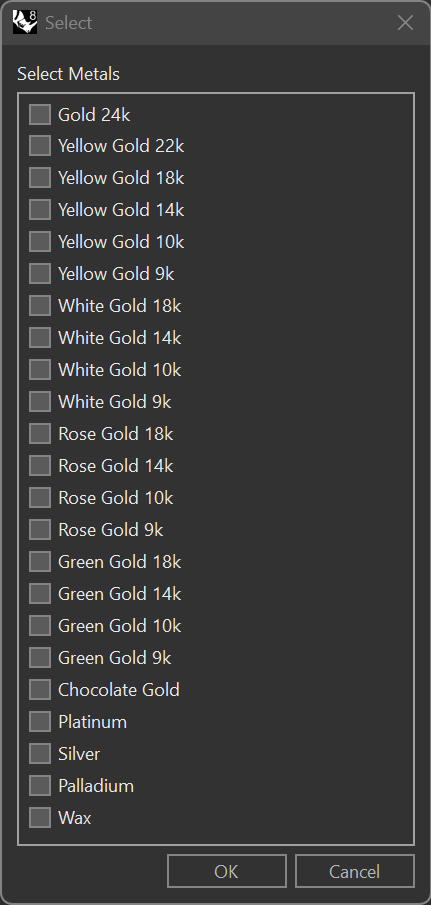
The list includes 24k gold, yellow/white/rose/green gold in several karats (22k, 18k, 14k, 10k, 9k), gold chocolate, platinum, silver, palladium, and wax.
After you pick the metals, you are asked to click a point — either in the modelling viewport or inside an open Report — where the calculated weights will be written as text.
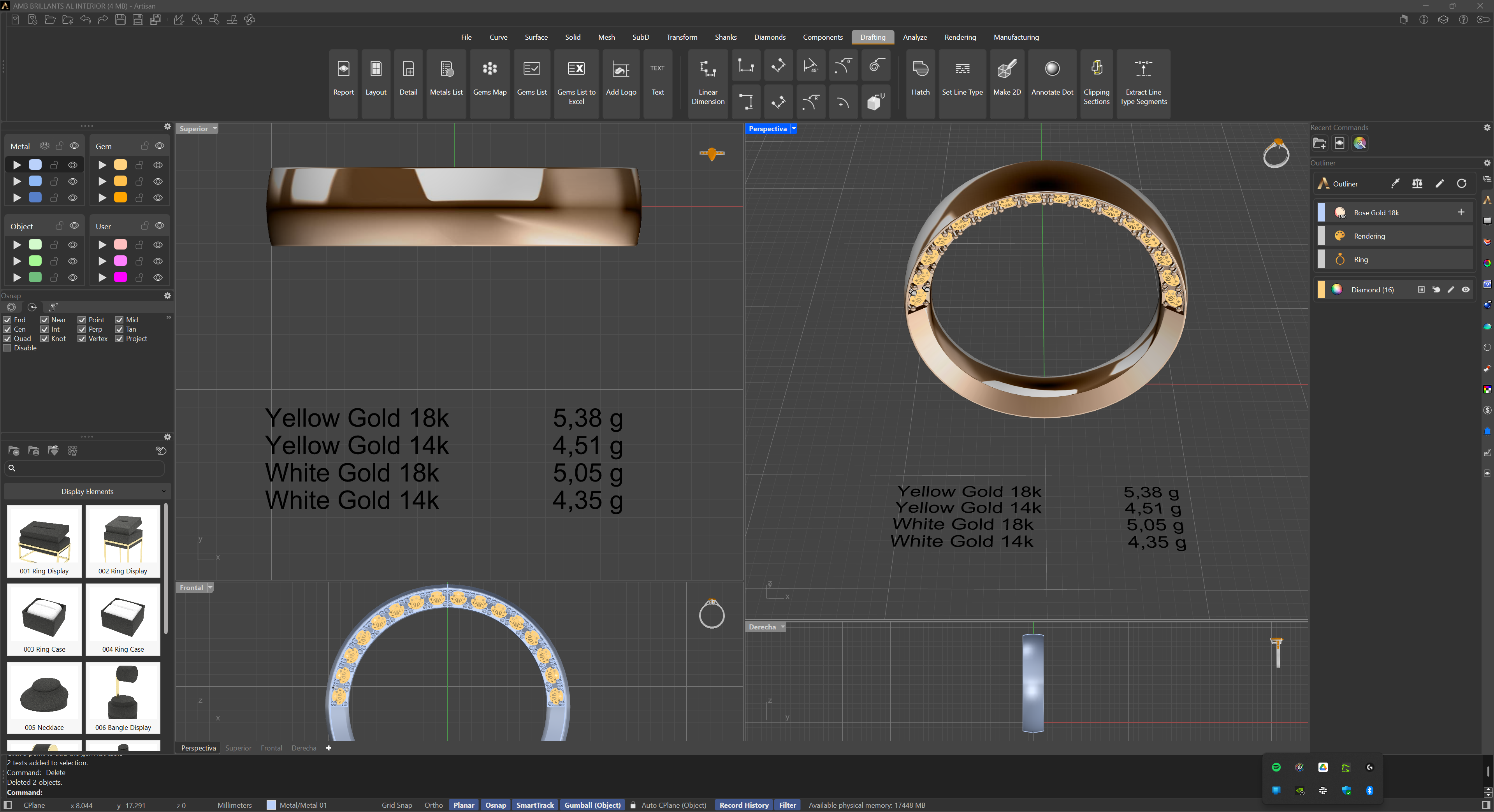
For each selected metal, two weight columns are written: the raw weight, and a Processed weight that subtracts the finishing/polishing loss percentage configured in the plugin options. This tool ensures that the chosen materials are clearly documented, facilitating both internal workflow and client communication.