RhinoArtisan for Mac is in development, and so is this documentation. Any part of it may be inaccurate or change as the product evolves.
This page was written for RhinoArtisan 7 for Windows and has not been reviewed for Mac yet. Screenshots and some details may differ in Rhino for Mac.
Diamonds and Gemstones
Gems Collision
 Gems Collision
The Collision command automatically detects if any gemstones in the design are overlapping or intersecting.
When the Collision icon is clicked, the system scans every gemstone in the document (no selection needed) and selects the ones whose meshes actually intersect — their geometries overlap in space, which could lead to issues during manufacturing or stone setting.
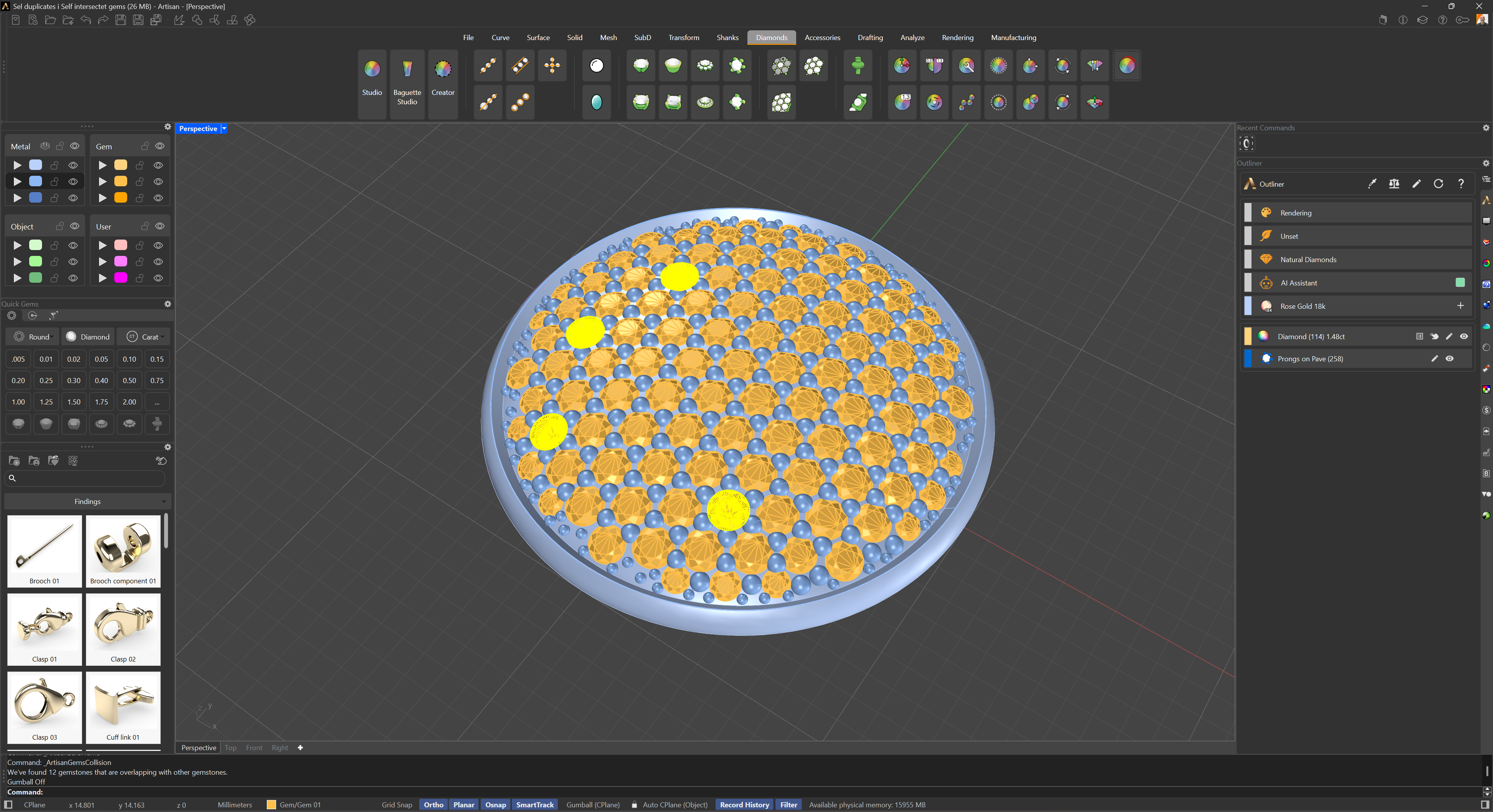
This command is especially useful for quickly reviewing the final design before creating renderings, prototypes, or production files, ensuring that all stones are correctly placed without interference.