RhinoArtisan for Mac is in development, and so is this documentation. Any part of it may be inaccurate or change as the product evolves.
This page was written for RhinoArtisan 7 for Windows and has not been reviewed for Mac yet. Screenshots and some details may differ in Rhino for Mac.
Diamonds and Gemstones
Recover
 Recover
This command allows us to convert any gem created in other plugins, such as RhinoGold, Matrix, or MatrixGold, into RhinoArtisan gems, and work with them as if they were made in RhinoArtisan.
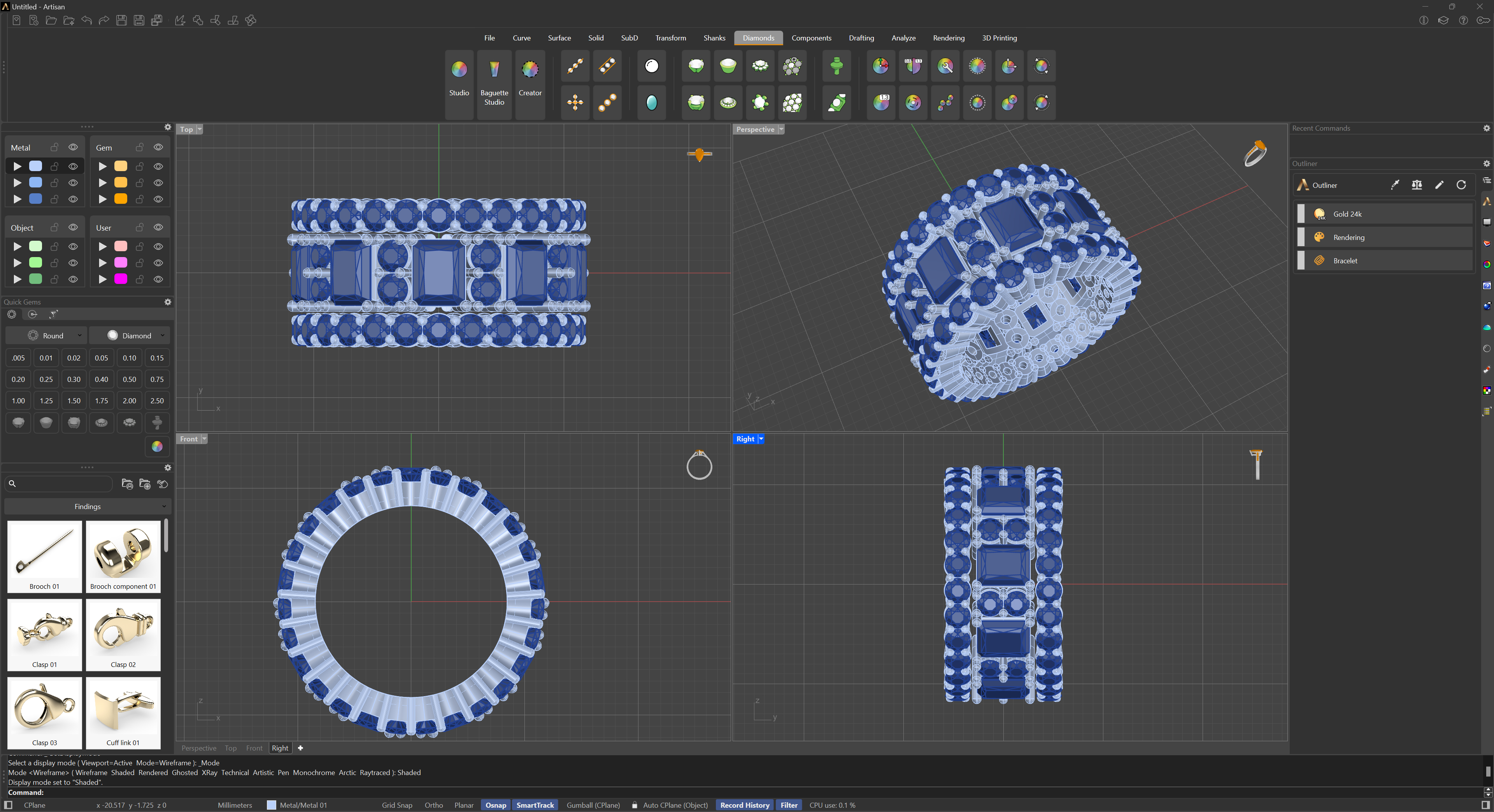
Modelado con MatrixGold
Run the command; it scans the whole document by itself, no selection needed, and converts every matching gem it finds.
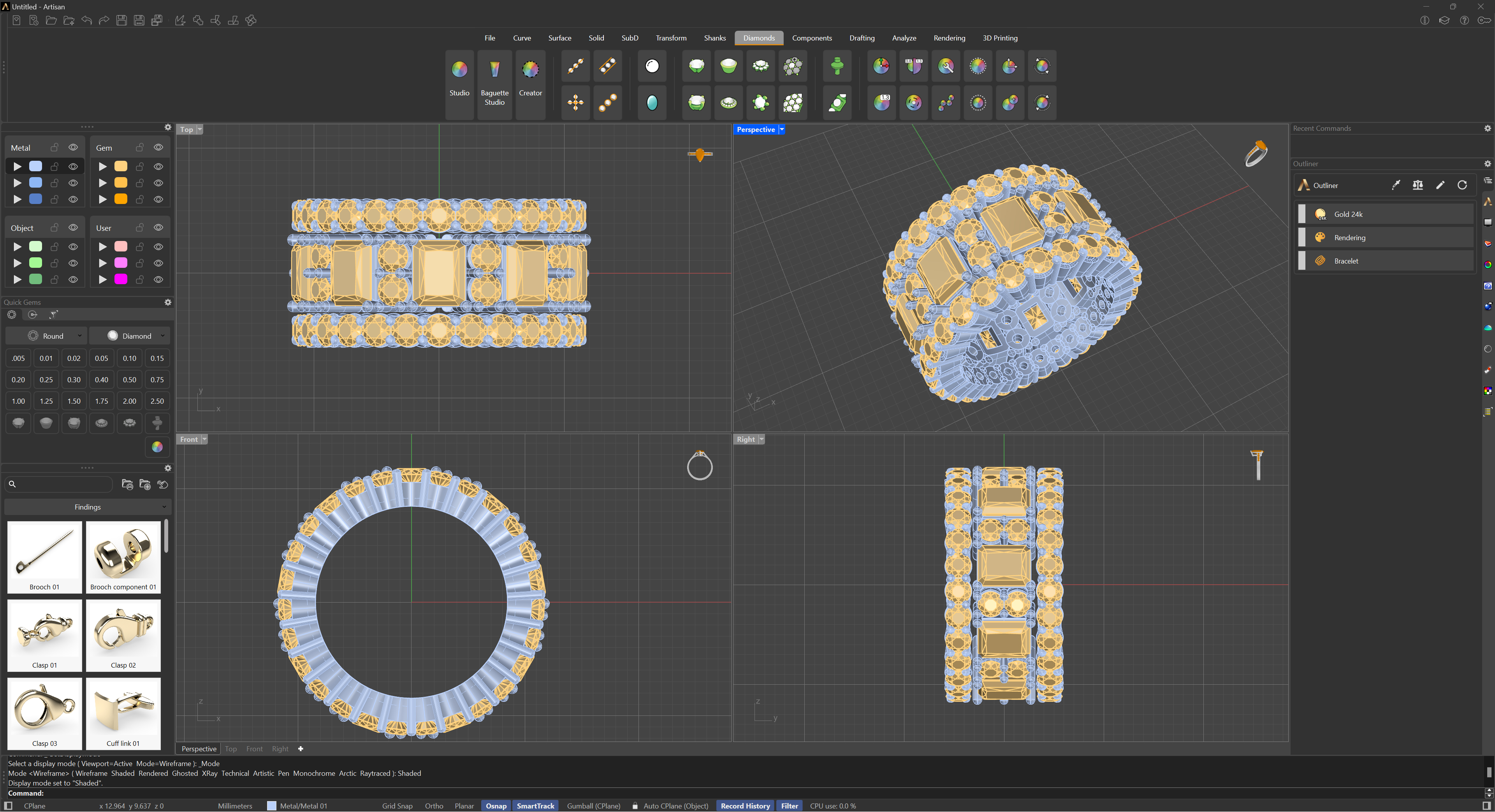
Result after converts to RhinoArtisan
Sometimes the recovered stones may appear flipped. To correct their orientation, use our Turn Upside Down command to reverse their position..