RhinoArtisan for Mac is in development, and so is this documentation. Any part of it may be inaccurate or change as the product evolves.
Getting Started
RhinoArtisan 7 for Mac
Shape every detail. See your next piece of jewelry come to life on Mac.
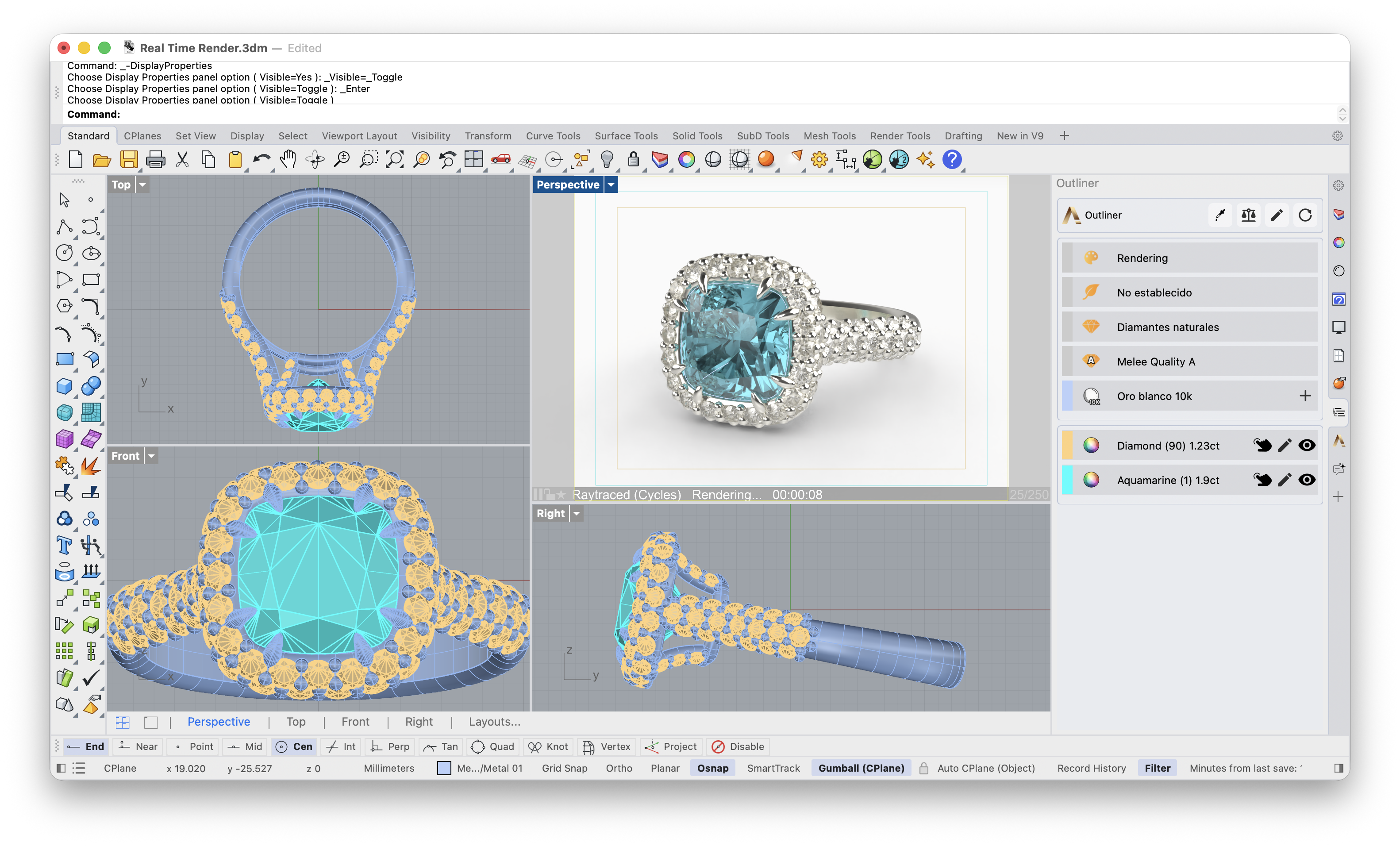
RhinoArtisan 7 for Mac is RhinoArtisan running natively in Rhino for Mac: gems and settings, shanks, technical documentation, manufacturing, pricing and rendering, on Apple Silicon and Intel Macs.
It is a product of its own, with its own installer and its own license, tied to your rhinoartisan.com account, and it shares the RhinoArtisan 7 jewelry engine with the Windows edition. A ring built on a Mac is built by the same code as on a PC.
Get started
- Check the system requirements: Rhino 8 for Mac (8.36 or later) or Rhino 9 for Mac.
- Install the package from your account.
- Run
ArtisanLicensein Rhino and sign in with your rhinoartisan.com account. There is no product key: your license follows your account.
What’s different from Windows
Interface
| Windows | Mac |
|---|---|
| The RhinoArtisan Ribbon and the Launcher | The Artisan group of Rhino toolbars. See Toolbars. |
| RhinoArtisan settings in Rhino’s Options | Artisan in Rhino’s settings. See Options. |
Command panels open in the Artisan panel, docked in Rhino like any other panel. See Artisan panel.
License, installation and updates
- Account licensing. A Windows license or product key does not apply on Mac. Sign in with your rhinoartisan.com account; each open Rhino uses one seat. See License and seats.
- A Rhino package instead of an installer. You install a
.yakfile. See Install. - Updates from inside Rhino, with Install and restart. See Updates.
Automation on Mac
- The RhinoArtisan MCP server for AI agents is included: it starts with Rhino, and Claude Desktop connects with the Mac connector or
ArtisanMcpConnectClaude. - The Grasshopper components are included: they appear in Grasshopper as soon as RhinoArtisan is installed.
- The Scripting API is included, with the same names as on Windows:
import rhinoartisan as raworks in Rhino’s Python 3 with no setup, and Flow Studio AI writes its scripts with it.
Works with something extra on Mac
- KeyShot needs KeyShot’s Rhino plug-in for macOS, installed and loaded in Rhino.
- Compressing GLB files for configurators needs the
gltf-transformcommand-line tool. RhinoArtisan asks where it is the first time. - The Assistant works with a smaller set of tools than on Windows: it creates and edits gems and gem settings, and moves, arrays and scales objects, but it does not reach every command the Windows Assistant does.
Only on Windows
- Realistic Gems (
ArtisanRealisticGems), the live gem refraction in the viewport. It draws with OpenGL, which Rhino for Mac does not use.
Your files and libraries
.3dmfiles go back and forth between Mac and Windows as usual.- Boutique collections made on Windows install on Mac with
ArtisanBoutiqueImportCollection, straight from their ZIP file. - Settings, presets and libraries live in the Mac’s own user folder.