In development
RhinoArtisan for Mac is in development, and so is this documentation. Any part of it may be inaccurate or change as the product evolves.
Windows page
This page was written for RhinoArtisan 7 for Windows and has not been reviewed for Mac yet. Screenshots and some details may differ in Rhino for Mac.
Manufacturing
Sprue Inner Branches
 Sprue Inner Branches
 grows branches from the center of a ring out to its interior — the sprue for rings whose inside carries holes or delicate work, like a full eternity band, where a branch standing on the shank interior has nowhere safe to land.
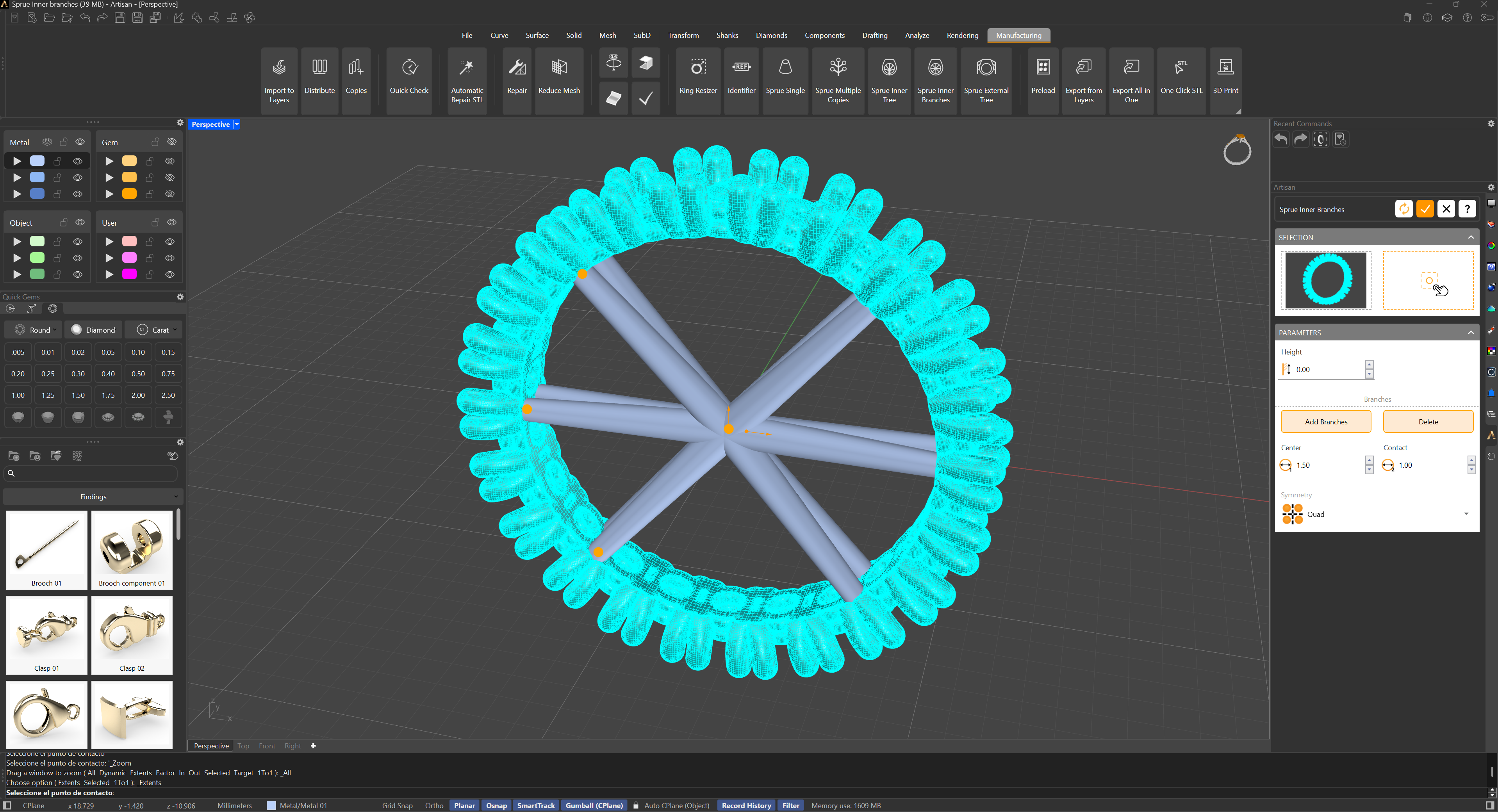
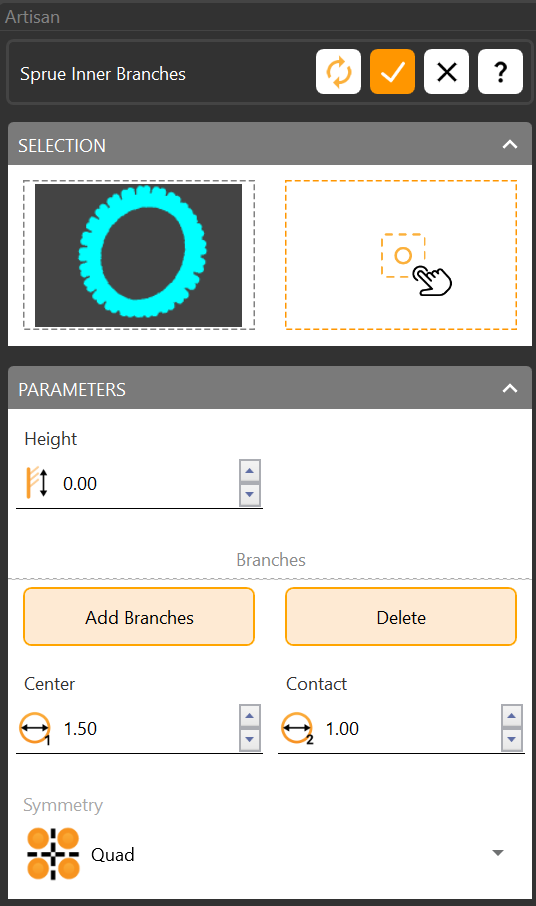
In the selection panel:
- Mesh Selection — the ring to sprue.
- Branch Growth Point — where the branches grow from, typically the center of the ring.
In the parameters panel:
- Height — lets the branches start at a different height than the ring’s center.
- Add Branches — pick the endpoint of each branch, on contact areas clear of crucial features or holes.
- Delete Branches — one button removes them all; to delete a single branch, hold Shift and click its gumball.
- Diameters — the branch diameter at its start and at the contact point with the mesh.
- Symmetry — mirrors the branches for symmetrical designs.
When the lower interior of the shank is smooth and can host a main branch, use Sprue Inner Tree instead.