In development
RhinoArtisan for Mac is in development, and so is this documentation. Any part of it may be inaccurate or change as the product evolves.
Windows page
This page was written for RhinoArtisan 7 for Windows and has not been reviewed for Mac yet. Screenshots and some details may differ in Rhino for Mac.
Transform
Scale By Dimensions
 Scale by Dimensions
This command allows us to scale any design using specific measurements rather than factors, as in other commands. It will enable us to scale independently on the X, Y, and Z axes or maintain proportions.
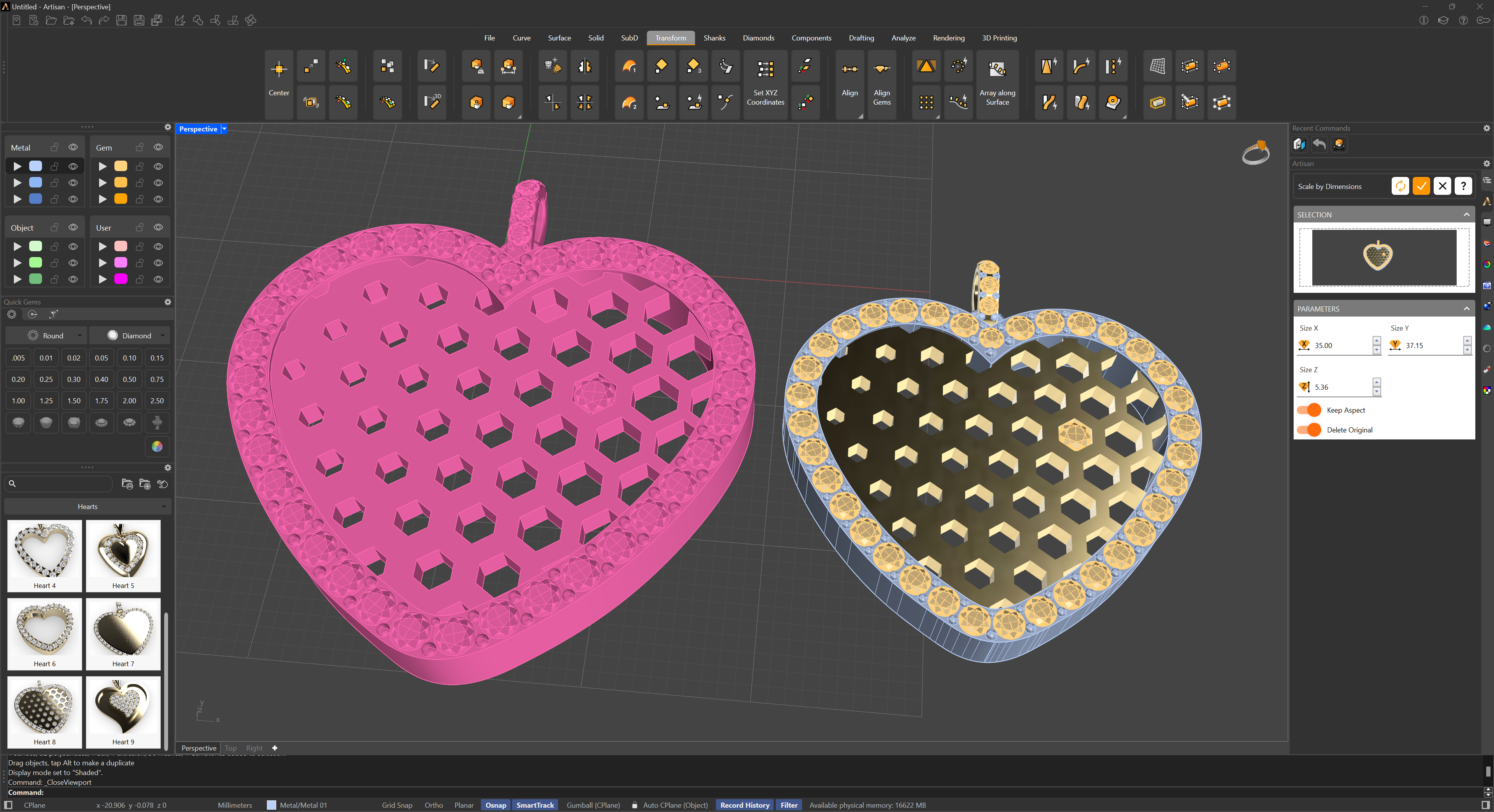
We will select the objects to scale, and it will show us a real-time preview of how the model will look. Any changes we make will be visible! It’s excellent for dynamically adjusting parts to fit others.