RhinoArtisan for Mac is in development, and so is this documentation. Any part of it may be inaccurate or change as the product evolves.
This page was written for RhinoArtisan 7 for Windows and has not been reviewed for Mac yet. Screenshots and some details may differ in Rhino for Mac.
Technical Documentation
Gems List
 Gems List
 writes the stone table of the whole document into the scene: every gem’s shape, material, dimensions, weight per stone in carats, quantity, and total carat weight — the list the setter and the buyer work from.
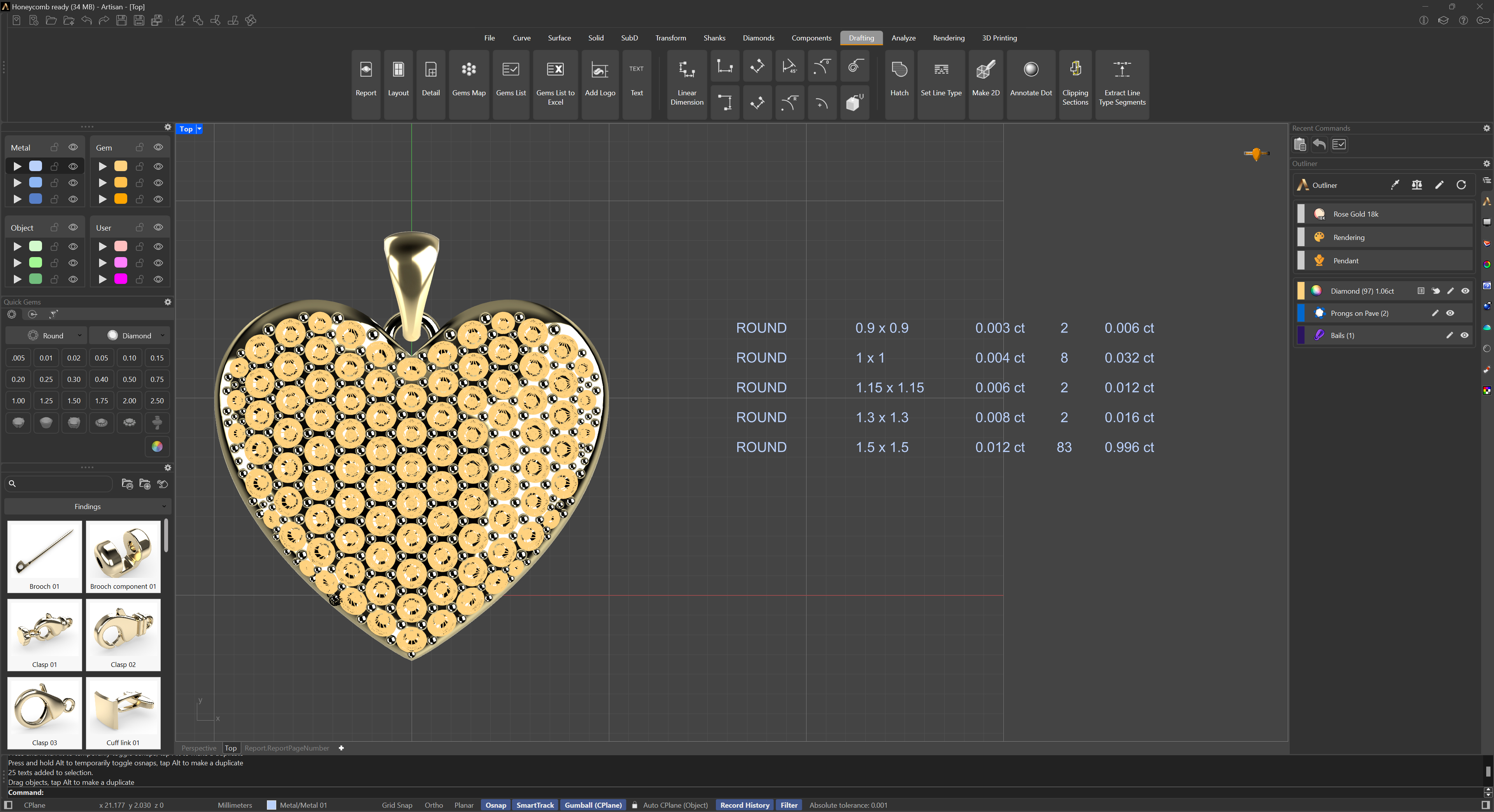
Run the command and pick a point in the scene; the list is generated there. Scale and move it with the Gumball, and edit any text by double-clicking on it.
To list only part of the piece, use Gems List by Selection; to get the same table as a spreadsheet instead of text in the scene, use Gems List to Excel.