RhinoArtisan for Mac is in development, and so is this documentation. Any part of it may be inaccurate or change as the product evolves.
This page was written for RhinoArtisan 7 for Windows and has not been reviewed for Mac yet. Screenshots and some details may differ in Rhino for Mac.
Rendering
Lying on the ground
 Lying on the ground
The Lying on the Ground command is a versatile tool that simplifies positioning objects within your models. It automatically calculates the perfect inclination to achieve balance along a specified axis, ensuring optimal alignment for various shapes and designs.
Why is it important to position the object naturally?
Imagine this scenario: the ring is positioned entirely vertically. If we render the model in this position, no matter how realistic the render is, it will always give the impression of being unnatural and inauthentic.
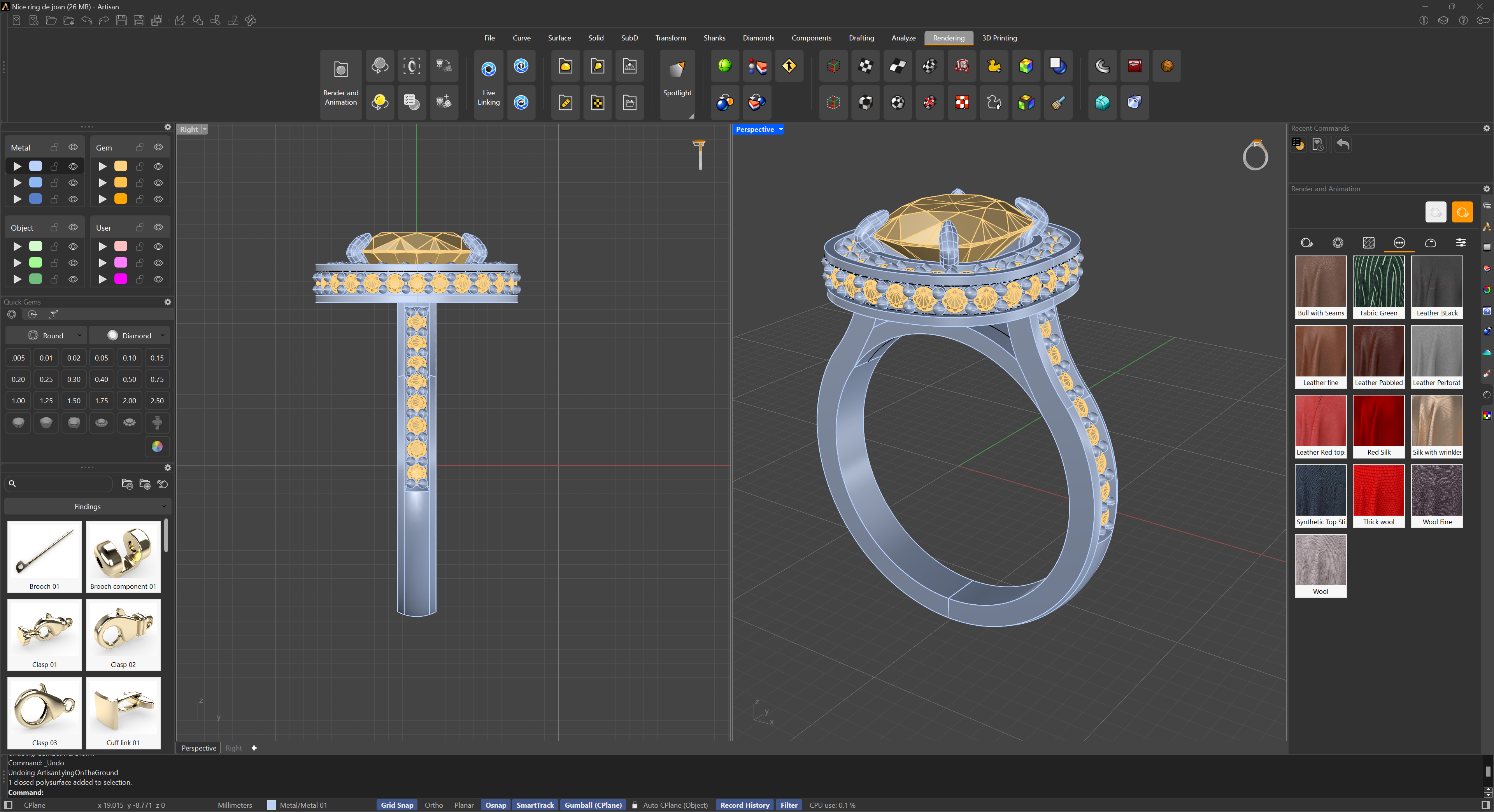
For this reason, we’ve developed this command. Select the geometry, and the command will automatically calculate the most natural position for the render.
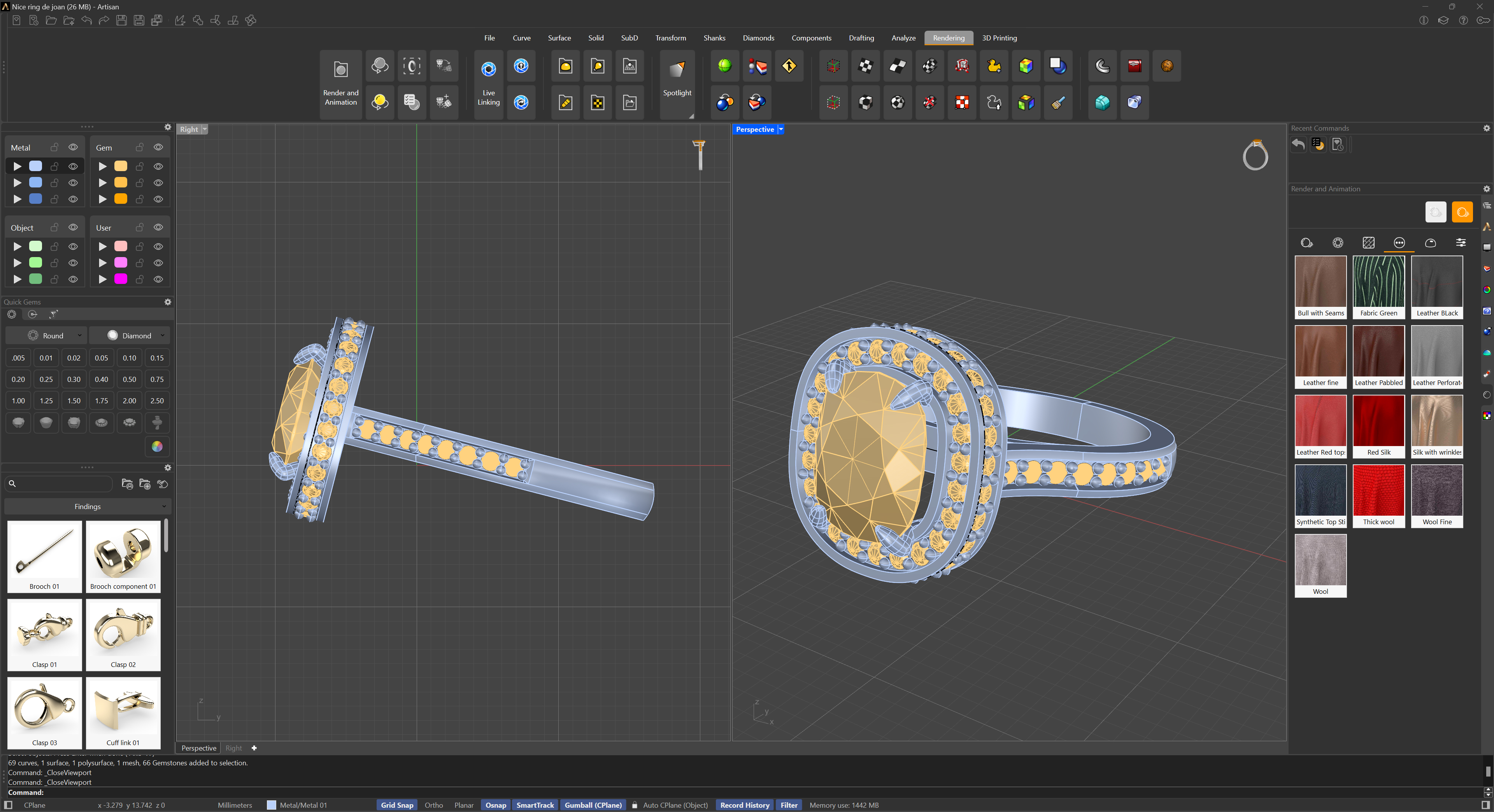
Important note: Please be aware that the ground is automatically positioned at the bottom, regardless of the geometry’s placement.