RhinoArtisan for Mac is in development, and so is this documentation. Any part of it may be inaccurate or change as the product evolves.
This page was written for RhinoArtisan 7 for Windows and has not been reviewed for Mac yet. Screenshots and some details may differ in Rhino for Mac.
Technical Documentation
Generate Dimensions By Box
 Generate Dimensions by Box
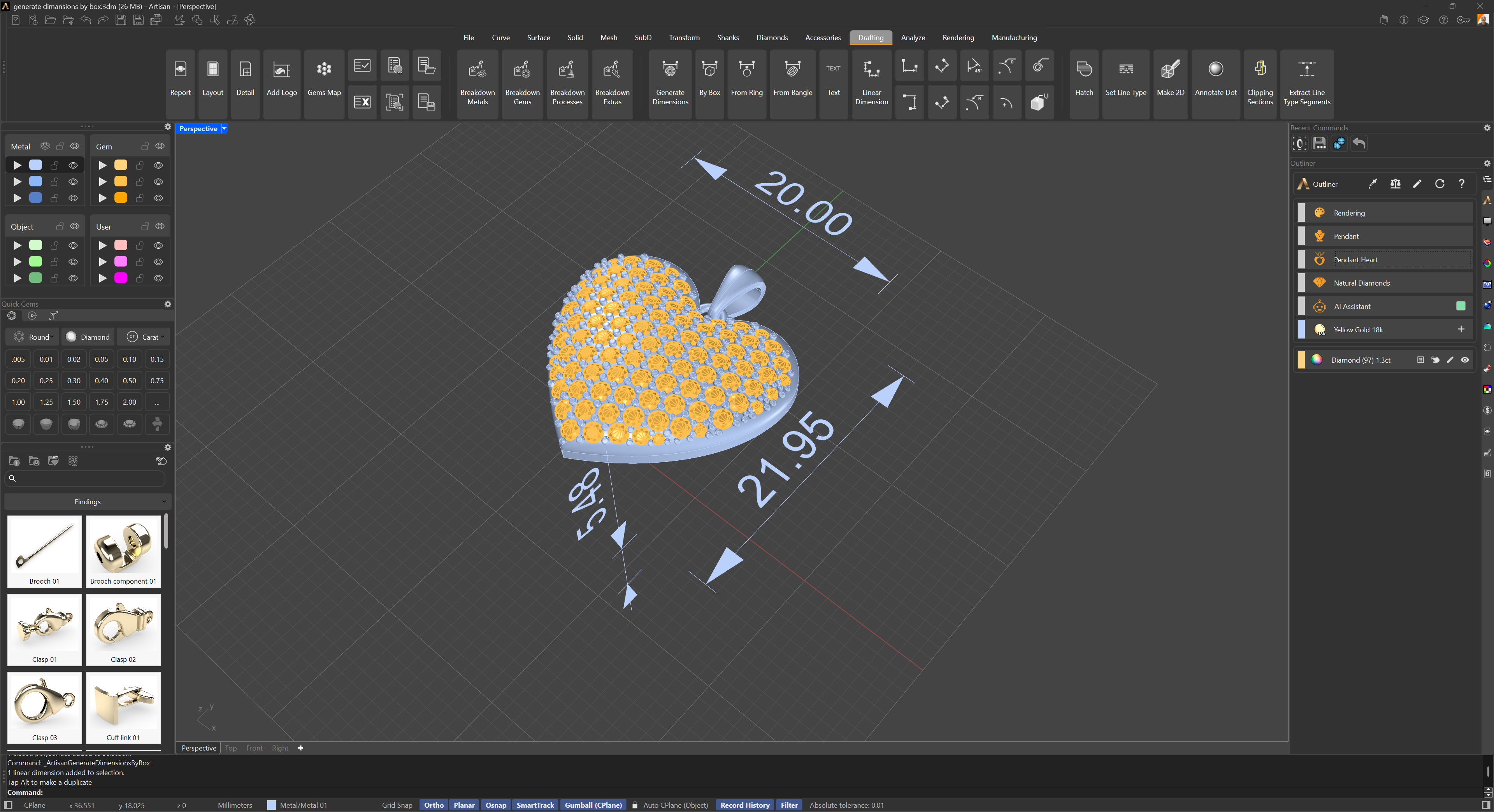
 extracts and displays the main overall dimensions of the selected objects by using their combined bounding box. It provides the width, length, and height of the selection, regardless of the type of jewel or object.
It’s especially useful when you need to quickly understand the size of a piece for presentation, packaging, or volume estimation, without requiring specific structural data.
Steps
- Select the objects to dimension (press Enter to confirm a pre-selection).
- Set the command-line options if needed, then confirm.
Command-line options
Offset: Distance between the geometry and the dimension lines. Default is 2, adjustable from 0 to 100.
Box: When set to Yes, also adds the bounding box as a solid to the document. Default is No.