RhinoArtisan for Mac is in development, and so is this documentation. Any part of it may be inaccurate or change as the product evolves.
This page was written for RhinoArtisan 7 for Windows and has not been reviewed for Mac yet. Screenshots and some details may differ in Rhino for Mac.
Diamonds and Gemstones
Gem Info
 Gem Info
This command creates dots with the dimensions of each gem in its position. These dots are editable and printable for technical reports.
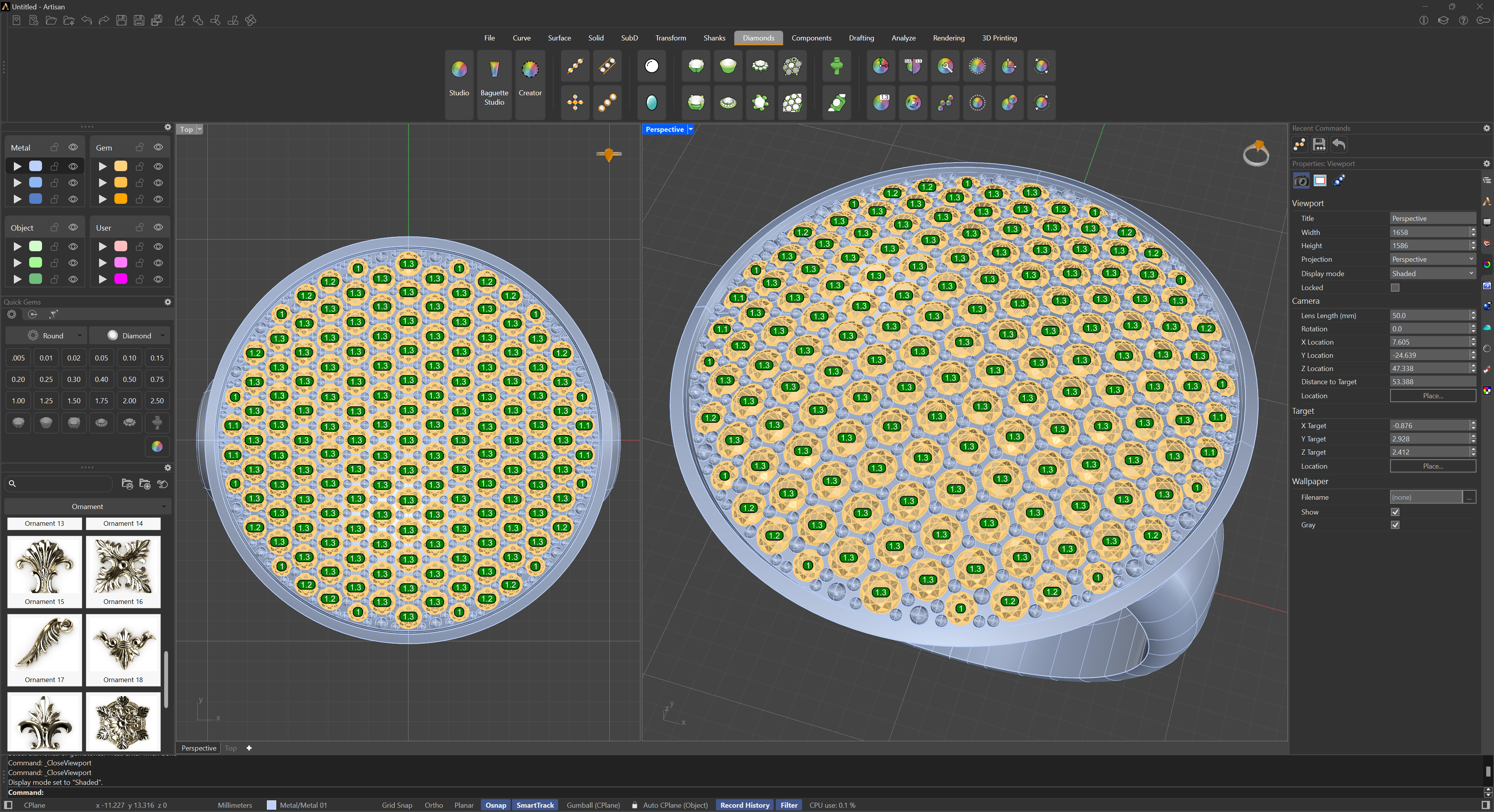
The process is as simple as selecting the gems or using a window that contains all the objects. The command will search for the gems and ignore the other objects. It will then ask if we want the dots to be a different colour based on the size of each gem.
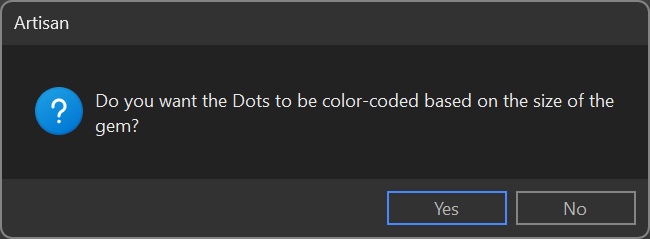
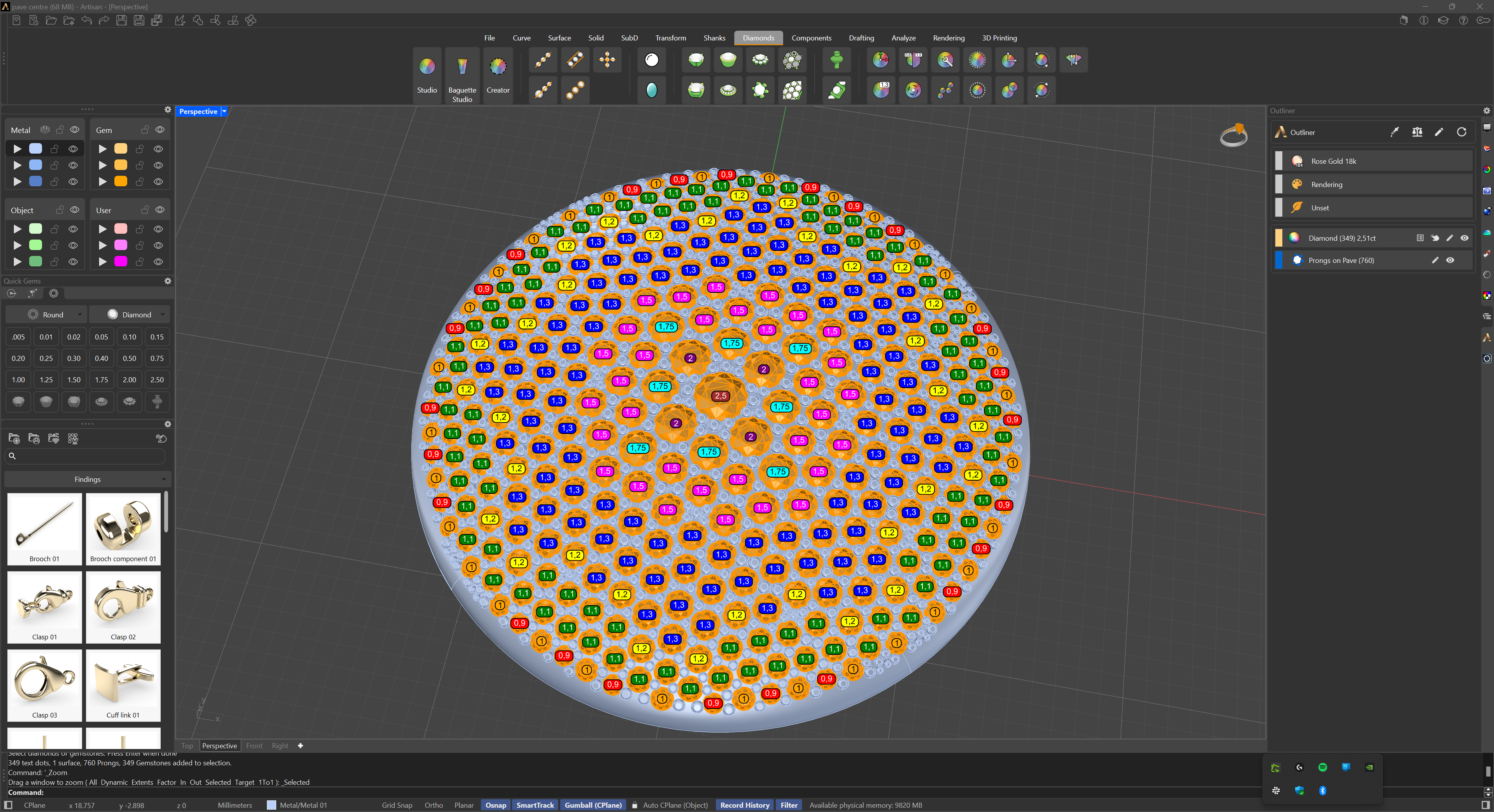
If you click ‘Yes,’ the text indicating the sizes of the selected gemstones will be displayed in different colors, making it easier to identify and locate stones of the same size. If you click ‘No,’ all the sizes will be shown in a single color.