In development
RhinoArtisan for Mac is in development, and so is this documentation. Any part of it may be inaccurate or change as the product evolves.
Windows page
This page was written for RhinoArtisan 7 for Windows and has not been reviewed for Mac yet. Screenshots and some details may differ in Rhino for Mac.
Accessories
Honeycomb
 Honeycomb - Azure
With this command, you can select a closed curve, and 2Shapes will fill it with a Honeycomb pattern. It’s beneficial for filling up hollowed designs and creating gorgeous geometric patterns as Azures.
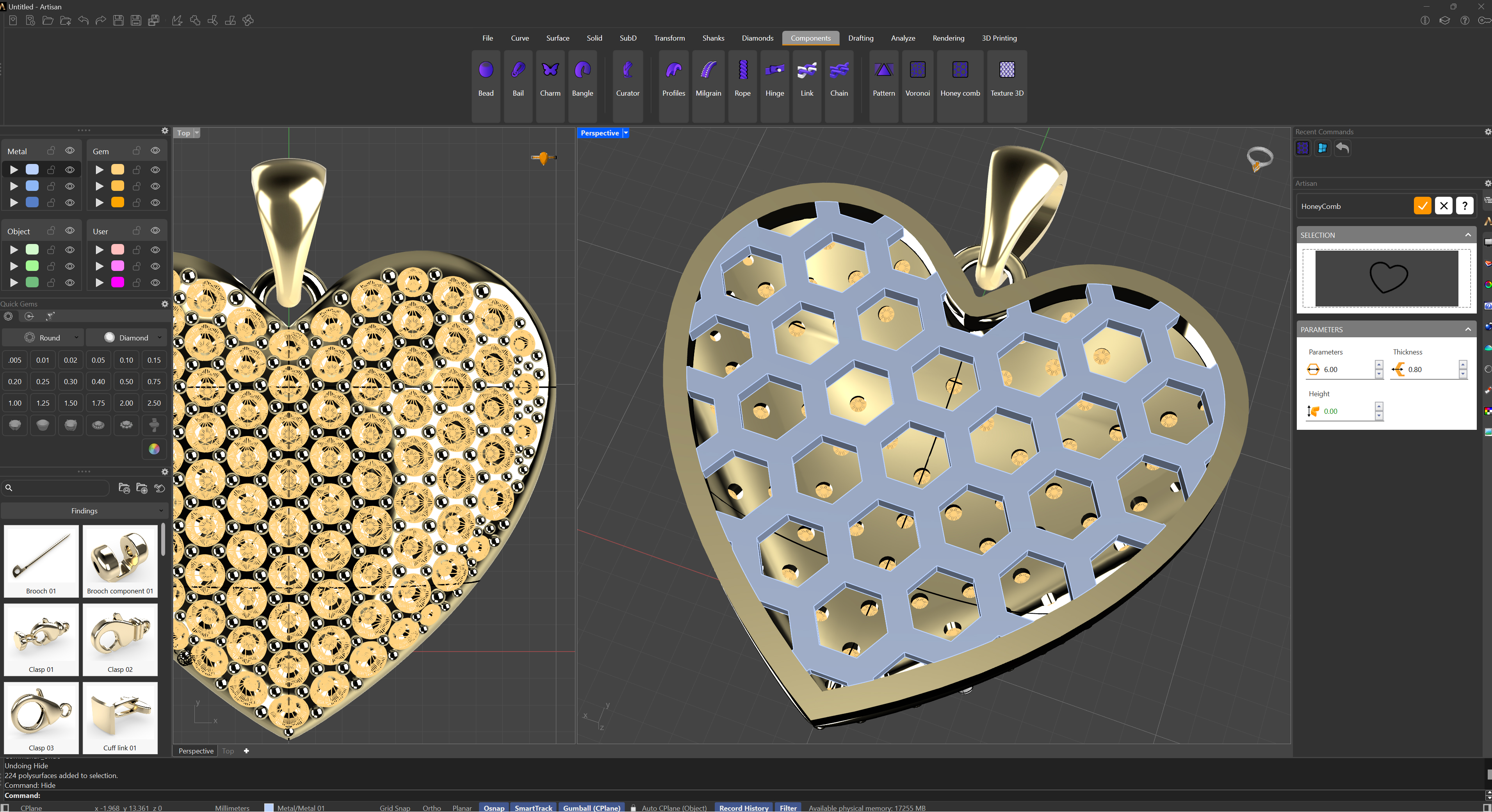
After running this command, you can select the closed curve you want to use by clicking on the selection square. Below, you can find the parameters such as the honeycomb thickness, its height, and all its measurements.