In development
RhinoArtisan for Mac is in development, and so is this documentation. Any part of it may be inaccurate or change as the product evolves.
Windows page
This page was written for RhinoArtisan 7 for Windows and has not been reviewed for Mac yet. Screenshots and some details may differ in Rhino for Mac.
Transform
Pair
 Pair
The Pair command, found in the Transform and Rendering tab, simplifies creating object pairs by allowing you to mirror and adjust their placement.
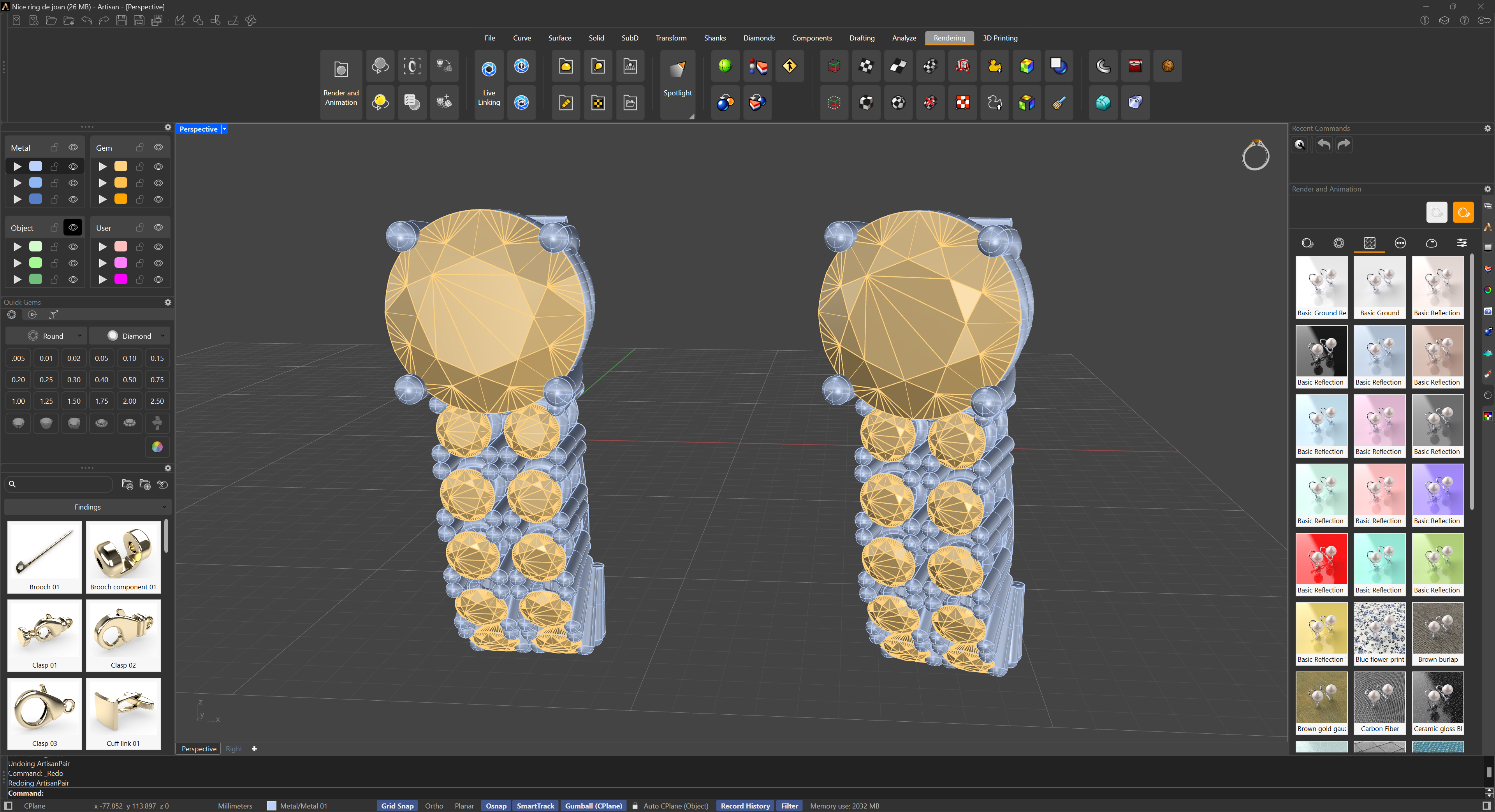
Pair
Steps
- Select Objects: Choose the object or multiple objects to pair.
- Mirror Option: Decide if you want to mirror the objects.
- Set Distance: Specify the distance between the paired objects.
- Adjust Angle: Set the angle for orientation if needed.
After configuring these options, press Enter. The command will create the paired objects based on your settings.