Emerald Teardrop Pendant
Lesson 3 of 35
Pavé on the Teardrop
Sign in to access this lesson
This lesson is part of Sculpted Elegance: Statement Jewelry Designs, which can come bundled with a RhinoArtisan Commercial license subject to current promotions. Log in with your customer account, or get in touch and we'll set you up.
Customers only
Solo para clientes
This lesson is part of Sculpted Elegance: Statement Jewelry Designs, which can be included with a RhinoArtisan Commercial license subject to current promotions. If you've already purchased and don't see it in your account, get in touch.
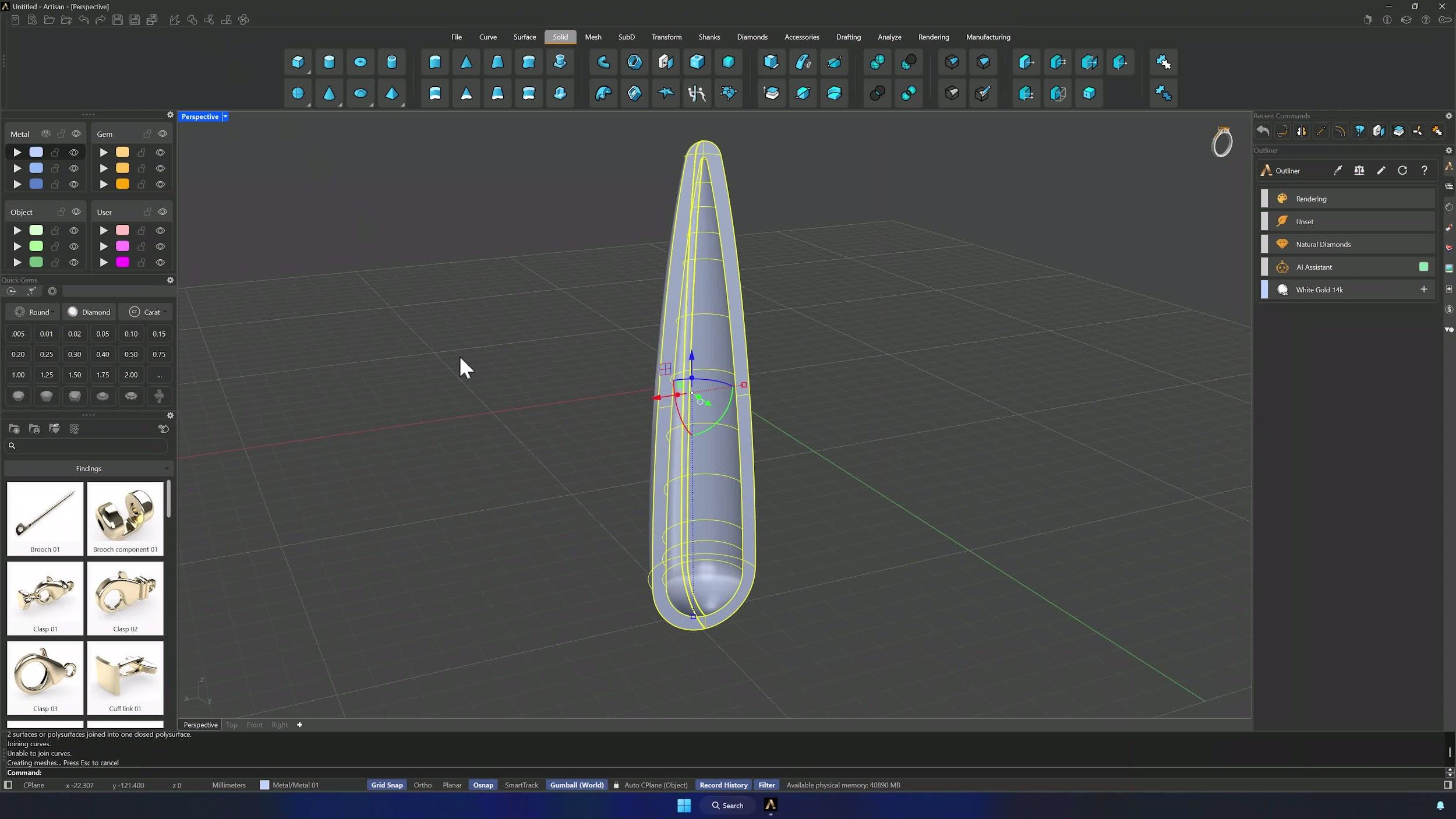
6. Add the lower extrusion and prepare the pavé surface
Select the surface edges with Ctrl + Shift and extrude 0.2 mm via the Gumball’s small sphere. Then Extract Surface on the solid’s outer face with Copy = Yes, Join the four lower parts into one surface, and park it on its own layer — that’s the pavé canvas.
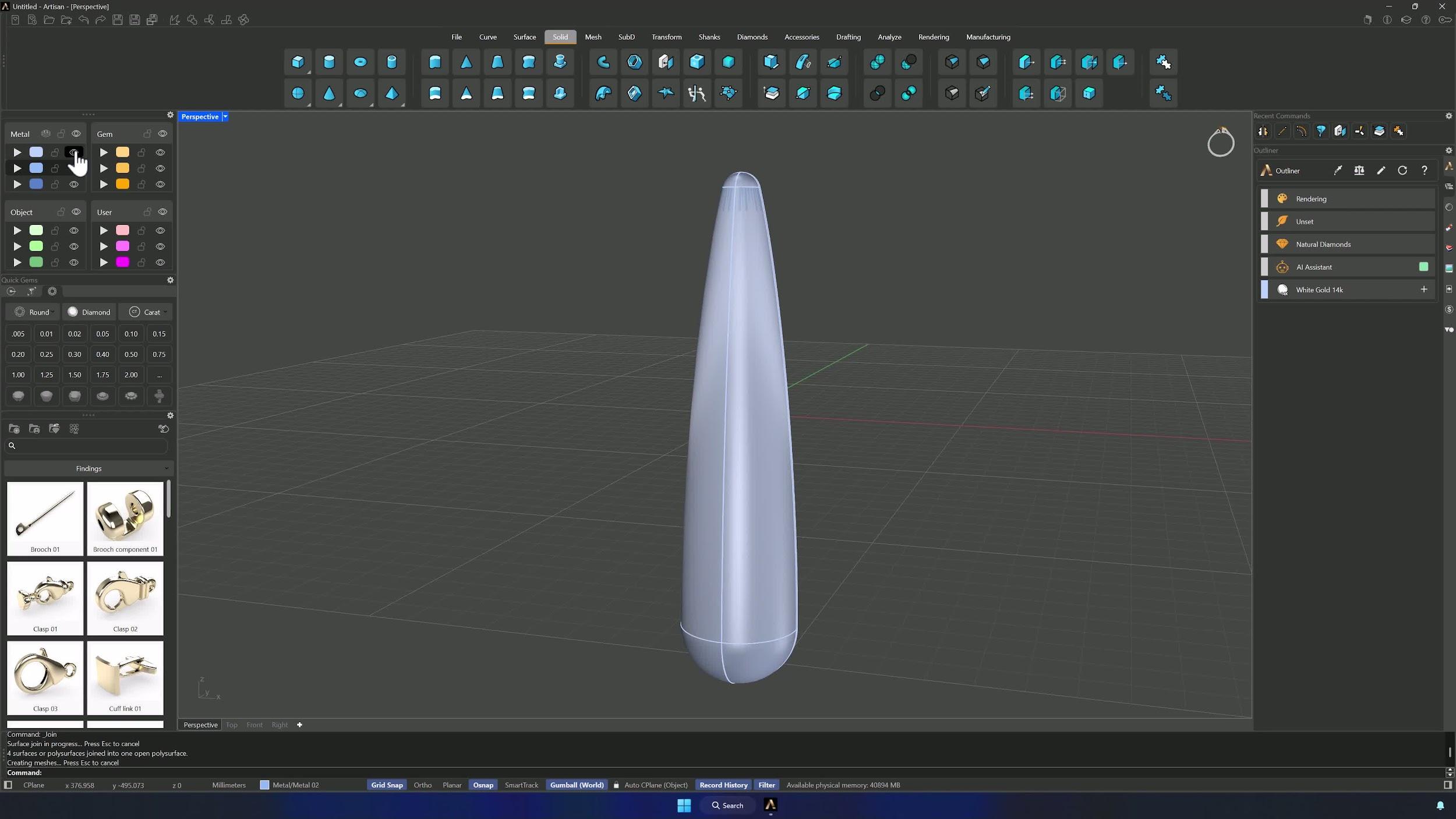
7. Create and refine the first gem pavé layout
Start Automatic Pave with the extracted surface in the selector and 1.3 mm gems. Lay a row along the central section — the Front view makes placement easier — adjusting spacing as you go, and lock the finished row so nothing moves.
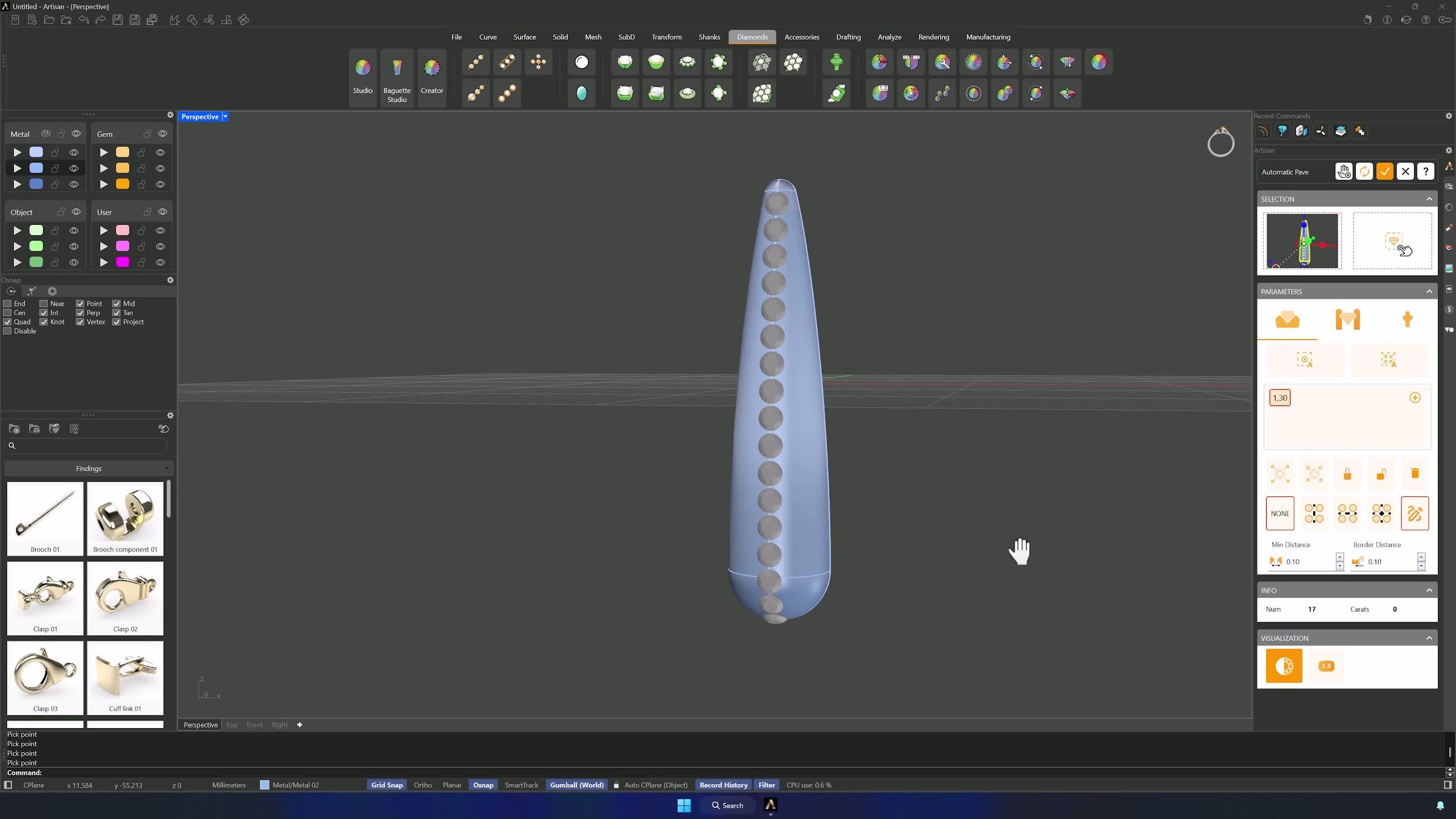
8. Mirror and complete the symmetrical pavé
Enable Vertical Symmetry and run the automatic pass. Work one side: add gems where it’s sparse, resize individuals, add a second size (1.0 mm) for flexibility, and press Compute often. When it’s right, accept, Ungroup, delete the side to be mirrored (SelMesh + Ctrl-deselect protects the central row) and Mirror the rest across the centerline.
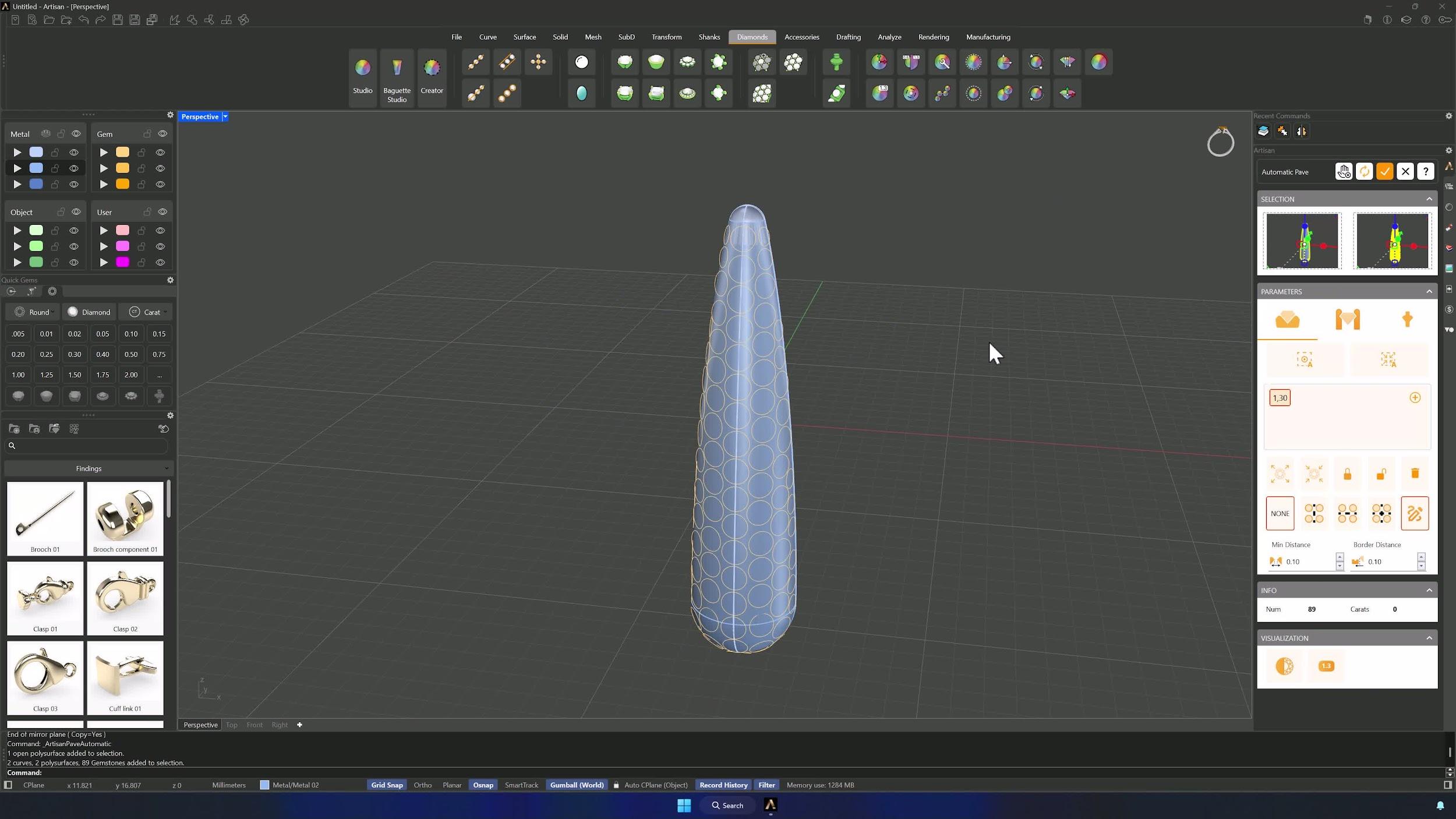
9. Generate prongs and cutters for the pavé section
Run Automatic Pave again with surface and gems in their selectors. Prongs: diameter 0.6 mm, overgirdle 0.3, undergirdle 0.5, manufacturing extension 0.3, with Vertical Symmetry and Automatic Generation — then hand-adjust the borders. In Cutters, if any overlap, drop the height drill to 175, Update, accept, and hide the extracted surface’s layer.
Almost there — you still have some lessons to complete. Jump to the next one →
Impersonating — progress and reviews are disabled.
Course completed
You've completed Sculpted Elegance: Statement Jewelry Designs 🎉
Great work. Get your certificate of completion and, if you have a minute, let other jewelers know what you thought of the course.