Three-stone Princess Ring
Lesson 32 of 35
Cathedral Shank & Gems
Sign in to access this lesson
This lesson is part of Sculpted Elegance: Statement Jewelry Designs, which can come bundled with a RhinoArtisan Commercial license subject to current promotions. Log in with your customer account, or get in touch and we'll set you up.
Customers only
Solo para clientes
This lesson is part of Sculpted Elegance: Statement Jewelry Designs, which can be included with a RhinoArtisan Commercial license subject to current promotions. If you've already purchased and don't see it in your account, get in touch.
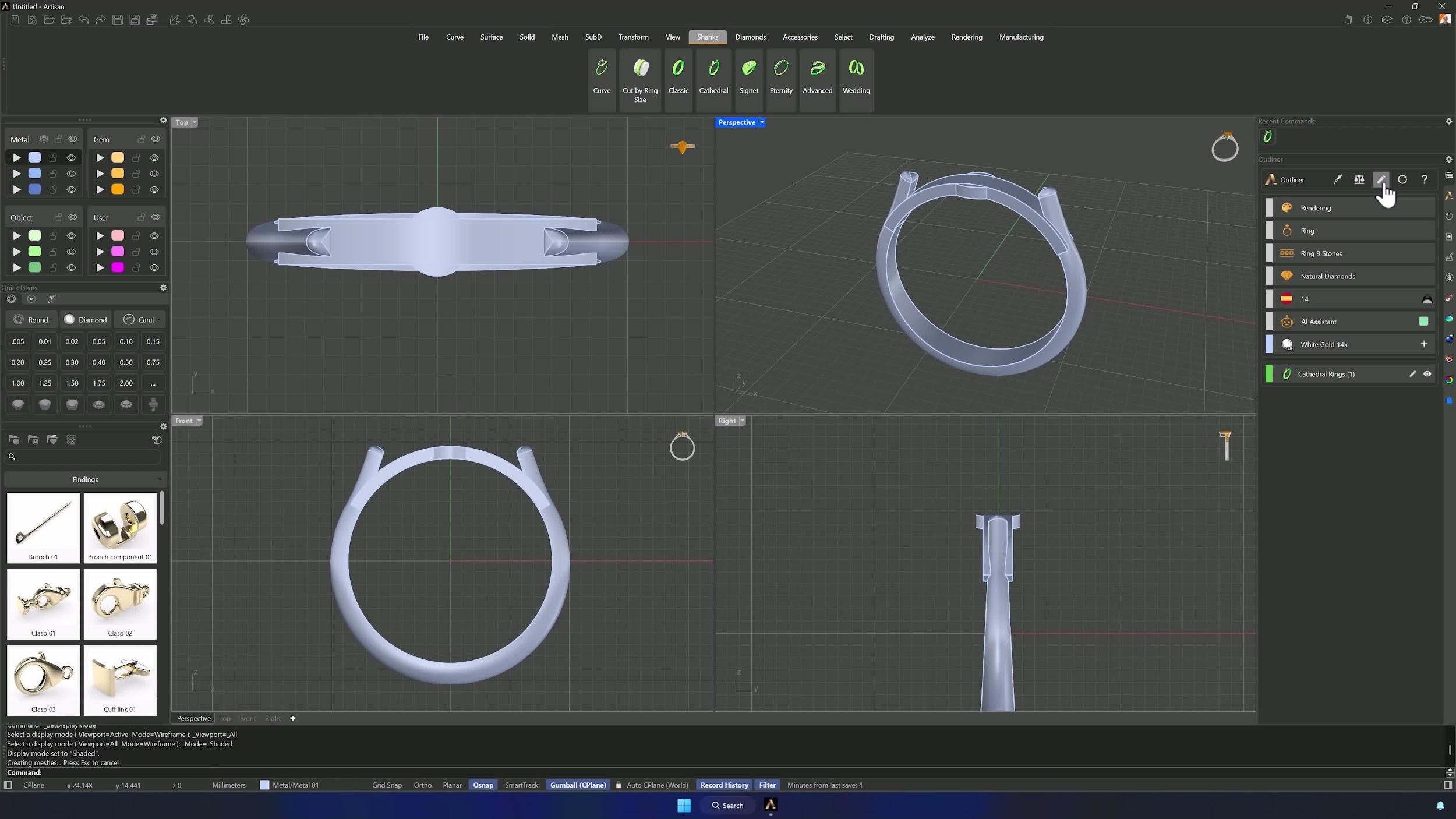
1. Set up the shank and cathedral reference shape
Create a Cathedral shank and Edit without preset: region Spain, finger size 14, top width 1.5 mm, top height 1.3 mm, bottom width 3 mm. In the cathedral options: width 11.31 mm, height 0.31 mm, angle 121°, thickness 1 mm as the reference distance. Accept.
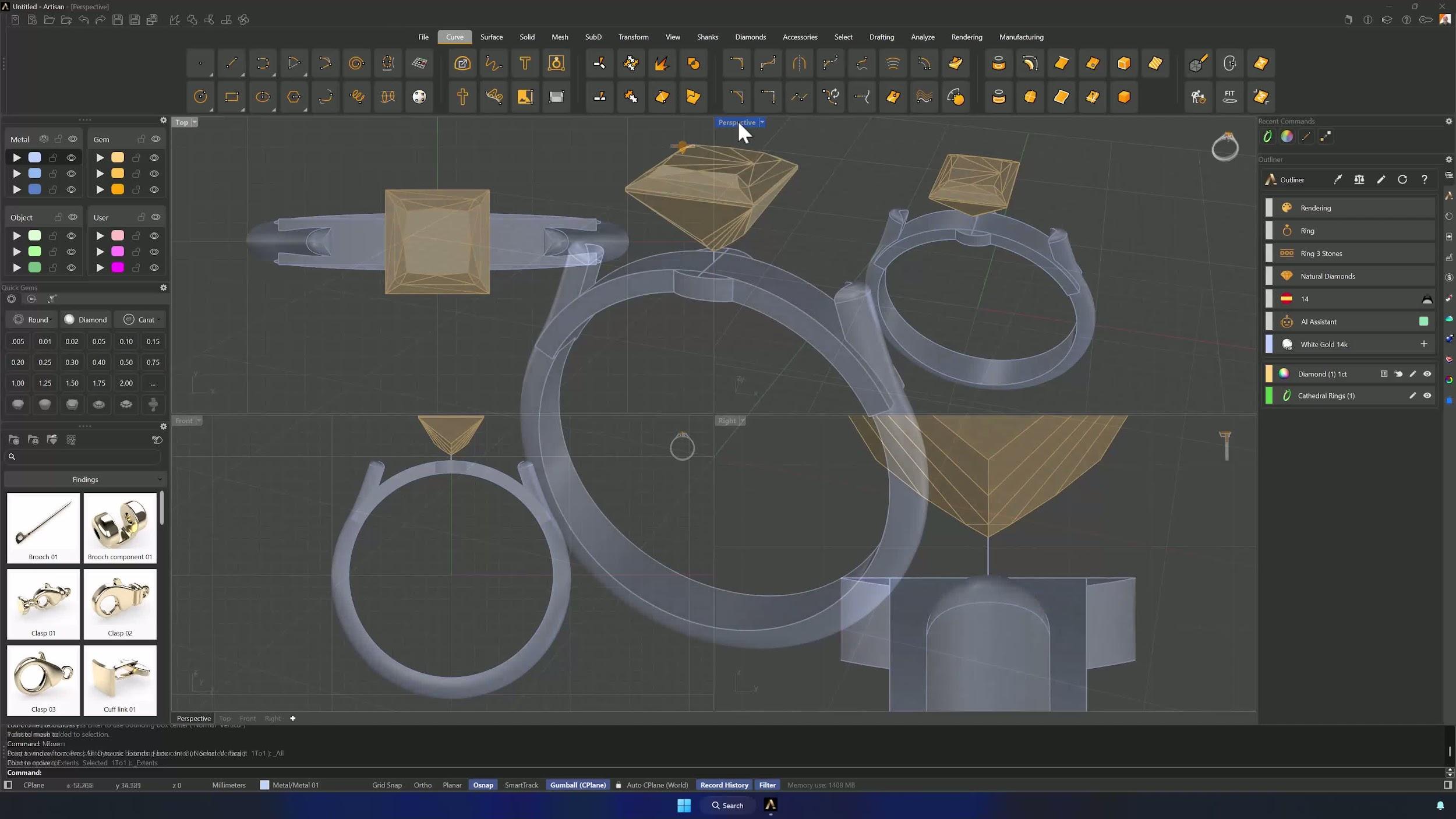
2. Create and position the central gem
Create a 1 carat Princess Cut in Studio. Draw a horizontal reference line across the bridge and a 0.5 mm vertical one, then Move the gem by its bottom vertex (Osnap) to the highest point of the curve — the princess floats exactly 0.5 mm above the bridge. Delete the reference lines.
3. Add and align the side gem
Create a 0.4 carat Trillion Cut, rotate it −90° toward the side, and place it left of the center stone, scaling it to 0.30 in Edit. A reference line from the central gem sets its angle, and the Gumball in Object mode fine-tunes spacing until it matches the reference.
Almost there — you still have some lessons to complete. Jump to the next one →
Impersonating — progress and reviews are disabled.
Course completed
You've completed Sculpted Elegance: Statement Jewelry Designs 🎉
Great work. Get your certificate of completion and, if you have a minute, let other jewelers know what you thought of the course.