Eternal Orbits
Lesson 12 of 35
Hollowing & Final Cuts
Sign in to access this lesson
This lesson is part of Sculpted Elegance: Statement Jewelry Designs, which can come bundled with a RhinoArtisan Commercial license subject to current promotions. Log in with your customer account, or get in touch and we'll set you up.
Customers only
Solo para clientes
This lesson is part of Sculpted Elegance: Statement Jewelry Designs, which can be included with a RhinoArtisan Commercial license subject to current promotions. If you've already purchased and don't see it in your account, get in touch.
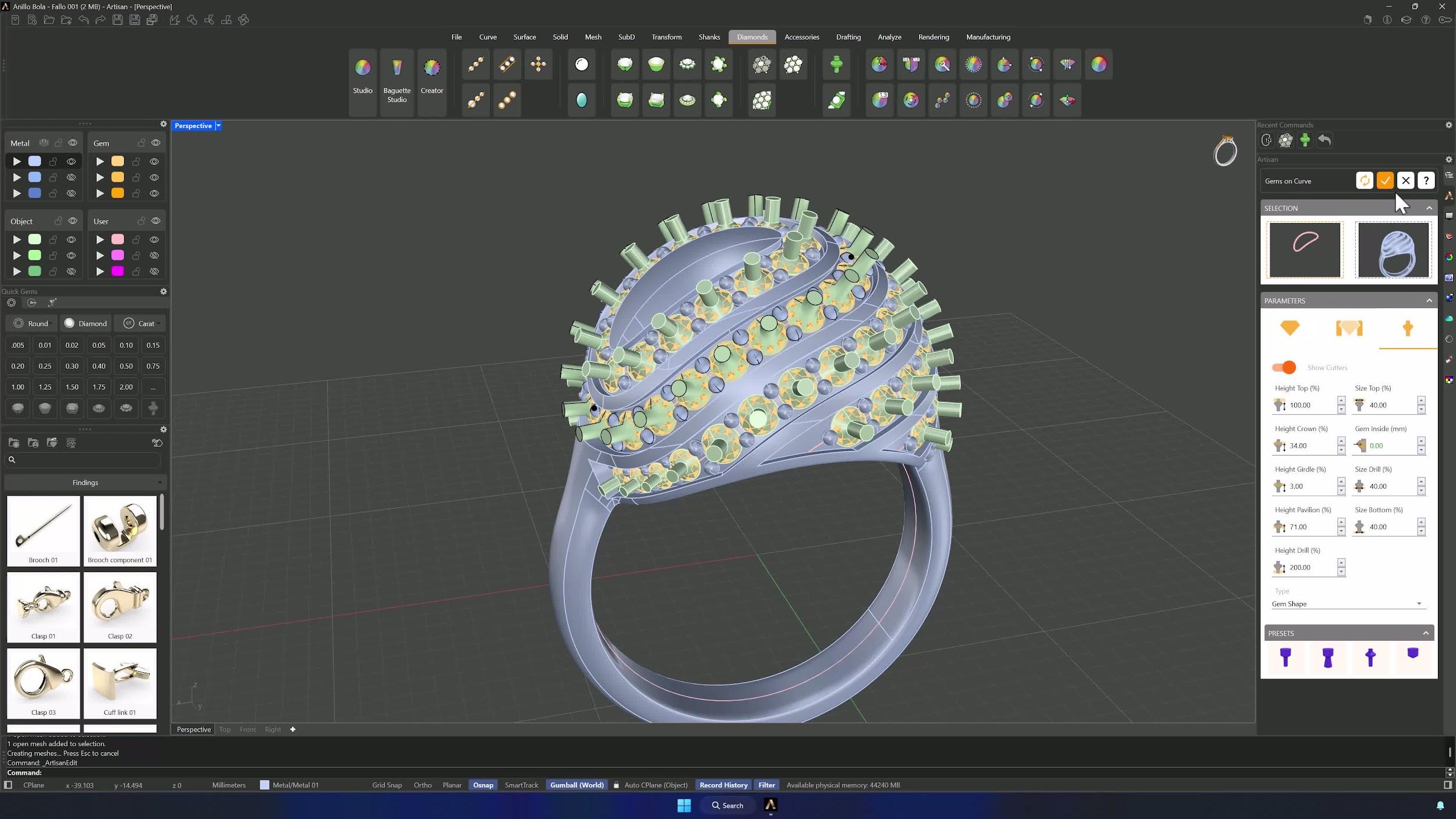
21. Save a backup copy of the model
Select the whole model, Alt-drag a Gumball arrow to copy it, move the copy to another layer and Hide it. Cheap insurance before the destructive steps ahead.
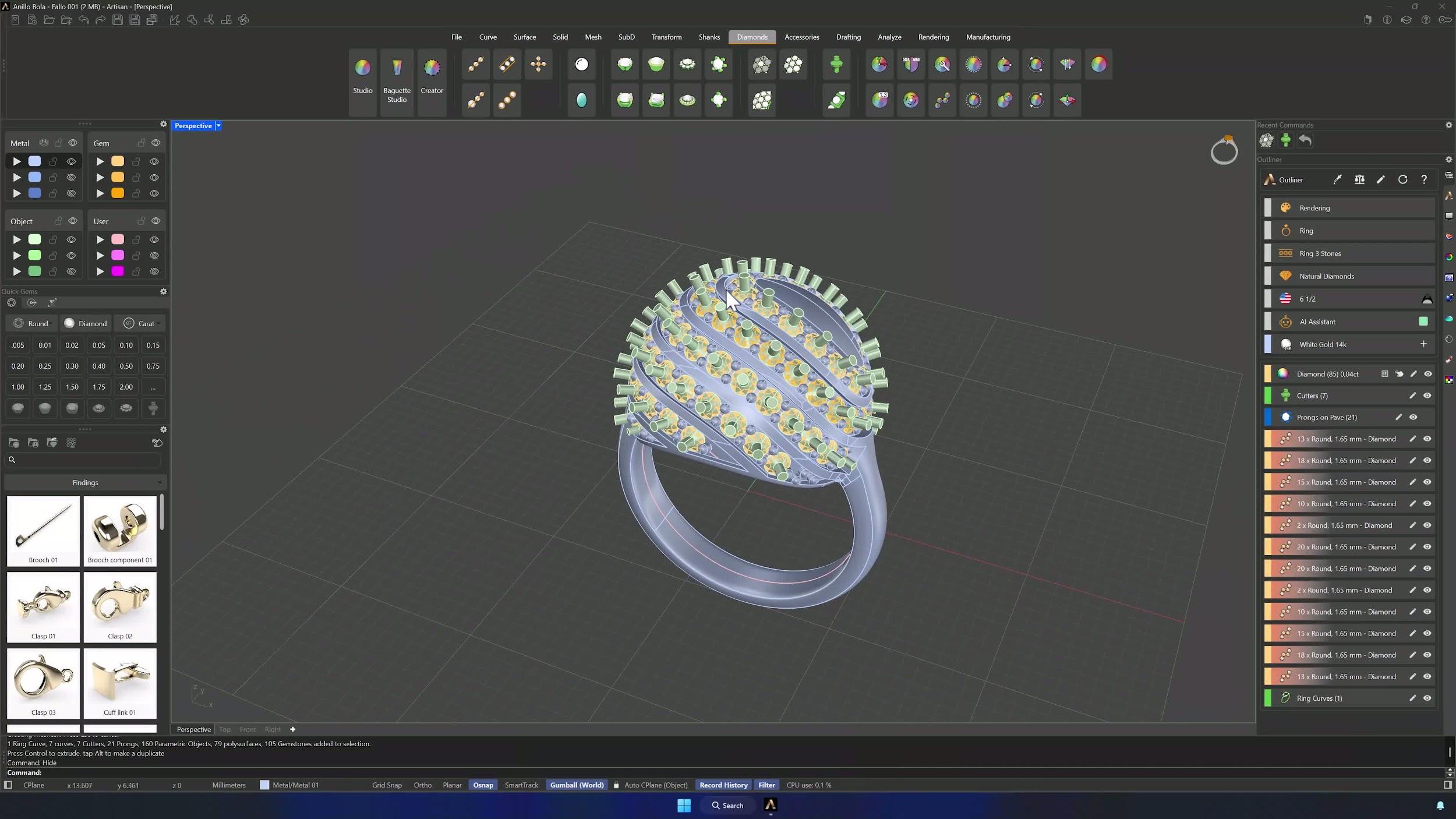
22. Hollow the ring with an inner sphere
Create a second Sphere at center 0 with 14.20 mm, move it up 8.40 mm, and Boolean Difference it out of the shank. The ring hollows and the weight drops — Analyze > Thickness verifies the walls if you want numbers.
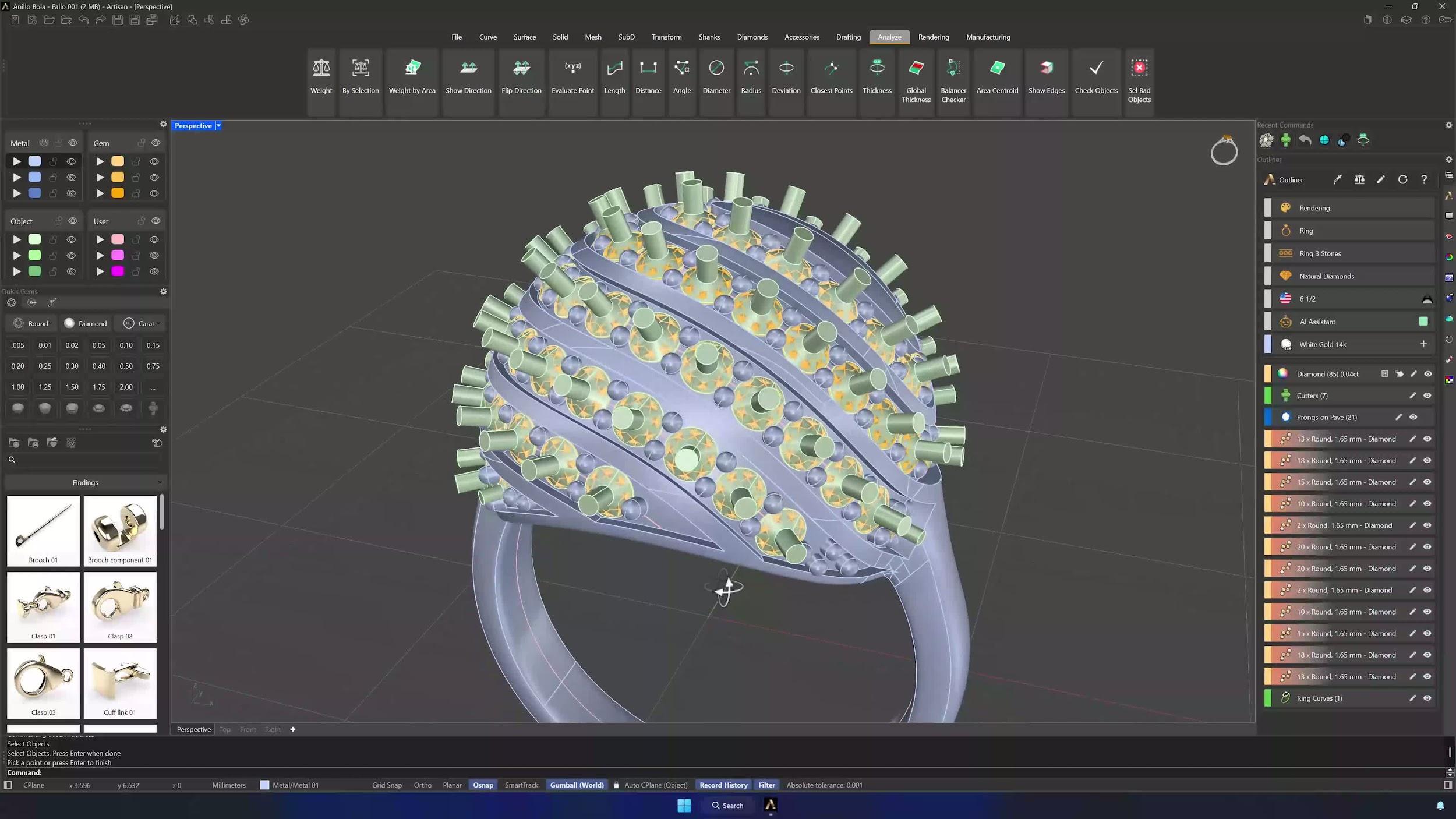
23. Reduce shank weight with cage editing
Create another Classic shank at USA 5 with 2 mm width, then Cage Edit it with a Bounding Box cage. Using the SubD Point Filter, move the lower points upward and scale the center points on X to reshape the inner shank — showing and hiding elements as needed to see what you’re doing.
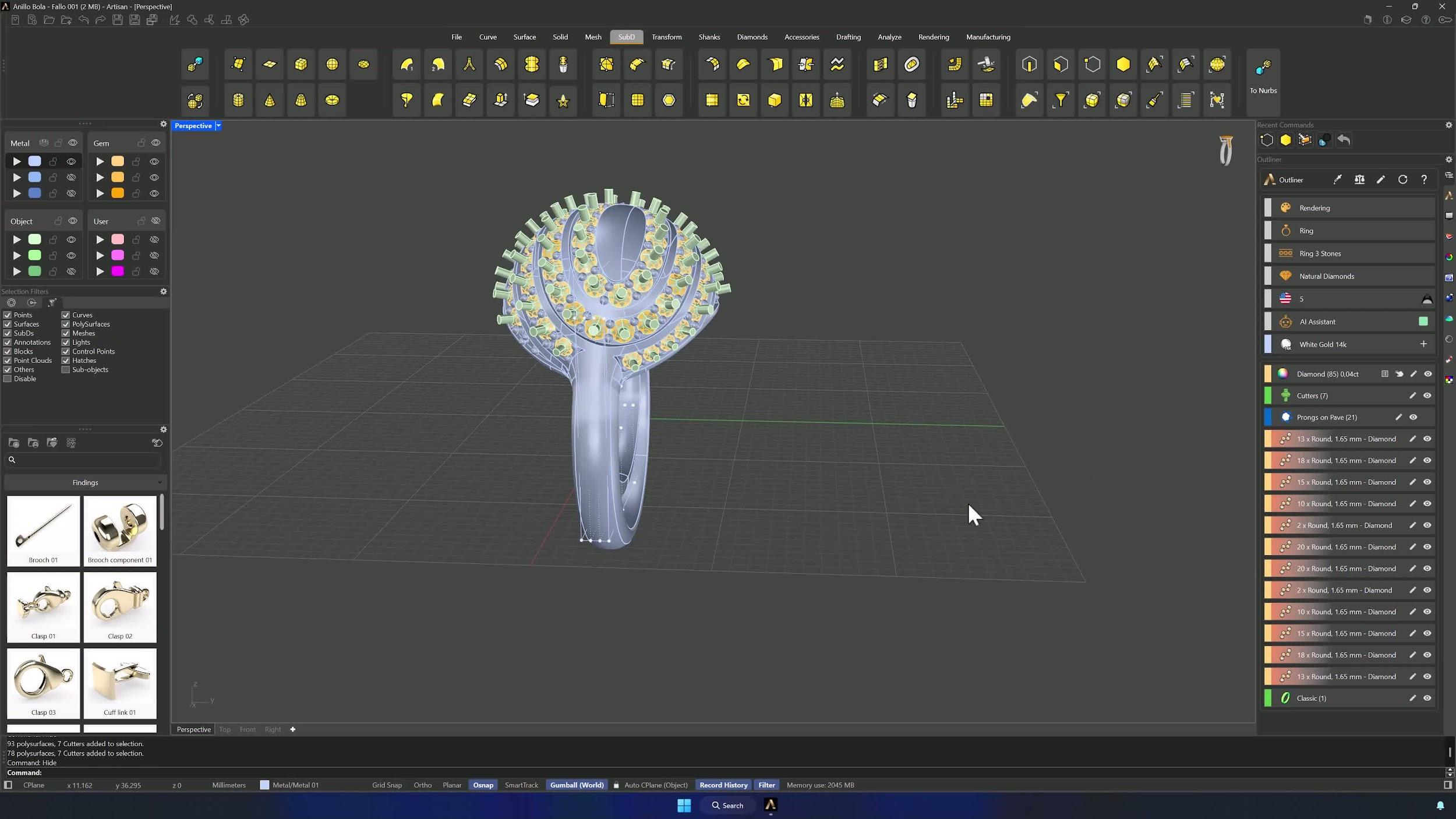
24. Cut the final shank and complete the model
Show the stored cutters, then the final Boolean Differences: the ring against the modified shank, and against the cutters. The Eternal Orbits ring is finished — save the result.
Tips for a clean result
- Layer discipline from the start: spheres, curves, surfaces, cutters and backups each on their own layer.
- Selection order matters in flows, surface creation and booleans — follow the sequence.
- Watch arrow directions on offsets; inverted arrows mean inverted geometry.
- Keep a hidden duplicate before hollowing, remeshing or cage edits.
- Verify every gem has its cutter before finalizing.
- Right-click reruns the last command — a lifesaver across a dozen offsets — and Ctrl + Shift + double-click grabs whole edge loops.
Almost there — you still have some lessons to complete. Jump to the next one →
Impersonating — progress and reviews are disabled.
Course completed
You've completed Sculpted Elegance: Statement Jewelry Designs 🎉
Great work. Get your certificate of completion and, if you have a minute, let other jewelers know what you thought of the course.