Bamboo Cuff Bangles
Lesson 23 of 35
Pavé, Prongs & Final Cut
Sign in to access this lesson
This lesson is part of Sculpted Elegance: Statement Jewelry Designs, which can come bundled with a RhinoArtisan Commercial license subject to current promotions. Log in with your customer account, or get in touch and we'll set you up.
Customers only
Solo para clientes
This lesson is part of Sculpted Elegance: Statement Jewelry Designs, which can be included with a RhinoArtisan Commercial license subject to current promotions. If you've already purchased and don't see it in your account, get in touch.
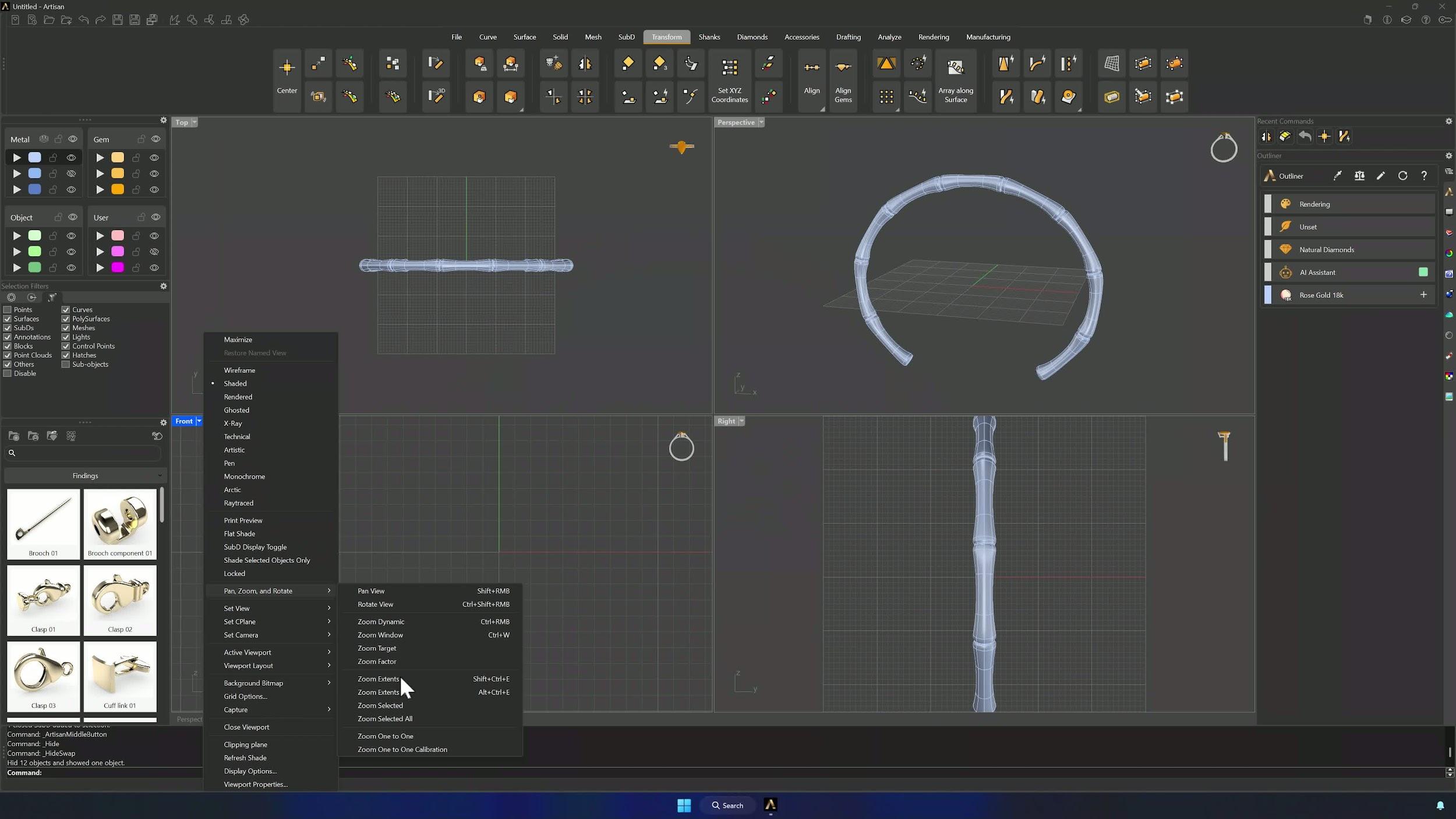
9. Cut the upper-left section for gem placement
Copy the model In Place to a hidden backup layer. Draw a line across the bridges of the upper-left section (rough is fine — the model is organic), a second across the other bridge, and Split the solid with both. Keep the center cut surface; it’s the pavé canvas.
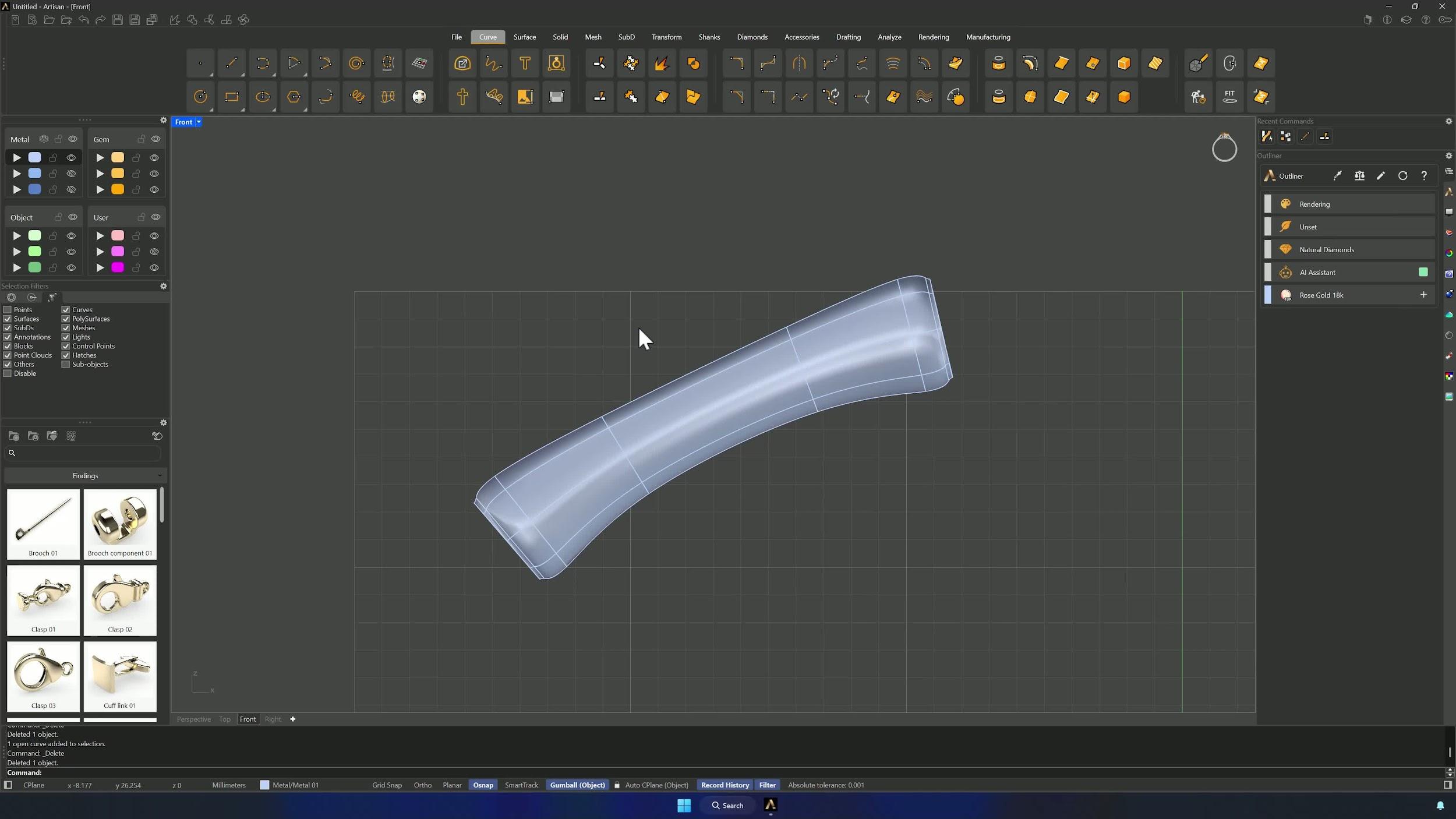
10. Generate and refine the pave layout
Automatic Pave on the cut surface with sizes 1.0, 0.8 and 0.6 mm (remove the 1.3 default — too big here). Select the starting point in the upper area, aim the direction toward one end and compute. Delete what you don’t like and adjust before continuing.
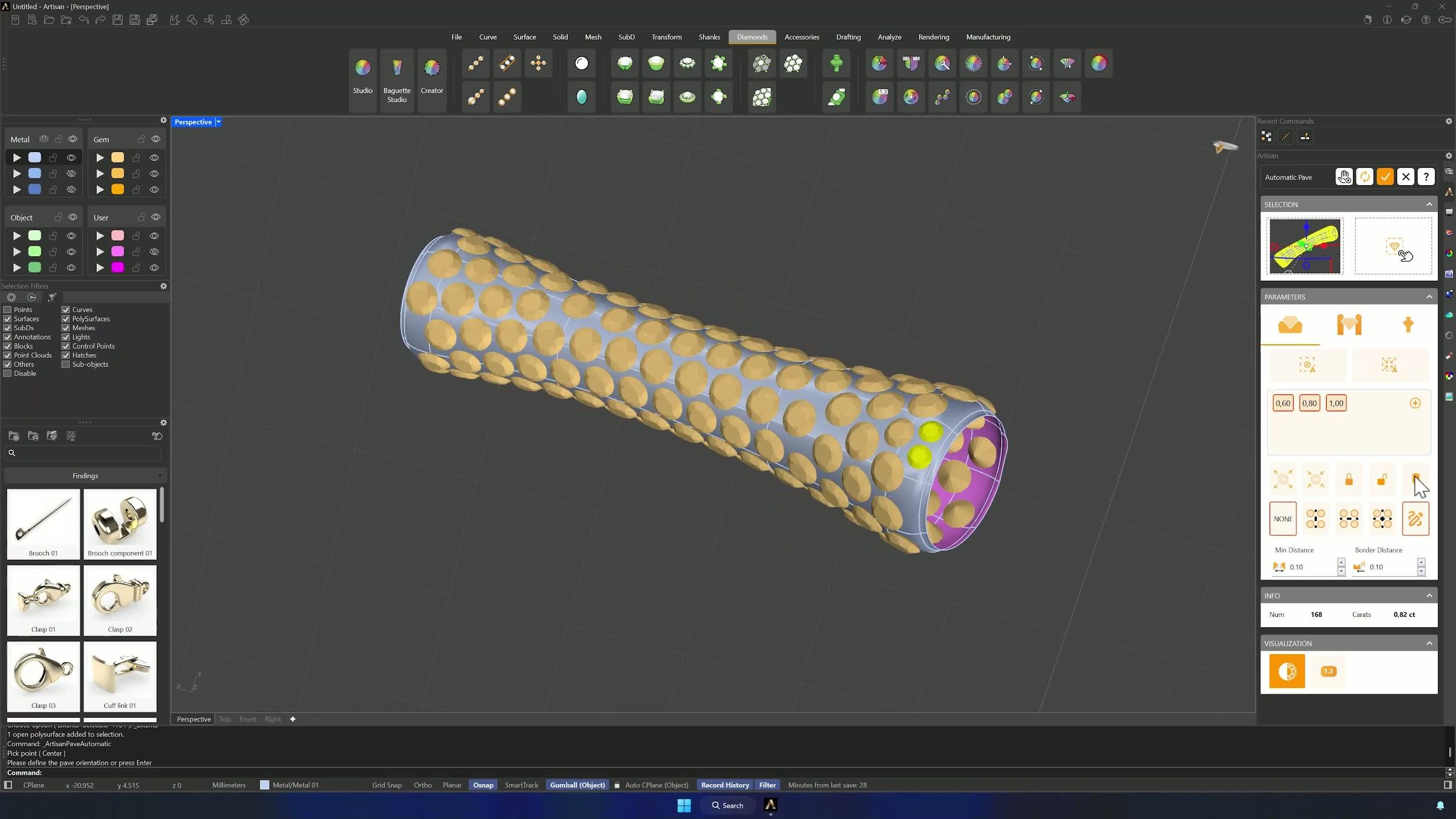
11. Add prongs and generate cutters
Prongs at diameter 0.6 mm, over girdle 0.2, under girdle 0.4, manufacturing extension 0.3 — Automatic Generation (many gems, some patience), then Add Prongs by hand where the design wants them. Cutters with Preset 4, activated and accepted.
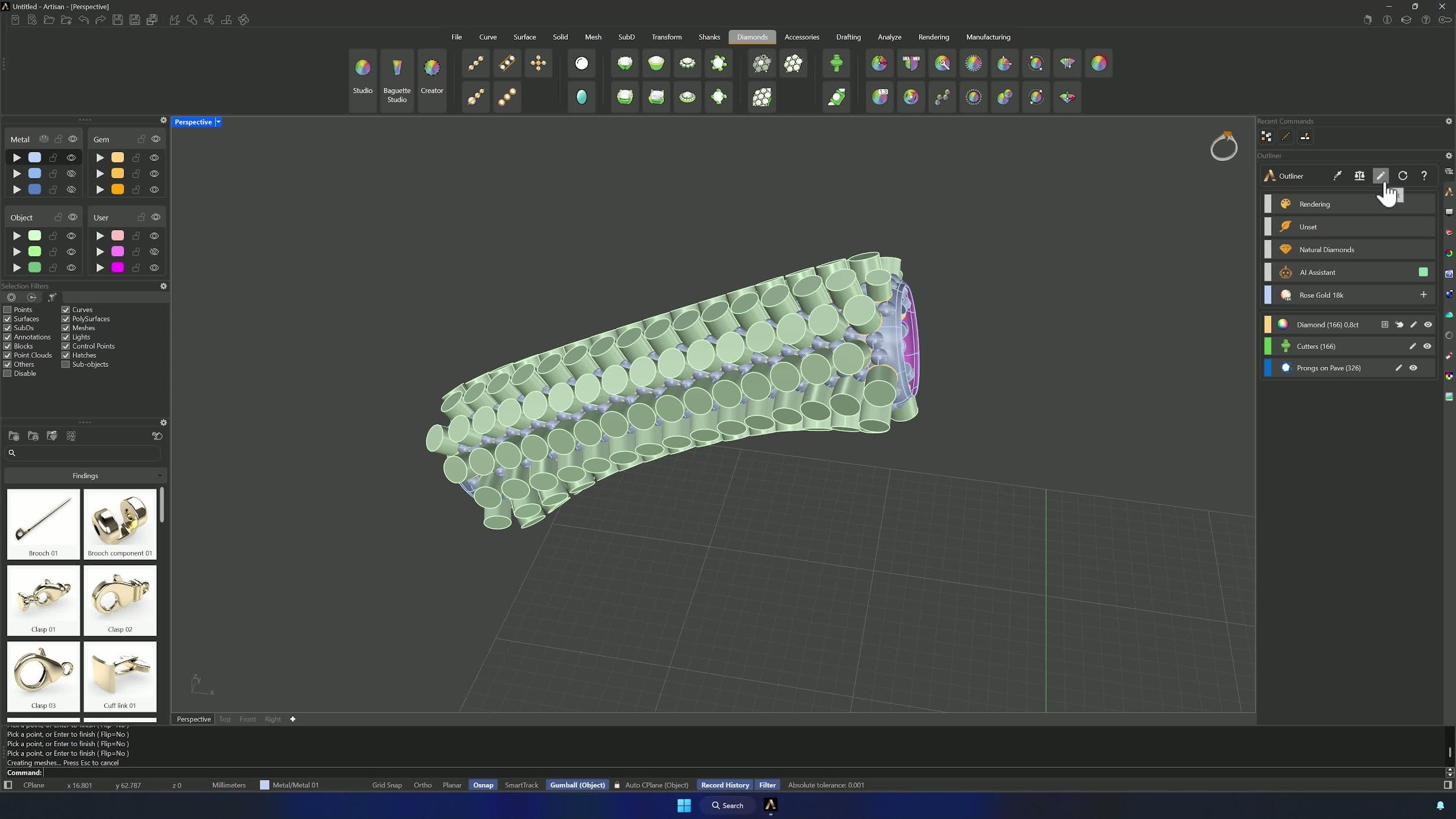
12. Finalize the model and prepare for output
Show the full model, tuck the pavé surface into the model layer and the model and prongs into the first metal layer. Boolean Difference against the cutters, hide the object and gem layers, and confirm the metal is ready for setting — your bamboo cuff is done.
Tips for a clean result
- Exactly 9 segments — the video briefly shows 10 and corrects it later.
- Keep the small gap between solid and curve end or the bridges won’t build cleanly.
- Count the SubD faces you select; Ctrl fixes overselection.
- It’s an organic model — minor dimensional variation is expected and fine.
- Let Automatic Pave do the first pass, then clean up manually.
- Save a copy before the boolean in case cutters or prongs need revising.
Almost there — you still have some lessons to complete. Jump to the next one →
Impersonating — progress and reviews are disabled.
Course completed
You've completed Sculpted Elegance: Statement Jewelry Designs 🎉
Great work. Get your certificate of completion and, if you have a minute, let other jewelers know what you thought of the course.