Emerald Teardrop Pendant
Lesson 5 of 35
Bail, Cutters & Rendering
Sign in to access this lesson
This lesson is part of Sculpted Elegance: Statement Jewelry Designs, which can come bundled with a RhinoArtisan Commercial license subject to current promotions. Log in with your customer account, or get in touch and we'll set you up.
Customers only
Solo para clientes
This lesson is part of Sculpted Elegance: Statement Jewelry Designs, which can be included with a RhinoArtisan Commercial license subject to current promotions. If you've already purchased and don't see it in your account, get in touch.
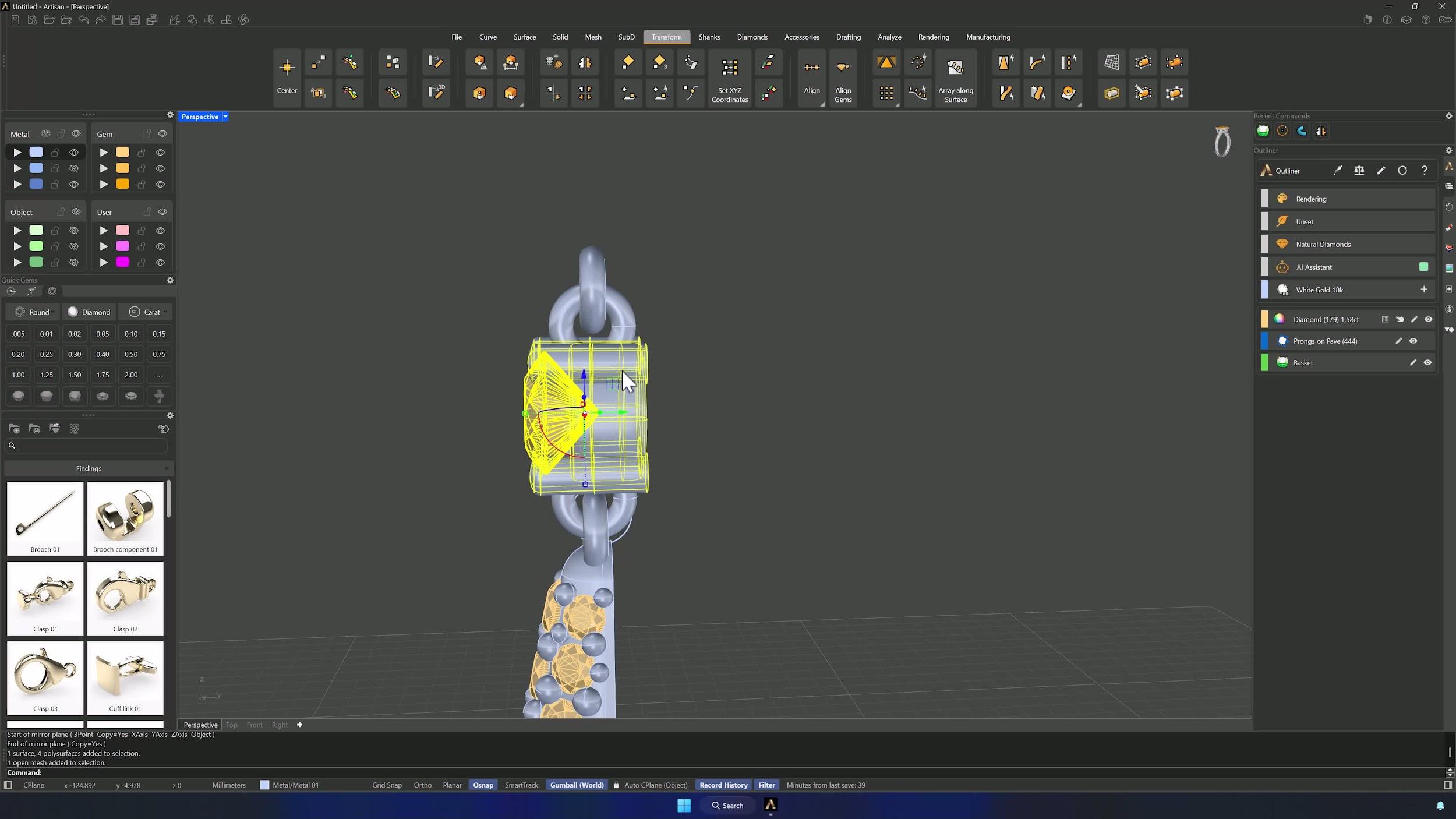
13. Add the bail and center decorative gems
Place a Bail with asset BL016, inner distance 6 mm, rotated 90° at the top of the model. Extract the central isocurve in U (Osnap Guides, mid option), then Advanced Gems on Curve: six gems from 1.5 down to 1.05 mm, start position nudged down with the upper Gumball. Dynamic Prongs finishes it — diameter 0.5 mm, overgirdle 0.40, undergirdle 0.60, extension 0.3, X symmetry, inner prongs first, with 0.4 mm below and 0.5 mm above.
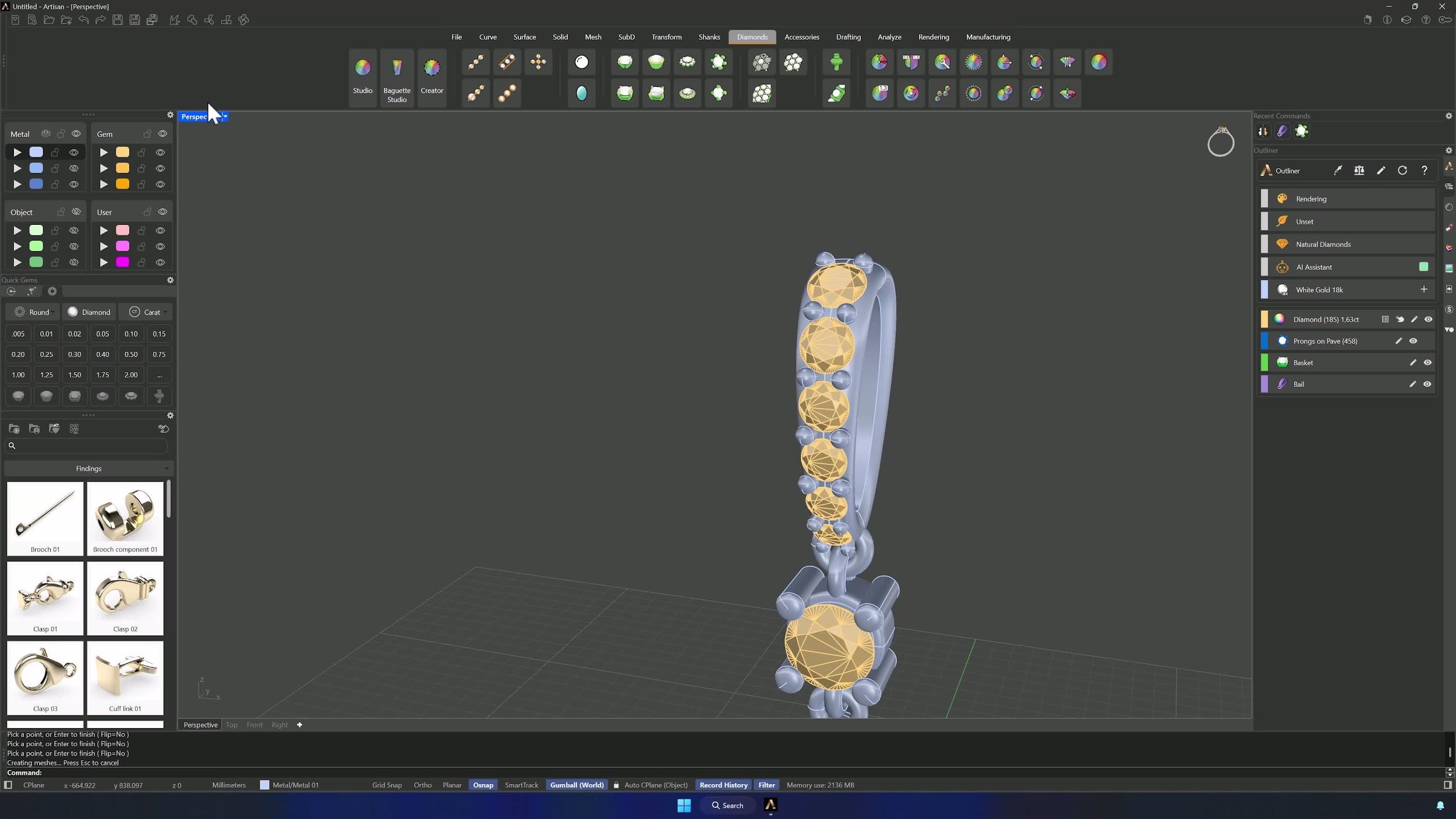
14. Add cutters to the bail and finalize the model
Cutters on the bail gems with the fourth preset, then Boolean Difference: bail and prongs, then cutters. With that cut, the model is complete.
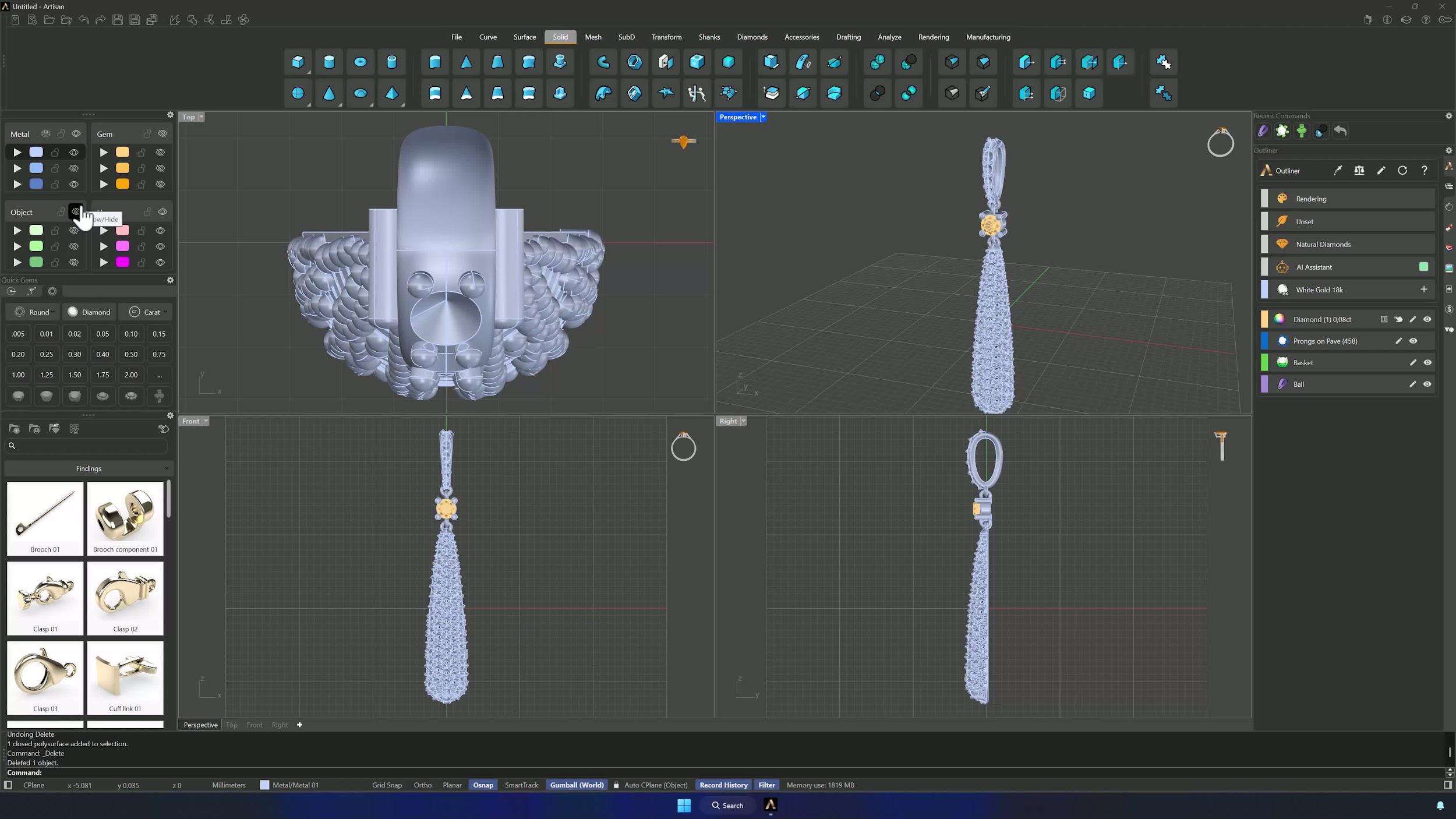
15. Render, apply materials, and export the final presentation
Save and click Connect, choosing your collection. In the Connect app, assign the materials — lighter emerald for the pavé, citrine for the center stone, rose gold for the bail, white gold for the rest — preview with auto-rotate, switch the floor to salmon, and export the image or video for the client.
Tips for a clean result
- Check Grid Snap, Osnap and Vertical Symmetry before creating or editing geometry.
- In Trim, Join and booleans, confirm what’s selected — the wrong pick deletes the right geometry.
- Compute often during gem placement, and lock completed rows before symmetric edits.
- Change one basket or prong parameter at a time so you can tell what moved the fit.
- Ghosted display is your friend when aligning rings and hidden intersections.
- Save before booleans and before uploading to Connect.
Almost there — you still have some lessons to complete. Jump to the next one →
Impersonating — progress and reviews are disabled.
Course completed
You've completed Sculpted Elegance: Statement Jewelry Designs 🎉
Great work. Get your certificate of completion and, if you have a minute, let other jewelers know what you thought of the course.