Trillion Prongs Ring
Lesson 37 of 38
Pavé, Booleans & Basket
Sign in to access this lesson
This lesson is part of Modern Elegance: Fashion Jewelry Modeling, which can come bundled with a RhinoArtisan Commercial license subject to current promotions. Log in with your customer account, or get in touch and we'll set you up.
Customers only
Solo para clientes
This lesson is part of Modern Elegance: Fashion Jewelry Modeling, which can be included with a RhinoArtisan Commercial license subject to current promotions. If you've already purchased and don't see it in your account, get in touch.
12. Add pavé stones and cut them into the model
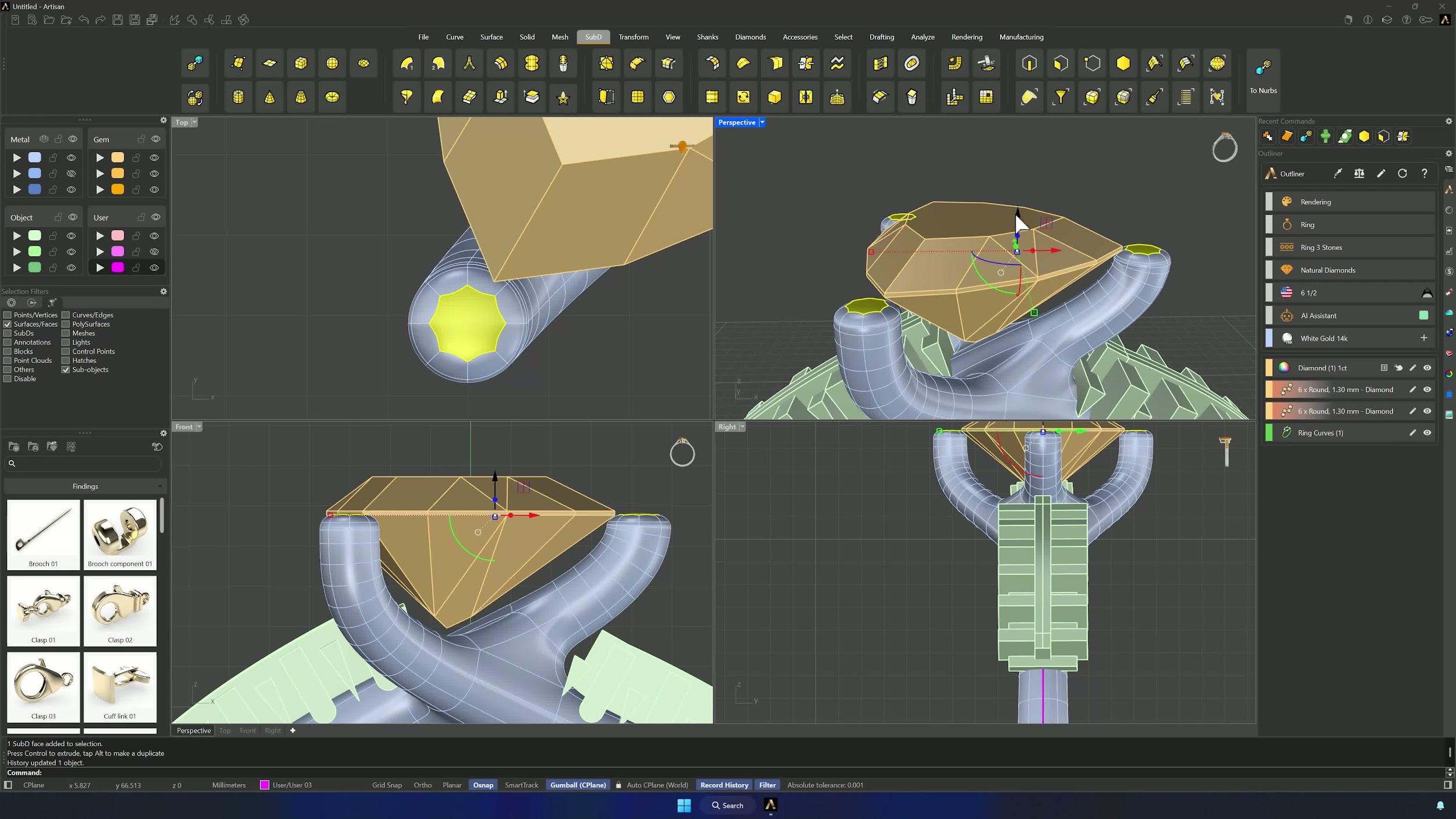
Run Pavé from the Diamonds tab, assign the prong object in the selector, and add 1 mm stones to the prongs. Ungroup the gems, drop the last three by 0.15 mm, and create their Cutters with the fourth preset. Boolean Difference with all the cutters opens the seats — hide cutters and shank as needed, since the input wasn’t deleted.
13. Finish with basket support and final union
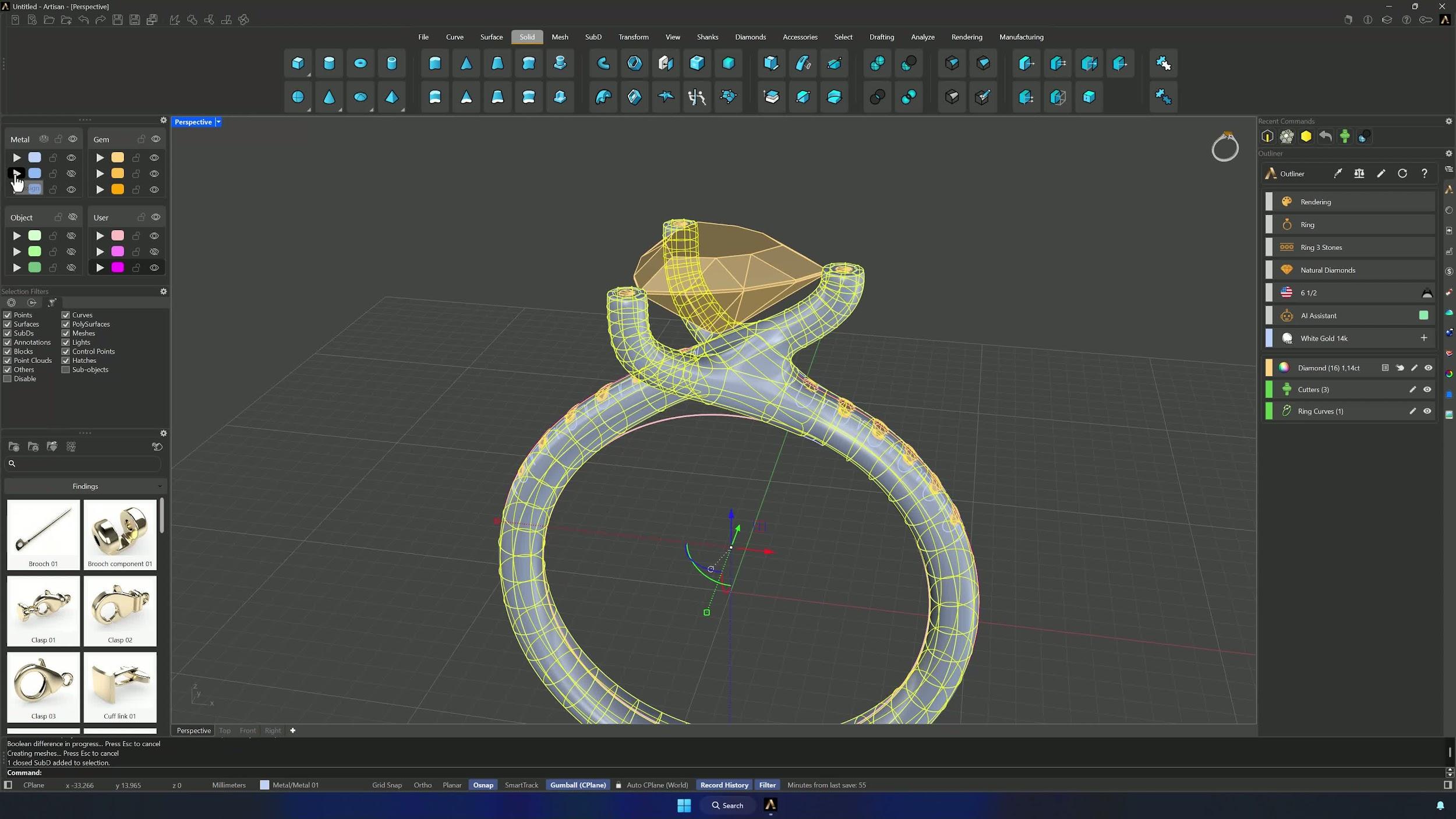
Select the main gem and build its Basket: remove the prongs (the SubD ones already do that job), hide the lower rail, and set the upper rail to Custom Shape with Profile 004, intersection with the prongs raised to about 82% and undergirdle at 1.2. A final Boolean Union merges all the parts — the ring is complete and ready to render.
Tips for a clean result
- Keep the prongs slightly intersecting the center stone — that overlap is the setting’s strength.
- Verify arrow direction before confirming a Bridge; wrong orientation distorts the connection.
- Match edge counts before bridging or joining shank sections.
- Delete Input = No when converting SubD to NURBS preserves the editable original.
- Check cutter placement so nothing bites into prongs or unwanted geometry, and adjust paths and heights gradually — small changes move a lot.
- With history enabled, Update Children saves rework when refining base curves; edge and face filters speed up every SubD selection.
Almost there — you still have some lessons to complete. Jump to the next one →
Impersonating — progress and reviews are disabled.
Course completed
You've completed Modern Elegance: Fashion Jewelry Modeling 🎉
Great work. Get your certificate of completion and, if you have a minute, let other jewelers know what you thought of the course.