Organic Pendant
Lesson 8 of 38
Overview
Sign in to access this lesson
This lesson is part of Modern Elegance: Fashion Jewelry Modeling, which can come bundled with a RhinoArtisan Commercial license subject to current promotions. Log in with your customer account, or get in touch and we'll set you up.
Customers only
Solo para clientes
This lesson is part of Modern Elegance: Fashion Jewelry Modeling, which can be included with a RhinoArtisan Commercial license subject to current promotions. If you've already purchased and don't see it in your account, get in touch.
Downloads
Organic jewelry follows nature’s logic rather than the compass and ruler — its lines flow, its stones scatter, and its balance is judged by eye instead of measured. That freedom is exactly what makes it tricky: with no symmetry to fall back on, every profile width and gem angle is a decision. In this project you’ll grow a multi-stone pendant out of a handful of reference curves, dress them with edited profiles, and set a mixed composition of rounds, marquise, oval and pear in custom baskets and bezels.
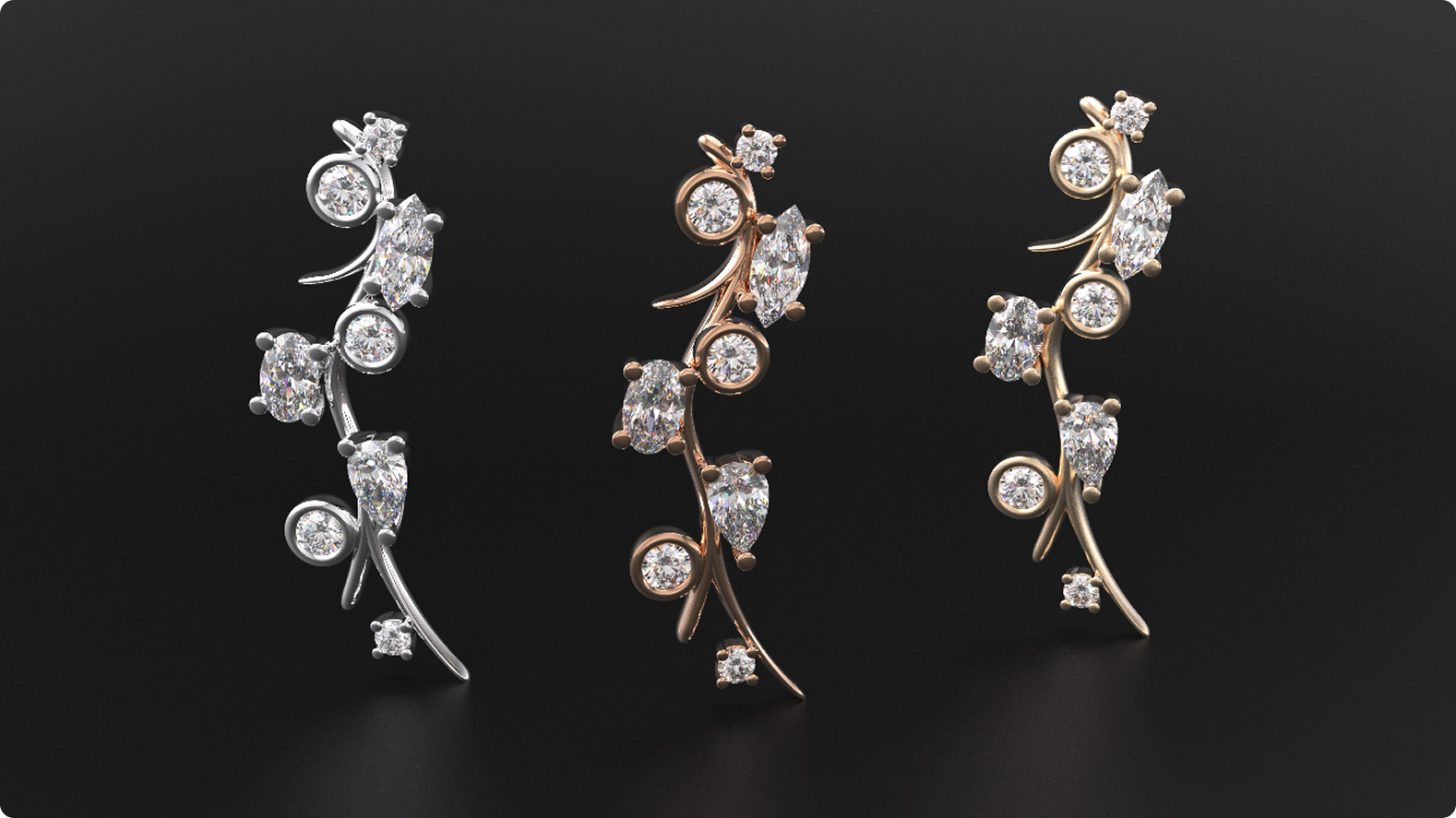
Design an organic pendant using RhinoArtisan.
In this tutorial you will learn how to:
- Build a reference surface with Surface Point and create the first Profiles at 0.75 and 1.40 mm, using the Flip trick whenever a surface’s orientation hides the profile.
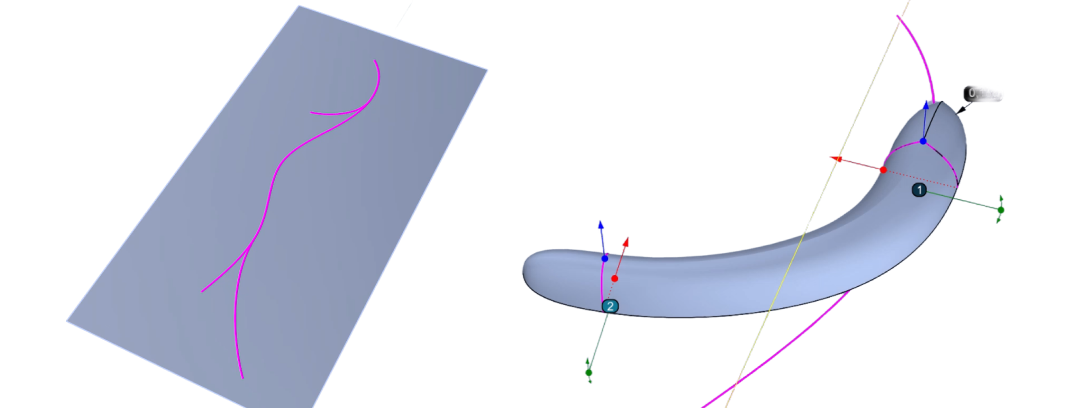
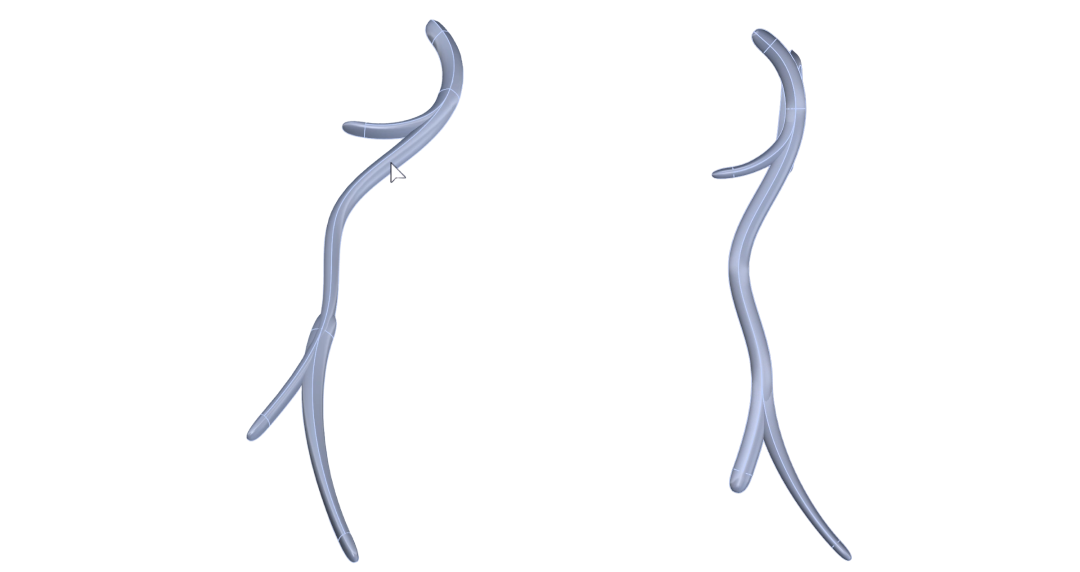
- Apply the profiles to the curves with Apply Element, widen any section that protrudes, and extrude a support surface to carry the lower profile.
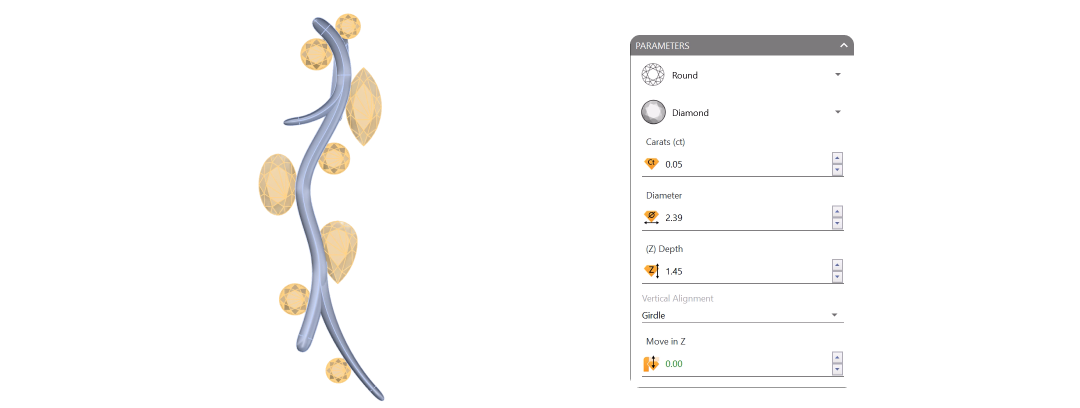
- Compose the stone layout in Diamond Studio — rounds, a marquise, an oval and a pear positioned freely with the Gumball.
- Secure the non-round stones with a custom Basket, its rails and prongs tuned to the tenth of a millimeter, then place it with Apply Element and Update.
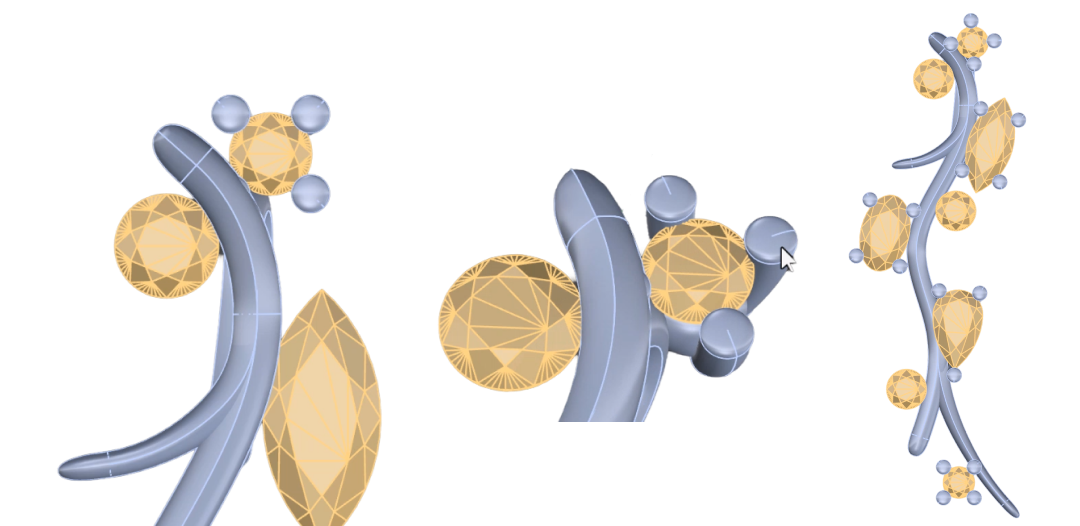
- Finish the remaining stones with a custom Bezel applied via Apply Element, adjusting position and rotation for organic balance.
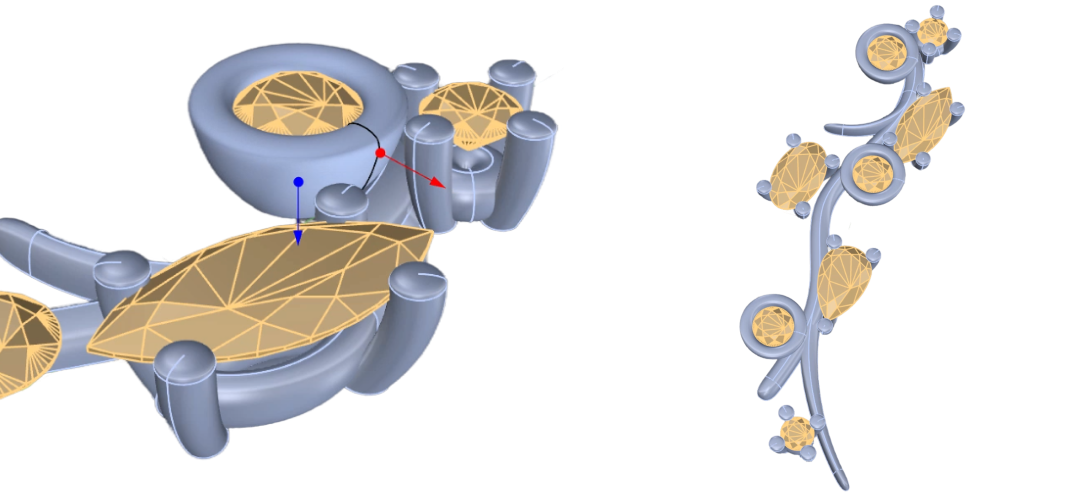
By the end of this project, you’ll have the skills to model a multi-stone organic pendant from scratch.
Almost there — you still have some lessons to complete. Jump to the next one →
Impersonating — progress and reviews are disabled.
Course completed
You've completed Modern Elegance: Fashion Jewelry Modeling 🎉
Great work. Get your certificate of completion and, if you have a minute, let other jewelers know what you thought of the course.