Scatter Ring
Lesson 17 of 38
Baskets & Composition
Sign in to access this lesson
This lesson is part of Modern Elegance: Fashion Jewelry Modeling, which can come bundled with a RhinoArtisan Commercial license subject to current promotions. Log in with your customer account, or get in touch and we'll set you up.
Customers only
Solo para clientes
This lesson is part of Modern Elegance: Fashion Jewelry Modeling, which can be included with a RhinoArtisan Commercial license subject to current promotions. If you've already purchased and don't see it in your account, get in touch.
6. Create the first basket and apply it to the side stones
With the reference image hidden, select one round stone and run Basket, editing without a preset: diameter 0.70 mm, height 2.20 mm, gem inside 0.15 mm, bottom diameter 0.70 mm, bottom rail inside 0.10 mm, prong mode Straight. Disable the upper rail and give the bottom rail a Custom Shape with Profile 004 at 1.20 mm high and 0.50 mm wide. Accept, then Apply Element puts the basket on every stone except the cushion.
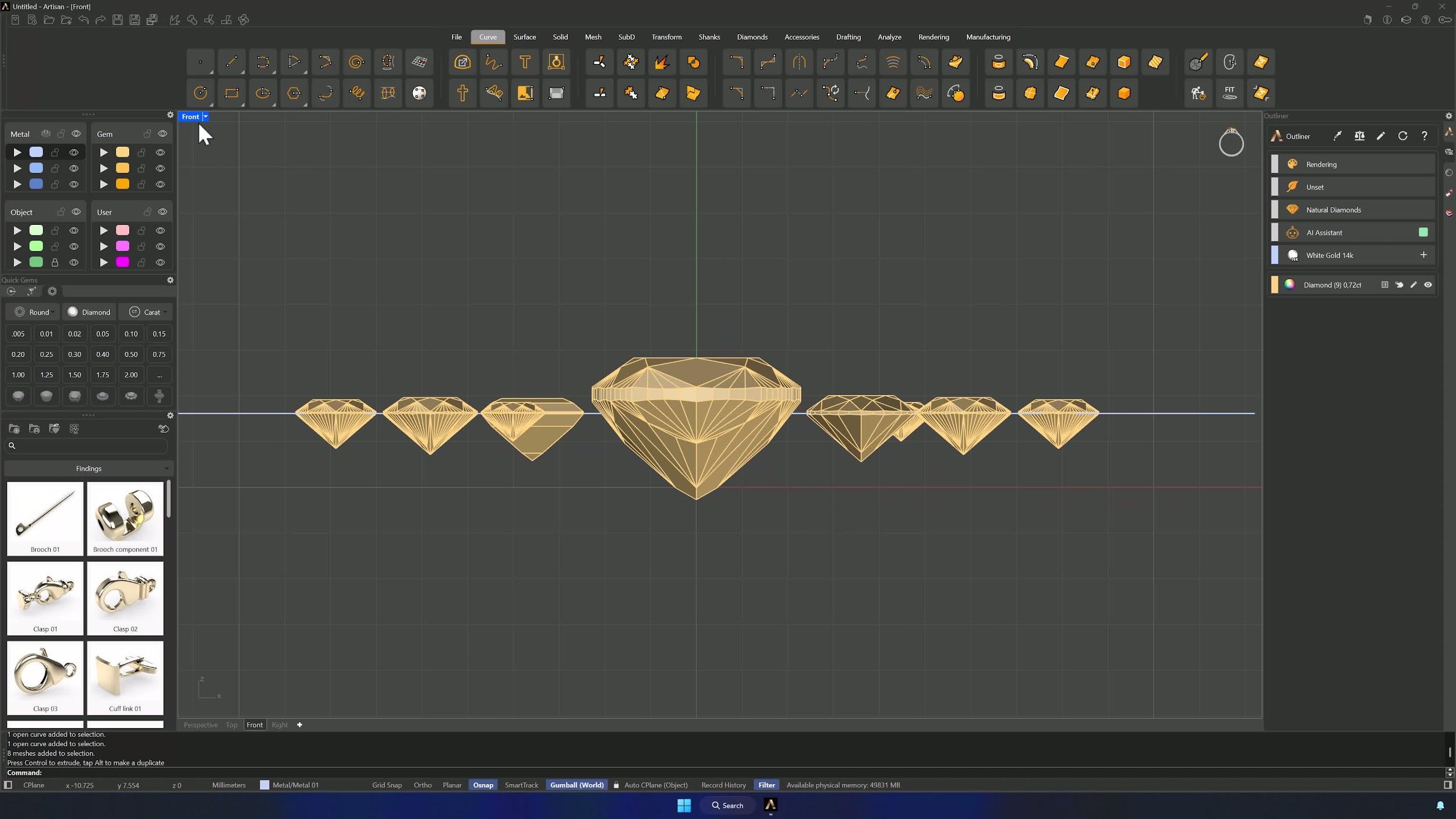
7. Refine basket placement and strengthen the assembly
Adjust positions and rotations from the Top view — always selecting gem and basket together — aligning prongs between neighboring baskets so everything touches and the structure reads as one continuous piece. Rotated baskets show in a different color in the Outliner: click Update to refresh them, then move the whole assembly away from the center along X.
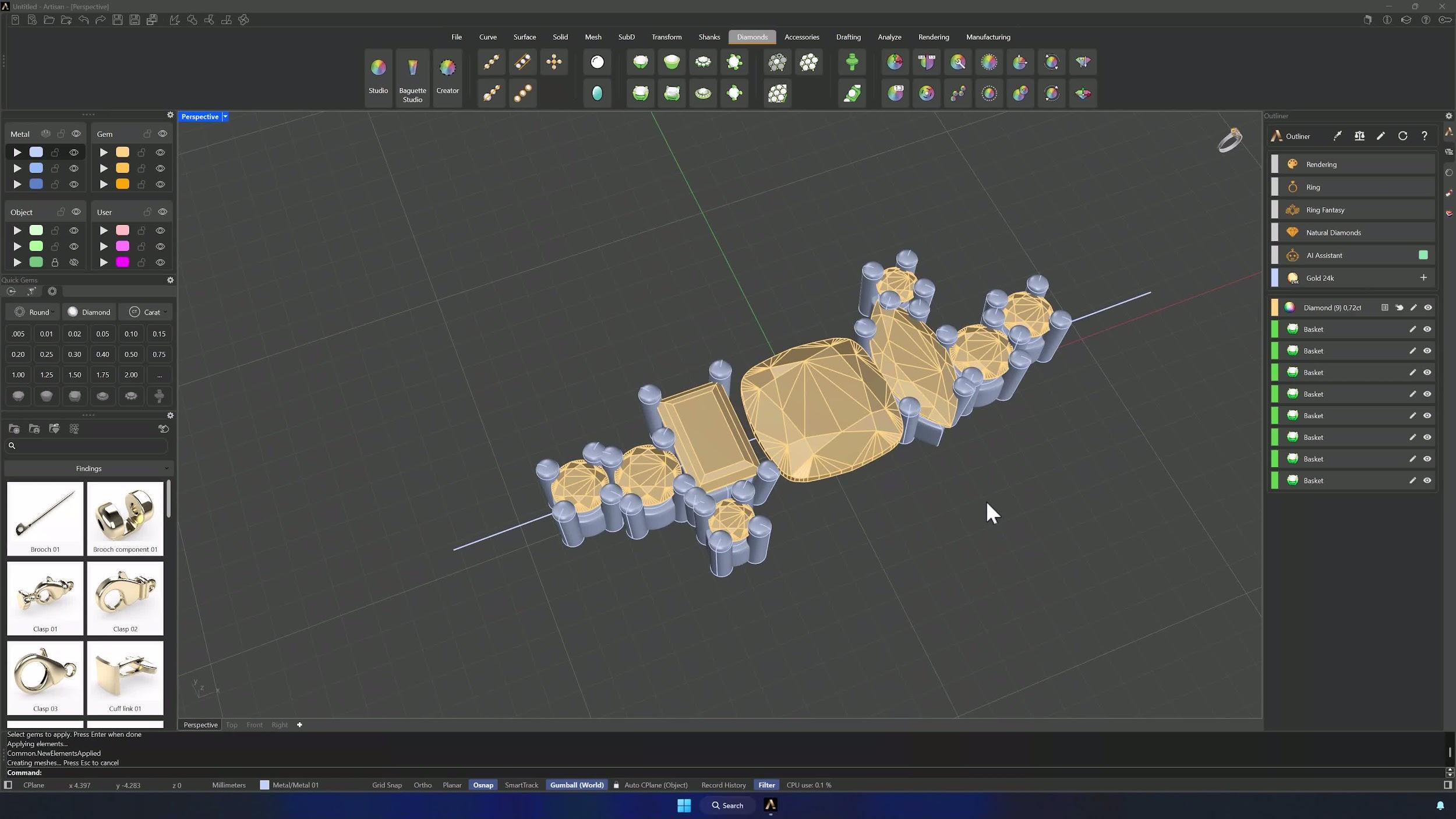
8. Create the ring-size reference curve
From the Shanks tab, create a Curve at American size 6.5 — the reference for the ring body. Nudge the elements farther out if needed and Update the Outliner again.
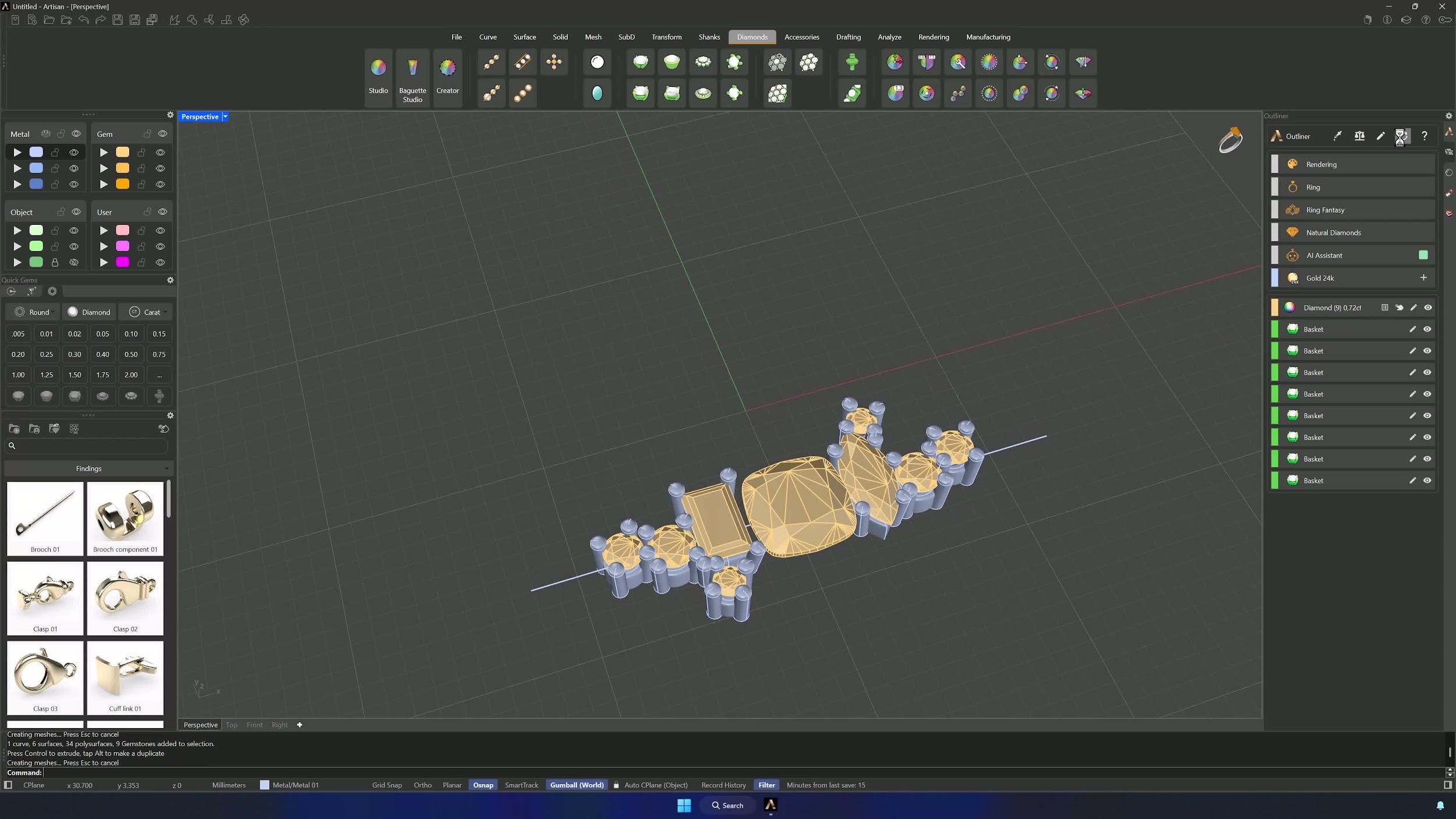
9. Create and configure the central basket
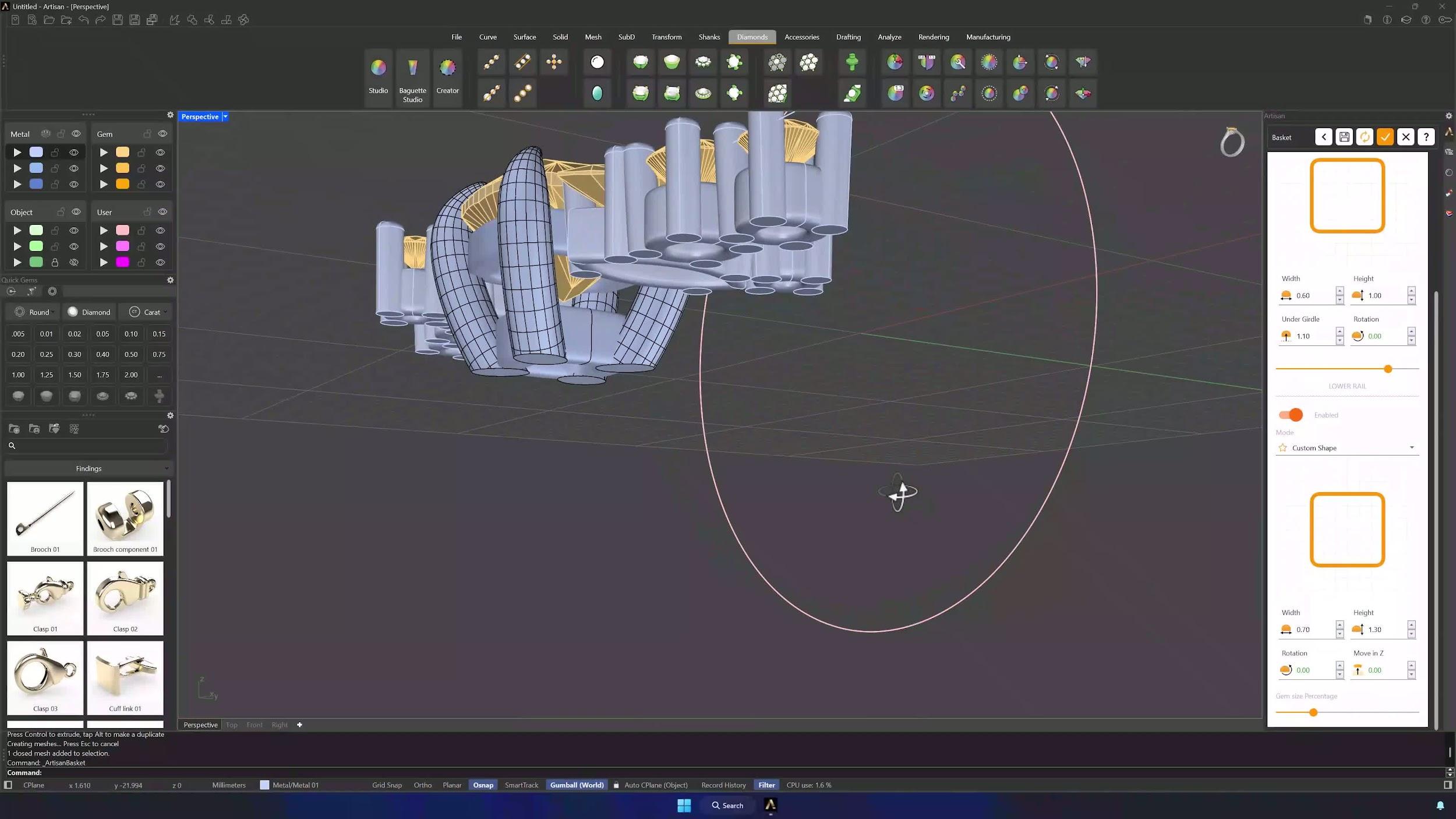
Select the cushion and build its Basket without a preset: diameter 0.90 mm, height 4.50 mm, gem inside 0, over girdle 0.50 mm, bottom diameter 1.30 mm, bottom rail inside 0.40 mm, and a 2 mm expansion for manufacturing. Switch the prongs to Claw mode (gem inside 1.1 mm, height −0.17 mm, tip direction 16). Both rails take Profile 004 as Custom Shape: top at 0.6 × 1.0 mm with undergirdle 1.10 mm and the slider at 80%, bottom at 0.70 × 1.30 mm. Accept.
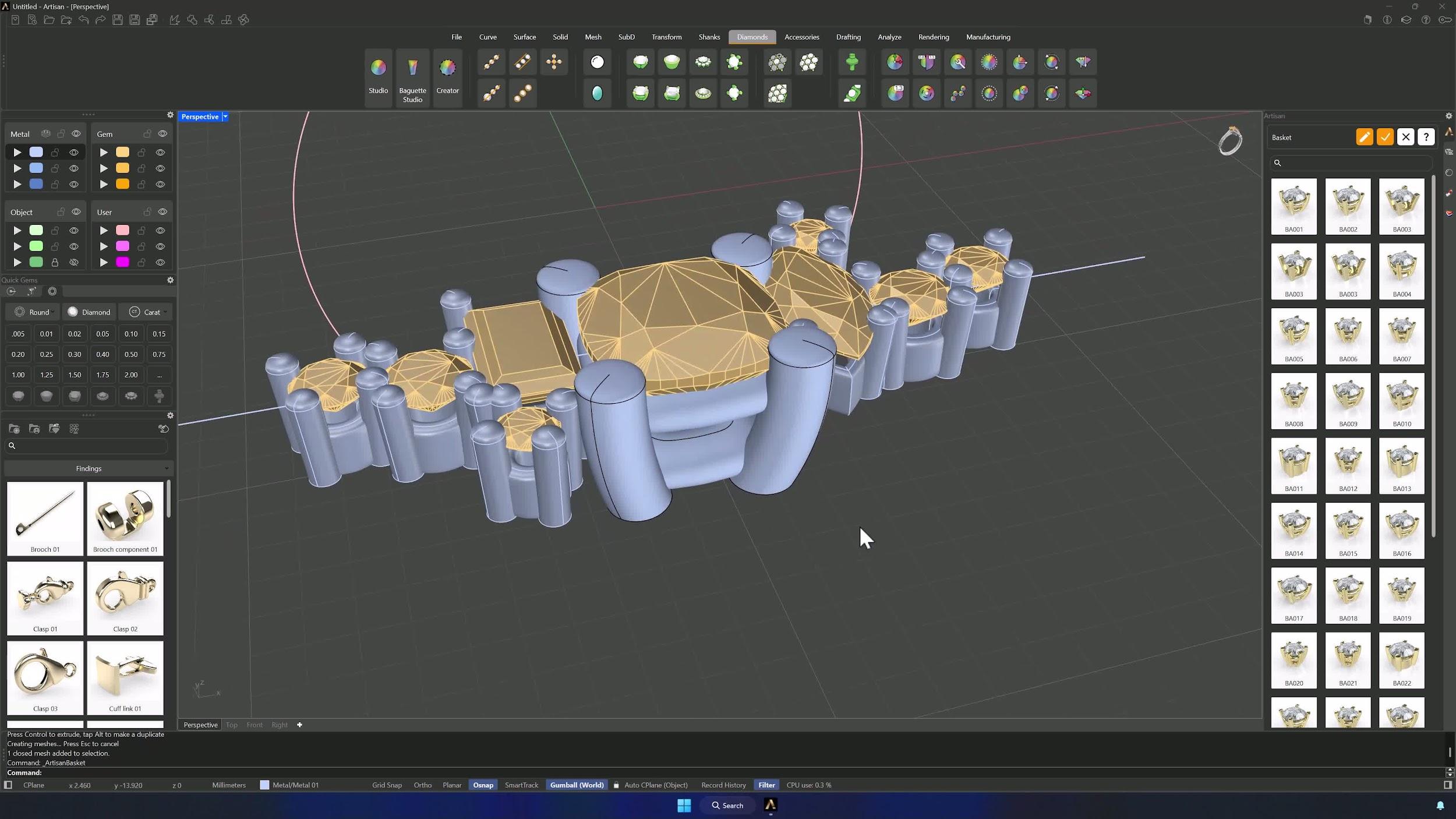
10. Position the central basket relative to the side stones
From the Front view, tune the height of basket and stone so the top rail sits just above the girdles of the surrounding stones — the central setting should integrate cleanly, not float.
Almost there — you still have some lessons to complete. Jump to the next one →
Impersonating — progress and reviews are disabled.
Course completed
You've completed Modern Elegance: Fashion Jewelry Modeling 🎉
Great work. Get your certificate of completion and, if you have a minute, let other jewelers know what you thought of the course.