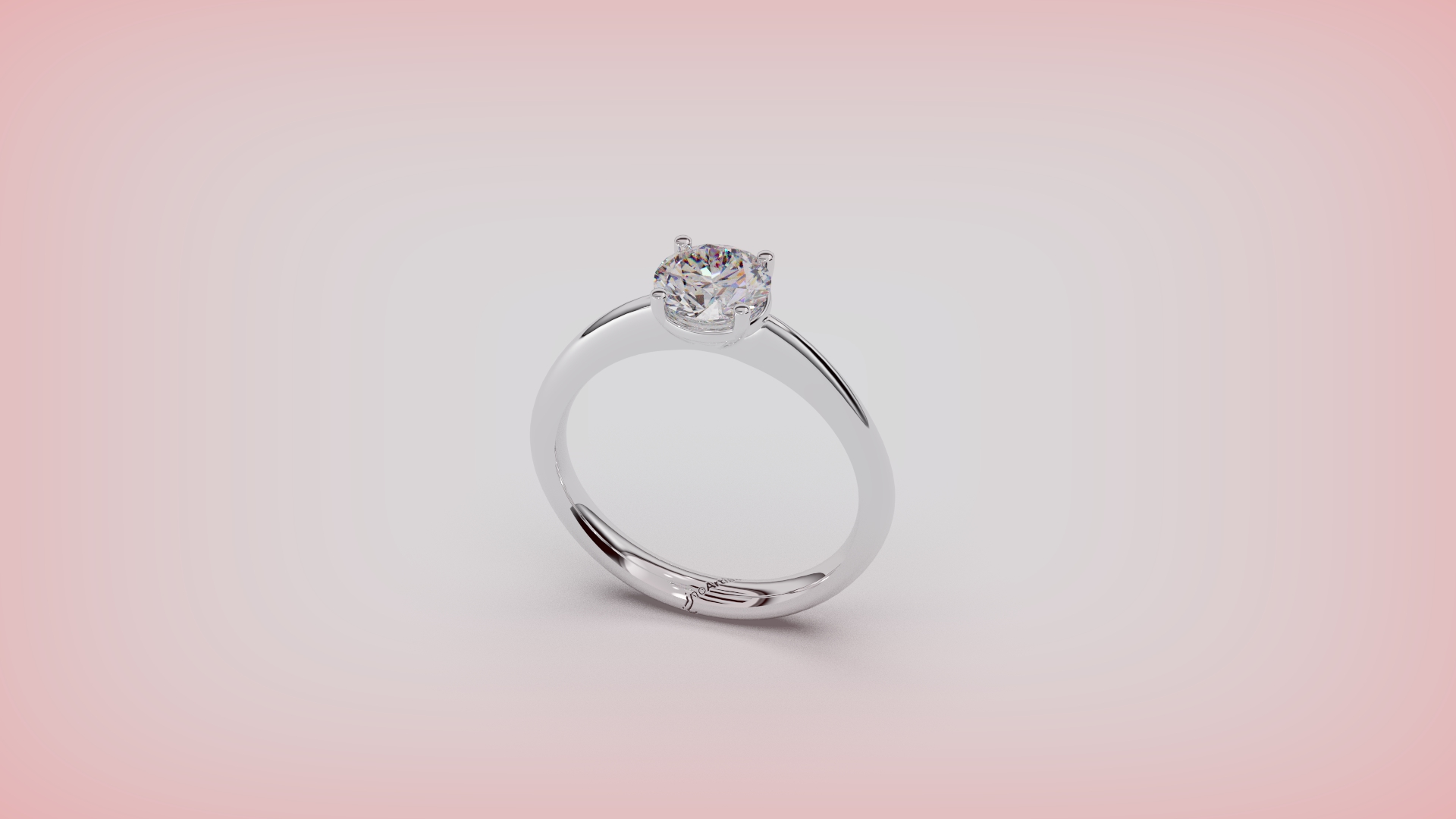
Materials and Render
Step 1: Render and Animation
Go to the Render tab and select Render and Animation.

Step 2: Apply Metal Material
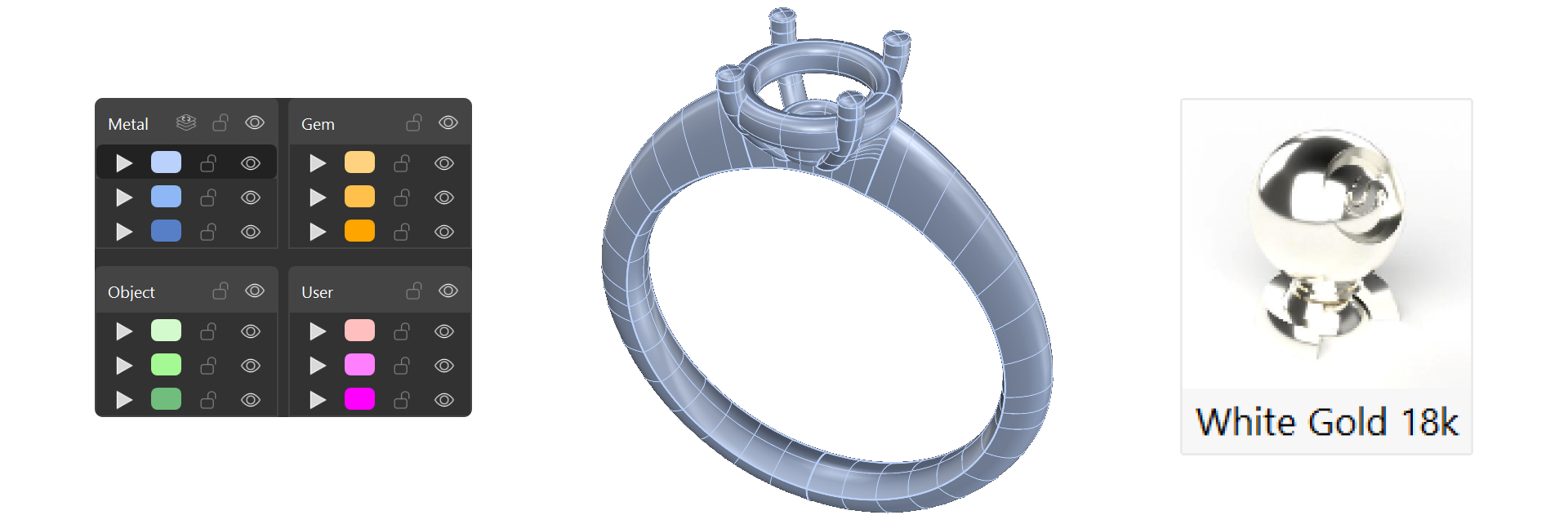
- In the Layers panel, select the metal elements by right-clicking on the blue layer.
- Apply White Gold 18k as the metal material.
Step 3: Set Gem Material
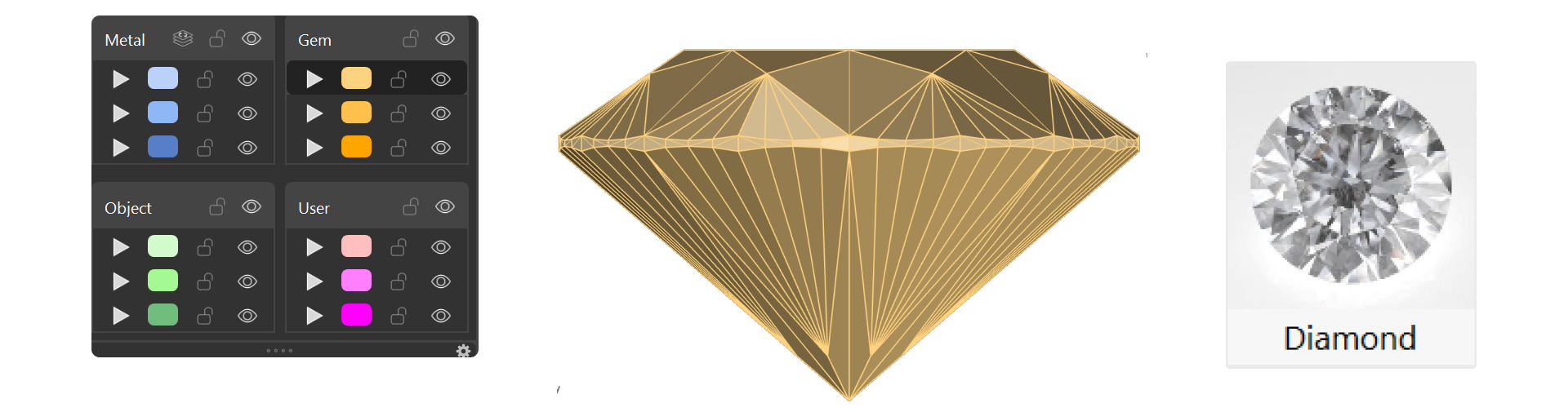
- Select the diamond and choose Diamond material from the Gems Materials section.
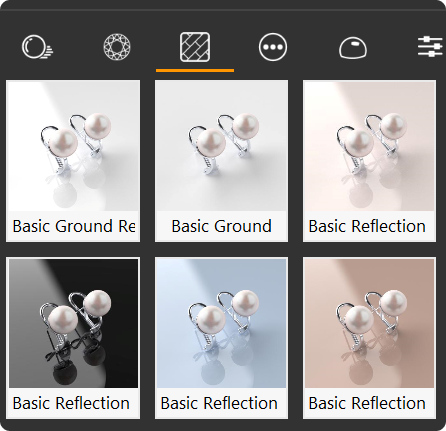
- For the ground, choose Basic Reflection Blue from the Ground category.
Step 4: Rendering Settings
- Set the perspective angle and distance to showcase the design best.
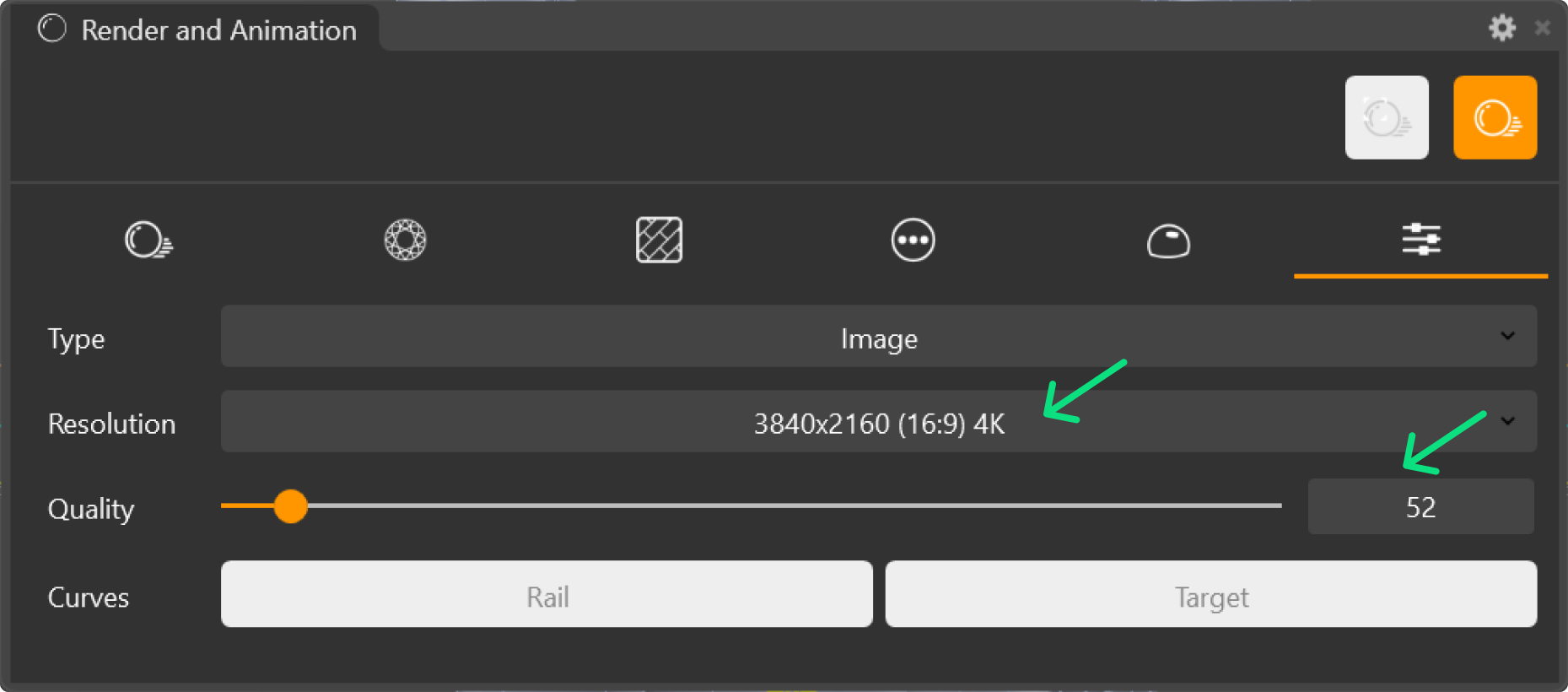
- Select your preferred Resolution and Quality settings.
Step 6: Render
Click the Render button to generate the final image.