Cluster Setting
Step 1: Cluster Command
In the “Diamonds” tab (1), select the gem and choose the Cluster (2) command.

Step 2: Cluster Library
Choose the CL017 cluster model and press Edit.
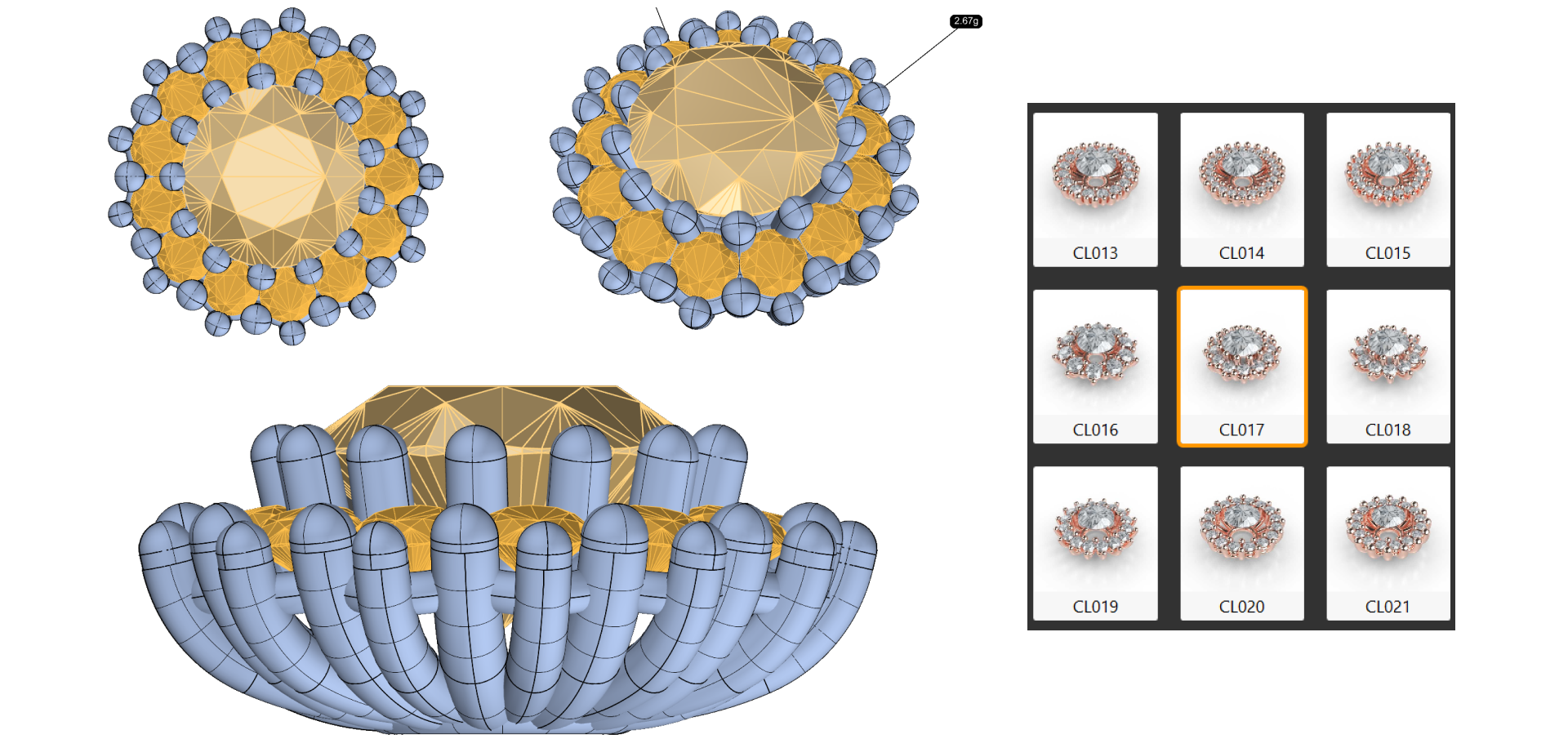
Step 3: Cluster Parameters
Modify the following parameters:
Cluster gems
- Gem inside: 2.6 mm
- Minimum Distance: 0.3 mm
- Distance to Gem: 1.7 mm
- Z Position: 0
- Rotation: 0
Gem Rail
We’ll set the Mode to Double to create two layers for additional stability and style.
Let’s begin with the Top Gem Rail:
- Diameter: 1.6 mm
- Move in Z: -0.6 mm
- Thread Diameter: 0.9 mm
Now, for the Bottom Gem Rail:
- Diameter: 1.6 mm
- Move in Z: -1.8 mm
- Thread Diameter: 0.8 mm
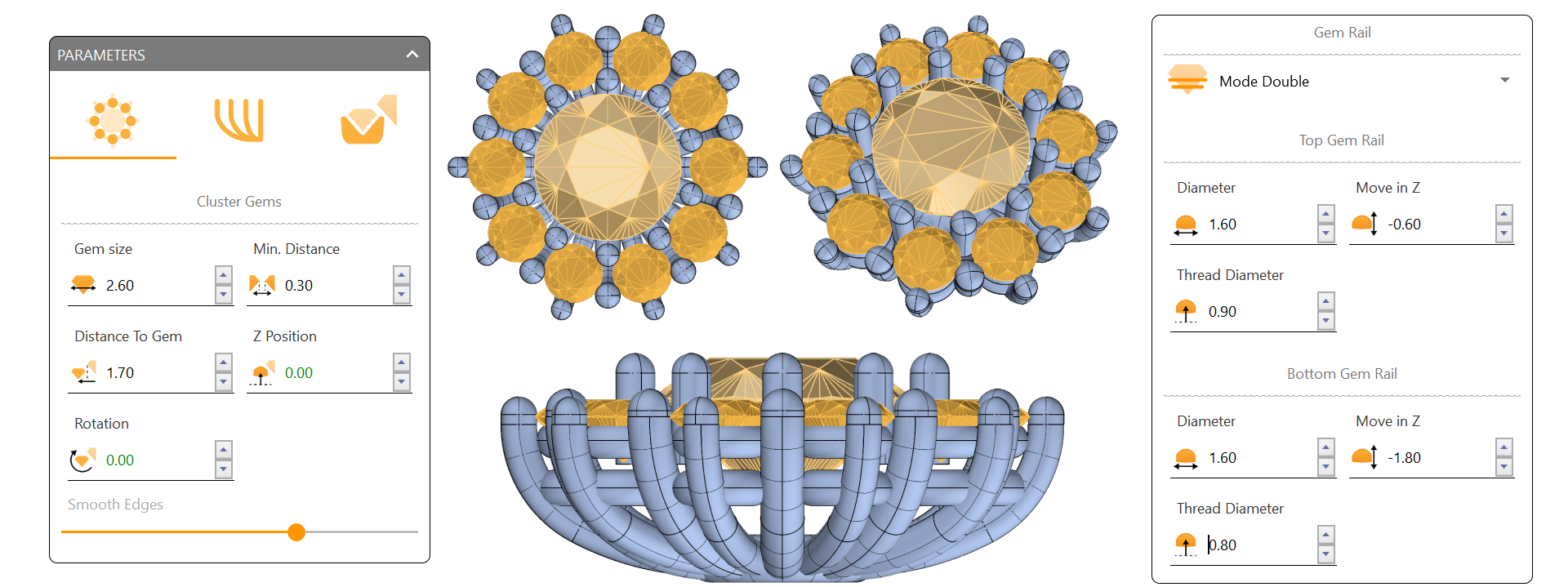
These measurements help secure the gemstones tightly while giving enough structure for an elegant look.
Video Lesson
Next Lesson
Configuring the Prongs Tab and Internal Prongs