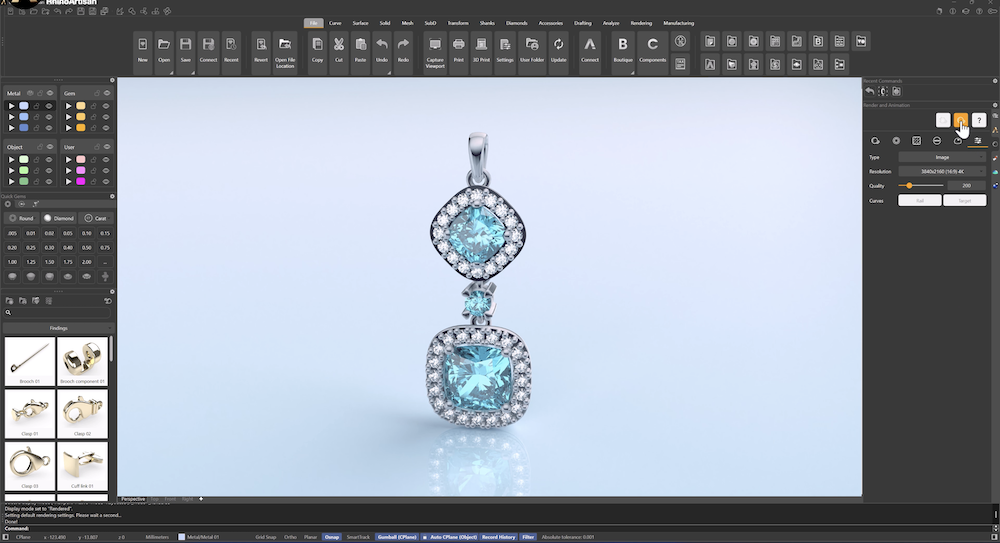
Rendering Your Design
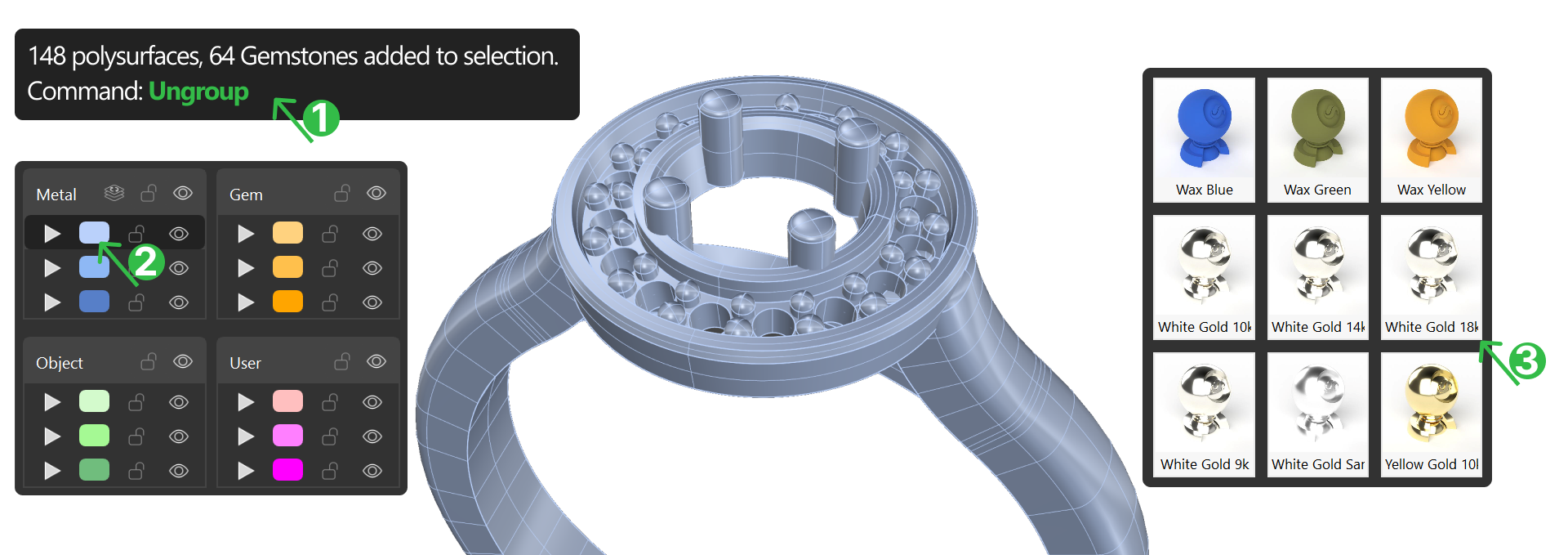
Step 1: Ungroup
Select the halo and type Ungroup in the command prompt.
Step 2: Apply materials
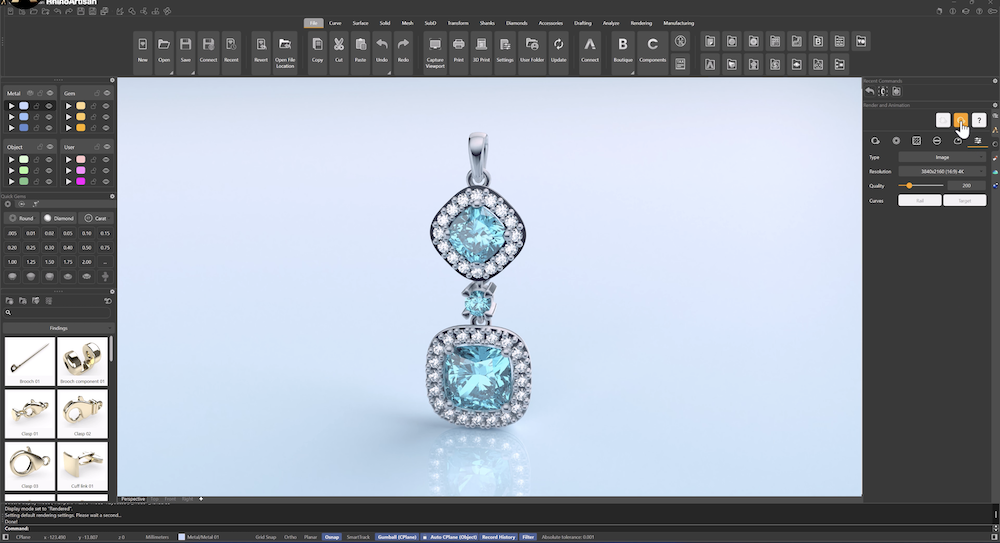
Go to the render and animation tab
- For metal parts, go to the Material section, select White Gold 18k.
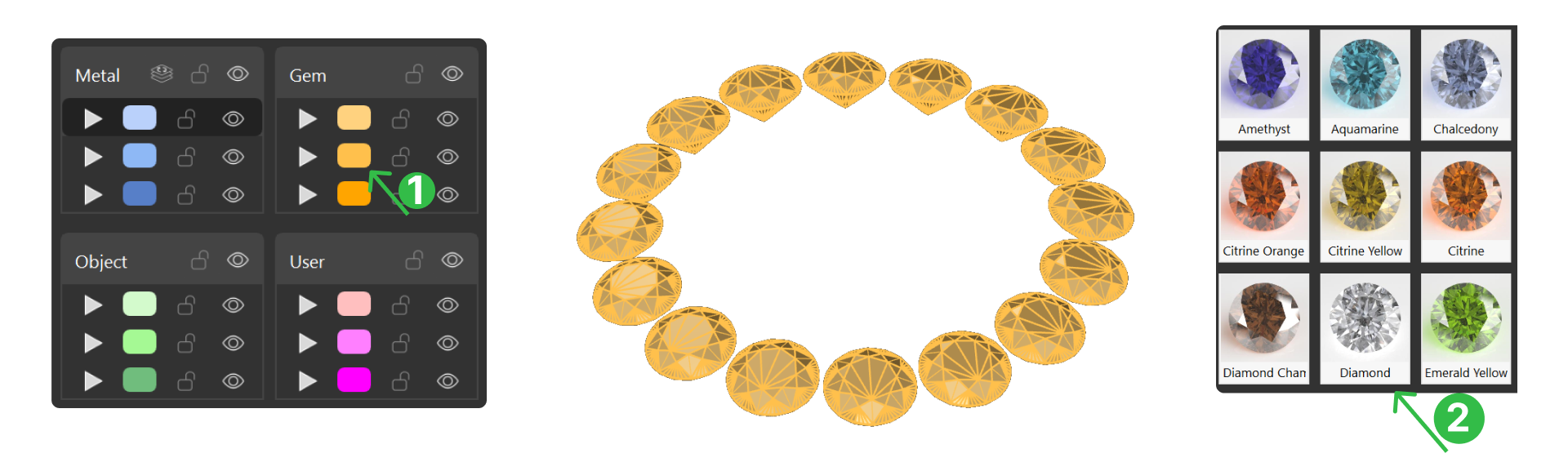
- For the halo diamonds, go to Gem category and select Diamond material.
- For the main gem select Tanzanite green.
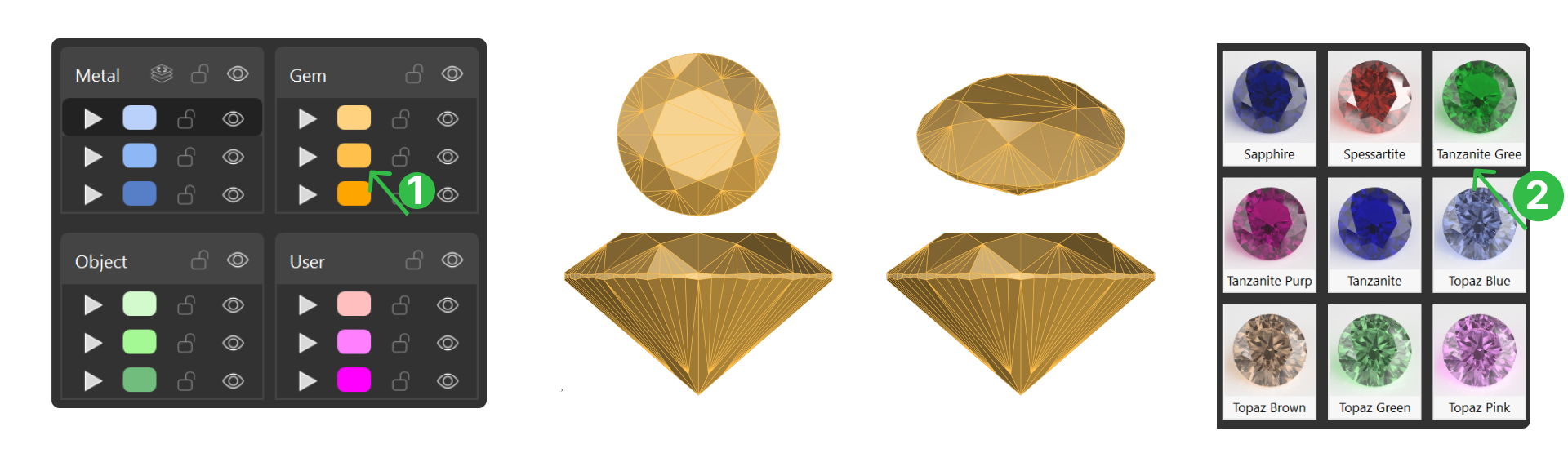
- In the Ground category, choose Basic Reflection.
Step 3: Rendering Parameters
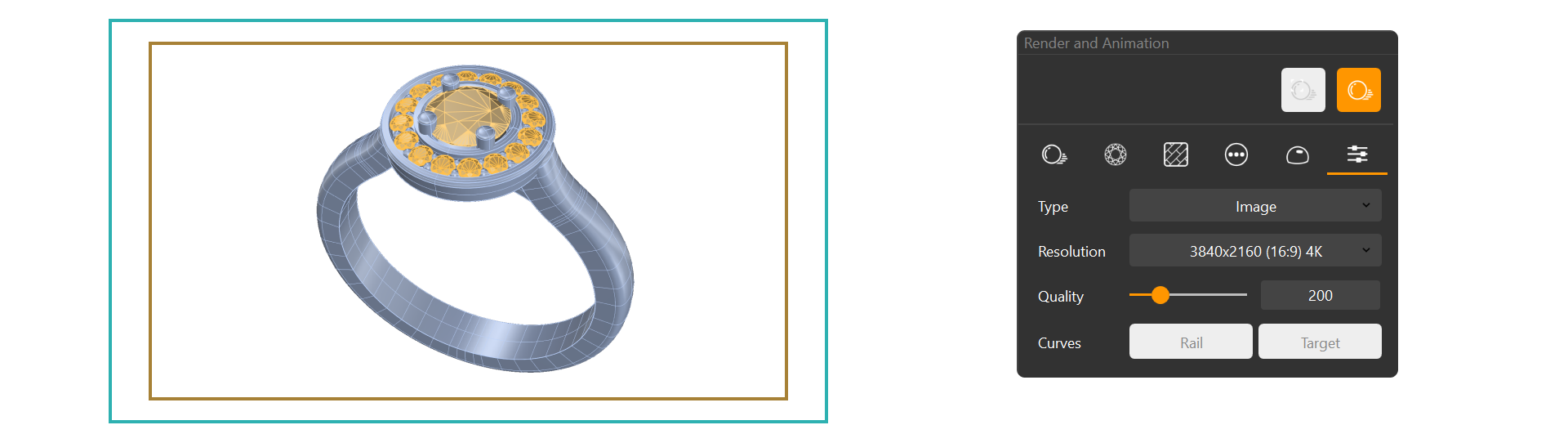
- Adjust perspective angle and distance to your preference.
- Set your desired Resolution and Quality, then click Render to produce the final image.
Video Lesson