Adjusting the Fit for the Cabochon
Move the Cabochon
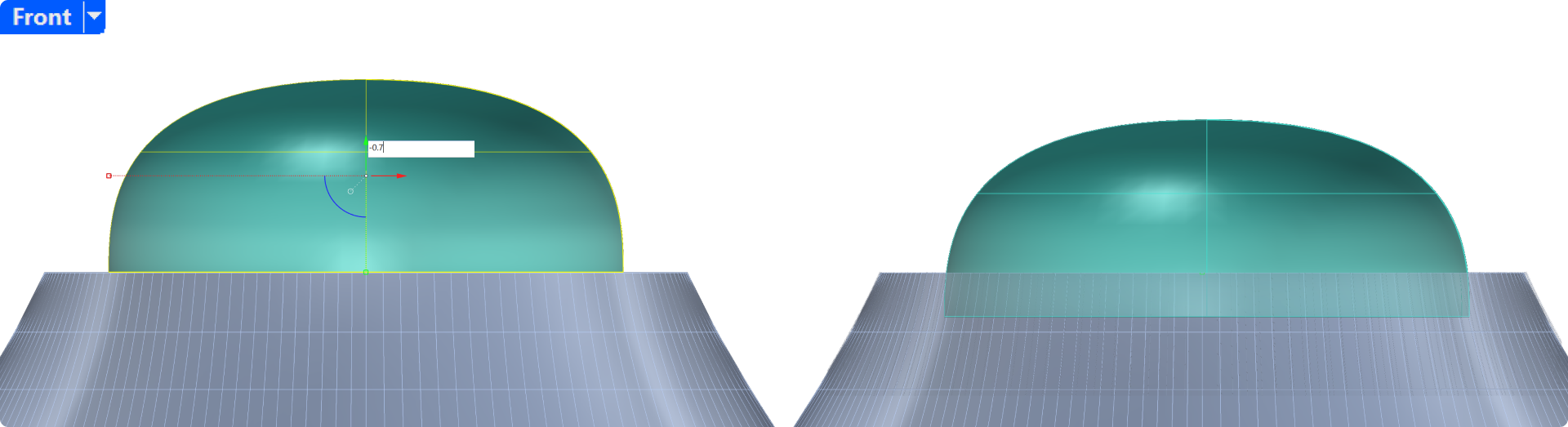
In the front view, use the gumball to move the cabochon 0.7 mm down.
Offset Surface
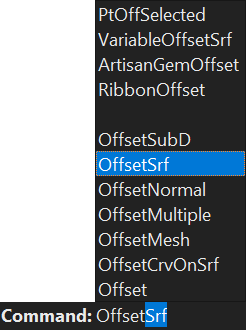
- Select the cabochon, then type Offset in the command bar.
- Use the arrow keys to select Offset Surface.
- Set the Distance to 0.05 mm.
- Press Enter to create the offset.

Video Lesson
In this video, we’ll cover how to use the Offset Surface command to create a snug fit for the cabochon, allowing it to sit securely in the shank.
Next Step
Now, we’ll use the Boolean Difference command to cut the shank, creating a perfect seating area for the cabochon in the next lesson.