Halo Setting
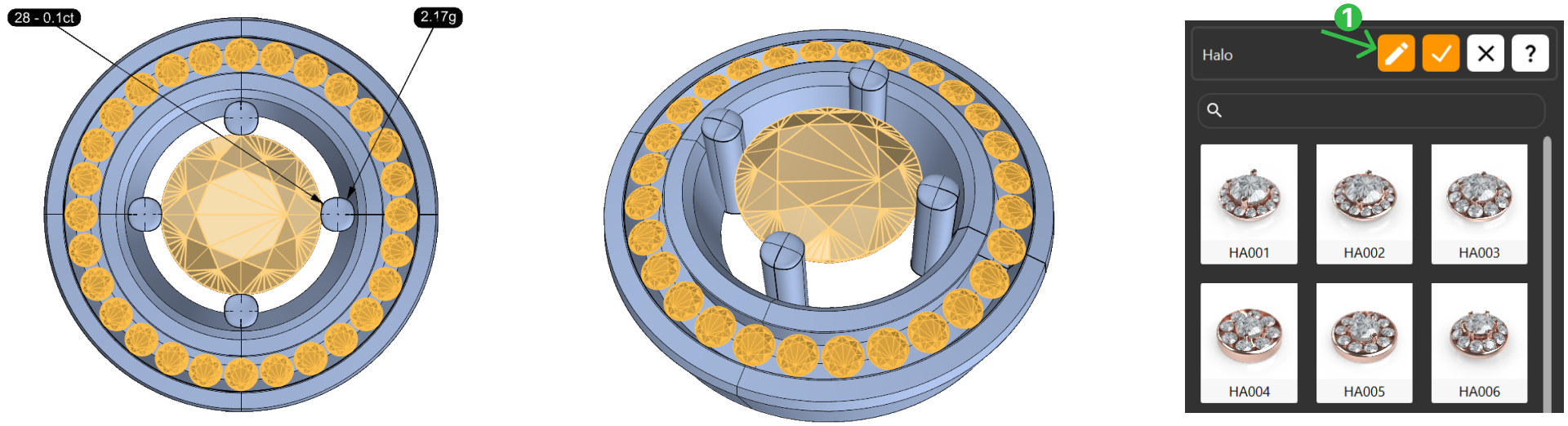
Step 1 - Halo command
Select the main gem, navigate to the Diamonds tab (1), and click on the Halo command (2).

Without selecting any elements, click Edit (1).
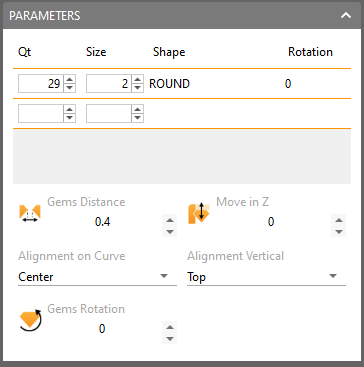
Step 2 - Set the parameters
| Metal tab | Gems tab | Prong Settings | Main gem’s prong |
|---|---|---|---|
Width: 2.3 mm | Gem Size: 1.3 mm | Option: second prong option Width & Height: 0.9 mm | Option: 4 Rotated Prongs |
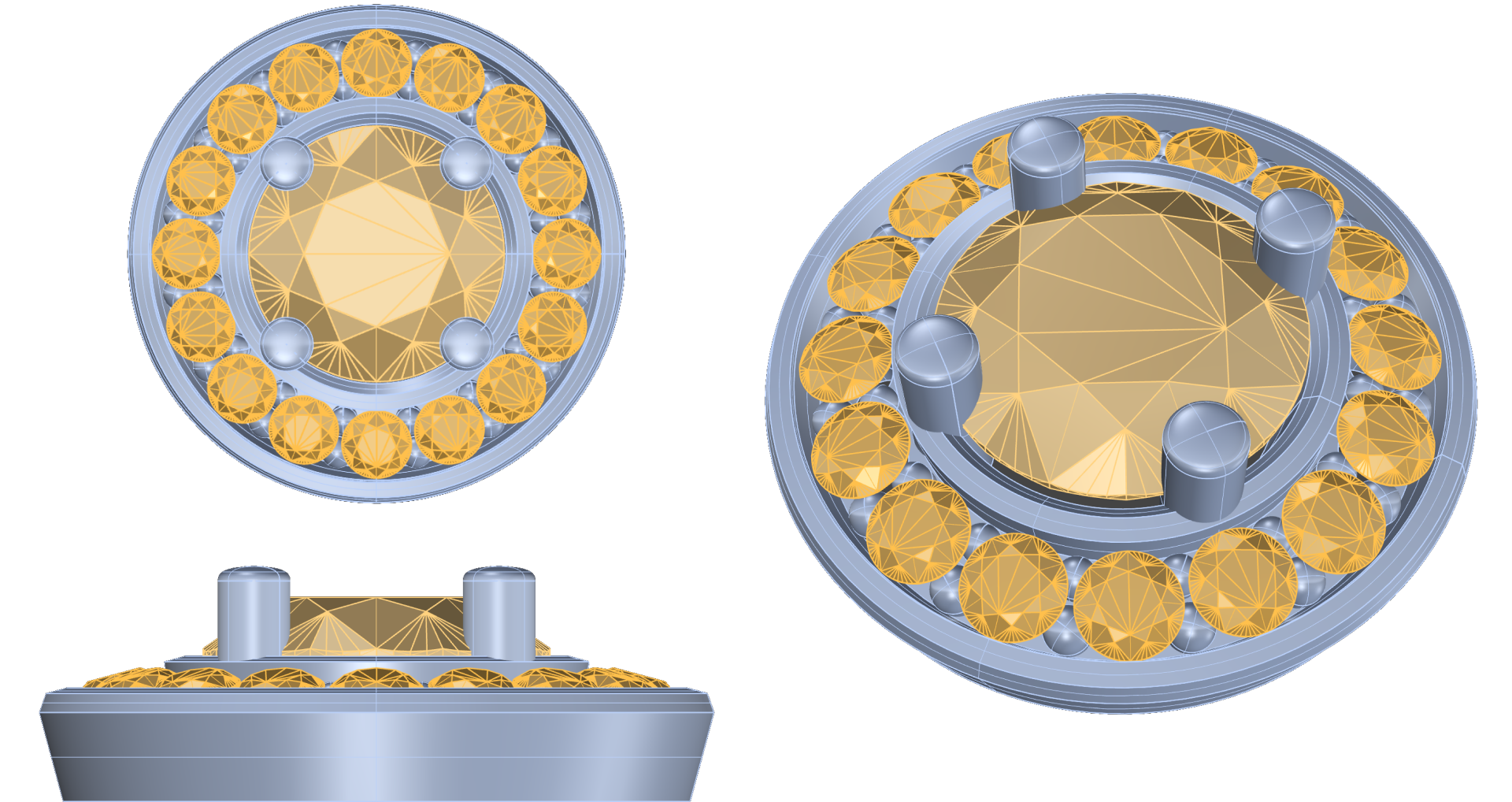
Step 3 - Confirm all changes
Click “Confirm” to save all changes.
Video Lesson
Next Lesson
In the next lesson, we will position the pendant and add a bail.