Dolphin Ring
Lesson 20 of 29
Sculpting the Dolphin
Sign in to access this lesson
This lesson is part of Living Jewels: SubD Creature Sculpting, which can come bundled with a RhinoArtisan Commercial license subject to current promotions. Log in with your customer account, or get in touch and we'll set you up.
Customers only
Solo para clientes
This lesson is part of Living Jewels: SubD Creature Sculpting, which can be included with a RhinoArtisan Commercial license subject to current promotions. If you've already purchased and don't see it in your account, get in touch.
6. Activate Sub-D symmetry and add a center edge
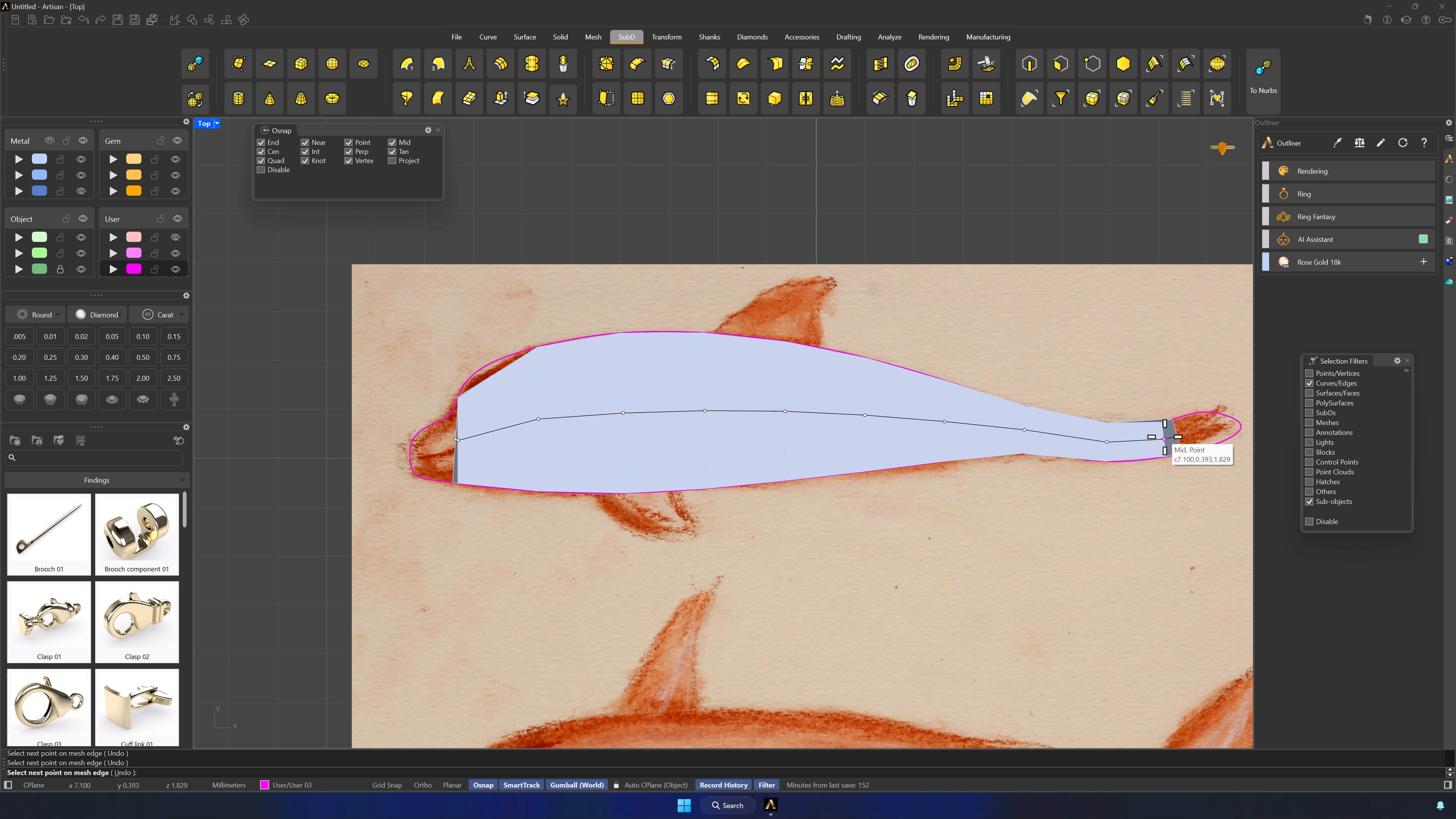
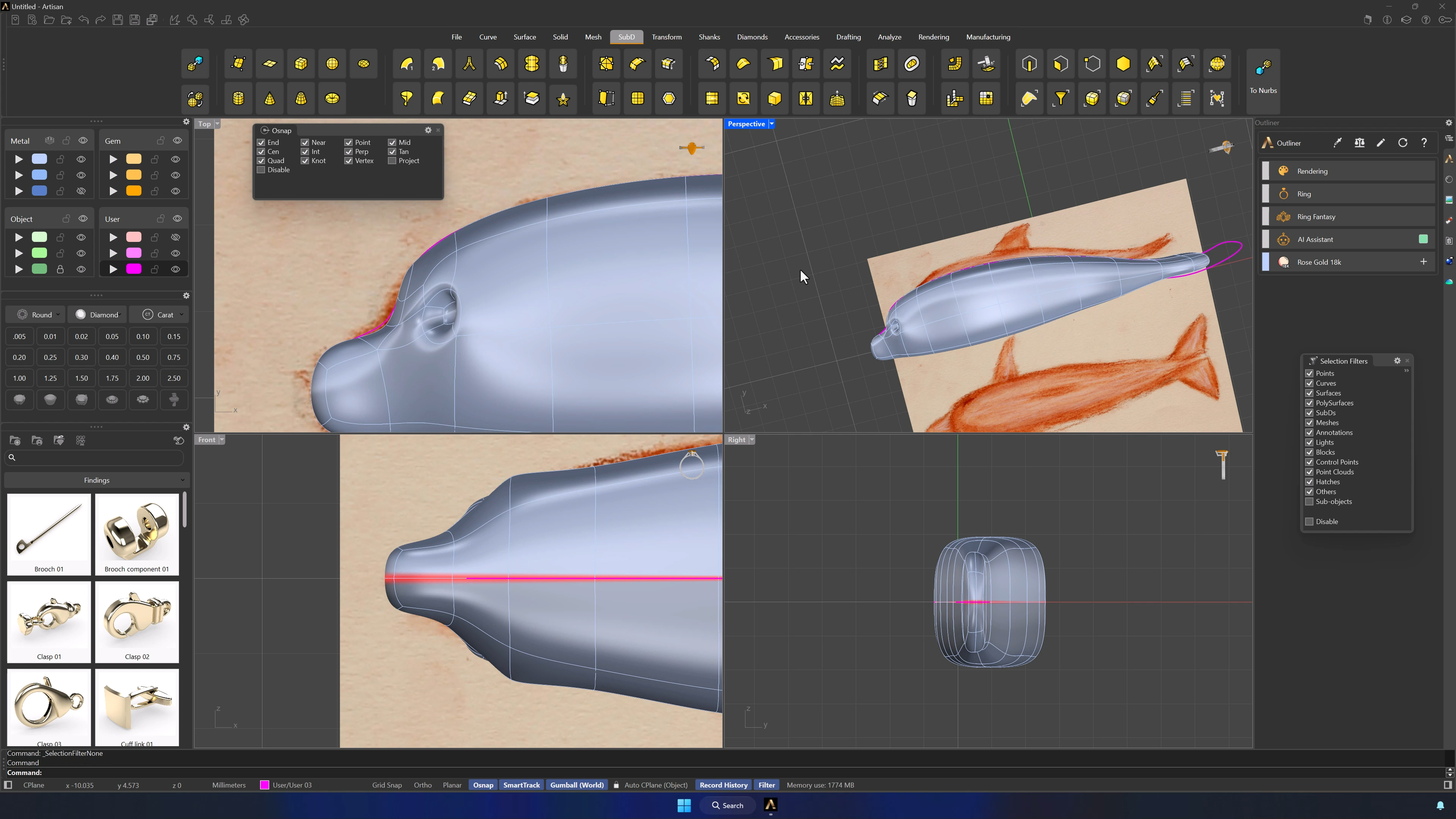
Reflect the SubD from the Front view, flipping so the arrows mark the editable side (one half darkens). Insert Point creates the center edge dividing the dolphin — OSNAP with Mid active, picking each midpoint carefully from the Top view.
7. Refine the base form and shape the head
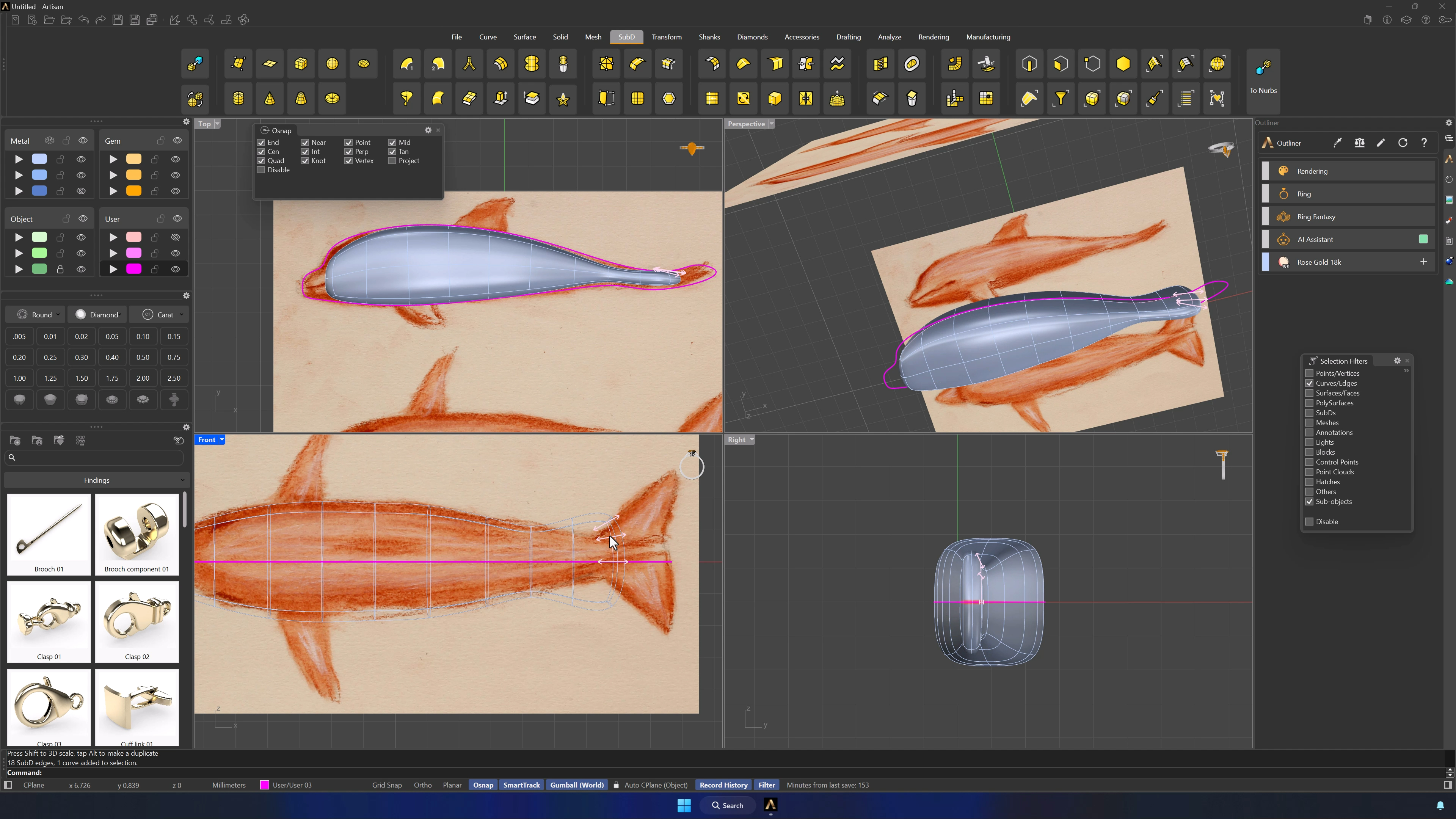
SubD is visual, not metric: take your time. Scale the front section into the face, follow the silhouette from the references, and rough out the whole form before touching any detail.
8. Use Soft Transform and selection filters for controlled edits
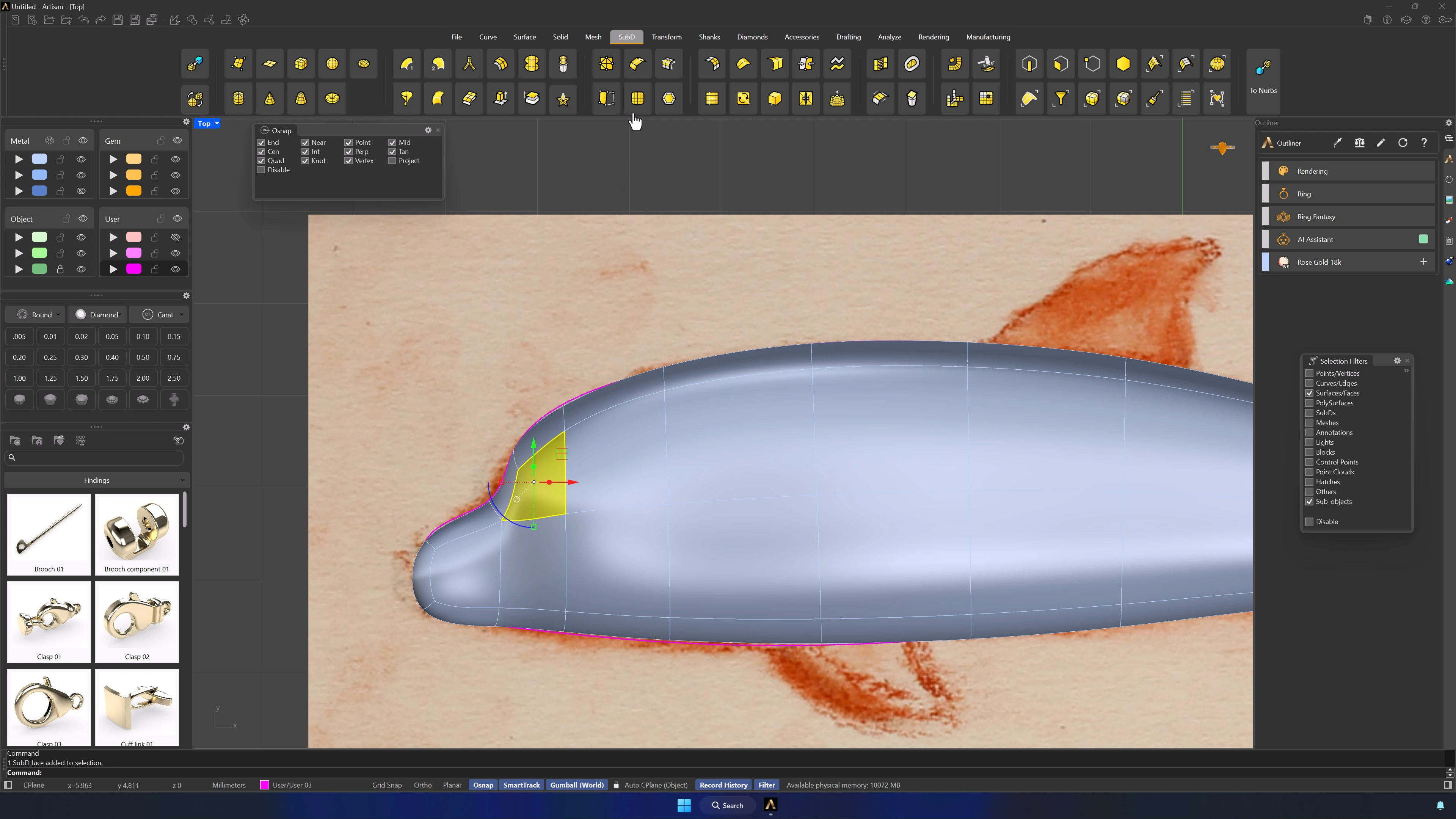
Soft Transform on a selected edge moves the neighborhood with it — the influence sphere sets how much. Deselect everything to turn it off, and lean on the selection filters (edges, faces, points) to grab exactly what you mean.
9. Round the body and build the head volume
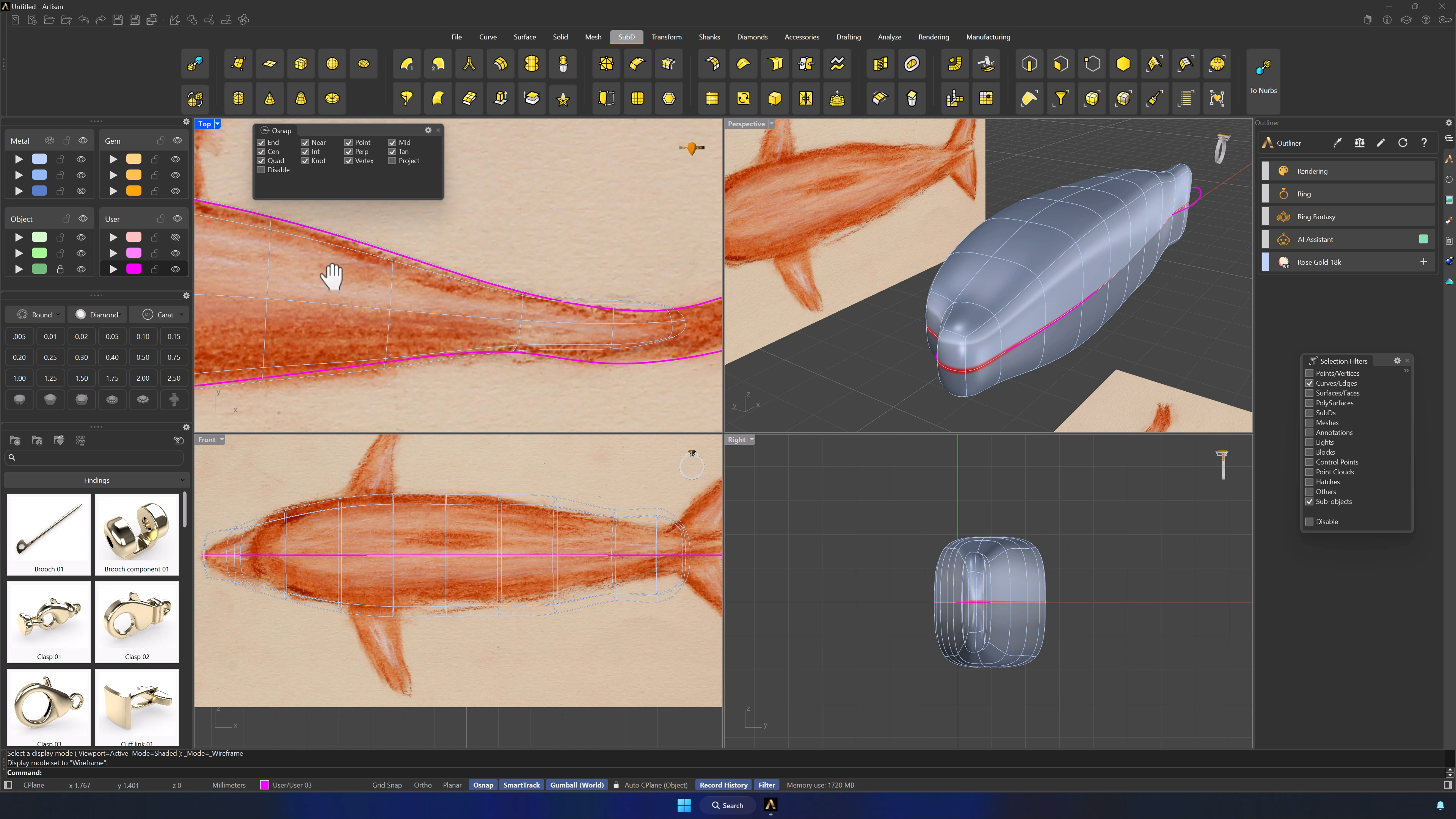
Double-click edge loops and use the Gumball to round the body — ignore the tail, it gets trimmed later. Extrude a face for the head volume and verify from every view, adding edges only where the form needs them.
10. Create and refine the eye area
Subdivide the eye’s face into four, extrude one section inward, and position from the Front view. If the area reads too sharp, Insert Point adds an edge to soften the transition — more points only when strictly necessary.
Almost there — you still have some lessons to complete. Jump to the next one →
Impersonating — progress and reviews are disabled.
Course completed
You've completed Living Jewels: SubD Creature Sculpting 🎉
Great work. Get your certificate of completion and, if you have a minute, let other jewelers know what you thought of the course.