Modelling
Pavé Perfection: Gemstone Detailing & Setting
Master pavé setting in RhinoArtisan across six complete projects, from a curve-driven pavé diamond ring to chain earrings, pendants, a domed signet ring and a butterfly design. Learn automatic pavé layouts, prong generation and production-ready cutters.
By Paula Jiménez
Already have access to this course? Sign in and this page will take you straight to your lessons.
lessons completed

What you'll learn
- Build a pavé diamond ring from a single reference curve, filling both sides with Automatic Pave, prongs and cutters.
- Combine SubD sculpting with pavé, honeycomb cutouts and findings in a pair of anchor chain earrings.
- Set a multi-row grid of graduated gems on a fully parametric classic shank using ISO curve guides.
- Model a gem-set pendant with Rail Revolve surfaces and mirrored profile patterns, finished as a turntable render.
- Hollow a domed signet ring with Network Surfaces and fill its top with reference-guided automatic pavé.
- Turn a 2D butterfly image into a 3D pendant with traced curves, a marquise center stone and a custom bail.
Requirements
- A computer meeting the minimum system requirements
- RhinoArtisan installed and updated to the latest version
- Completed the Kickstart course, or equivalent RhinoArtisan experience
- Basic confidence with curve editing and gem placement in Rhino
Who is this for
- Jewelry designers
- CAD professionals
- Jewelry manufacturers
- RhinoArtisan users
- Jewelry design enthusiasts
What's included
- Video demonstration of each project, showing the full modeling process end to end
- Illustrated step-by-step guide for every tutorial, to follow online or in print
- Downloadable 3DM files with the starting curves for each exercise
Master Pavé Setting with RhinoArtisan
Pavé is where jewelry design meets precision engineering: dozens of stones, each one placed, secured and cut for production. Pavé Perfection: Gemstone Detailing & Setting is a project-based course that teaches you to control every part of that process in RhinoArtisan — from the first reference curve to the final boolean cut.
Across six complete projects you’ll build every kind of pavé surface a real collection demands:
- Pavé Diamond Ring — from a single reference curve to a double-sided pavé ring, with Automatic Pave filling both faces with diamonds from 0.8 to 1.3 mm.
- Anchor Chain Earrings — organic SubD sculpting meets stone setting, with a honeycomb cutout, a custom bail and findings, finished as a paired, render-ready set.
- Classic Pavé Ring — a fully parametric shank carrying a multi-row grid of gems graduating from 2.0 down to 1.1 mm, kept in order with ISO guide curves and symmetry.
- Pavé Pendant — the most complete build: Rail Revolve surfaces, 4-way symmetric pavé, a mirrored decorative profile pattern, and a square turntable render ready for social media.
- Domed Pavé Signet Ring — Network Surfaces and a 0.8 mm hollowing insert produce a lighter, manufacturable ring with a fully paved dome.
- Butterfly Pendant — a 2D reference image becomes a 3D pendant with gems on curves, interior pavé, a marquise center stone in a six-claw basket and a custom bail.
Along the way you’ll master the full setting toolkit — Automatic Pave, Pave from Point, Pavé Along Surface, Gems on Curve, automatic and manual prongs, and production-ready cutters — plus the modeling techniques that support it: SubD sculpting, QuadRemesh, Network Surfaces, Rail Revolve and clean boolean work.
Every section pairs a short overview with illustrated step-by-step lessons — over 80 annotated captures across 34 lessons — and closes with the full video demonstration. The 3DM starting files and reference images are included as downloads, so you can follow along piece by piece.
Curriculum
6 topics · 34 lessons
01 Pavé Diamond Ring
6 lessons
Pavé Diamond Ring
- 01.01 Overview
- 01.02 Building the Ring Body
- 01.03 Guide Curves & Intersections
- 01.04 Pavé Layout
- 01.05 Prongs, Cutters & Finish
- 01.06 Video Lesson
02 Anchor Chain Earrings
6 lessons
Anchor Chain Earrings
- 02.01 Overview
- 02.02 SubD Base & Sculpting
- 02.03 Pavé, Prongs & Cutters
- 02.04 Honeycomb Pattern
- 02.05 Second Chain, Bail & Assembly
- 02.06 Video Lesson
03 Classic Pavé Ring
5 lessons
Classic Pavé Ring
- 03.01 Overview
- 03.02 Building the Shank
- 03.03 Gem Rows on Guide Curves
- 03.04 Prongs, Cutters & Render Prep
- 03.05 Video Lesson
04 Pavé Pendant
6 lessons
Pavé Pendant
- 04.01 Overview
- 04.02 SubD Base & Reference Surface
- 04.03 Pavé, Prongs & Cutters
- 04.04 Decorative Profile Pattern
- 04.05 Bail & Turntable Render
- 04.06 Video Lesson
05 Domed Pavé Signet Ring
5 lessons
Domed Pavé Signet Ring
- 05.01 Overview
- 05.02 Shank & Network Surfaces
- 05.03 Hollowing the Ring
- 05.04 Pavé, Prongs & Cutters
- 05.05 Video Lesson
06 Butterfly Pendant
6 lessons
Butterfly Pendant
- 06.01 Overview
- 06.02 Tracing the Wings
- 06.03 Wing Gems & Inner Body
- 06.04 Remesh & Interior Pavé
- 06.05 Center Stone, Basket & Bail
- 06.06 Video Lesson
Student reviews
Get this course with RhinoArtisan
Master pavé setting in RhinoArtisan across six complete projects, from a curve-driven pavé diamond ring to chain earrings, pendants, a domed signet ring and a butterfly design. Learn automatic pavé layouts, prong generation and production-ready cutters.
Buy nowTry RhinoArtisan free for 15 days
Full access to every tool. No credit card required. Works with your existing Rhino installation.
Setup takes less than 2 minutes
Talk to us
Let's talk about what you want to achieve.
Book a free 30-minute one-to-one session with a RhinoArtisan specialist. Tell us about your work, your challenges and what you would like to achieve, and we'll help you find the best way forward.
More courses

Crafting Engagement Masterpieces
Five engagement rings, modelled start to finish: a halo with a cathedral shank, a cushion solitaire, and a three-ring solitaire collection. You build the settings that define each piece — halos, baskets, peg heads, prongs and rails — then move on to helix shanks, fittings for casting and the render that sells the design. Every finished ring is saved to Curator, so you end the course with a collection ready to show clients.
Iconic Fashion Pieces
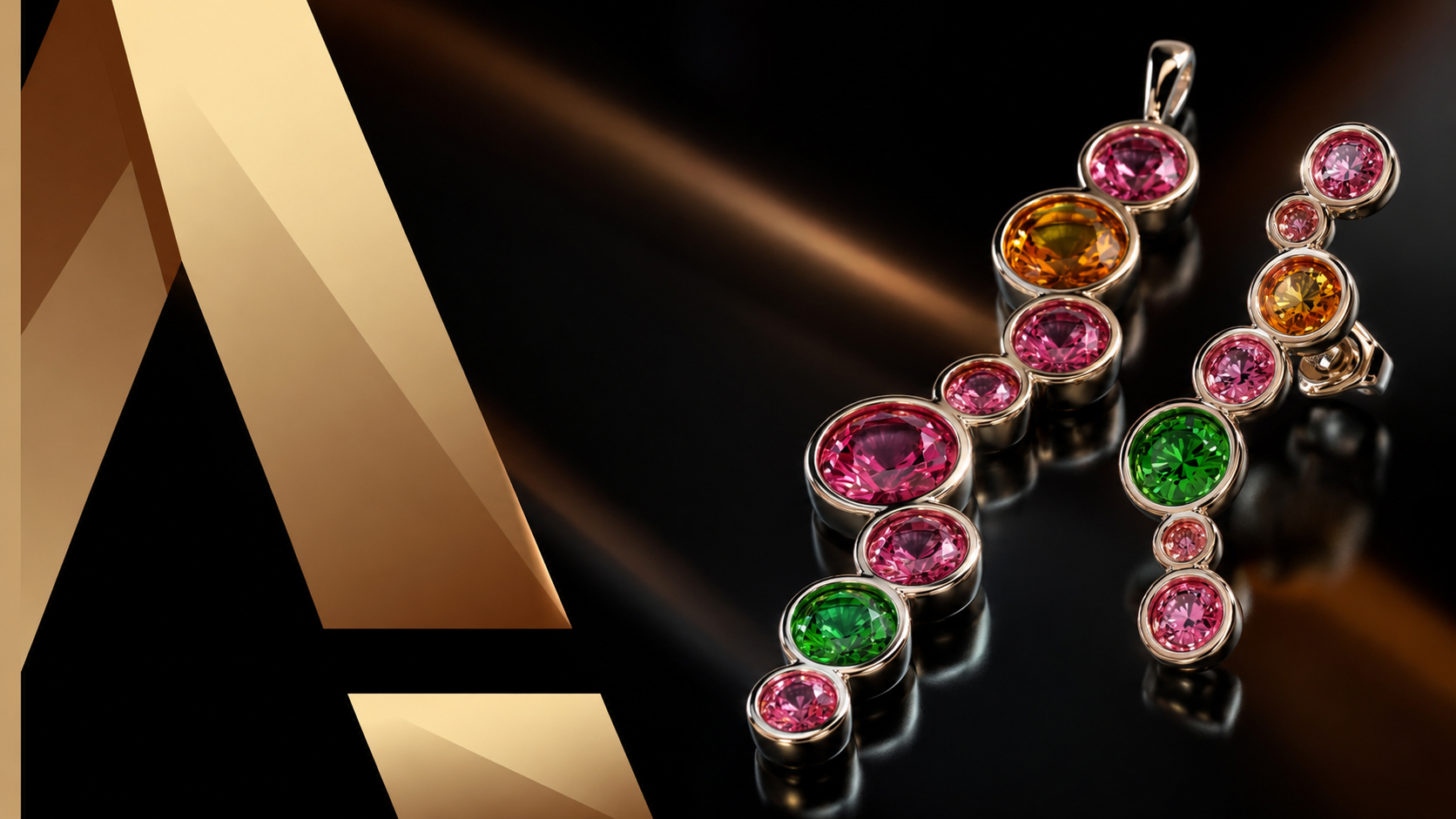
Six pieces that go beyond the classic solitaire: three statement rings — fashion, fantasy and advanced — plus a matching bezel-set pendant, earrings and ring. You work with reference images and curve patterns, Flow Along Curve, Quick Array Polar and profile-driven shanks, then stage the whole set in a single scene with cutters and materials for the final render. The result is a coordinated collection, not three unrelated rings.

Master in Jewelry Rendering in Cycles
Turn finished models into images that sell. This course walks the whole Cycles pipeline inside RhinoArtisan: organising a model by layers and outliner, the difference between design and render materials, posing pieces on the ground and in pairs, building and editing environments, and the render settings behind resolution, quality and post effects. It closes with cutters for advanced gem rendering — the detail that makes stones read as real.