Modelling
Iconic Fashion Pieces
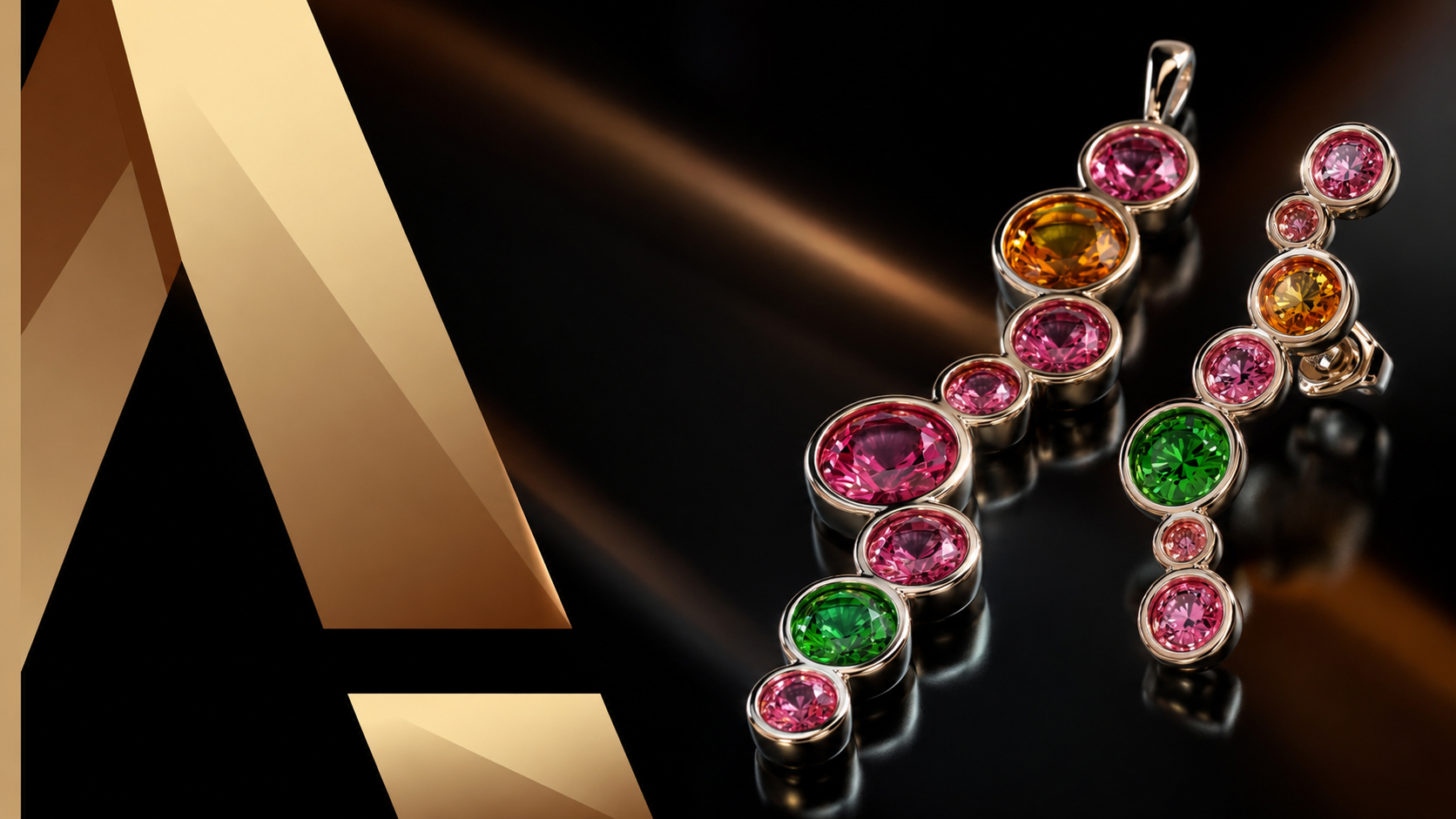
Six pieces that go beyond the classic solitaire: three statement rings — fashion, fantasy and advanced — plus a matching bezel-set pendant, earrings and ring. You work with reference images and curve patterns, Flow Along Curve, Quick Array Polar and profile-driven shanks, then stage the whole set in a single scene with cutters and materials for the final render. The result is a coordinated collection, not three unrelated rings.
By Paula Jiménez
Already have access to this course? Sign in and this page will take you straight to your lessons.
lessons completed
What you'll learn
- Master advanced jewelry techniques, including fluid bending and gem inlaying.
- Create unique fashion, fantasy, and advanced rings with personalized designs.
- Customize bezels and shanks, and gain essential skills for professional jewelers.
Requirements
- A computer meeting the minimum system requirements
- RhinoArtisan installed and updated to the latest version
- Completed the Kickstart course, or equivalent RhinoArtisan experience
Who is this for
- Jewelry designers
- Jewelry store owners
- Product managers
- Jewelry manufacturers
- Jewelry design enthusiasts
What's included
- Exercises and pre-prepared files to download, so you can practice each lesson
- Video demonstration of lessons to see how features work in real-case scenarios
- Training guide so you can follow the course online and offline, and print it on paper
Curriculum
7 topics · 58 lessons
01 Fashion Ring
9 lessons
Fashion Ring
- 01.01 Lesson Overview
- 01.02 Start: Reference Curve
- 01.03 Gem Studio: Create and pose
- 01.04 Bezel Setting
- 01.05 Flow Along Curve
- 01.06 Profile command: Create the shank
- 01.07 Edit Profile Parameters
- 01.08 Apply materials and Render
- 01.09 Step by Step Tutorial
02 Fantasy Ring
10 lessons
Fantasy Ring
- 02.01 Lesson Overview
- 02.02 Gem Studio
- 02.03 Gem Setting: Bezel
- 02.04 Stunning Fantasy
- 02.05 Quick Array Polar
- 02.06 Shank
- 02.07 Shank Bridge
- 02.08 Prongs
- 02.09 Render
- 02.10 Step by Step Tutorial
03 Advanced Ring
9 lessons
Advanced Ring
- 03.01 Lesson Overview
- 03.02 Create Reference Curve
- 03.03 Gem Studio
- 03.04 Bezel Setting
- 03.05 Shank
- 03.06 Shank Profiles
- 03.07 Bezel Details
- 03.08 Apply Materials and Render
- 03.09 Step by Step Tutorial
04 Bezel Set - Pendant
9 lessons
Bezel Set - Pendant
- 04.01 Lesson Overview
- 04.02 Reference Curves
- 04.03 Offset and Group
- 04.04 Curves Pattern
- 04.05 Gem Creation: Gem by Circles
- 04.06 Bezel Setting
- 04.07 Apply Style and Curator Save
- 04.08 Bail
- 04.09 Step by Step
05 Bezel Set - Earrings
8 lessons
Bezel Set - Earrings
- 05.01 Reference Curves
- 05.02 Add the Reference Image and Set the Size
- 05.03 Create the Pattern with Circles
- 05.04 Gem Creation and Bezel Set
- 05.05 Post and Push
- 05.06 Pair
- 05.07 Pose and Save
- 05.08 Step by Step
06 Bezel Set - Ring
6 lessons
Bezel Set - Ring
- 06.01 Reference Curve
- 06.02 Reference Line
- 06.03 Pattern Creation
- 06.04 Quick Flow
- 06.05 Gems and Bezel Set
- 06.06 Step by Step
07 Bezel Set - Render
7 lessons
Bezel Set - Render
- 07.01 Add models
- 07.02 Pose
- 07.03 Cutters
- 07.04 Apply Materials: Pendant and Earrings
- 07.05 Save Viewport Position
- 07.06 Ring Materials and Render
- 07.07 Step by Step
Student reviews
Get this course with RhinoArtisan
Six pieces that go beyond the classic solitaire: three statement rings — fashion, fantasy and advanced — plus a matching bezel-set pendant, earrings and ring. You work with reference images and curve patterns, Flow Along Curve, Quick Array Polar and profile-driven shanks, then stage the whole set in a single scene with cutters and materials for the final render. The result is a coordinated collection, not three unrelated rings.
Buy nowTry RhinoArtisan free for 15 days
Full access to every tool. No credit card required. Works with your existing Rhino installation.
Setup takes less than 2 minutes
Talk to us
Let's talk about what you want to achieve.
Book a free 30-minute one-to-one session with a RhinoArtisan specialist. Tell us about your work, your challenges and what you would like to achieve, and we'll help you find the best way forward.
More courses
Crafting Engagement Masterpieces
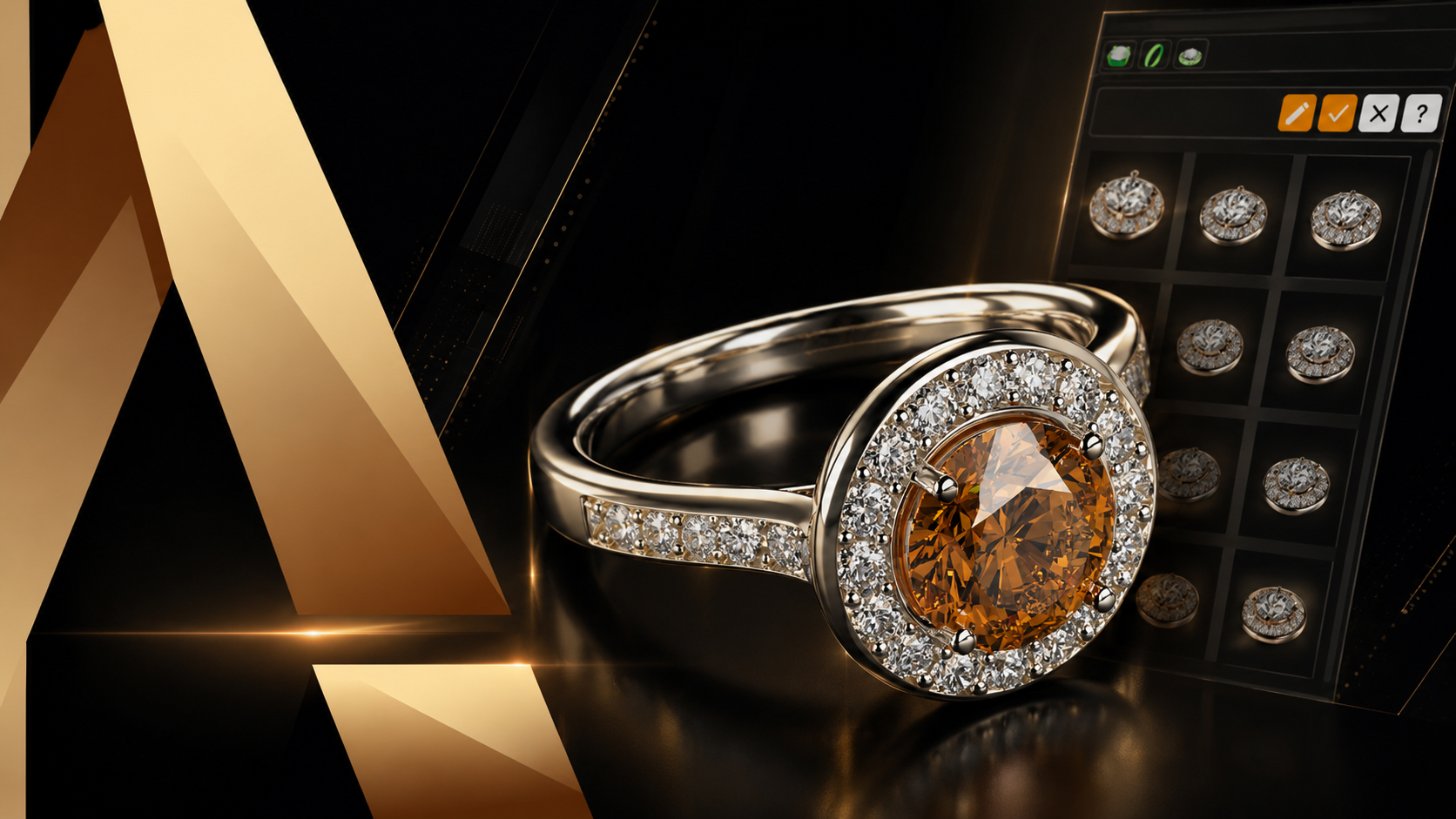
Five engagement rings, modelled start to finish: a halo with a cathedral shank, a cushion solitaire, and a three-ring solitaire collection. You build the settings that define each piece — halos, baskets, peg heads, prongs and rails — then move on to helix shanks, fittings for casting and the render that sells the design. Every finished ring is saved to Curator, so you end the course with a collection ready to show clients.
Master in Jewelry Rendering in Cycles
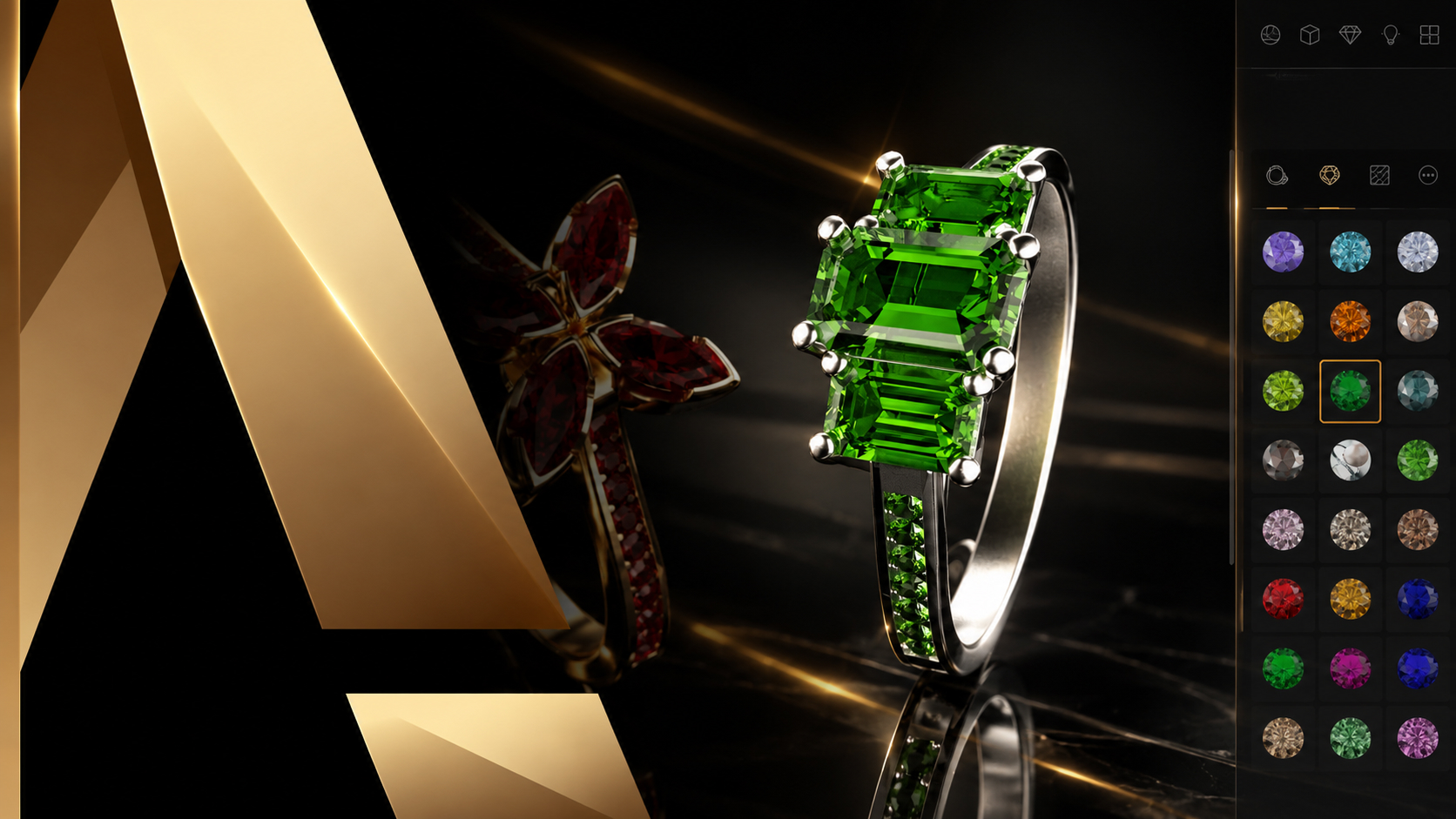
Turn finished models into images that sell. This course walks the whole Cycles pipeline inside RhinoArtisan: organising a model by layers and outliner, the difference between design and render materials, posing pieces on the ground and in pairs, building and editing environments, and the render settings behind resolution, quality and post effects. It closes with cutters for advanced gem rendering — the detail that makes stones read as real.
From RhinoArtisan to Keyshot: Jewelry Rendering Essentials
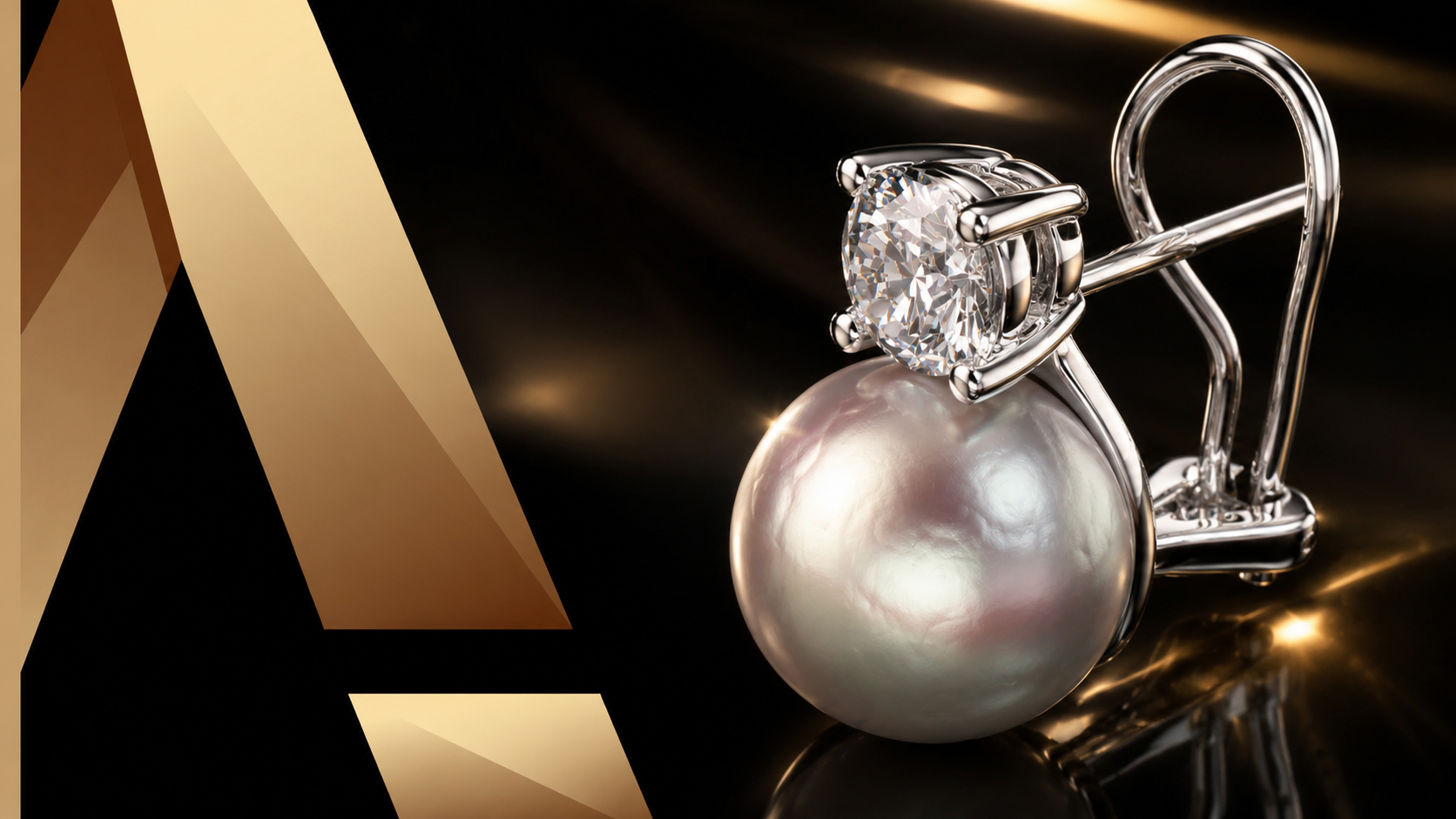
From RhinoArtisan to KeyShot teaches you how to prepare your jewelry designs for professional-quality rendering. Through practical steps, you’ll learn how to organize your 3DM models, materials, and environments, connect RhinoArtisan with KeyShot using Live Linking, and refine your scene with realistic materials, lighting, and composition. The course also covers techniques such as multi-material metals, improved diamond realism, and fast model updates between both platforms, helping you create polished images for portfolios, social media, and client presentations.