Bezel Setting
Step 1: Bezel Command
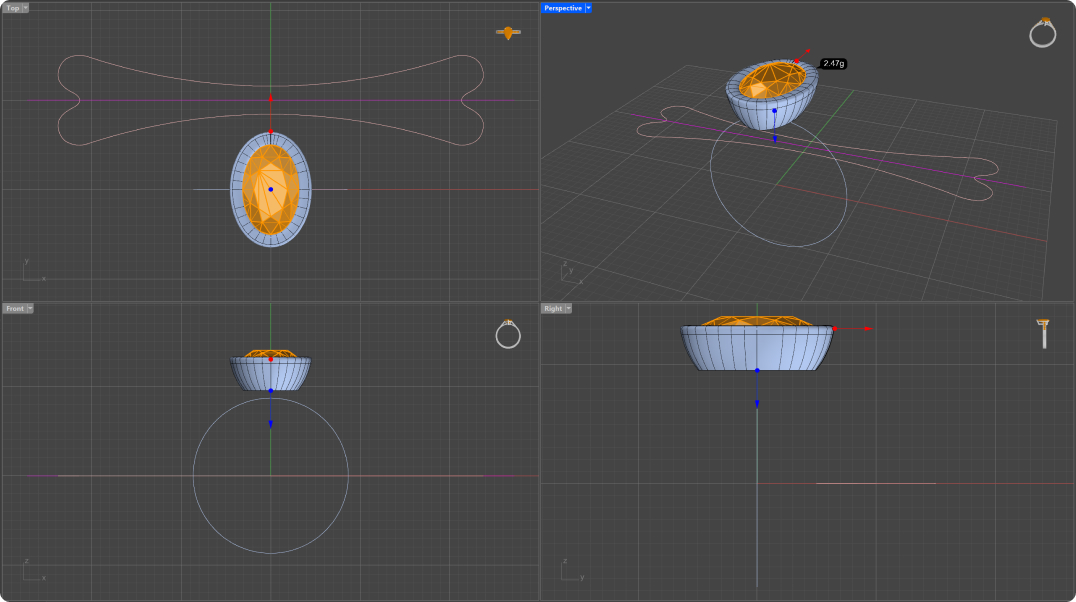
In the “Diamonds” tab, select the Gem and then the “Bezel” command.

Step 3: Bezel Library
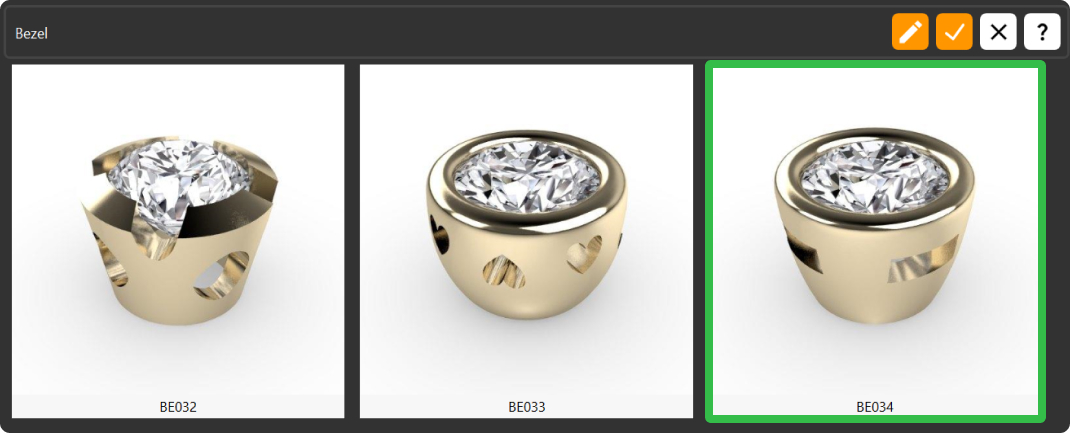
Choose the BE034 model and click “Edit.”
Step 4: Parameters
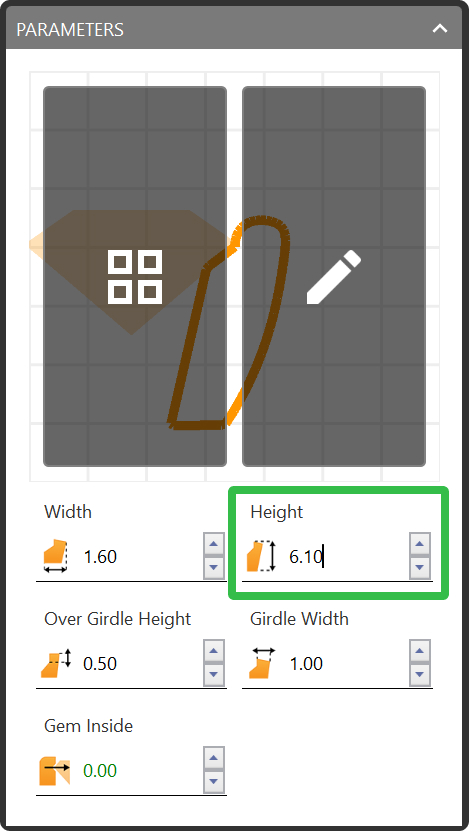
Change the height of the bezel to 6.1 millimeters.
Video Lesson
Next Step: Position and flow the profile curve along the shank curve.