Gem Setting: Bezel
Step 1: Bezel Command
In the “Diamonds” tab, select the Gem and then the “Bezel” command.

Step 2: Bezel Library
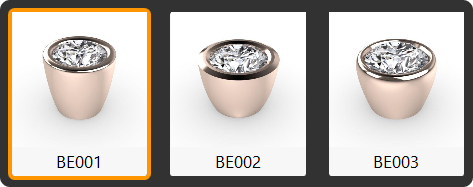
Choose the BE001 model and click “Edit.”
Step 3: Parameters
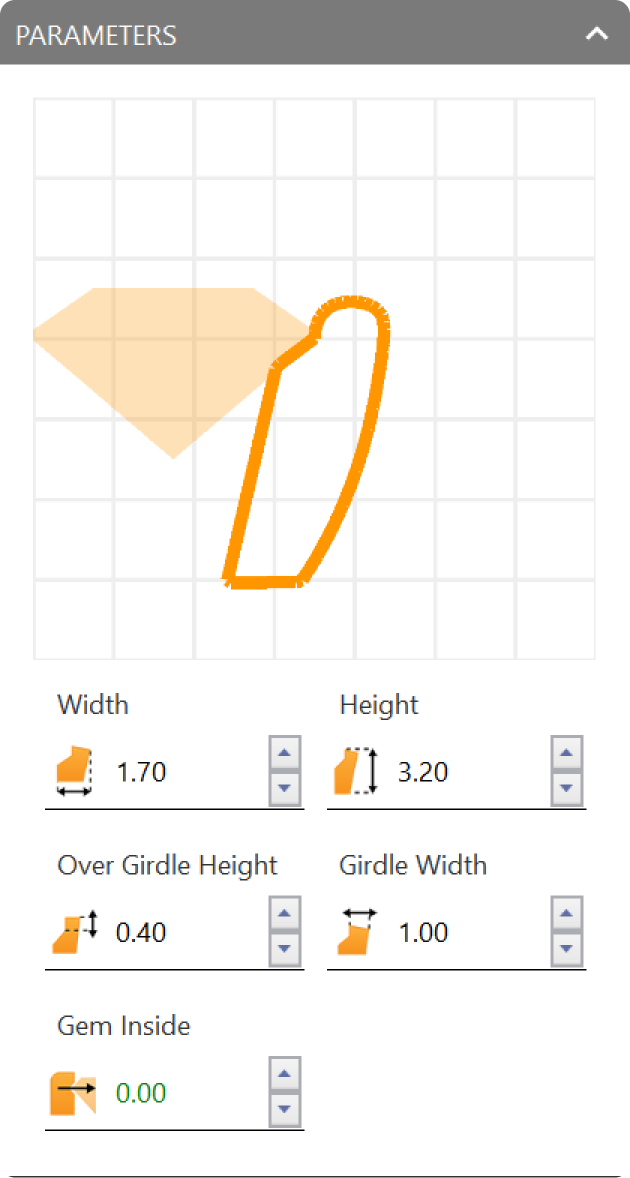
Adjust the following parameters
- Height: 3.20 millimeters.
- Over Girdle Height: 0.40 millimeters.
- Gem inside: 0.
Step 4: Cutter and Airgap
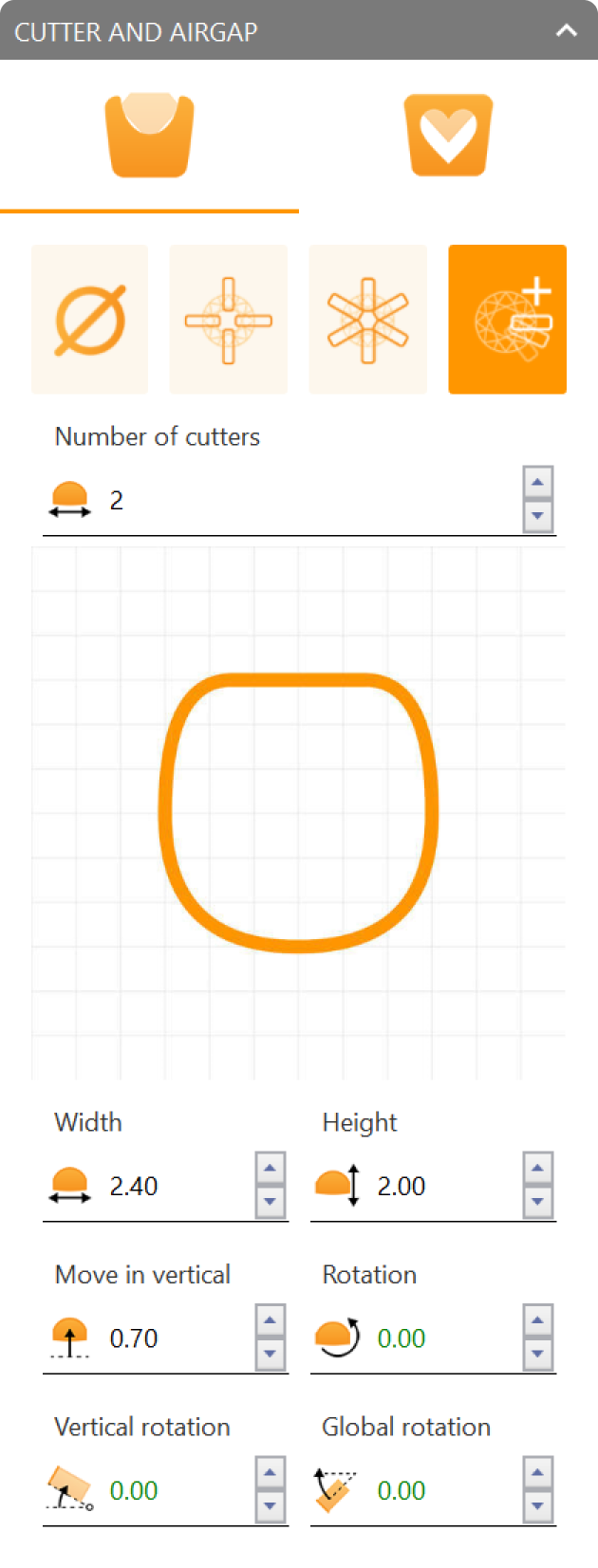
In the “Cutter and Airgap” settings, select the fourth cutter option, set the number of cutters to 2, and choose profile curve 001.
Adjust additional parameters:
- Width: 2.40 millimeters.
- Move in vertical: 0.70 millimeters.
Video Lesson
Next Step: Rotate the gem and bezel to start creating the fantasy design.