Cutters
Step 1: Cutter Command
In the Diamonds tab, use the Cutter command.
Step 2: Cutter Panel
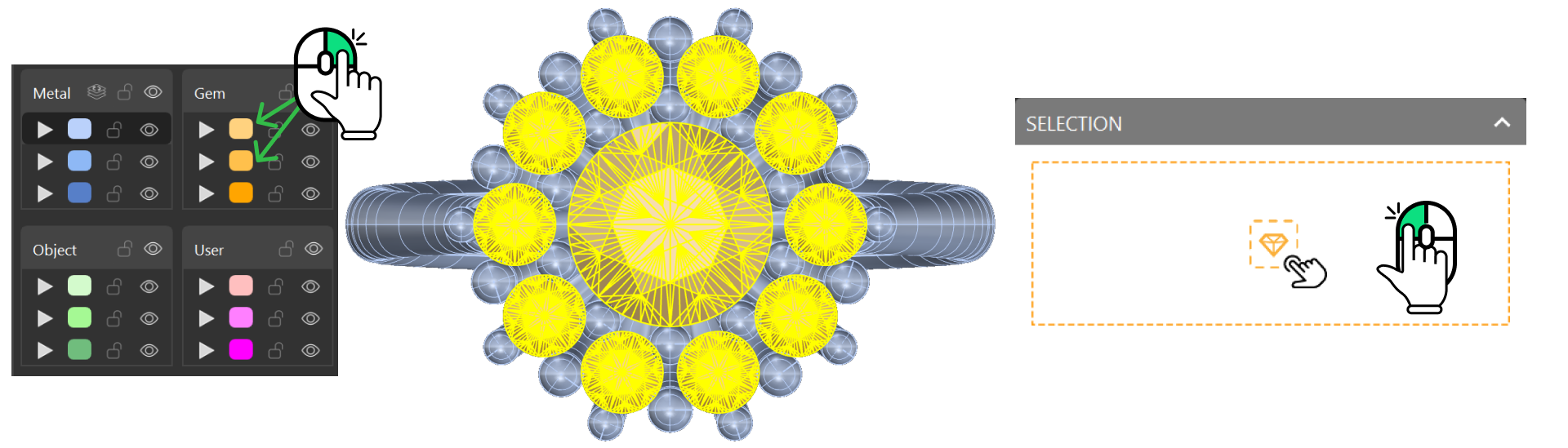
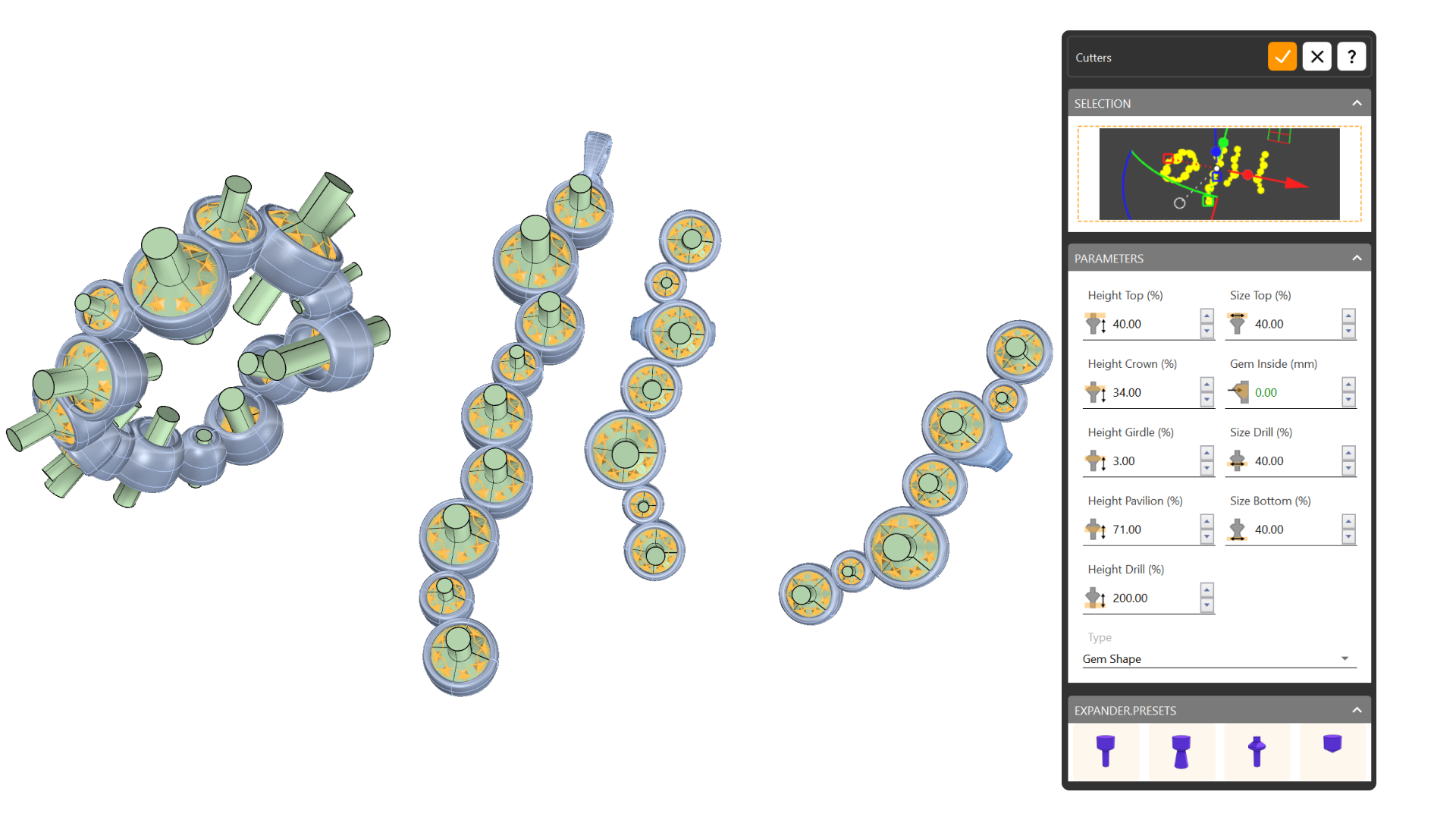
Select all the gems and click on the panel to create the cutters.
Step 3: Boolean Command
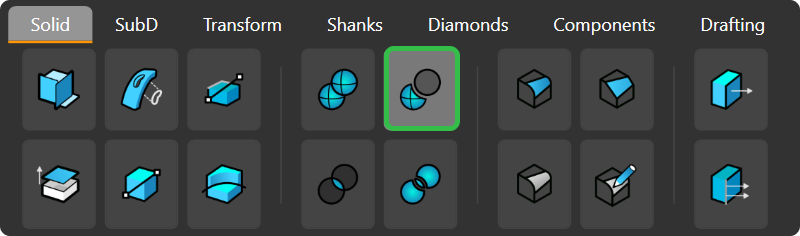
Go to the Solid tab and select Boolean Difference.
Step 4: SelColor
Select one bezel and type SelColor in the command bar. Press enter to select all bezels.
Step 5: After selecting the bezels, choose the cutters and press Enter to apply.
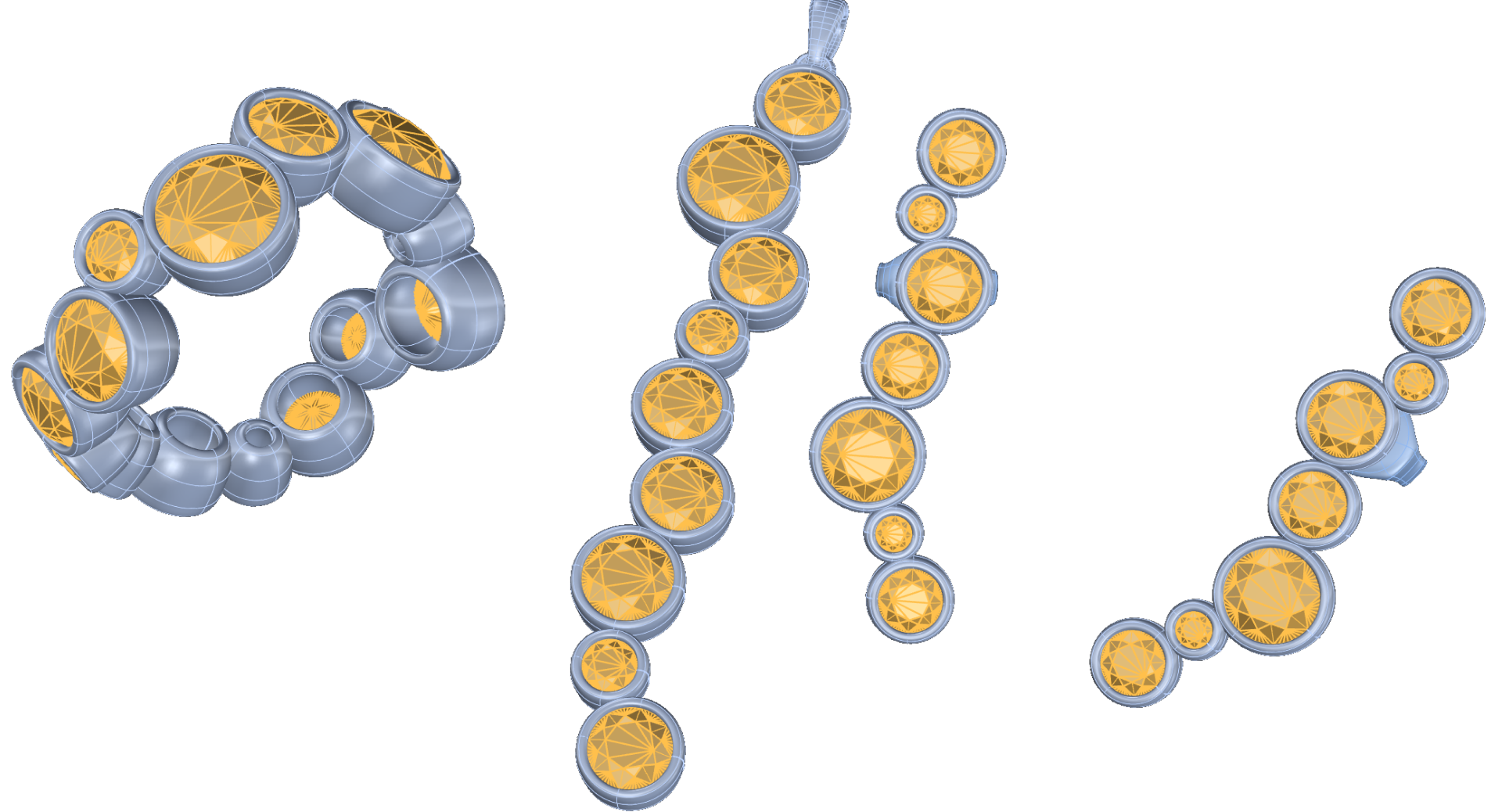
Next Step: Start applying materials to the models.