Post and Push
Step 1: Curator Findings
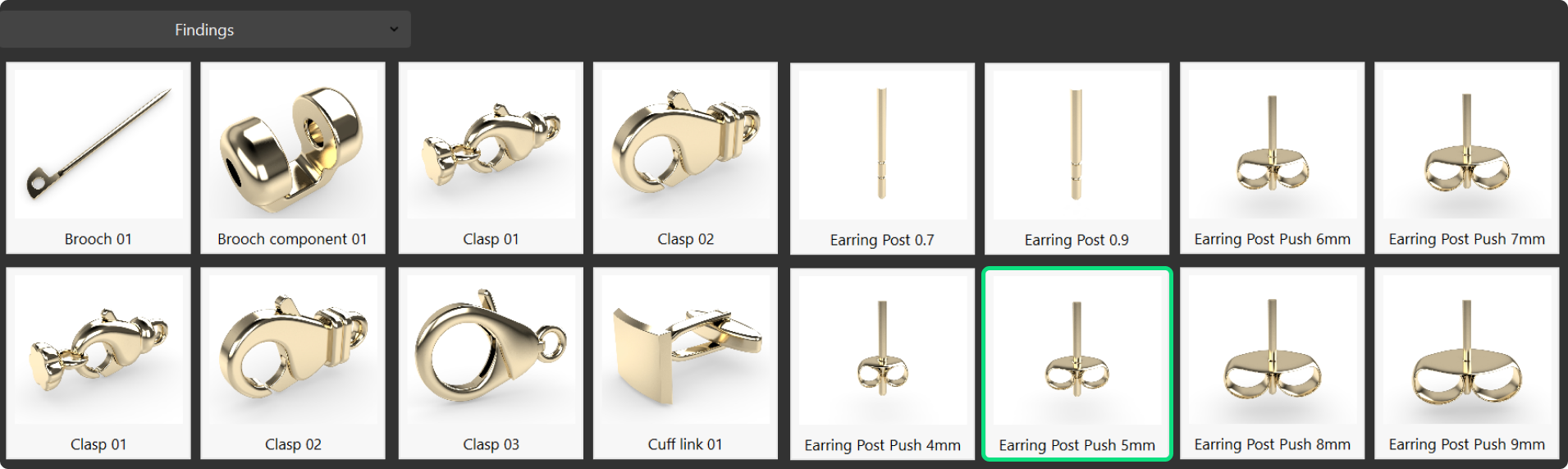
In the Curator panel, go to the Findings category and select the earring post push component with a 5 mm diameter.
Step 2: Pose the Post and Push
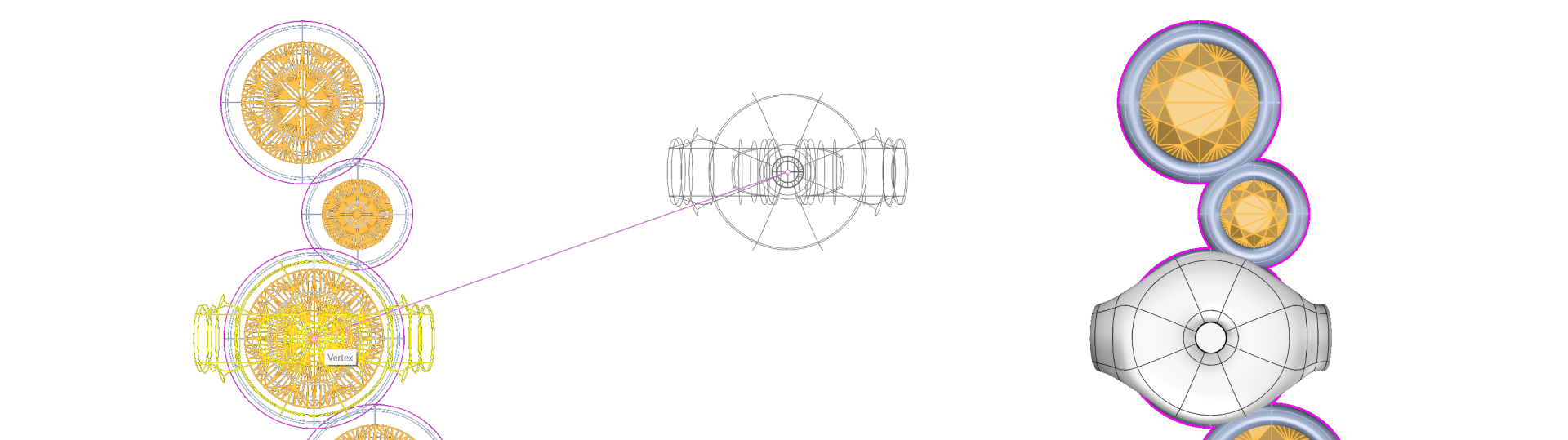
In the Top view, using wireframe mode, type Move in the command bar. Move the post to the center of the third gem from the top.
Step 3: Adjust the position
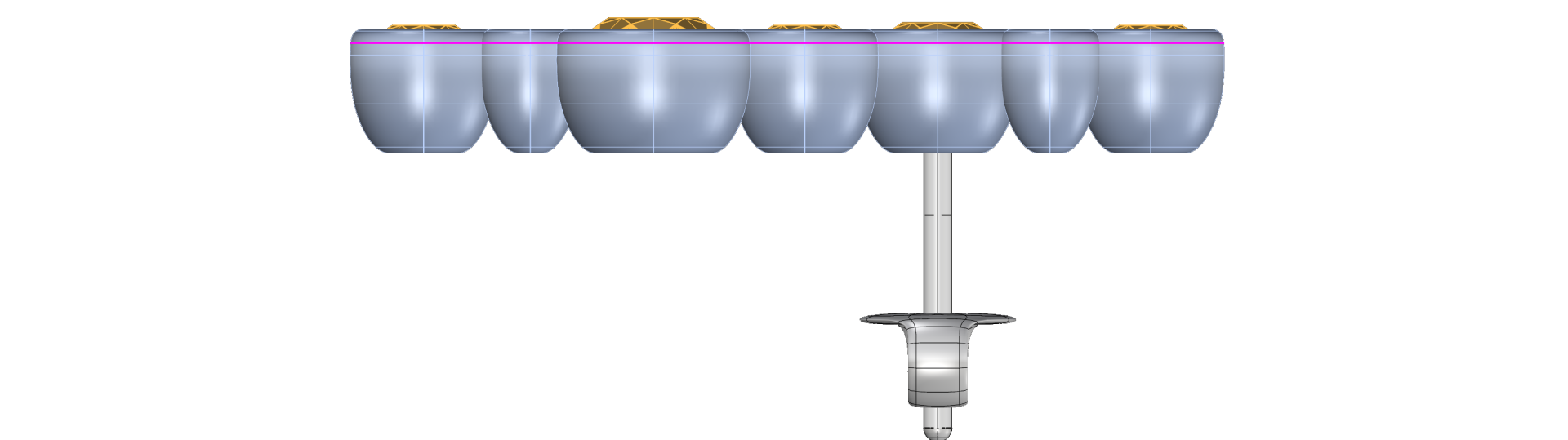
Switch to the Right view and adjust the post’s height to match the correct positioning.
Video Lesson
Next Step: Use Pair command to create the second earring.