Shank
Step 1: Advanced Shank
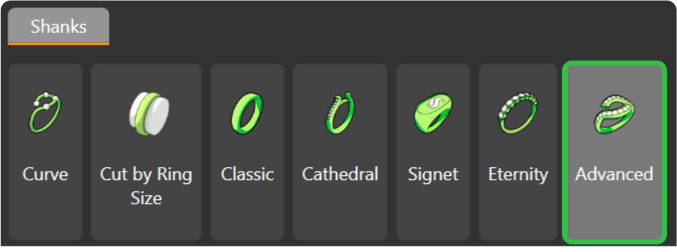
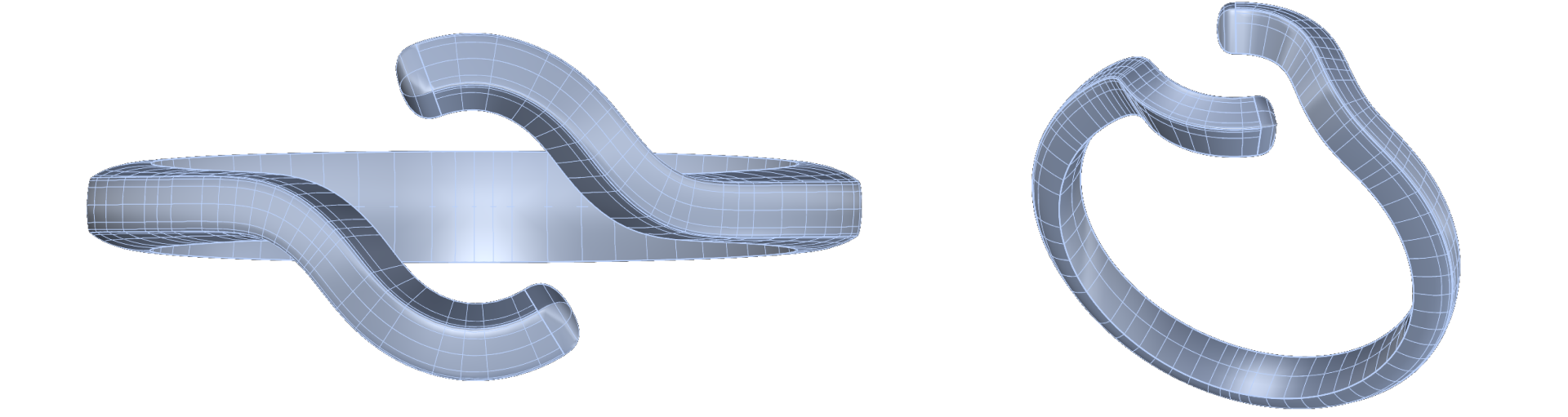
In the “Shanks” menu, select the “Advanced” command.
Step 2: Advanced Library
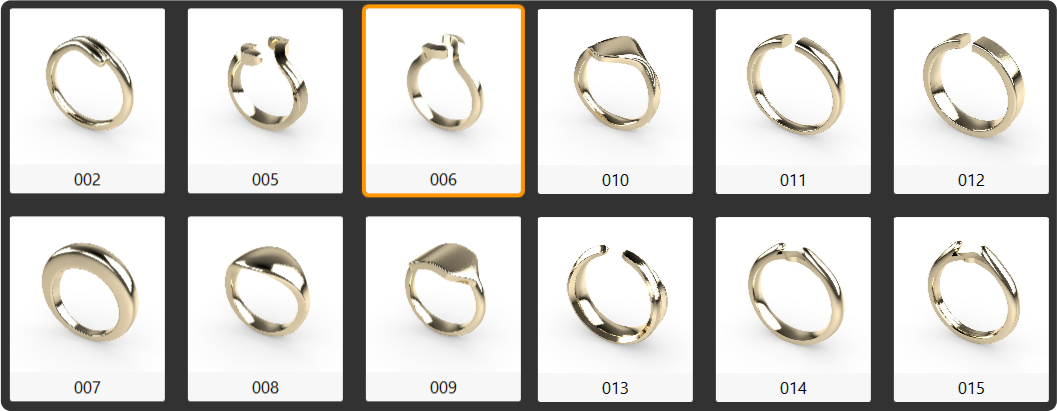
Choose the 006 model and click “Edit.”
Step 3: Adjust the shank size.
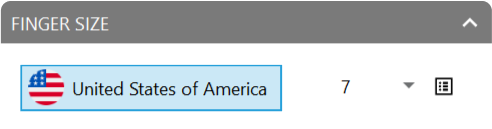
- Region: United States of America.
- Size: 7.
Step 4: Opening Parameters
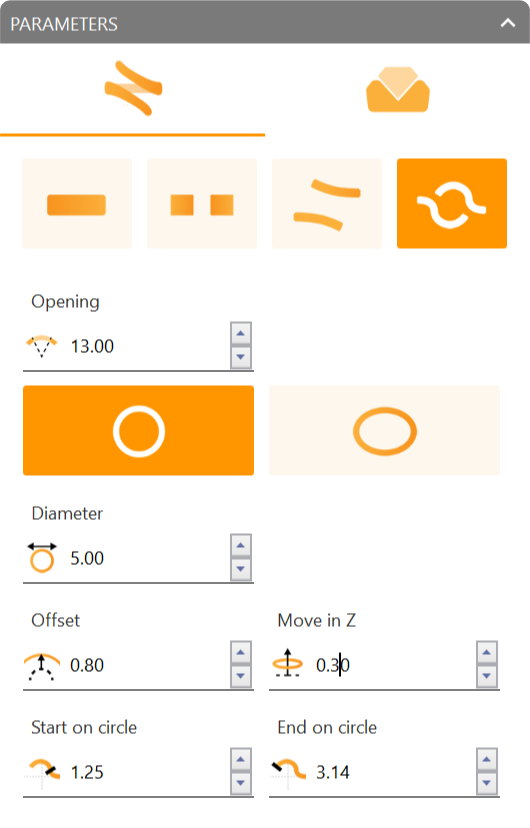
Set the opening parameters.
- Opening size: 13 millimeters.
- Opening mode: Round.
- Offset: 0.80 millimeters.
- Move in Z: 0.30 millimeters.
Video Lesson
Next Step: Adjust the shank profiles to complete the design.