Prongs
Steps 1: Prongs Settings
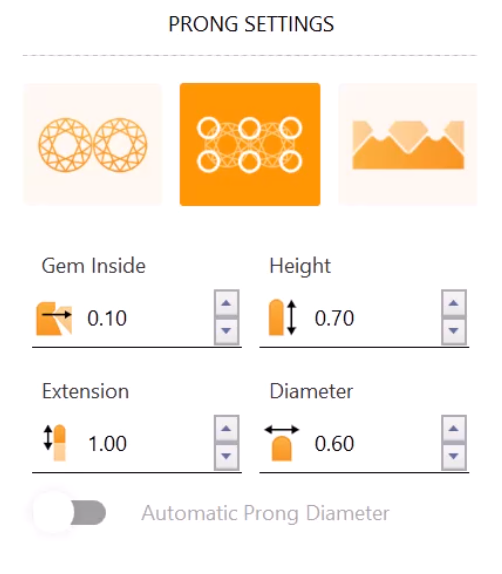
In the prong settings, select the second option.
Adjust the parameters:
- Prong height: 0.7 millimeters.
- Diameter: 0.6 millimeters.
Deactivate “Automatic Prong Diameter.”
Step 2: Drill
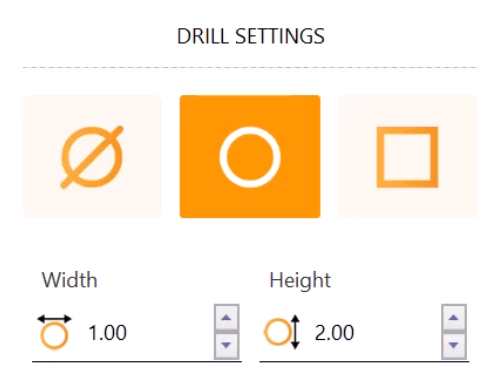
Also, add a round drill with a height of 2 millimeters.
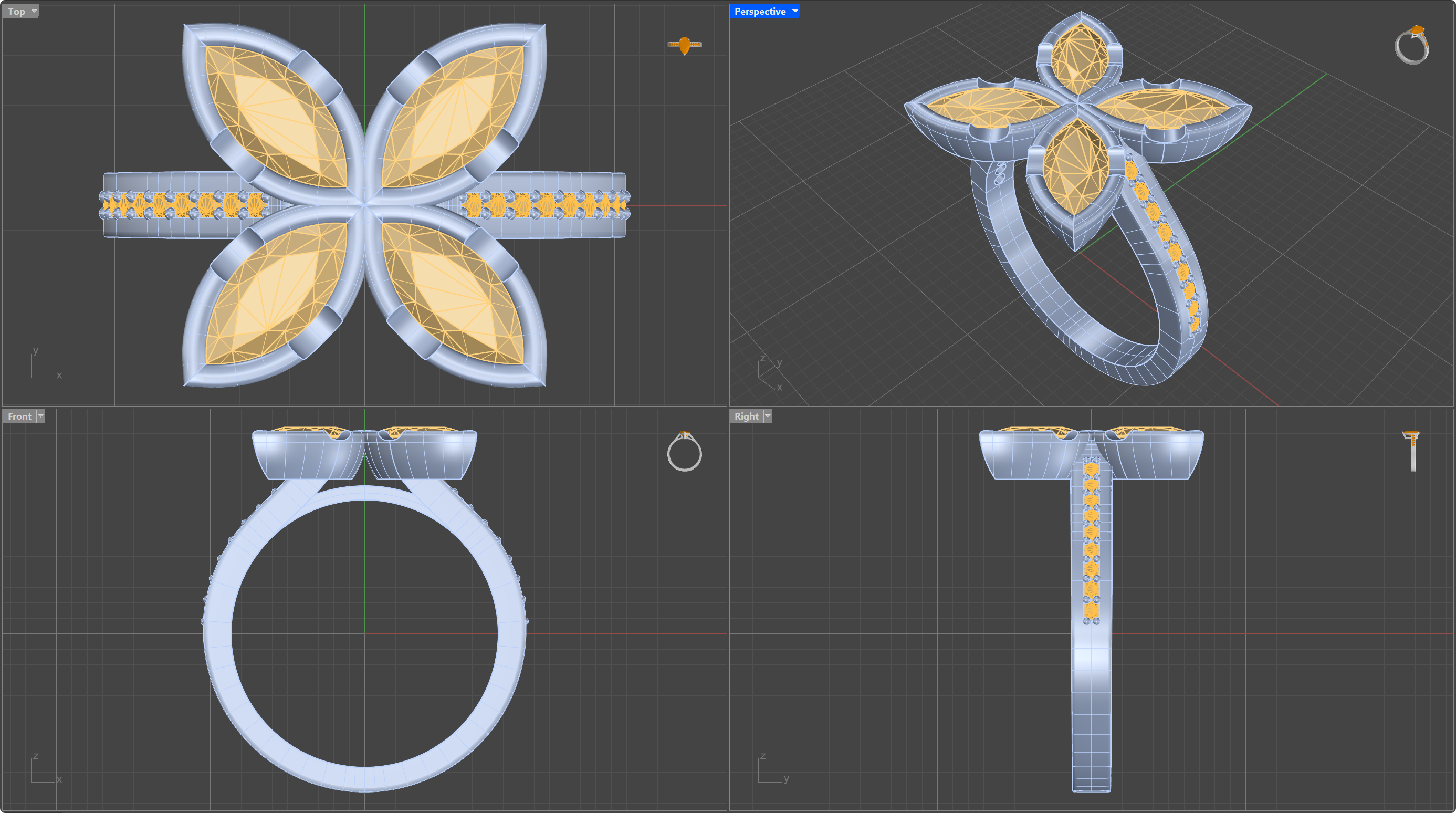
Perfect! We have now created our model. Now we will proceed to create a beautiful render.
Video Lesson
Next Step: Apply materials and render the model.